A Beginner’s Guide to Starting Your Smart Home Setup in 2026
17 May 2026
So, you are finally thinking about turning your regular house into something that feels a bit like a sci-fi movie. Maybe you saw a friend turn off their lights with a voice command, or you are just tired of getting up to adjust the thermostat. The year is 2026, and the smart home world has settled down a lot. It is not the wild west of gadgets anymore. It is more like a mature, reliable ecosystem. If you are a beginner, the whole thing can still feel overwhelming. There are hubs, protocols, bridges, and a hundred different brands of light bulbs. But here is the truth: getting started is actually easier than you think. You just need a plan. Think of this guide as a friendly chat over coffee, where we map out exactly how to start your smart home setup in 2026 without losing your mind or your wallet.
Why 2026 is the Perfect Time to Start
Let me paint you a picture. A few years ago, building a smart home meant buying into one specific brand and hoping it played nice with others. You had to be a bit of a tech wizard. In 2026, that has changed. The industry has finally agreed on a common language. Matter, the smart home standard, is not just a buzzword anymore. It is the glue that holds everything together. Almost every new device you buy will have the Matter logo. This means your Philips Hue lights will talk to your Amazon Alexa, which will talk to your Google Nest, without any weird hiccups. It is like everyone finally decided to speak the same language. The barriers are down. The confusion is gone. You are walking into a mature market where the tech just works. That is a huge relief for a beginner.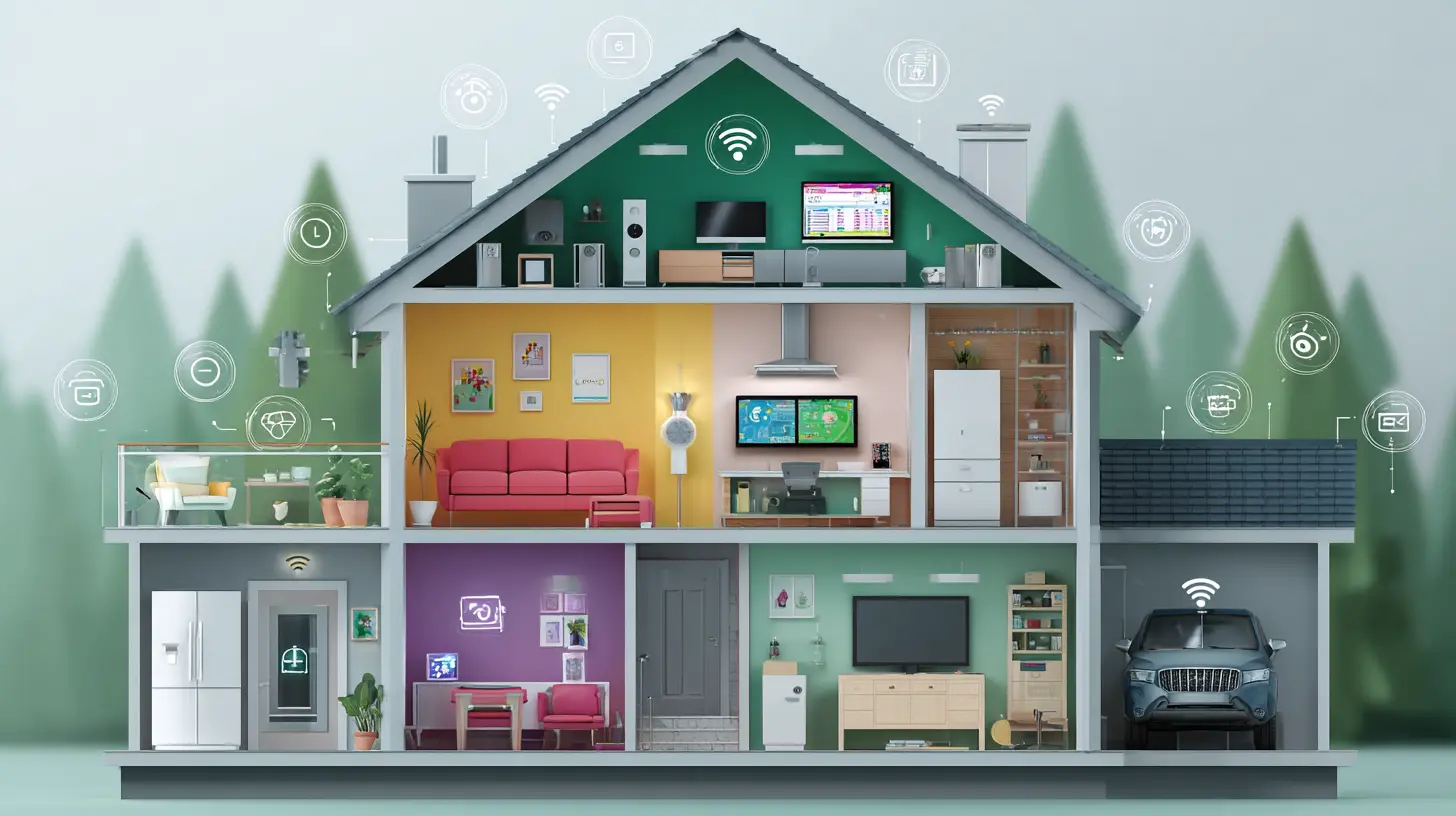
The Foundation: Start with a Hub (or Don't)
Here is the first big question that trips people up. Do you need a hub? The answer in 2026 is a satisfying "it depends." Let me break it down simply.Option 1: The Hubless Approach (Best for Renters or Minimalists)
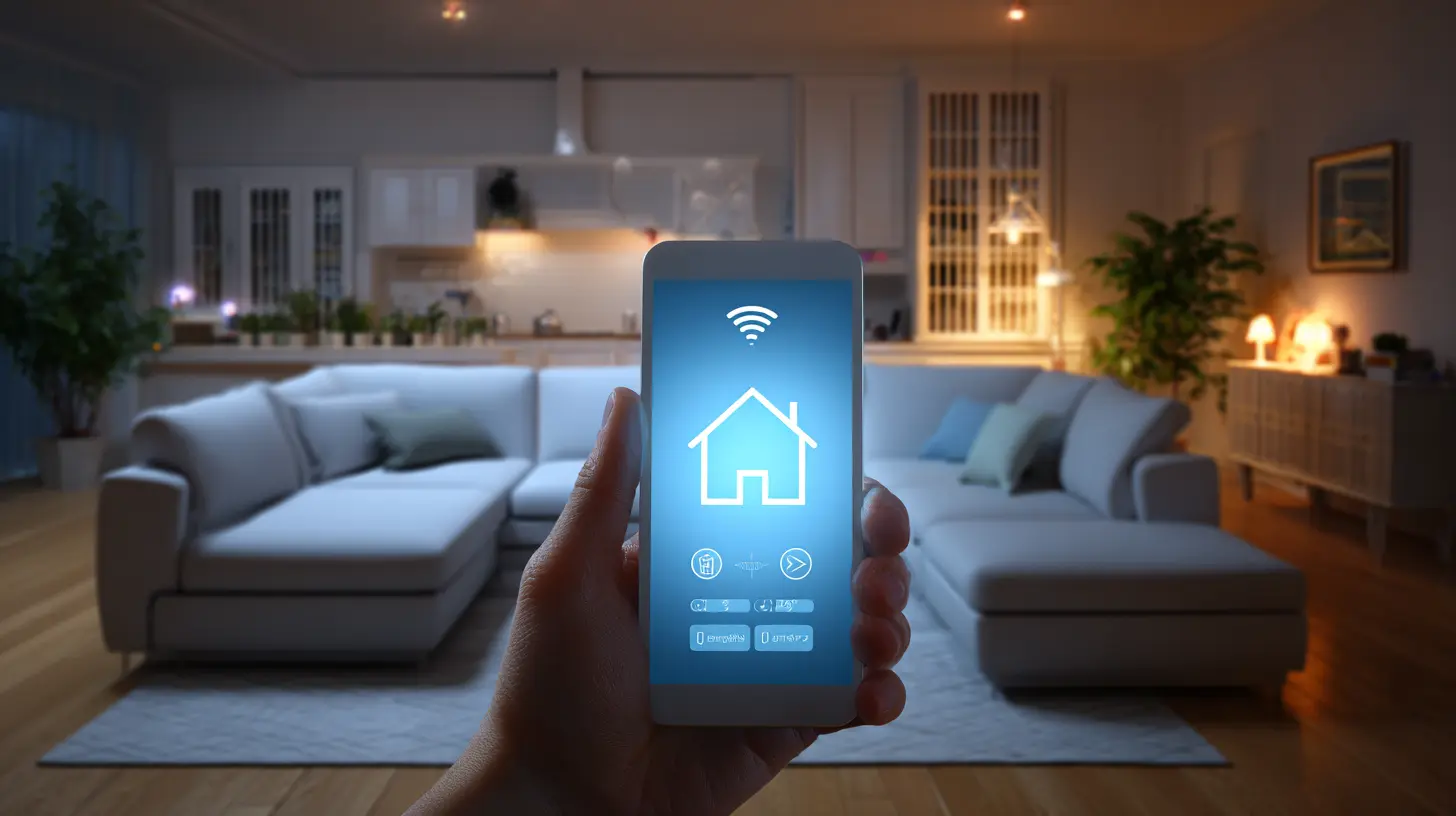
If you want to dip your toes in slowly, you can skip a dedicated hub. Many smart devices today connect directly to your Wi-Fi. You buy a smart plug, plug it into the wall, download the app, and you are done. Your phone becomes your remote control. This is great for a single room or for testing the waters. The catch? Wi-Fi devices can sometimes get crowded on your network. If you have fifty Wi-Fi bulbs, your router might start sweating. But for a starter setup of five to ten devices, it is perfectly fine. You are not committing to anything big.
Option 2: The Hub Approach (Best for Homeowners or Enthusiasts)
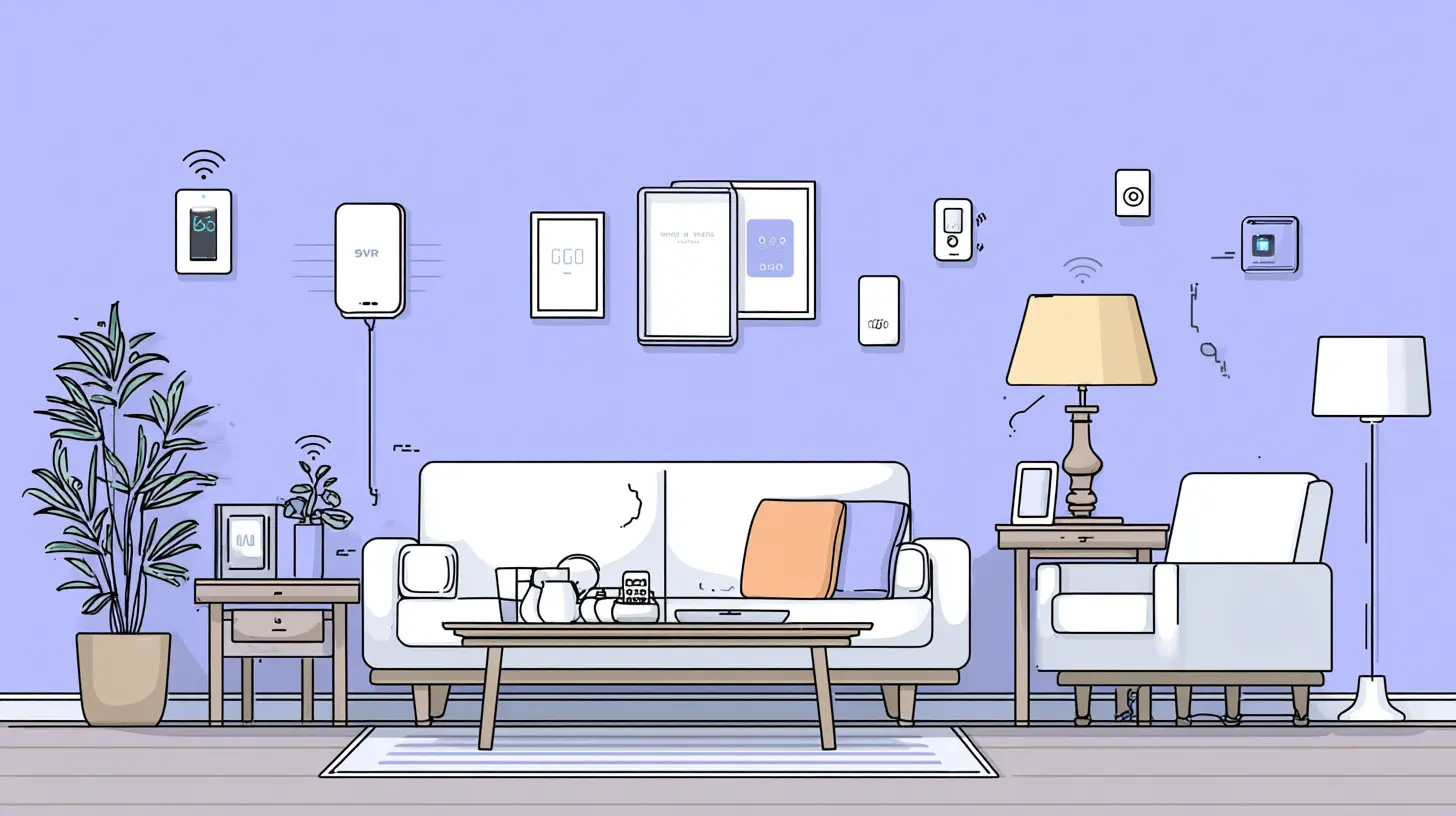
A hub is a small box that sits on your shelf and acts as the brain of your smart home. It uses a different radio frequency, like Zigbee or Thread, which is designed for low-power smart devices. Hubs are more stable and reliable than Wi-Fi. They also allow devices to talk to each other even if your internet goes down. In 2026, the best hubs are smart speakers like the Amazon Echo or the Apple HomePod. They have built-in radios for Matter and Thread. You do not need a separate black box. Your speaker is the hub. If you plan to fill your whole house with sensors, lights, and locks, get a hub. It will save you headaches later.
My personal advice? Start with a single smart speaker that has a built-in hub. An Amazon Echo Dot or a Nest Audio is cheap. It gives you voice control, a hub, and a speaker for music. It is the perfect starting point.
The First Three Devices You Should Buy
Do not buy everything at once. You will get overwhelmed, and your wallet will cry. Pick three devices that give you the biggest "wow" factor for the least effort.1. Smart Lights (The Gateway Drug)
Smart lights are the classic entry point for a reason. They are cheap, easy to install, and immediately satisfying. I recommend starting with a smart bulb for your living room lamp. You screw it in, connect it to your app, and suddenly you can dim the lights from your bed. In 2026, look for bulbs that support Matter over Thread. They connect instantly and respond faster than older Wi-Fi bulbs. Why lights? Because they change the feeling of a room instantly. You can set a warm, cozy scene for a movie or a bright, cool scene for reading. It is magic, and it costs less than a pizza dinner for two.
2. A Smart Plug (The Utility Player)
A smart plug is a small adapter that makes any dumb device smart. Plug your coffee maker into it. Now you can schedule your coffee to start brewing ten minutes before your alarm. Plug a fan into it. Now you can turn it on remotely when you are coming home on a hot day. Smart plugs are the most versatile gadgets in your arsenal. They cost around $15 each. Buy two. They will teach you the basics of automation and scheduling without any commitment.
3. A Smart Lock (The Quality of Life Upgrade)
This one might feel scary, but trust me, it is a game changer. You never have to fumble for keys again. You can give a temporary code to a dog walker or a cleaning person. You get a notification when your kid comes home from school. In 2026, smart locks are incredibly secure. They use encryption and biometrics. Look for one that works with your chosen voice assistant and has a physical key backup just in case. The feeling of walking up to your door and it unlocking automatically because your phone is nearby? That is the future. It feels like a small luxury every single day.
The Matter of Choice: Which Voice Assistant?
You have three main choices in 2026: Amazon Alexa, Google Assistant, and Apple Siri. Do not try to mix them. Pick one ecosystem and stick with it. Here is the quick breakdown.Amazon Alexa is the most popular and has the most skills. It works with almost everything. It is the safe bet.
Google Assistant is the smartest. It understands natural language better. If you ask "Hey Google, what is the weather and turn on the living room lights," it gets it. It is great for people who like to search and ask complex questions.
Apple Siri is the private one. If you are deep in the Apple ecosystem with iPhones, iPads, and Macs, Siri feels natural. It is not as broad as Alexa, but for 2026, it has caught up a lot. HomeKit is rock solid.
My advice? If you do not know, go with Amazon Alexa. It is the easiest to find devices for, and the support is massive. But if you live in Apple's world, go with Siri. Do not overthink this. Pick one, and do not look back.
Automations: Where the Real Magic Happens
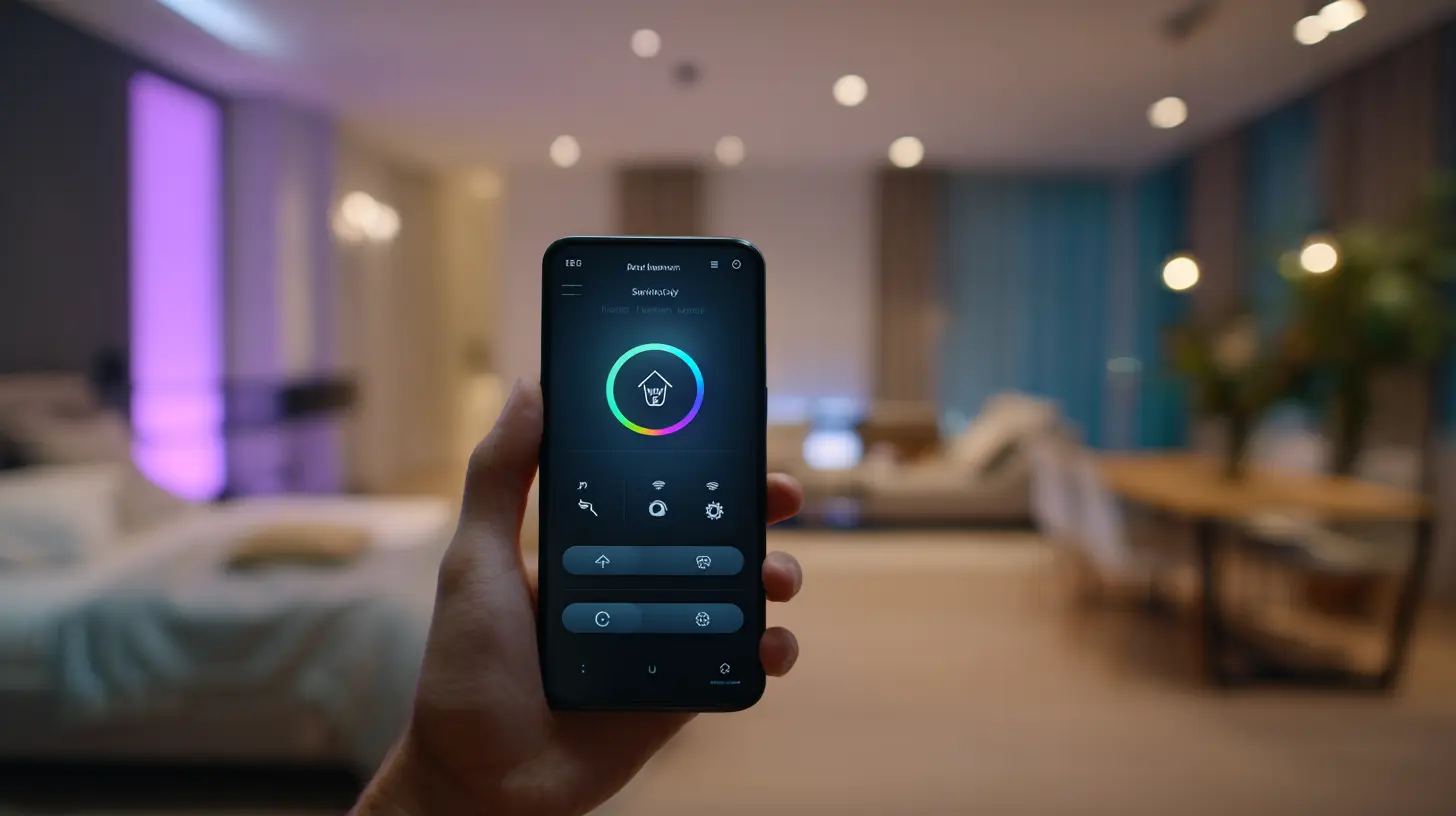
Buying smart devices is fun. But the real power comes from automations. This is where the house starts to think for itself. You do not have to be a programmer. The apps make it simple with "If This Then That" logic.Let me give you a few examples of automations you can set up in five minutes.
The Good Morning Routine: When your alarm goes off, your smart lights gradually brighten to simulate a sunrise. Your smart blinds open. Your coffee maker starts brewing. Your thermostat adjusts to a comfortable daytime temperature. You wake up without the shock of a blaring alarm.
The Goodbye Routine: When you leave the house, your smart lock locks the door. The lights turn off. The thermostat sets to eco mode. The robot vacuum starts cleaning. You never have to worry if you left the iron on.
The Movie Night Scene: You say "Alexa, movie time." The lights dim to 20 percent. The smart plug for the popcorn machine turns on. The blinds close. The TV turns on. Your living room transforms into a mini theater.
These automations are not complicated. They are simple cause-and-effect rules. The best part is that you can tweak them over time. You will start with one rule, realize you want another, and slowly build a custom experience that fits your life perfectly.
Avoiding the Common Beginner Pitfalls
I have been doing this for years, and I have made every mistake. Let me save you some trouble.Pitfall 1: Buying the Cheapest Device on Amazon
I get it. Saving money is tempting. But a $8 smart bulb that requires a sketchy Chinese app and disconnects every week is not a bargain. It is a headache. Stick with known brands that support Matter. Philips Hue, Eve, Nanoleaf, Aqara, and TP-Link Kasa are all solid. You pay a little more, but it works. Every. Single. Time.
Pitfall 2: Ignoring Your Wi-Fi Network
Your smart home is only as good as your Wi-Fi. If your router is five years old, your smart devices will lag and disconnect. In 2026, you want a Wi-Fi 6 or Wi-Fi 6E router. It handles many devices without slowing down. If you have a larger house, consider a mesh system like Eero or Google Nest Wifi. It is the single best investment you can make for your smart home.
Pitfall 3: Trying to Automate Everything at Once
You will get excited. You will want to automate your toaster, your toothbrush, and your toilet. Slow down. Start with one room. Master the lights and the plug. Live with it for a week. Then expand. If you try to do everything at once, you will get frustrated and give up. Smart homes are a marathon, not a sprint.
Pitfall 4: Forgetting About the Physical Switch
Smart bulbs are great, but if someone flips the physical light switch, the bulb loses power. It becomes a dumb bulb. You have to retrain your family or guests. A simple fix? Use smart switches instead of smart bulbs for rooms with multiple people. Smart switches replace your wall switch. They look normal, but they are connected. That way, anyone can use the switch, and the automation still works. It is a small detail that saves a lot of arguments.
The Budget: How Much Should You Spend?
Let me be real with you. You can start a smart home for under $100. That gets you a smart speaker, a smart plug, and a smart bulb. It is a tiny taste of the future. Or you can spend $2,000 and automate your entire house. There is no right answer.For a beginner in 2026, I recommend a budget of $200 to $300. That buys you a solid hub (the smart speaker), three smart bulbs, two smart plugs, and one smart lock. That is enough to automate your living room and your front door. You will feel the difference. You will get hooked. Then you can add more over time. A smart thermostat is a great second wave purchase, but it can wait.
The Emotional Side of a Smart Home
Let me get a little personal here. A smart home is not just about convenience. It is about peace of mind. When I am on vacation, I can check my front door camera and see that it is locked. I can turn on a light to make it look like someone is home. I can adjust the thermostat so my pipes do not freeze. That feeling of control, of knowing your home is safe, is priceless.It is also about comfort. There is something deeply satisfying about walking into a room and having the light turn on automatically because a motion sensor detected you. It feels like the house is alive, and it cares about you. It is a small, subtle luxury that makes daily life a little bit easier. You will find yourself wondering how you ever lived without it.
The Final Word: Just Start
The hardest part of any journey is the first step. You have read a lot of information here. It might still feel like a lot. But I promise you, it is not. Go buy one smart plug. Plug your lamp into it. Set a schedule for it to turn on at sunset. That is it. You are now a smart home owner. From there, you will naturally want more. You will buy a bulb. Then a lock. Then a sensor. Before you know it, your house will be talking to you.Do not worry about getting it perfect. Do not worry about having the latest and greatest. Just start. The technology in 2026 is forgiving. It is designed for people like you. So take a deep breath, pick a voice assistant, and buy that first device. Your future self, the one who never has to search for keys or get up to adjust the thermostat, will thank you.
Now go make your home a little smarter. I am rooting for you.
all images in this post were generated using AI tools
Category:
Smart Home TechnologyAuthor:

Ugo Coleman
Discussion
rate this article
2 comments
Daria Hall
Embrace innovation and start your smart home journey today!
August 30, 2026 at 4:56 AM
Ugo Coleman
Thanks for the encouragement! Exciting times ahead for smart homes in 2026.
Anabella Willis
Great guide for newcomers! Consider highlighting the importance of choosing compatible devices and focusing on security as you build your smart home. A solid foundation will make future upgrades and expansions much smoother... Happy smart homing!
May 25, 2026 at 3:34 AM
Ugo Coleman
Thank you for the suggestion! Compatibility and security are crucial for a smooth smart home experience. I appreciate your input. Happy smart homing to you too!