Automating Your Home Lighting: A Guide to Smart Bulbs
7 January 2026
Imagine walking into your home, and the lights automatically adjust to your presence, mood, or even the time of day. Sounds like something out of a sci-fi movie, right? Well, thanks to smart bulbs, this futuristic scenario isn’t just a dream anymore—it’s a reality that you can easily bring into your home today.
Smart lighting has revolutionized the way we think about home automation, and it's one of the easiest, most accessible ways to make your home smarter. If you’ve ever wondered how to get started or why you should even bother with smart bulbs, you're in the right place. In this guide, we'll break down everything you need to know, from the basics of smart lighting to how to set up and optimize your automated lighting system.
Let’s flip the switch on smart lighting, shall we?
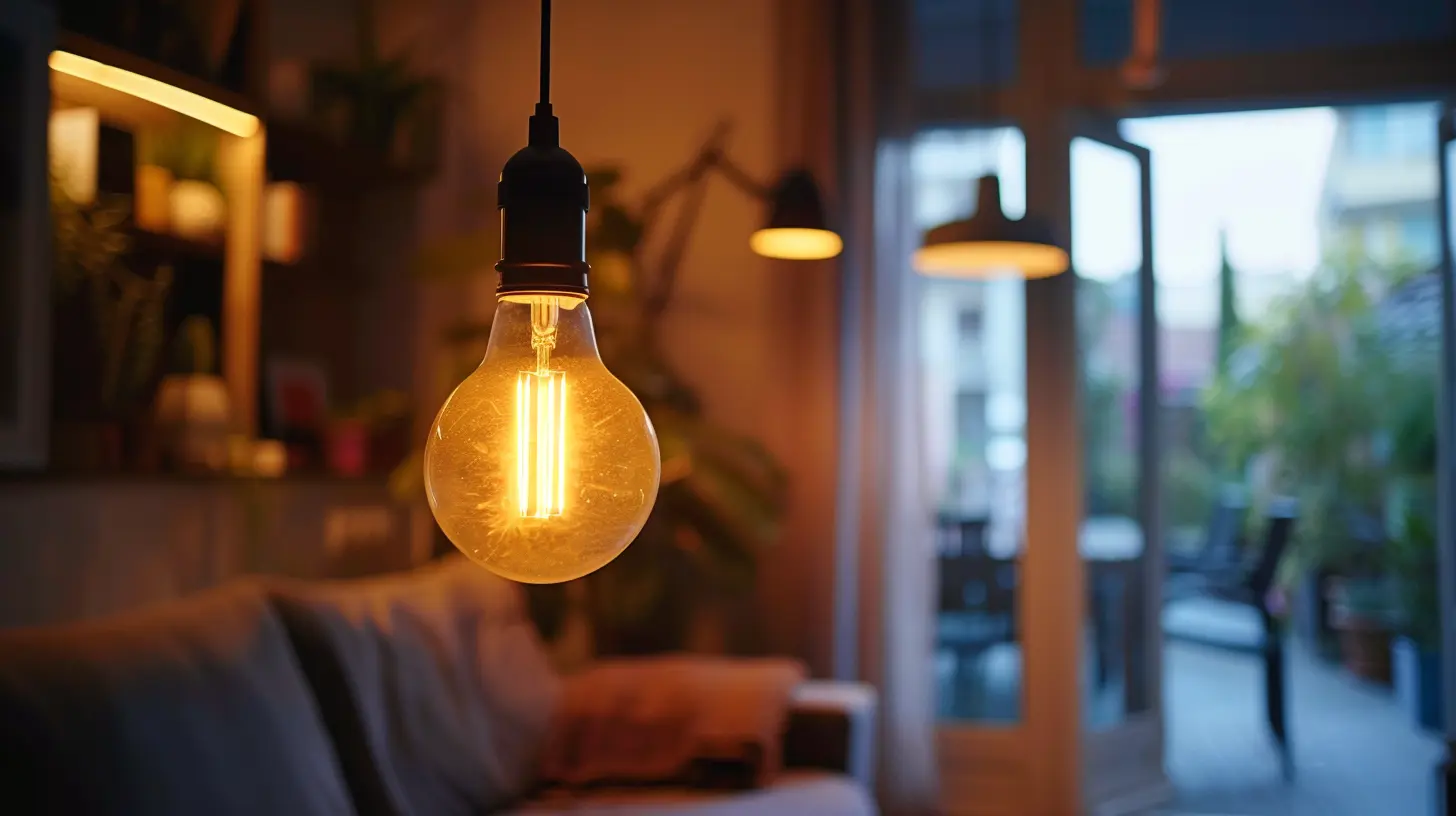
What Exactly Are Smart Bulbs?
Before diving into how to automate your home lighting, let’s start with the basics: what are smart bulbs?Smart bulbs are light bulbs that can be controlled wirelessly through your smartphone, voice assistants (like Alexa or Google Assistant), or even sensors. These bulbs are connected to your home’s Wi-Fi or via Bluetooth, enabling you to control them remotely. Whether you want to change the brightness, the color, or the schedule, you can do all of it with a few taps on your phone.
But smart bulbs aren’t just about convenience. They can help you save energy, improve your home’s security, and even enhance your mood with customizable lighting settings.
Why Should You Make the Switch to Smart Bulbs?
- Convenience: Ever left home and realized you forgot to turn off the lights? With smart bulbs, that’s no longer a problem. You can control your lights from anywhere in the world using an app.- Energy Efficiency: Most smart bulbs are LED-based, meaning they consume significantly less energy compared to traditional incandescent bulbs. Plus, you can schedule them to turn off when they’re not needed.
- Customization: Want your living room to glow a soft, calming blue at night? Or perhaps an energizing bright white in the morning? Smart bulbs let you tweak the color and intensity to match your preferences.
- Security: When you're away from home, you can schedule your lights to turn on and off to give the illusion that someone is still there—making your home less attractive to potential burglars.
How to Choose the Right Smart Bulb for Your Home
With so many smart bulbs on the market, picking the right one for your setup can feel a little overwhelming. But don't stress—I've got your back. Here’s what you need to consider:1. Compatibility with Your Smart Home Ecosystem
The first thing you’ll want to check is whether the smart bulb you're eyeing is compatible with your existing smart home devices. If you already have an Amazon Echo or Google Nest, you’ll want a smart bulb that works seamlessly with those assistants.> Pro Tip: Look for labels like “Works with Alexa” or “Google Assistant Compatible” on the packaging to ensure easy integration.
2. Wi-Fi vs. Hub-Based Bulbs
Some smart bulbs connect directly to your Wi-Fi, while others require a hub. Hub-based bulbs (like Philips Hue) often offer more reliable connectivity, especially if you plan to have a lot of smart devices in your home. However, Wi-Fi bulbs are easier to set up and usually less expensive.- Wi-Fi Bulbs: Easy to install, no hub needed, but may clog up your network if you have too many devices.
- Hub-Based Bulbs: More reliable, especially in larger homes, but require an additional device (the hub).
3. Color Options
Do you want just warm and cool whites, or are you after a full range of colors? While some bulbs offer only adjustable white light, others (like LIFX and Sengled) provide millions of colors, allowing you to set the perfect ambiance for any occasion.4. Brightness (Measured in Lumens)
Not all smart bulbs are created equal when it comes to brightness. If you need a bulb for task lighting (like in a kitchen), make sure it has a high lumen count (800+ lumens is a good benchmark). For mood lighting, lower brightness bulbs are often sufficient.5. Energy Efficiency
Most smart bulbs are LED, which is already more energy-efficient than traditional incandescent bulbs. But if energy savings are a top priority for you, check the wattage. Lower wattage usually means less energy consumption.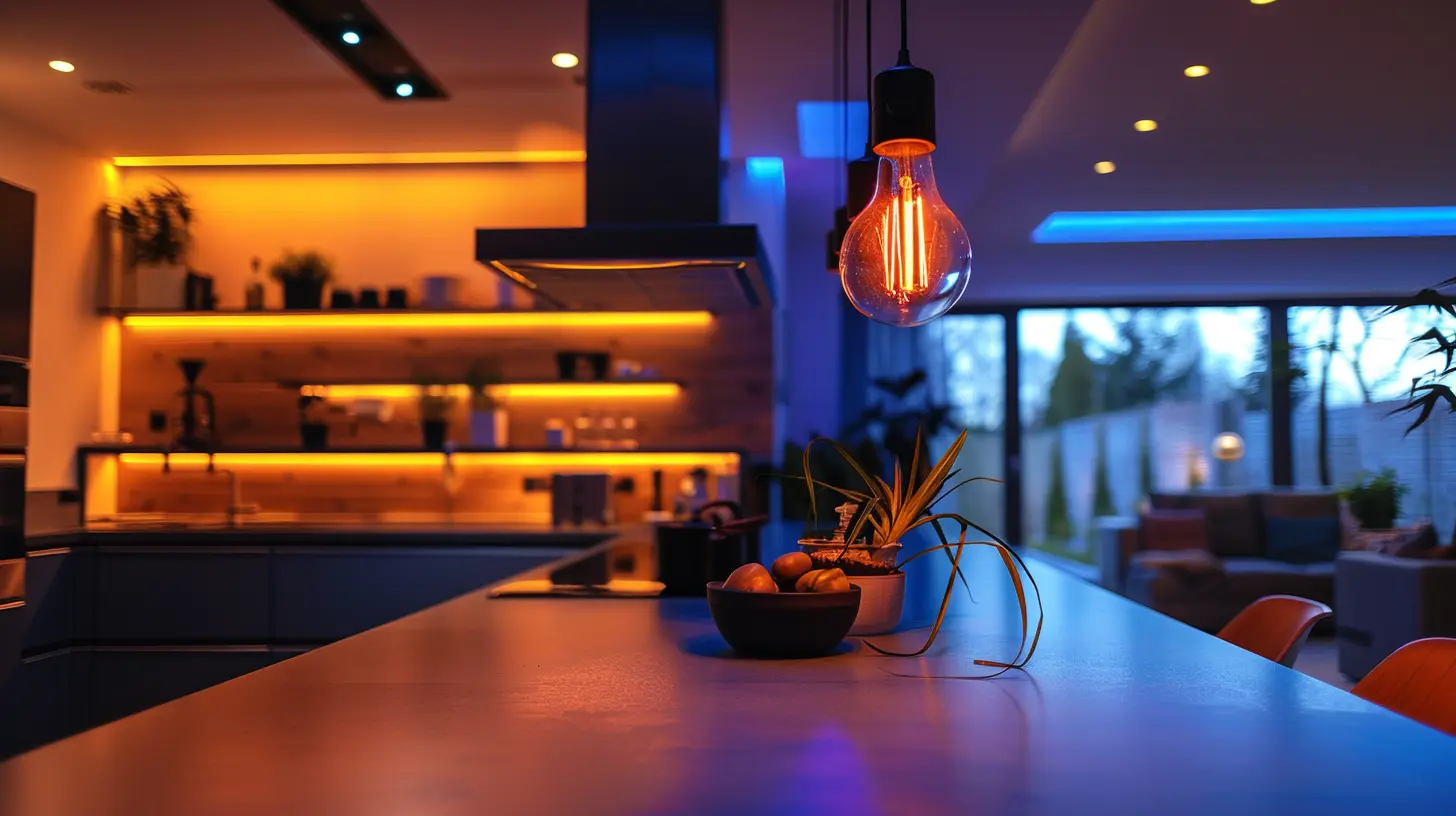
How to Automate Your Home Lighting with Smart Bulbs
Now that you’ve picked out the perfect smart bulbs, it’s time to set them up. Don’t worry—it’s easier than you think. Follow these steps, and you’ll be automating your home lighting in no time.1. Install Your Smart Bulbs
First things first, screw in your smart bulbs just like you would any regular bulb. Simple, right?2. Download the App
Each brand of smart bulb will have its own app (like Philips Hue, LIFX, or Kasa Smart). Download the app to your smartphone, create an account, and follow the setup instructions. This typically involves connecting the bulbs to your Wi-Fi network or hub.3. Connect to Your Smart Home System
If you have a voice assistant like Alexa, Google Assistant, or Apple HomeKit, you’ll want to connect your smart bulbs to that system for easy voice control.For example, in the Alexa app:
1. Open the "Devices" tab.
2. Click on "Add Device."
3. Select the brand of smart bulb you have and follow the prompts to connect.
4. Set Up Automation Routines
One of the coolest features of smart bulbs is the ability to schedule automations. Here are just a few ideas:- Morning Routine: Set your bedroom lights to gradually brighten when your alarm goes off, simulating a sunrise and helping you wake up naturally.
- Away Mode: Schedule your lights to turn on and off at random intervals when you’re out of town to deter burglars.
- Movie Time: Create a “movie mode” that dims the lights and changes their color to a cozy hue when you start a film.
Most apps will let you create these schedules with just a few taps.
5. Use Sensors for Ultimate Automation
Want to take automation a step further? Consider adding motion sensors or door sensors to your setup. For instance, you can program your lights to turn on when you walk into a room and turn off when you leave. This is especially handy for rooms like bathrooms or hallways, where you might forget to flip the switch.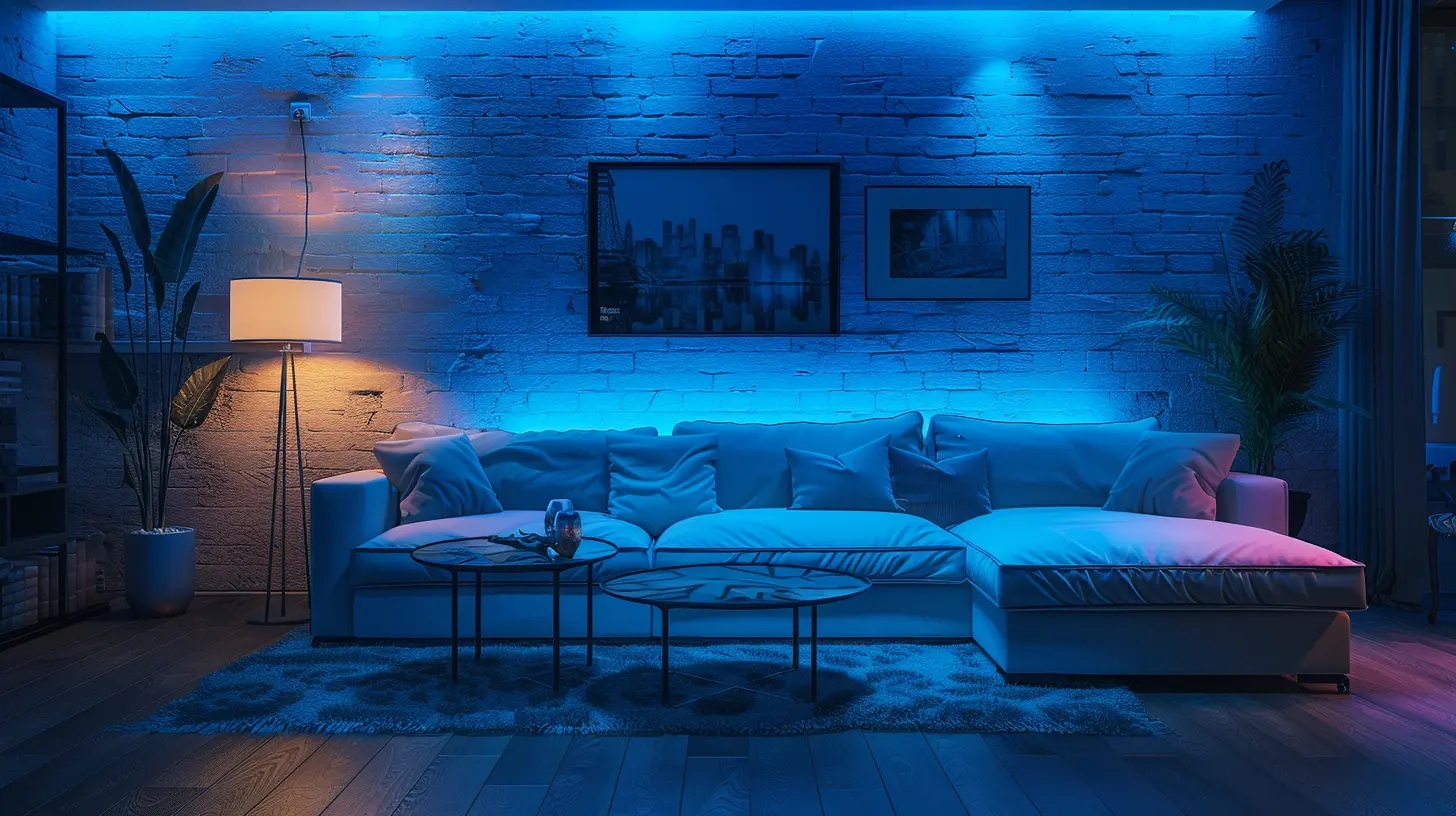
Common Issues and How to Fix Them
Even though smart bulbs are, well, smart, they can sometimes act a little dim. Here are some common issues and easy fixes:1. The Bulbs Won’t Connect to Wi-Fi
This is probably the most common issue with smart bulbs. If you’re having trouble, try these steps:- Ensure you’re connected to a 2.4 GHz Wi-Fi network (most smart bulbs don’t work on 5 GHz).
- Move the bulbs closer to your router during setup.
- Power cycle the bulb by turning it off and on again.
2. Voice Commands Aren’t Working
If your voice assistant isn’t responding to your commands, double-check that your smart home ecosystem (like Alexa or Google Home) is properly linked to your smart bulbs.3. Lights Keep Disconnecting
If your bulbs frequently go offline, you might be dealing with spotty Wi-Fi. Consider placing a Wi-Fi extender in your home to boost the signal.Future Trends in Smart Lighting
Smart lighting has come a long way, but the future looks even brighter (pun intended). Here are some trends to keep an eye on:- Integration with AI: Imagine lights that can adjust based on your daily habits without you needing to program anything. AI-powered smart lighting could soon learn your preferences automatically.
- Energy Harvesting: Some companies are developing bulbs that can generate their own power from ambient light, reducing the need for external power sources.
- Advanced Health Features: Future smart bulbs might emit light that helps regulate your circadian rhythm, improving sleep cycles and overall well-being.
Final Thoughts
Automating your home lighting with smart bulbs isn’t just about convenience—it’s about creating an environment that suits your lifestyle. With a little setup, you can enjoy a home that welcomes you with the perfect lighting, saves energy, and enhances your daily routine.Whether you're looking to automate a single room or your entire house, smart bulbs offer an easy and affordable entry point into the world of home automation. So why not take the plunge? After all, the future is looking bright!
all images in this post were generated using AI tools
Category:
Home AutomationAuthor:

Ugo Coleman
Discussion
rate this article
2 comments
Naomi Miller
Great insights on smart bulbs! Automating home lighting is a game-changer for convenience and energy efficiency. I’m excited to upgrade my setup soon!
February 1, 2026 at 5:36 AM
Ugo Coleman
Thank you! I'm glad you found the insights helpful. Enjoy upgrading your setup—you're in for a real treat with smart lighting!
Samuel Bennett
This article expertly outlines the benefits of smart bulbs for home automation, highlighting energy efficiency, convenience, and customization. It effectively demystifies setup processes, making smart lighting accessible for all tech users.
January 7, 2026 at 5:37 AM
Ugo Coleman
Thank you for your kind words! I'm glad you found the article helpful in understanding the benefits and setup of smart bulbs. Happy automating!