Best Satellite Internet Solutions for Digital Nomads in Remote Areas
9 August 2026
The dream of working from a cabin in the woods, a beach in Baja, or a mountain town in Patagonia is real. But the reality of remote work hinges on one thing: connectivity. You can have a solar-powered laptop and a stunning view, but if your video call drops every thirty seconds, you are not working. You are camping with expensive gear.
For years, the answer was a patchwork of local SIM cards, café Wi-Fi, and prayer. That has changed. Satellite internet has finally become a viable, even practical, option for people who move around. But not all satellite internet is the same, and choosing the wrong system can cost you thousands of dollars and weeks of frustration. This guide breaks down what actually works, what does not, and how to match a system to your specific travel style.
The Landscape Changed: From VSAT to LEO
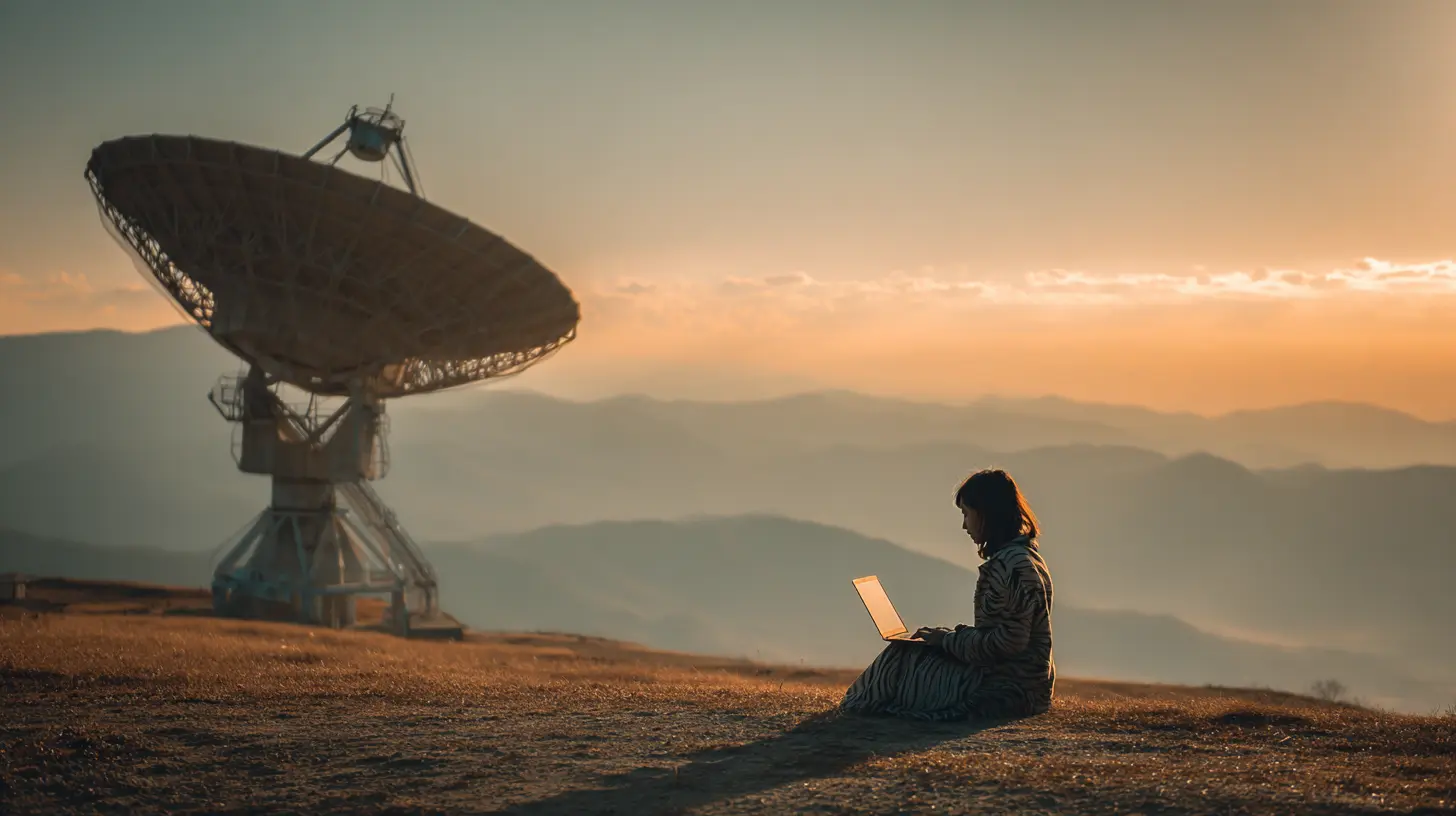
To understand your options, you need to know why satellite internet used to be terrible and why it is now just complicated.The old system relied on geostationary (GEO) satellites parked 35,000 kilometers above the equator. The signal had to travel up and back, which created a delay of about 600 milliseconds. That latency made voice calls awkward, video calls glitchy, and any real-time collaboration nearly impossible. It was also expensive, requiring bulky dishes and professional installation. That was the world of VSAT (Very Small Aperture Terminal), and it was never meant for a solo traveler with a backpack.
The game changed with Low Earth Orbit (LEO) constellations. These satellites orbit at roughly 500 to 1,200 kilometers. The round trip is much shorter, bringing latency down to 20 to 50 milliseconds. That is comparable to a decent 4G connection. Two major players dominate this space: Starlink and OneWeb. A third, Amazon's Project Kuiper, is still in early deployment. For digital nomads, Starlink is the only LEO service with a consumer-friendly, portable offering that works across multiple continents. OneWeb focuses on enterprise and government clients, so you cannot just buy a terminal for your van.
That leaves you with three realistic paths: Starlink, a portable GEO terminal (like HughesNet or a marine VSAT), or a high-end cellular booster with a satellite messenger for backup. The right choice depends on where you go, how fast you need to move, and what you are willing to tolerate.
Starlink: The Nomad's Default, With Caveats
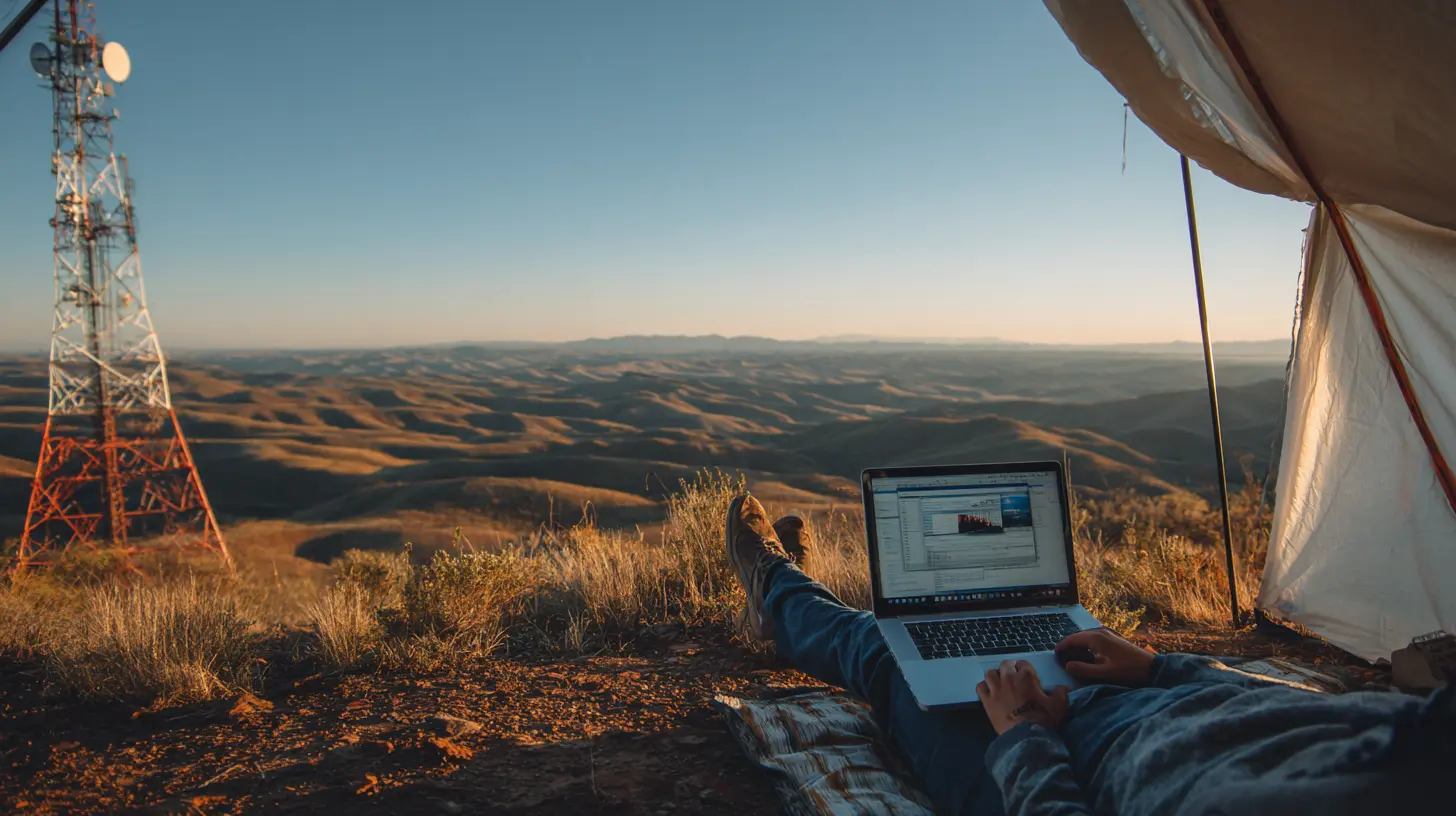
Starlink is the elephant in the room. It is the only service that offers residential, RV, and mobile priority plans that let you pause and resume service monthly. That flexibility is a game changer for people who spend three months in one place and then move.The Hardware You Actually Need
Do not buy the standard fixed dish if you plan to move. The standard Starlink dish requires a clear view of the sky and a stable mount. Instead, look at the Starlink Mini or the standard dish with the "kickstand" mount. The Mini is a game changer for backpackers and motorcycle travelers. It is about the size of a thick laptop, draws under 40 watts, and can run off a USB-C PD power bank. It pulls in speeds of 50 to 100 Mbps, which is plenty for video calls, large file transfers, and streaming.The full-size dish (the "Standard" or "High Performance" model) is faster, often hitting 200 to 300 Mbps, but it draws 50 to 100 watts. That is a significant load on a battery system. If you are in a van with 200 amp-hours of lithium, you can run it for a few hours, but you will need solar or a generator to recharge daily.
The Pricing Trap
Here is where most people get confused. Starlink has separate plans for residential, roam (formerly RV), and mobile priority. The residential plan is tied to a fixed address. If you move it, the service may work for a few weeks, but Starlink can and does suspend accounts that violate the terms. The roam plan costs more per month and gives you lower priority on congested cells. That means during peak hours in a popular camping area, your speed might drop from 100 Mbps to 10 Mbps. It is still usable, but not ideal.The mobile priority plan is the one you want if you are in a truly remote area or a moving vehicle. It costs significantly more, often $250 to $500 per month depending on data allowances, but it gives you high-priority access on land and water. For a digital nomad who is not in a hurry, the regular roam plan is usually sufficient. Just understand that "sufficient" means you might need to schedule your heavy uploads for early morning or late night.
Real-World Performance and Obstructions
Starlink works best with a completely clear view of the sky. Trees are your enemy. A single branch in the field of view can cause micro-dropouts that kill a Zoom call. The app has an augmented reality tool that lets you check for obstructions before you set up. Use it. Do not assume that a gap in the trees is enough. The satellite constellation moves, so a clear patch at noon might be blocked at 4 PM.In my experience, the Mini is more forgiving of partial obstructions because it has a wider field of view, but that also means it picks up more interference. The full-size dish is more precise. If you are in a forest, you might need to set up a pole mount or a tripod that gets the dish above the canopy. That adds weight and setup time, but it is the difference between a stable connection and a frustrating one.
The Unconventional Option: Cellular with a Satellite Lifeline
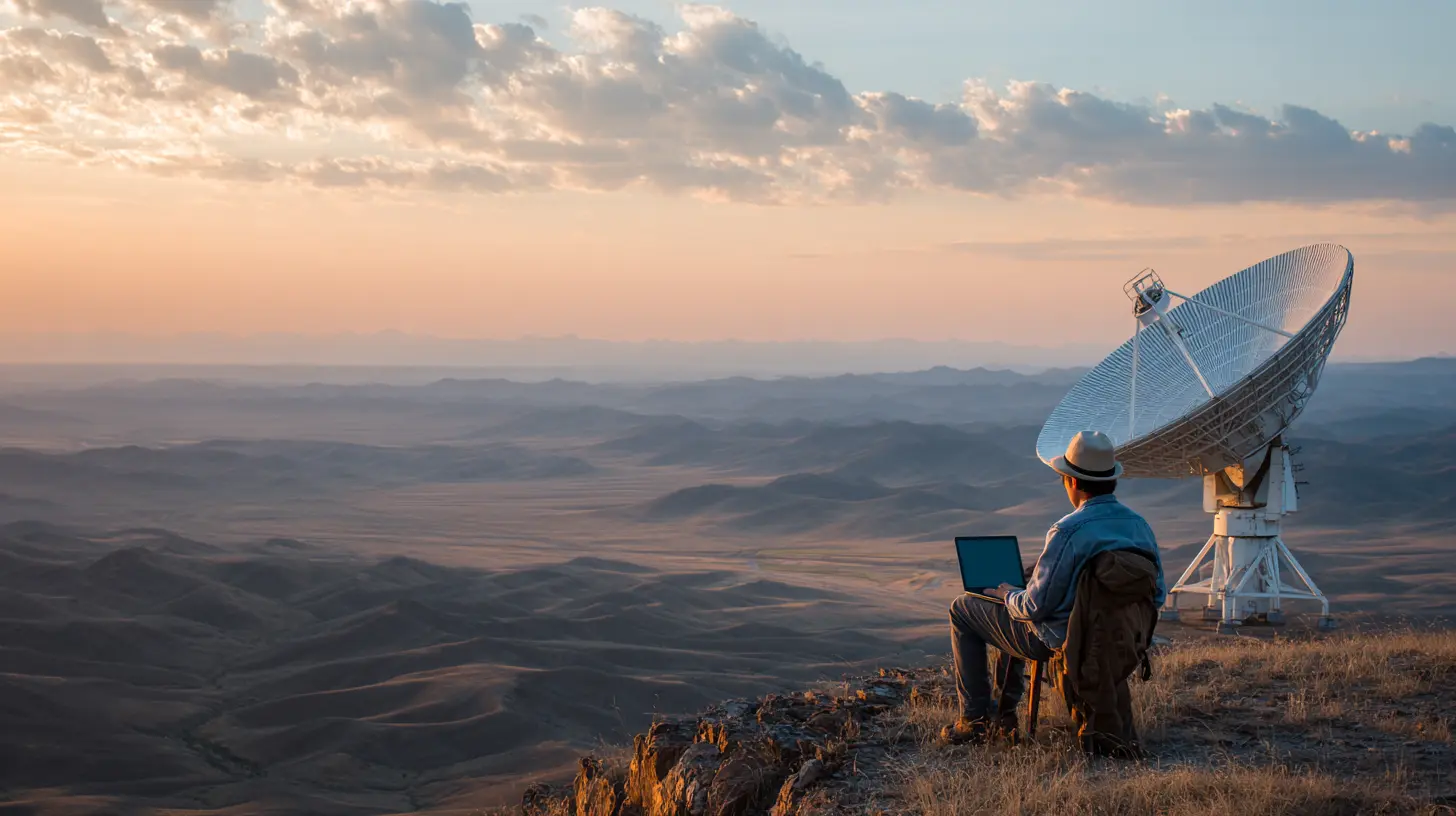
Here is a truth that many nomads ignore: cellular networks are often faster and cheaper than satellite, even in remote areas. The problem is coverage. You can be 20 kilometers from a town and have zero bars, or you can be in a valley with a weak signal that is useless.The best approach for many is a hybrid system. Carry a high-gain cellular antenna and a booster like a WeBoost or a directional MIMO antenna. These can pull a weak 4G signal from a tower 15 kilometers away and turn it into a usable connection. This works well in places like the American Southwest, parts of Mexico, and coastal Europe where towers are scattered but present.
When that fails, you need a satellite messenger for emergency communication, but not for work. The Garmin InReach or the Iridium Go can send texts and emails, but they are not a substitute for a video call. They are your safety net, not your office.
The trade-off is cost and complexity. A good cellular setup costs $500 to $1,000 and requires you to know how to aim an antenna. It also requires you to research coverage maps before you arrive. But the monthly cost is often just the price of a local SIM card, which is $10 to $30. Over a year, that saves you thousands compared to Starlink.
GEO Systems: When You Need Guaranteed Coverage, Not Speed
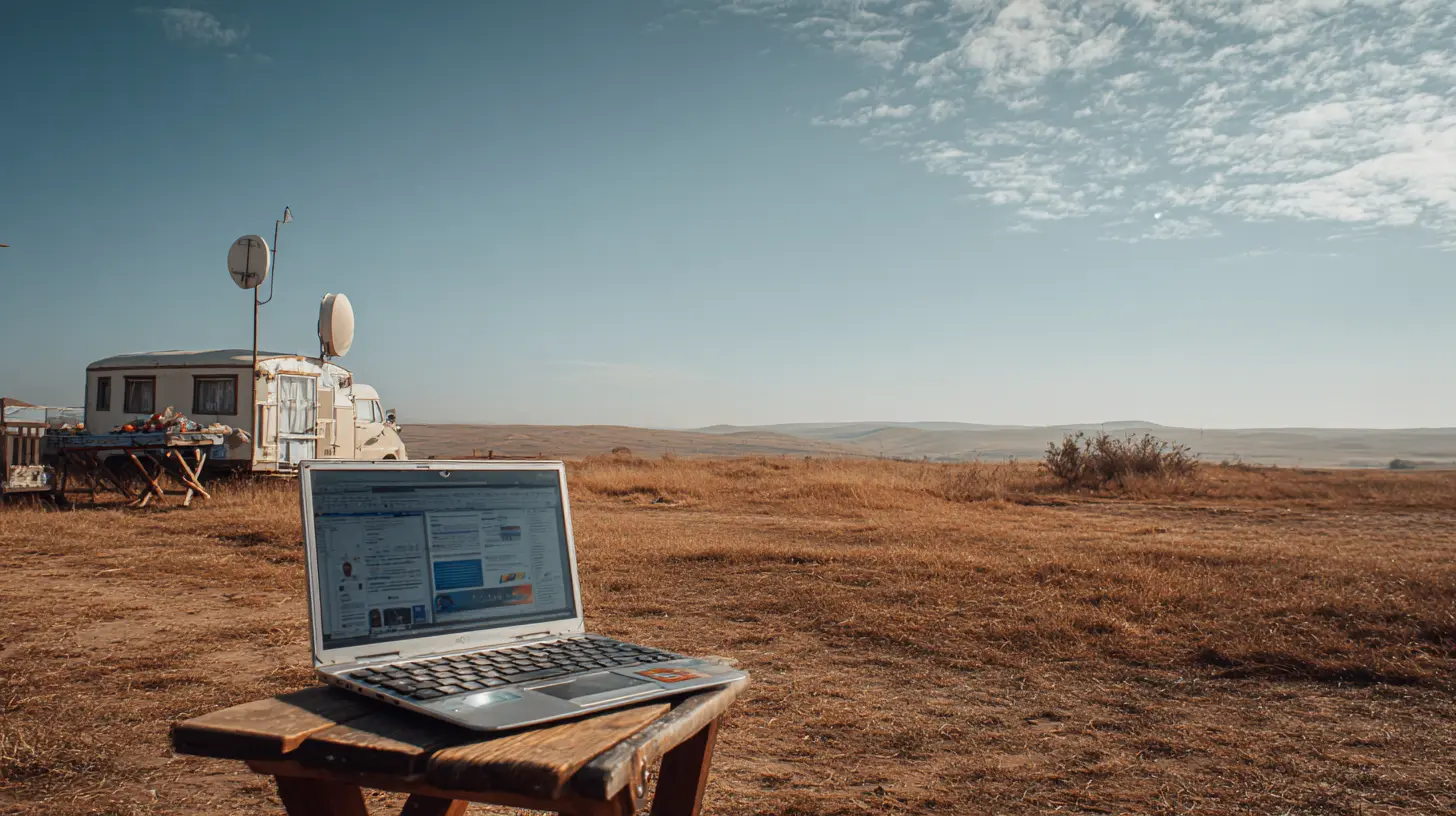
There is still a place for geostationary systems, but it is narrow. If you are working in a fixed location for six months or more, and you need a guaranteed service level agreement, a GEO system might make sense. HughesNet and Viasat offer plans that are cheaper than Starlink's mobile priority, but the latency is a killer for anything real-time.The one exception is for people who need a backup link for critical work. If your primary income depends on never being offline, you can run a GEO link as a failover. But for a digital nomad, that is overkill. The setup is heavy, the dishes are directional and require precise alignment, and the monthly contracts are usually annual.
Do not buy a GEO system for a van or a boat. The latency alone will make you miserable. You will find yourself waiting two seconds for a message to send, and video calls will be a stuttering mess.
Power Consumption: The Hidden Decider
Most nomads focus on speed and price, but the real constraint is power. A satellite terminal is a radio transmitter. It draws power. The Starlink Mini draws about 30 to 40 watts average. The full-size dish draws 50 to 80 watts. A cellular booster draws 10 to 20 watts.If you are in a van with 200 amp-hours of battery (about 2,400 watt-hours), you can run the Mini for about 20 hours on a full charge. That sounds great, but you also need to power a laptop, a monitor, lights, and a fridge. Once you add those, a full day of work plus a few hours of Starlink will drain your battery.
The practical solution is to run Starlink only when you need it. Turn it on for your morning call, turn it off, and do offline work in between. That is a behavioral change, not a technical one. Many nomads fail because they treat satellite internet like a utility that is always on. Treat it like a tool you switch on and off.
For solar, you need at least 300 watts of panel capacity to reliably run a Mini and a laptop in decent weather. In cloudy or winter conditions, you will need more. A small generator or a high-output alternator charger is a wise backup.
Choosing Based on Your Travel Style
There is no single best solution. You have to match the system to how you move.The Slow Traveler (3+ months in one spot)
You have the easiest time. You can order a residential Starlink plan if you have a fixed address, or use a roam plan. You can set up a permanent pole mount and aim for a clear sky. You do not need portability. Your best bet is a full-size Starlink dish on a fixed mount, with a cellular backup for redundancy. You can also consider a local ISP if you are in a town, but satellite gives you the freedom to be outside town.The Van or RV Dweller (moving every few days)
You need the roam plan and a portable mount. The Starlink Mini is ideal because it is light and easy to set up on a picnic table or the roof of your van. The full-size dish is better if you are often in areas with heavy tree cover, because its narrower beam can punch through gaps. But you must be disciplined about power. I recommend a dual-battery setup: one for the vehicle, one for the office. That way, you do not wake up to a dead starter battery.The International Nomad (hopping countries every few weeks)
This is the hardest scenario. Starlink's roam plan works in many countries, but not all. You need to check the coverage map and the regulatory status. Some countries, like India and Russia, do not allow Starlink. Others, like Turkey and parts of Africa, have restrictions or require local registration. You also need to deal with different power plugs and voltage, though Starlink handles 100-240V fine.For international travel, the Starlink Mini is your only realistic option because the full-size dish is heavy and awkward to pack. But be aware that the roam plan has a "regional" limit. You cannot use a dish activated in the US in Europe without changing your service address and possibly paying a different rate. The process is not seamless, and you may need to contact support, which can take days.
A better approach for international travel is to rely on local cellular as your primary and carry a satellite messenger for emergencies. This is cheaper, lighter, and more reliable in urban and semi-urban areas. Only switch to satellite if you are going truly off-grid for weeks at a time.
Common Mistakes and Misconceptions
Let me clear up some myths that waste money and time.Myth: Starlink works anywhere. No. It works where the constellation has coverage and where the local government allows it. Check the official coverage map, but also check local news for regulatory changes. A country can approve Starlink one month and ban it the next.
Myth: More Mbps means better video calls. Video calls need low latency and low jitter, not just high bandwidth. A 20 Mbps connection with stable latency is better than a 100 Mbps connection that fluctuates. Starlink's latency is good, but it can spike during satellite handoffs. If you are on a call, you might see a one-second freeze every few minutes. That is tolerable for most people, but not for live production work.
Myth: You can use a residential plan in a moving vehicle. You can, but you violate the terms of service. Starlink has cracked down on this. If they detect your dish is moving at highway speeds, they may suspend your service. Use the roam plan or mobile priority.
Mistake: Not testing before you commit. Set up your system at home or in a parking lot before you drive into the wilderness. Learn how to aim the dish, how to use the app, and how to troubleshoot a "no signal" error. Doing this in a remote area with no cell coverage is a nightmare.
Mistake: Ignoring weather. Heavy rain and snow can attenuate the signal, especially at higher frequencies. Starlink uses Ku-band and Ka-band, which are susceptible to rain fade. In a tropical downpour, you might lose signal for a few minutes. In heavy snow, snow can accumulate on the dish and block the signal. A heated dish (the High Performance model) helps, but it draws more power.
Practical Setup Tips from the Field
Here are some things I have learned that you will not find in the marketing materials.First, always carry a 15-meter Ethernet cable and a USB-C power bank. The Starlink Mini has a built-in Wi-Fi router, but the range is limited. If you are in a van, you want to place the dish outside and the router inside. A long cable lets you do that without losing signal.
Second, use a tripod or a dedicated mount. The kickstand is fine for flat surfaces, but it blows over in wind. A cheap camera tripod with a 1/4-inch screw adapter works perfectly for the Mini. For the full-size dish, a telescoping pole mount is worth the money.
Third, learn to read the Starlink app's statistics. The "obstruction map" and "ping" graphs tell you a lot. If you see high "packet loss" even with a clear sky, you might be in a congested cell. Try moving a few hundred meters to a different spot. The difference can be dramatic.
Fourth, do not rely on Starlink's built-in Wi-Fi. It is adequate, but not great. Bring a small travel router (like a GL.iNet) and run your own network. This lets you connect multiple devices, set up a VPN, and manage bandwidth. It also keeps your main laptop off the public airwaves.
The Future: What to Watch For
The satellite internet market is moving fast. Amazon's Project Kuiper has launched a few test satellites and plans to offer service in the next couple of years. That will bring competition and likely lower prices. There are also new players like AST SpaceMobile and Lynk that plan to connect directly to your existing phone, no dish required. That would be a true game changer for nomads, because you would not need any extra hardware.But do not wait for these. They are years away from consumer availability, and the early versions will likely have limited bandwidth and high latency. The practical move is to build a system around Starlink or cellular today, with a design that allows you to switch later.
Making the Final Decision
Start with a budget and a realistic assessment of your needs. If you are a writer or a developer who can work offline for hours, you can get away with a cellular booster and a satellite messenger. If you are a video editor or a project manager who needs constant connectivity, you need Starlink.Buy the Starlink Mini if you move often and value portability. Buy the full-size dish if you stay in one place for months and need maximum speed. Do not buy a GEO system unless you have a very specific reason.
And always have a backup. A second SIM card from a different carrier, a power bank, and a paper map. The best satellite internet in the world will not help you if your battery is dead or your dish is buried under snow.
The truth is that remote work is now possible in more places than ever, but it requires planning. The technology is not magic. It is a tool with strengths and weaknesses. Match it to your situation, test it before you need it, and you will be fine. Ignore the hype, respect the power budget, and you will find that the cabin in the woods can be just as productive as a downtown office.
all images in this post were generated using AI tools
Category:
Digital Nomad TechAuthor:

Ugo Coleman
Discussion
rate this article
1 comments
Fenris McQuade
Great insights on satellite internet options for remote work!
August 14, 2026 at 3:06 AM
Ugo Coleman
Thanks for the feedback! I'm glad you found the insights helpful.