Choosing the Best Ultra-Thin Laptop Mice for Portability
22 December 2025
Let’s face it—we love our sleek, lightweight laptops, right? They slide into our bags like a dream, don’t break our backs during commutes, and make working from anywhere feel effortless. But here's the kicker: not all mice play nice with that ultra-portable lifestyle.
Big, clunky computer mice? They’re a buzzkill when you’re on the move. That’s where ultra-thin, travel-friendly mice come in. These tiny powerhouses are perfect for those who need precision and portability wrapped up in a pocket-sized package.
So, if you're tired of using your laptop's frustrating trackpad or hauling around a bulky desktop mouse, you're in the right place. Let’s dive into the world of ultra-thin laptop mice and figure out which one is perfect for your mobile setup.
Why You Need an Ultra-Thin Mouse for Your Laptop
You’re probably asking, "Isn’t a mouse just a mouse?" Fair question. But think about this: when you're working from a cafe, airport, or even a park bench, you need gear that doesn’t weigh you down. Ultra-thin mice are designed to be feather-light, ridiculously compact, and easy to slip into your backpack or even your pocket.They're not just slim for looks (though hey, style points matter). They're built for:
- Travel efficiency – Takes up almost no space.
- Quick usability – Just whip it out and pair it.
- Better ergonomics than tapping away at a trackpad for hours.
Trust me, after switching to a travel-size mouse, you'll wonder why it took you so long.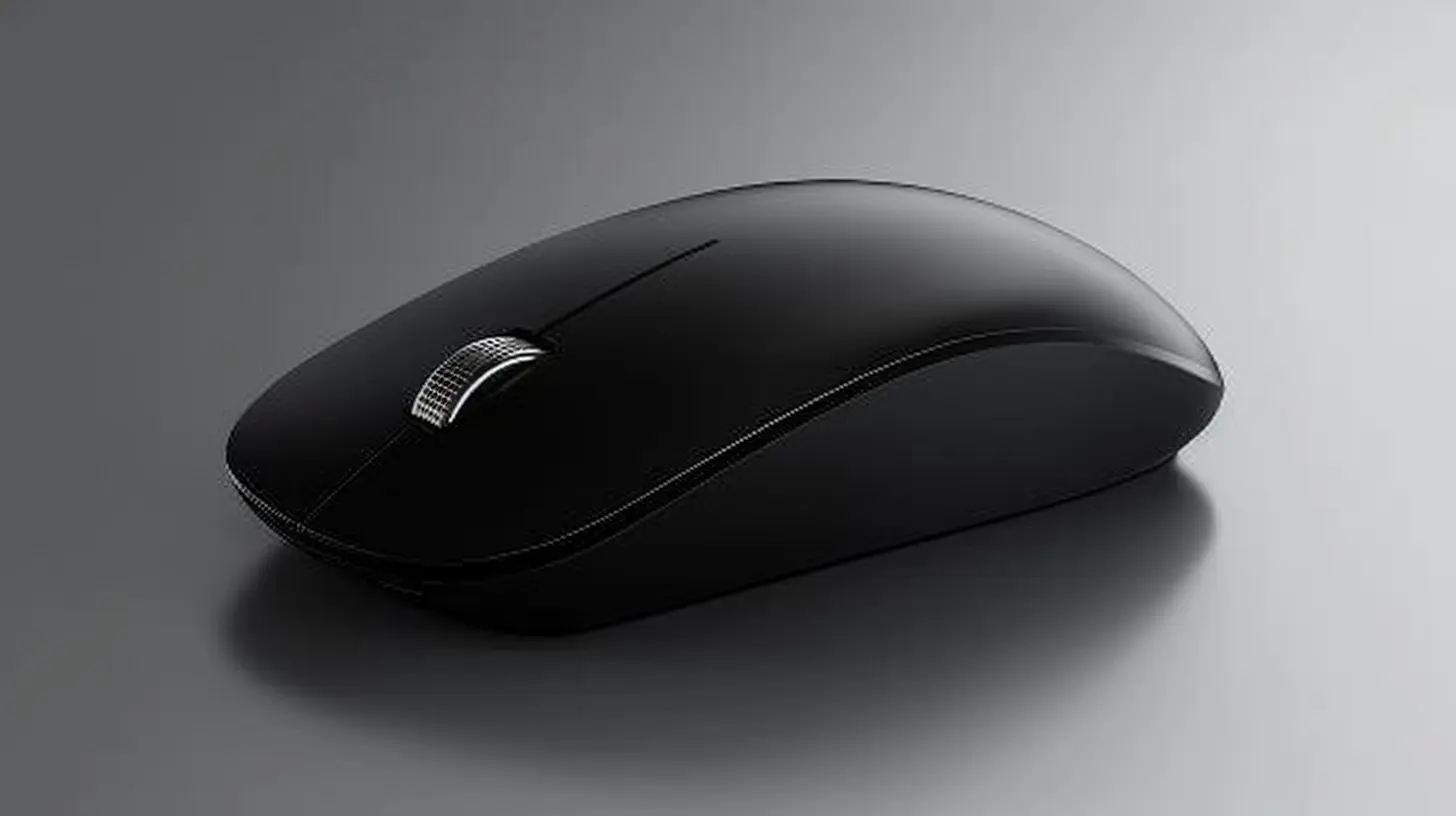
Key Features to Look for in an Ultra-Thin Laptop Mouse
Not all slim mice are created equal. Some are all beauty and no brains. Others check off all the right boxes. Before you click "Buy Now," here are the must-have features you should be scoping out:1. Thin but Comfortable Design
It might be slim, but it should still fit nicely in your hand. Look for low-profile designs that offer a natural grip. Some even have a slightly curved body that mimics the feel of larger mice.2. Wireless Connectivity (Bluetooth or 2.4GHz)
If you're going ultra-portable, ditch the wires. Most modern thin mice offer Bluetooth or come with a tiny USB dongle for 2.4GHz wireless connectivity. Bluetooth is ideal if your laptop has limited ports (looking at you, MacBook users).3. Battery Life
Some mice use disposable batteries (not ideal for travel), while others are rechargeable—big plus. A good ultra-thin mouse should last weeks, even months on a single charge.4. Multi-Device Pairing
Need to use your mouse with your laptop, tablet, and maybe even your phone? Some models let you pair with up to 3 devices and switch with a tap. Super handy.5. Silent Clicks and Smooth Scrolling
If you're going to be working in public places like libraries or coffee shops, stealthy silent clicks are a lifesaver. Smooth, responsive scrolling is another bonus.6. Port Compatibility
USB-C charging? Yes, please. Don’t make your life harder by carrying extra cables.
Top Ultra-Thin Laptop Mice Worth Your Money
Ready to go shopping? Here's a curated list of ultra-thin laptop mice that punch above their weight in both style and performance. I’ve mixed in options for every price point, so you’re covered whether you’re on a budget or ready to splurge.🖱️ 1. Logitech Pebble M350
Why It's Awesome:- Super slim with a rounded pebble-like shape
- Silent clicks (your seatmate on the plane will thank you)
- Bluetooth or USB receiver—your choice
- Battery life? A whopping 18 months
This mouse is the poster child for portable. It’s about the size of a candy bar and comes in cool, muted tones. Plus, it feels great to use even if it looks delicate.
💵 Price: Budget-friendly (~$25)
🖱️ 2. Apple Magic Mouse 2
Why It's Awesome:- Slick, futuristic design that matches Apple’s aesthetic
- Touch-sensitive surface for gestures like swiping and scrolling
- Recharges via Lightning cable
Apple fans, this one’s for you. While the flat profile takes some getting used to, it’s incredibly portable and syncs seamlessly with MacBooks and iPads.
💵 Price: Premium (~$79)
🖱️ 3. Microsoft Arc Mouse
Why It's Awesome:- Snaps flat for packing, arches up when in use
- Bluetooth connectivity
- Ultra-modern, minimalist design
This mouse literally folds flat when you're not using it—like a transformer for your backpack. If portability is your top priority, the Arc Mouse is hard to beat.
💵 Price: Premium (~$70)
🖱️ 4. Jelly Comb Ultra Slim Wireless Mouse
Why It's Awesome:- One of the slimmest mice on the market
- Budget price tag
- Silent clicks and USB dongle included
This one's perfect if you just want something light, cheap, and easy. No frills, but it gets the job done and slides into your pocket without a second thought.
💵 Price: Ultra-budget (~$13)
🖱️ 5. Logitech MX Anywhere 3
Why It's Awesome:- Compact but packed with pro features
- Works on any surface—even glass!
- USB-C quick charging
Okay, it’s not ultra-thin in the strictest sense, but it’s small enough to be super portable and offers full-sized mouse performance. Think of this as the sports car of travel mice.
💵 Price: Upper mid-range (~$80)
Wired vs. Wireless: Should You Even Consider Wired?
Honestly? In 2024, for a slim, travel mouse—go wireless. Wired mice are reliable for gaming or desktop setups, sure, but when portability is the name of the game, cords are just... extra baggage.Wireless mice today are fast, responsive, and the battery life has done a glow-up. If your laptop's short on ports or you hate dongles, just get a Bluetooth mouse. You won't regret it.
Best Use Cases for Ultra-Thin Laptop Mice
Still wondering if you really need a slim mouse? Here are some real-life scenarios where one comes in clutch:- Business Travel – Fits in your laptop sleeve, looks pro in meetings.
- College Students – Ideal for tight desk spaces in dorms and classrooms.
- Digital Nomads – Toss it in your bag and go.
- Creative Work on Tablets – Pair with an iPad for precise design work.
- Commuting Heroes – Office to home and back, without the bulk.
When mobility defines your workflow, every ounce and inch matters. A bulky mouse is like wearing hiking boots to a beach—just overkill.
Quick Tips for Using Portable Mice Like a Pro
1. Keep it charged – Regularly top off rechargeable mice to avoid surprises.2. Use a mouse pad – Even a travel-sized one helps with precision.
3. Pair once, switch fast – Save time by setting up multi-device pairing.
4. Clean it weekly – Dust and gunk are the sworn enemies of precision.
What’s the Best Ultra-Thin Laptop Mouse Overall?
If you're waiting for the TL;DR, here it is:- Budget pick? Jelly Comb Ultra Slim.
- Best all-around? Logitech Pebble M350.
- Apple ecosystem? Magic Mouse 2.
- Super compact and stylish? Microsoft Arc Mouse.
- Power and portability? Logitech MX Anywhere 3.
Your ideal choice comes down to what you value more—looks, battery life, click feel, or connection options. But with any of these in your backpack, you're setting yourself up for a productive, frustration-free mobile work experience.
Final Thoughts: Pack Light, Work Smart
Choosing the best ultra-thin laptop mouse is a small investment with a big payoff. It streamlines your workflow, upgrades your remote office vibe, and saves you from wrestling with that uncooperative touchpad after a long day.Remember, the best tech isn't just powerful—it should make your life easier. And that’s exactly what these ultra-thin mice do.
So, next time you’re packing up your laptop bag—go ahead and throw in one of these sleek, travel-friendly mice. Your fingers (and your sanity) will thank you.
all images in this post were generated using AI tools
Category:
Computer PeripheralsAuthor:

Ugo Coleman
Discussion
rate this article
2 comments
Maverick Dillon
What a fantastic guide! Finding the perfect ultra-thin laptop mouse is essential for on-the-go productivity. Your tips are super helpful and truly brighten the search for portability. Excited to explore these options and enhance my tech experience! Thanks for sharing such valuable insights with us! Keep up the great work! 🌟
December 24, 2025 at 7:43 PM
Ugo Coleman
Thank you so much for your kind words! I'm glad you found the tips helpful. Happy exploring, and best of luck with your new ultra-thin mouse! 🌟
Hayden McElroy
Perfect picks for on-the-go!
December 24, 2025 at 5:14 AM
Ugo Coleman
Thank you! I'm glad you found the picks helpful for portability!