How IoT Devices Are Creating the Connected Home Office of 2027
19 September 2026
The home office has changed more in the past five years than in the previous twenty. What began as a temporary response to office closures has settled into a permanent fixture of professional life for millions of people. By 2027, the home office will not simply be a desk with a laptop and a webcam. It will be an environment that senses, responds, and adapts. That shift is being driven by the quiet but relentless spread of Internet of Things devices into domestic workspaces.
This article examines where that transformation is heading, what it means for the people who work from home, and how to prepare without wasting money on gadgets that promise more than they deliver.
What "Connected" Actually Means in a 2027 Home Office
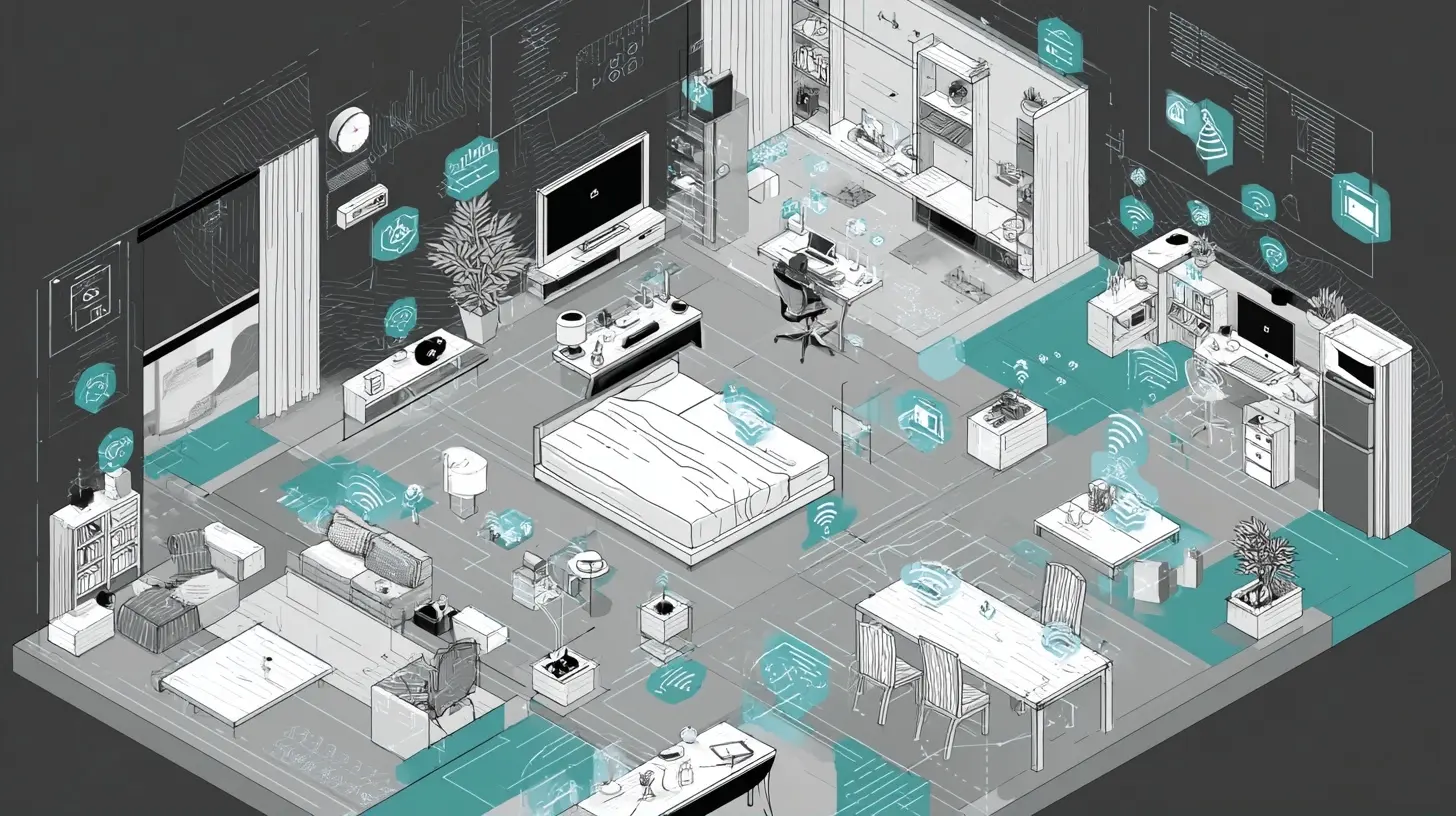
The term connected gets thrown around loosely. In practice, a connected home office is one where devices exchange information and act on it without a human issuing every command. A smart plug that you toggle from a phone app is convenient, but it is not truly connected in the meaningful sense. A workspace where the desk lamp dims automatically when the video call starts, the thermostat raises the ambient temperature because the room has been occupied for an hour, and the router prioritizes upload bandwidth the moment a conference begins, that is a connected office.The distinction matters because it separates marketing language from functional value. A device earns its place in a 2027 home office only if it reduces friction, improves focus, or protects the health and security of the person using it. Everything else is noise.
The Sensing Layer: How the Office Learns About You
Every connected environment begins with sensors. In a home office, the most useful ones fall into a few categories.Presence and occupancy
Presence detection tells the system whether someone is actually at the desk. Passive infrared sensors, the kind used in older security systems, detect motion but fail when a person sits still for long periods. Millimeter wave radar sensors solve this problem by detecting subtle movements such as breathing and typing. They also raise fewer privacy concerns than cameras because they do not capture images.Why this matters: a workspace that knows you are present can heat, light, and ventilate only when needed. It can also lock the screen when you step away and unlock it when you return, which is a small convenience that compounds over hundreds of daily transitions.
Environmental sensing
Temperature, humidity, carbon dioxide, and particulate matter sensors are becoming inexpensive and accurate. Carbon dioxide deserves particular attention. Indoor concentrations rise quickly in small, sealed rooms, and elevated levels are associated with reduced concentration and slower decision making. A sensor that triggers a ventilation fan or opens a smart window when CO2 crosses a threshold is one of the highest-value additions to any home office, and it costs far less than a new monitor.Light and sound
Ambient light sensors allow lighting to adjust to the time of day, supporting circadian rhythms rather than fighting them. Sound level sensors can distinguish between normal background noise and the specific acoustic signature of a barking dog or a passing delivery truck, triggering noise cancellation or a white noise response.
The Automation Layer: Turning Data Into Action
Sensors are only half the story. The value emerges when readings trigger responses.Scenes and routines
A well-designed 2027 home office will operate on scenes rather than individual device commands. A "deep work" scene might close the blinds, switch the desk lamp to a warm 4000K setting, silence the doorbell, and set the phone to do not disturb. A "client call" scene might do the opposite: brighten the key light, activate echo cancellation on the speakerphone, and pause any background downloads.The important design principle here is that scenes should be triggered by context, not by manual selection. Calendar integration is the most reliable trigger available today. When the system reads your calendar and knows a meeting starts in two minutes, it can prepare the room before you think about it.
Local versus cloud automation
There is a genuine trade-off between cloud-based and local automation, and readers should understand it before committing to a platform.Cloud-based systems are easier to set up, work across many device brands, and receive continuous updates. The downside is latency, dependence on your internet connection, and the fact that your data leaves your home. If your internet goes down, your automations stop.
Local systems, built on hubs that process rules inside the home, respond faster and keep working during outages. They also keep sensitive data such as occupancy patterns on your own network. The downside is complexity, higher upfront cost, and sometimes limited device compatibility.
For most people, a hybrid approach works best: local control for critical functions like lighting and security, cloud services for convenience features like voice assistants and remote access.
Connectivity: The Invisible Backbone
None of this functions without reliable networking, and this is where many home offices quietly fail.Wi-Fi 7 and the bandwidth question
Wi-Fi 7, now shipping in consumer routers, offers meaningfully higher throughput and lower latency than earlier standards. For a home office, the practical benefit is not raw speed but consistency. Video calls, cloud backups, and IoT device chatter all compete for airtime. Wi-Fi 7 handles that competition more gracefully, particularly in homes with many devices.That said, upgrading your router will not fix a poor internet plan or a bad modem placement. Before spending on new hardware, measure your actual upload speed during a call. Upload is almost always the bottleneck for remote work, and most consumer plans still prioritize download.
Why a separate IoT network is worth considering
Putting smart devices on a dedicated network or VLAN is one of the most underrated security practices in home networking. IoT devices are frequently the weakest link in a home network because manufacturers deprioritize firmware updates. If a smart bulb is compromised, an isolated network prevents the attacker from reaching your work laptop.This requires a router that supports guest networks or VLANs. Many midrange routers do. The setup takes an afternoon and pays dividends for years.
Wired where it counts
For the devices that matter most, a physical Ethernet connection remains superior. A desktop workstation, a network attached storage box, or a dedicated video conferencing hub will all perform better and more predictably over a cable. Wireless is for convenience; wired is for reliability.The Video-First Workspace
Video has become the default medium for professional communication, and IoT is reshaping how it works.Cameras that understand framing
Modern conferencing cameras use on-device processing to track speakers, frame groups, and crop out clutter. These features run locally on the camera hardware, which means they work without sending video to a server. That is a meaningful privacy advantage over software-based solutions.Lighting that flatters without effort
Smart lighting has matured to the point where a key light can be tuned to match the color temperature of your monitor, reducing eye strain and improving how you appear on camera. The practical recommendation is to invest in a single high-quality adjustable light rather than scattering several cheap ones. Light quality affects both how you look and how you feel after eight hours.Audio: the most neglected component
People spend heavily on displays and skimp on microphones. This is backwards. A poor microphone makes you sound unprofessional regardless of how good you look. Beamforming microphone arrays with hardware echo cancellation now exist at reasonable prices, and they outperform laptop microphones by a wide margin. If you upgrade one thing this year, make it audio.
Health, Ergonomics, and the Ambient Office
The 2027 home office will treat health as a system property rather than an individual concern.Sit-stand desks that talk to your calendar
Motorized desks with connectivity can remind you to change posture, and some integrate with calendar data to suggest standing during certain meeting types. Whether this actually changes behavior is debatable. What matters is that the reminder arrives at a moment when you can act on it, not as a generic hourly alert.Air quality as a productivity tool
As noted earlier, CO2 monitoring is one of the most cost-effective interventions available. Pair it with a smart ventilation fan or a window actuator and you have an automated system that keeps your brain supplied with fresh air. This is not a luxury. It is basic infrastructure for knowledge work.Sleep and light hygiene
Circadian lighting adjusts color temperature throughout the day, cooler in the morning and warmer in the evening. For people who work late, this can reduce the disruption to sleep that screen light causes. The effect is modest but real, and it costs nothing once the lighting is installed.Security and Privacy: The Uncomfortable Trade-Offs
Every connected device is a potential entry point. Every sensor is a potential data source. These are not reasons to avoid IoT, but they are reasons to be deliberate.The firmware problem
Many IoT devices ship with outdated firmware and receive few updates. Before buying, check whether the manufacturer has a documented update history. A device that has not been updated in three years is a liability.Data minimization
Ask what data a device collects and where it goes. A smart speaker that processes voice locally is fundamentally different from one that uploads every command. A camera that stores footage on a local SD card is different from one that streams to a cloud account. Neither is inherently wrong, but you should know which one you are buying.The principle of least privilege
Give devices only the access they need. A smart plug does not need to know your location. A light bulb does not need access to your contacts. This sounds obvious, but app permissions are often granted without thought.
Common Mistakes and Misconceptions
A few patterns show up repeatedly when people build connected home offices.Mistake one: buying devices before defining outcomes. Start with the problem, then find the device. "I lose focus in the afternoon" is a problem. A smart speaker is not necessarily the solution.
Mistake two: choosing an ecosystem before checking compatibility. Matter, the cross-vendor standard, has improved interoperability considerably, but not all devices support it fully. Verify before you commit.
Mistake three: ignoring the network. A dozen smart devices on an overloaded router will cause more frustration than value. Budget for networking alongside devices.
Mistake four: automating too much. Every automation adds a failure mode. If your lights depend on three services and a cloud account, they will eventually fail at the worst moment. Keep critical functions simple and local.
Misconception: more data means better decisions. In practice, dashboards full of metrics get ignored. One well-chosen signal, such as a CO2 alert, changes behavior more than ten charts.
A Practical Roadmap for the Next Two Years
If you are planning a connected home office and want to avoid wasted spending, consider this sequence.Phase one: foundation. Fix your network. Add a wired connection for your primary workstation. Separate IoT devices onto their own network. This phase is unglamorous and essential.
Phase two: sensing. Add air quality monitoring, a presence sensor, and smart lighting. These deliver immediate, noticeable improvements.
Phase three: automation. Introduce scenes triggered by calendar and presence. Start with two or three, then expand only when you notice a recurring need.
Phase four: refinement. Upgrade audio and video. Add health-oriented features such as circadian lighting and posture reminders. By this point, you will know what your workspace actually needs rather than guessing.
What to Watch Beyond 2027
Several developments will shape the next wave. On-device AI processing will let more devices make decisions locally, reducing cloud dependence and improving privacy. Matter and similar standards will continue to erode vendor lock-in, though slowly. Energy management will become a bigger theme as electricity prices and sustainability concerns push homes toward smarter consumption.The most significant change, however, may be cultural. As connected workspaces become normal, expectations will shift. Employers may provide stipends for home office infrastructure. Employees may treat their workspace as a long-term investment rather than a temporary setup. And the line between office and home will be managed less by geography and more by intentional design.
Final Thoughts
The connected home office of 2027 will not be defined by how many devices it contains. It will be defined by how well those devices work together and how little attention they demand. The best technology disappears into the background, handling the small decisions so you can focus on the work that matters.Build deliberately. Start with the network. Add sensing before automation. Choose devices that respect your privacy and your time. Do these things, and your home office will not just be connected. It will be genuinely better.
all images in this post were generated using AI tools
Category:
Tech For Remote WorkAuthor:

Ugo Coleman
Discussion
rate this article
2 comments
Journey Erickson
This vision of the future is exciting, but I wonder about the privacy implications of all this connectivity.
October 2, 2026 at 3:17 AM
Bethany Bowers
Exciting times ahead! Imagine a home office where everything works together seamlessly. The future looks bright with IoT leading the way. Let's embrace this tech transformation!
September 20, 2026 at 4:02 AM
Ugo Coleman
Absolutely! The integration of IoT in home offices will truly reshape our work environments. Exciting possibilities lie ahead.