How to Improve Your Video Calls with These Accessories
1 February 2026
Video calls have become a staple in our daily lives, whether for remote work, online classes, or catching up with loved ones. Yet, how often do we find ourselves frustrated with poor audio, bad lighting, or glitchy video? The good news is that you don’t need to settle for subpar quality. With the right accessories, you can upgrade your video call experience from mediocre to professional.
If you've ever been on a call where someone sounded like they were talking through a tin can or looked like they were calling from a dark cave, you know how distracting it can be. Let’s make sure that’s not you. Here’s how you can improve your video calls with these must-have accessories. 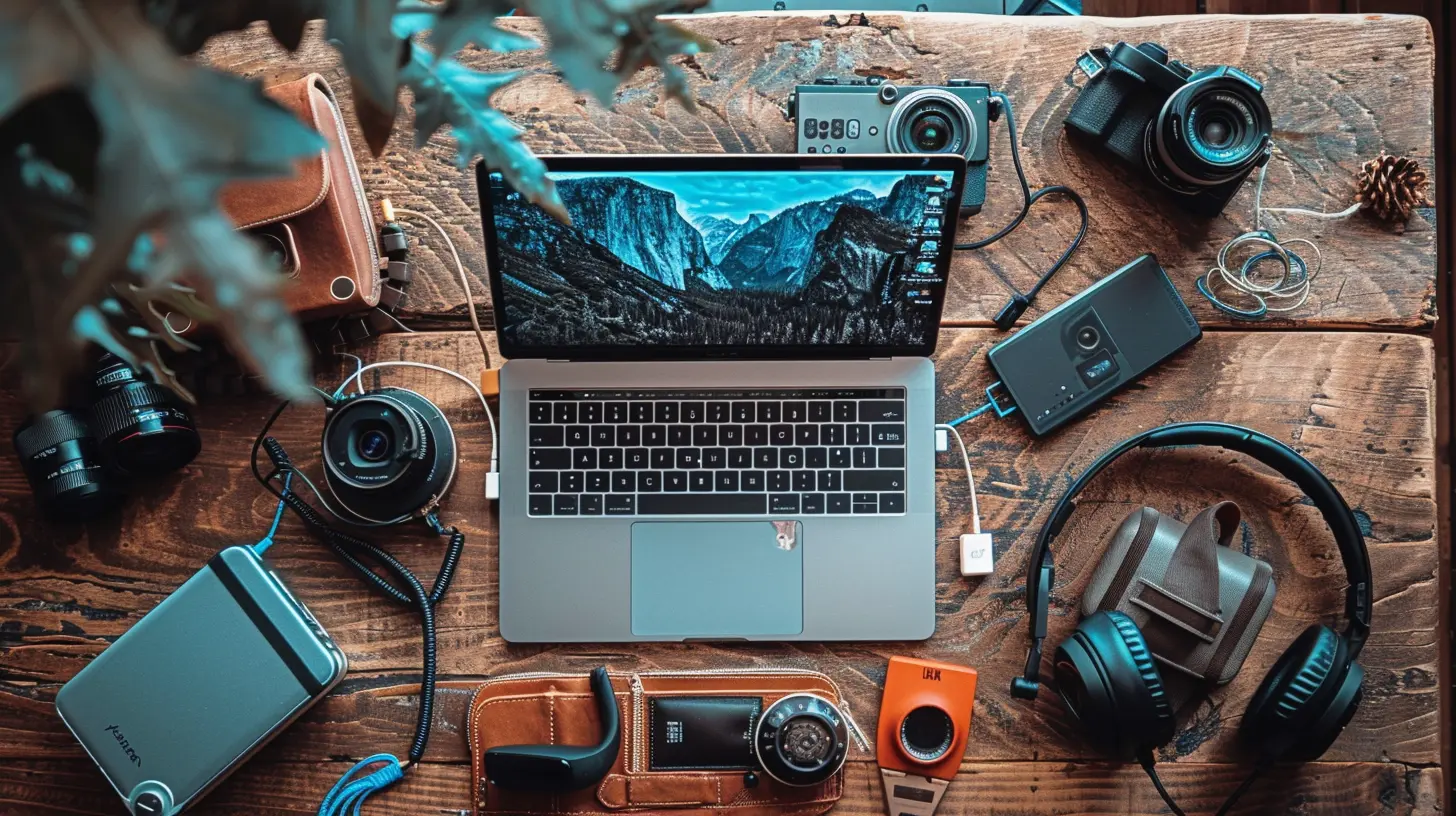
1. Upgrade Your Webcam for Crystal-Clear Video
Built-in laptop webcams are... well, they're usually disappointing. They often have limited resolution, poor color balance, and struggle in low light. A good external webcam can make all the difference.What to Look for in a Webcam:
- Resolution: Go for at least 1080p HD or, if you want top-tier quality, 4K.- Frame Rate: A higher frame rate (60fps) delivers smoother video but 30fps is good enough for most calls.
- Autofocus & Light Correction: These features help keep you sharp and visible, even in dim lighting.
- Field of View (FOV): A 60-80° FOV is ideal for solo calls, while a 90°+ FOV is perfect for group meetings.
Top Webcam Picks:
- Logitech C920 – A solid, budget-friendly 1080p option.- Razer Kiyo Pro – Fantastic low-light performance and great for streaming.
- Elgato Facecam – Higher-end but incredible clarity and customization.
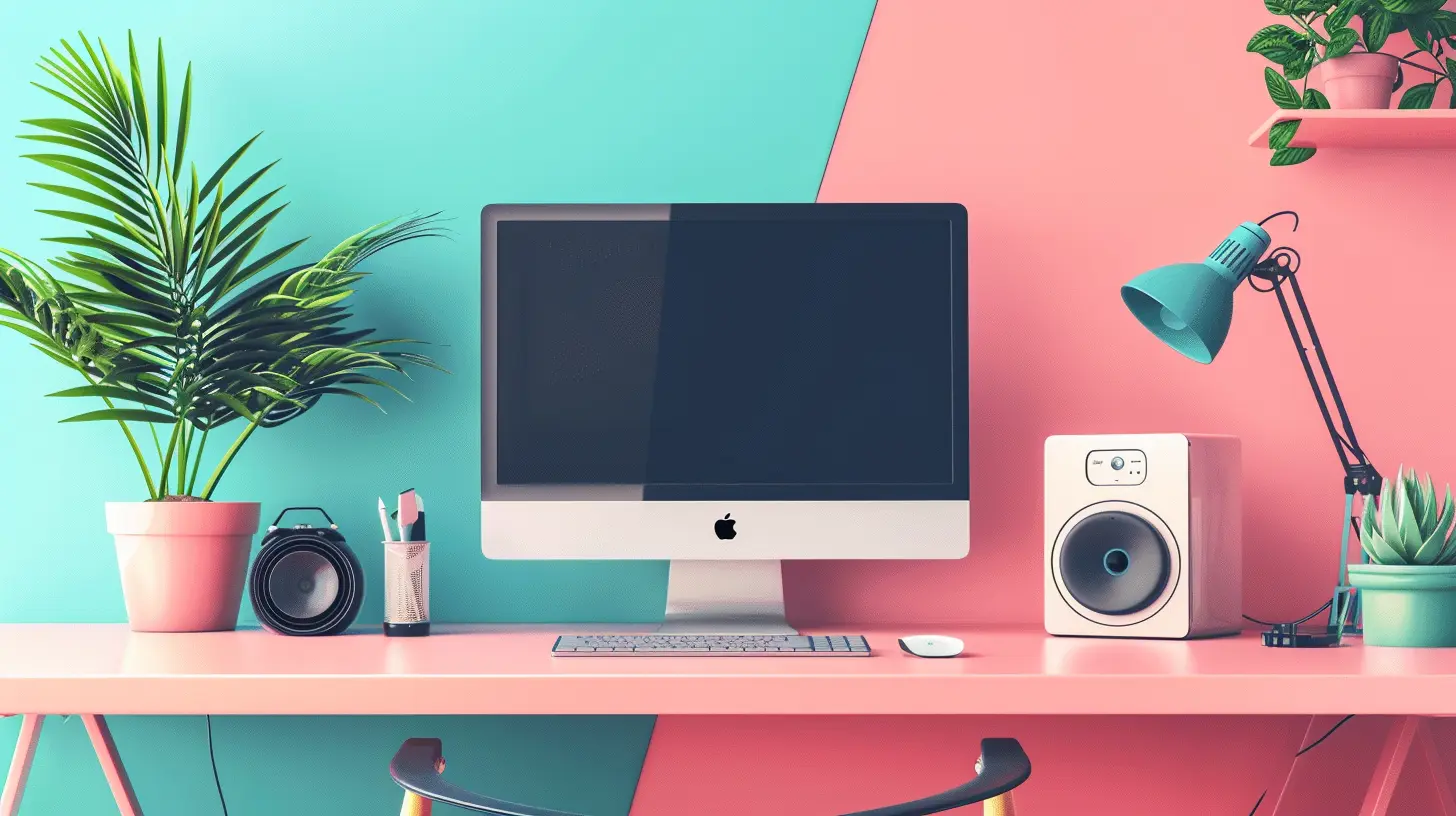
2. Improve Your Audio with a Quality Microphone
If people constantly ask you to repeat yourself, or you sound like you're calling from inside a tunnel, it's time to upgrade your mic. A good microphone will make your voice sound crisp and professional.Types of Microphones:
- USB Microphone: Simple plug-and-play and provides high-quality audio.- Lavalier Mic: Clip-on mics are great if you move around a lot.
- Headset Mic: Combines headphones and a mic for an all-in-one solution.
Best Microphones for Video Calls:
- Blue Yeti USB Mic – Great sound quality and easy setup.- Rode NT-USB Mini – Compact but crystal-clear audio.
- Shure MV7 – A premium mic with rich clarity and great noise reduction.
A good microphone eliminates background noise, enhances your voice clarity, and makes your calls sound professional. 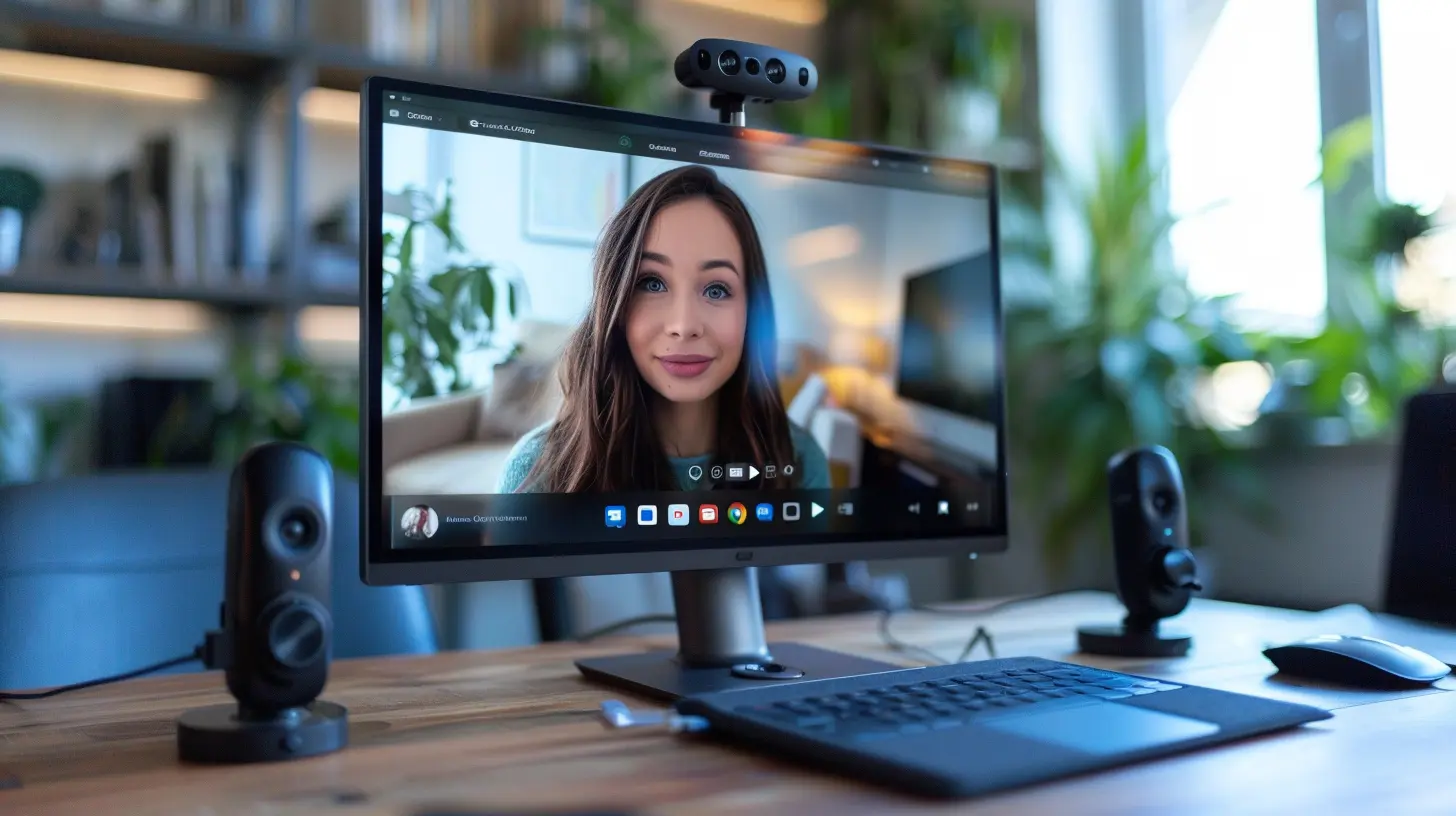
3. Enhance Your Lighting for a Professional Look
No one wants to appear as a shadowy figure on Zoom. Good lighting doesn’t just make you look better—it ensures your colleagues or friends can see you clearly.Lighting Tips for Video Calls:
- Natural Light Is Best: Sit facing a window for soft, even lighting.- Use a Ring Light: If natural light isn’t an option, a ring light provides balanced illumination.
- Avoid Harsh Overhead Lights: These create unwanted shadows on your face.
Best Lighting Accessories:
- Neewer Ring Light – Adjustable brightness and great for home setups.- Elgato Key Light – Professional-grade lighting with smart control.
- Lume Cube Panel – Compact but powerful option for adjustable lighting.
A simple adjustment in lighting can dramatically improve your appearance on calls. 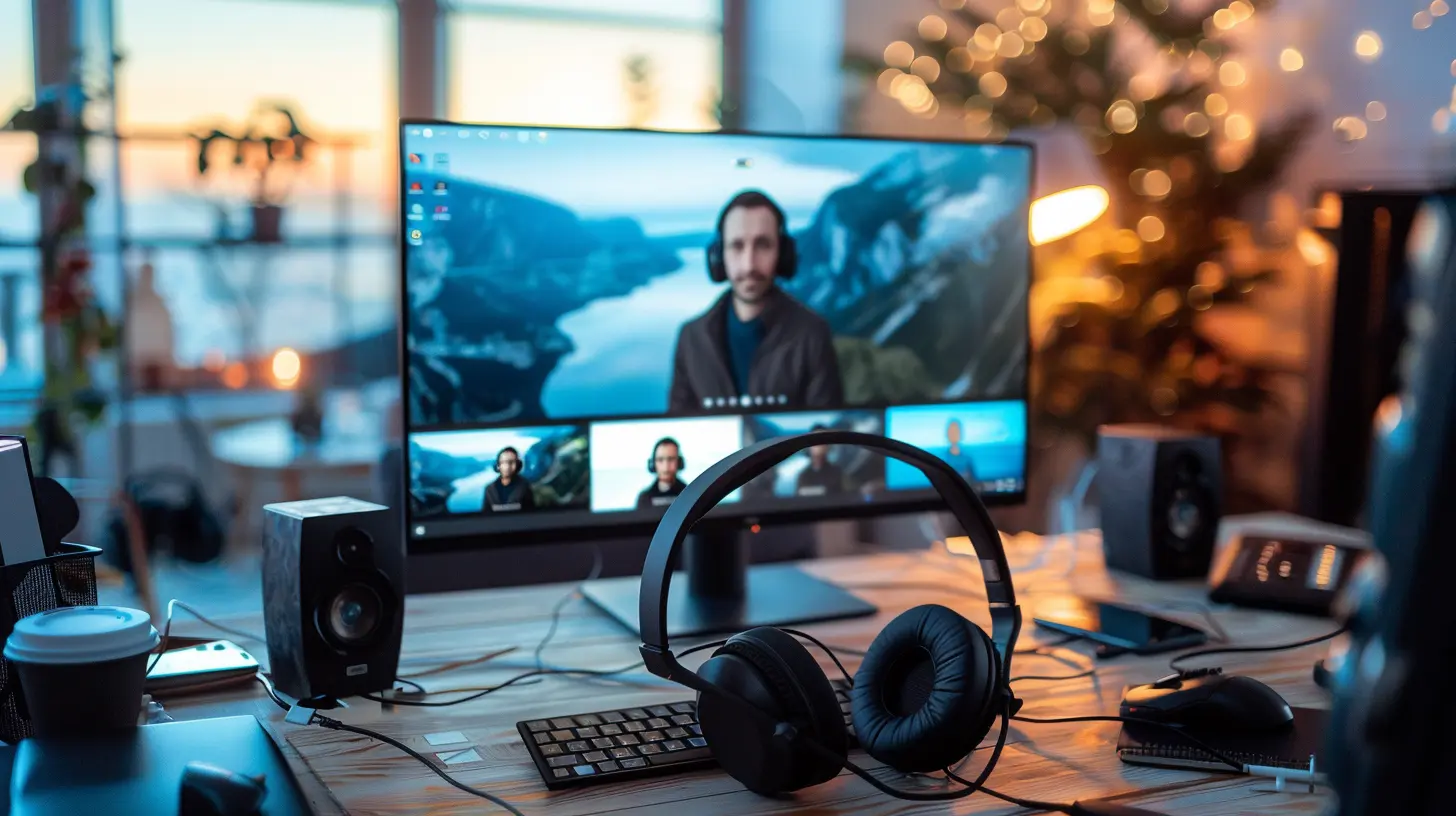
4. Use Noise-Canceling Headphones for Clearer Conversations
Ever been in a call where someone’s background noise was unbearable? Avoid being that person by investing in noise-canceling headphones.Why You Need Noise-Canceling Headphones:
- Blocks out distractions (no barking dogs or noisy neighbors).- Enhances audio clarity, making conversations seamless.
- Often includes a built-in mic with superior sound quality.
Recommended Headphones:
- Sony WH-1000XM5 – Amazing noise cancellation with a comfortable fit.- Bose QuietComfort 45 – Top-tier sound and comfort.
- Jabra Evolve2 75 – Perfect for work calls with a business-focused mic.
Good headphones ensure you hear every word clearly and keep background distractions out.
5. Stabilize Your Video with a Sturdy Stand or Mount
A shaky camera is no one's friend. If you’re relying on a laptop webcam, use a stand to position your camera at eye level for a more flattering angle.Types of Stands & Mounts:
- Laptop Stand: Elevates your camera to reduce awkward low angles.- Tripods: Perfect for external webcams or phone cameras.
- Monitor Mounts: Attach your webcam securely for a steady image.
Best Stands & Mounts:
- Amazon Basics Laptop Stand – Simple but effective.- UBeesize Tripod – Flexible and works for multiple devices.
- Logitech StreamCam Mount – Great for adjustable angles.
Keeping your camera stable enhances your professionalism and avoids distractions from shaky footage.
6. Improve Your Background for a Clean, Professional Look
Your background matters more than you think. A messy room or distracting background can pull focus away from your conversation.Ways to Upgrade Your Background:
- Use a Virtual Background: Zoom and Microsoft Teams offer built-in background options.- Buy a Green Screen: Ideal for a crisp background effect.
- Declutter Your Space: A clean, simple background looks best.
Helpful Background Accessories:
- Neewer Green Screen – Great for creating seamless virtual backgrounds.- Elgato Collapsible Green Screen – High-quality and easy to store.
- Foldable Room Dividers – A simple way to enhance your background without reorganizing your home.
A clean and distraction-free background helps keep focus where it belongs—on you.
7. Optimize Your Internet Connection for Smooth Video
Even with the best gear, a bad connection can ruin everything. If your calls keep freezing or lagging, you need to optimize your internet setup.Tips to Boost Your Connection:
- Use a wired Ethernet connection instead of WiFi for stability.- Upgrade your internet plan if your speeds are too low.
- Close unnecessary apps running in the background.
Essential Internet Accessories:
- TP-Link AC1750 WiFi Extender – Helps eliminate weak WiFi spots.- NETGEAR Nighthawk Router – Ensures better speed and reliability.
- Amazon Basics Ethernet Cable – Faster and more stable than WiFi.
A strong internet connection keeps your video calls running smoothly without frustrating interruptions.
Final Thoughts
You don’t need expensive studio equipment to improve your video calls—just the right accessories. A good webcam, mic, lighting, and stable internet can transform your virtual meetings and make you look (and sound) like a pro.Give these upgrades a try and say goodbye to blurry video, choppy audio, and distracting backgrounds. After all, when you’re on a call, you want people to focus on your words—not your technical issues.
What’s the first accessory you’ll upgrade? Let me know in the comments!
all images in this post were generated using AI tools
Category:
Tech AccessoriesAuthor:

Ugo Coleman
Discussion
rate this article
2 comments
Giovanna McAlister
Great insights! The right accessories can truly transform video calls. Thank you for sharing these tips—they'll make a significant difference in our virtual interactions!
February 20, 2026 at 11:51 AM
Ugo Coleman
Thank you for your kind words! I'm glad you found the tips helpful for enhancing your virtual interactions. Happy calling!
Savannah Cooper
This article effectively highlights the importance of accessories in enhancing video call quality. By prioritizing items like external microphones and ring lights, users can significantly improve audio and visual clarity. However, it would be beneficial to explore budget-friendly options, making these enhancements accessible to a broader audience. Great insights overall!
February 5, 2026 at 4:51 AM
Ugo Coleman
Thank you for your feedback! I appreciate your suggestion about including budget-friendly options, and I'll consider it for future updates. Glad you found the insights helpful!