Mastering Remote Work with Smart Devices in 2026
20 May 2026
Let me guess: you're reading this from your kitchen table, a corner of your bedroom, or maybe a coffee shop that's become your second office. You've got your laptop open, your phone buzzing, and somewhere in the background, your smart speaker is playing lo-fi beats. Sound familiar?
Remote work in 2026 isn't what it was in 2020. Back then, we were just trying to survive-making do with whatever tech we had, praying the Wi-Fi held up during video calls. Now? We've got a whole ecosystem of smart devices that can either make our work lives magical or turn them into a chaotic mess of notifications and forgotten tasks. The difference between thriving and barely hanging on often comes down to how well you master these tools.
I've spent the last few years working from home, testing gadgets, and figuring out what actually helps versus what just adds noise. So let me walk you through the real deal on making smart devices work for you, not against you.
Why 2026 is Different
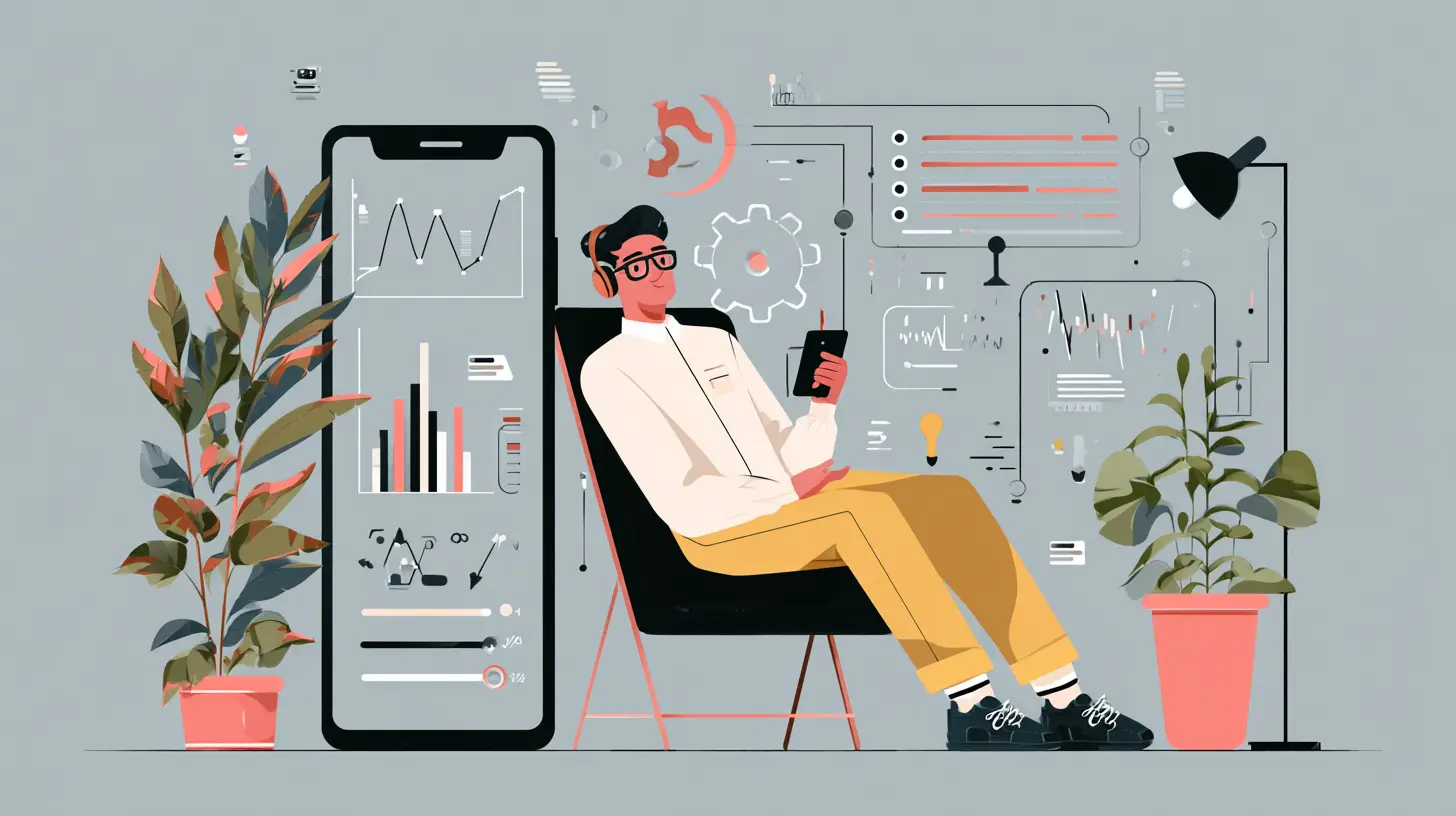
Remember when "smart home" meant a light bulb you could turn off with your voice, and "remote work" meant you owned a decent webcam? Those days are gone. In 2026, your smart devices aren't just accessories-they're teammates.We've got AI assistants that can summarize your meetings before they end. Smart desks that adjust your posture when you've been slouching for too long. Wearables that track your focus levels and suggest breaks when your brain is fried. And let's not forget the smart lighting that shifts from "deep work" blue to "wind down" amber as the day goes on.
The problem? Most people treat these devices like fancy toys instead of productivity powerhouses. They buy a smart speaker, plug it in, and use it to set timers for pizza. That's like owning a sports car and only using it to drive to the mailbox.
Your Smart Hub: The Brain of Your Remote Setup
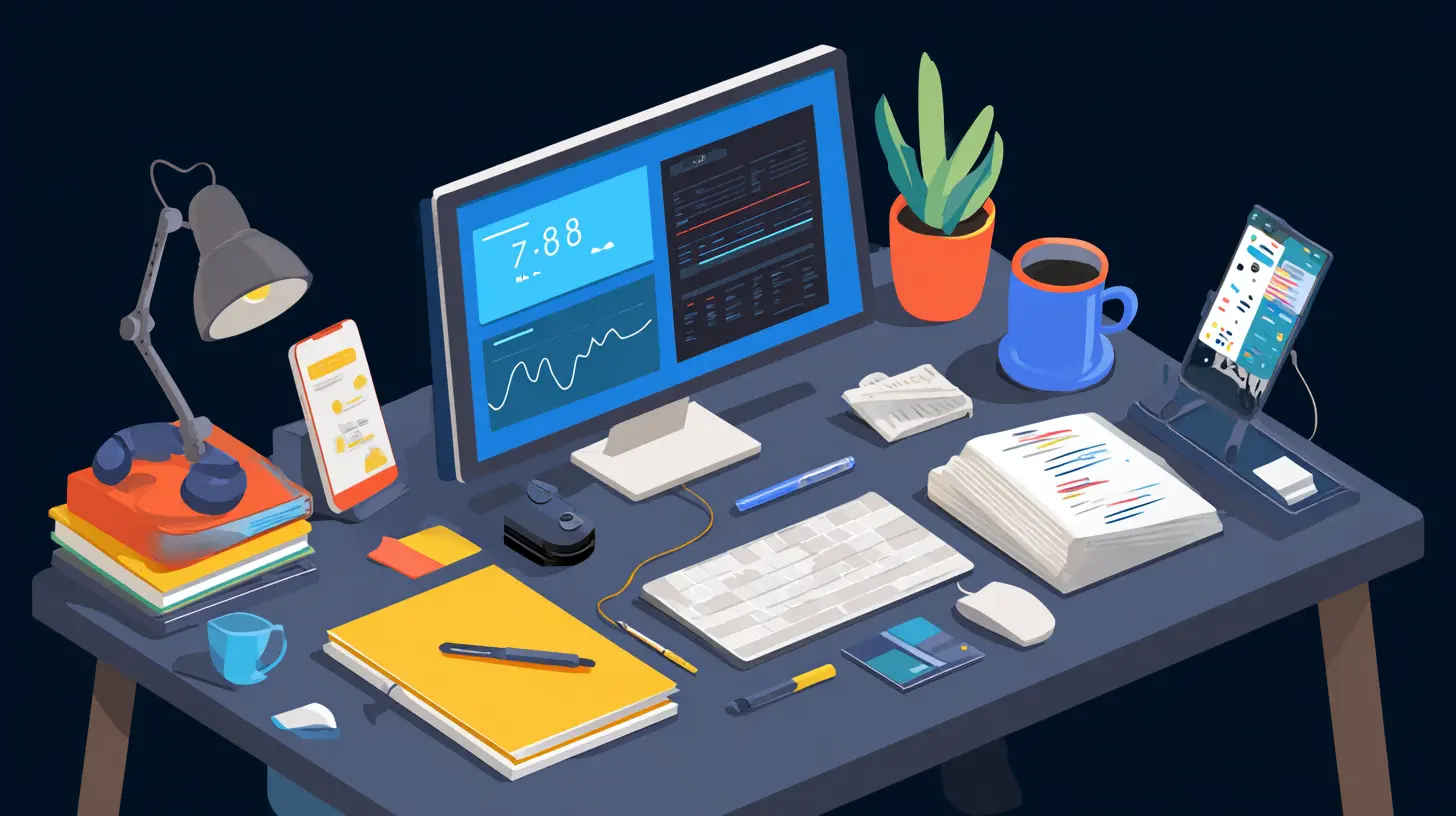
Here's a hard truth: you don't need ten different devices. You need one central hub that ties everything together. In 2026, that hub is usually a smart display or a powerful tablet that acts as your command center.I use a large smart display mounted on my wall next to my desk. It shows my calendar, my task list, the weather, and-most importantly-it syncs with my phone, laptop, and smartwatch. When I get a notification on my phone, it shows up on the display. When I add a task on my laptop, it appears there too. No more checking three different screens to figure out what I'm supposed to be doing.
But here's the trick: you have to set boundaries. If your smart hub shows you every email, every Slack message, every Instagram like, and every news alert, you'll never get anything done. Configure it to show only what matters during work hours. For me, that's my top three priorities for the day, my next meeting, and any urgent messages from my team. Everything else waits.
Smart Lighting That Works With Your Brain
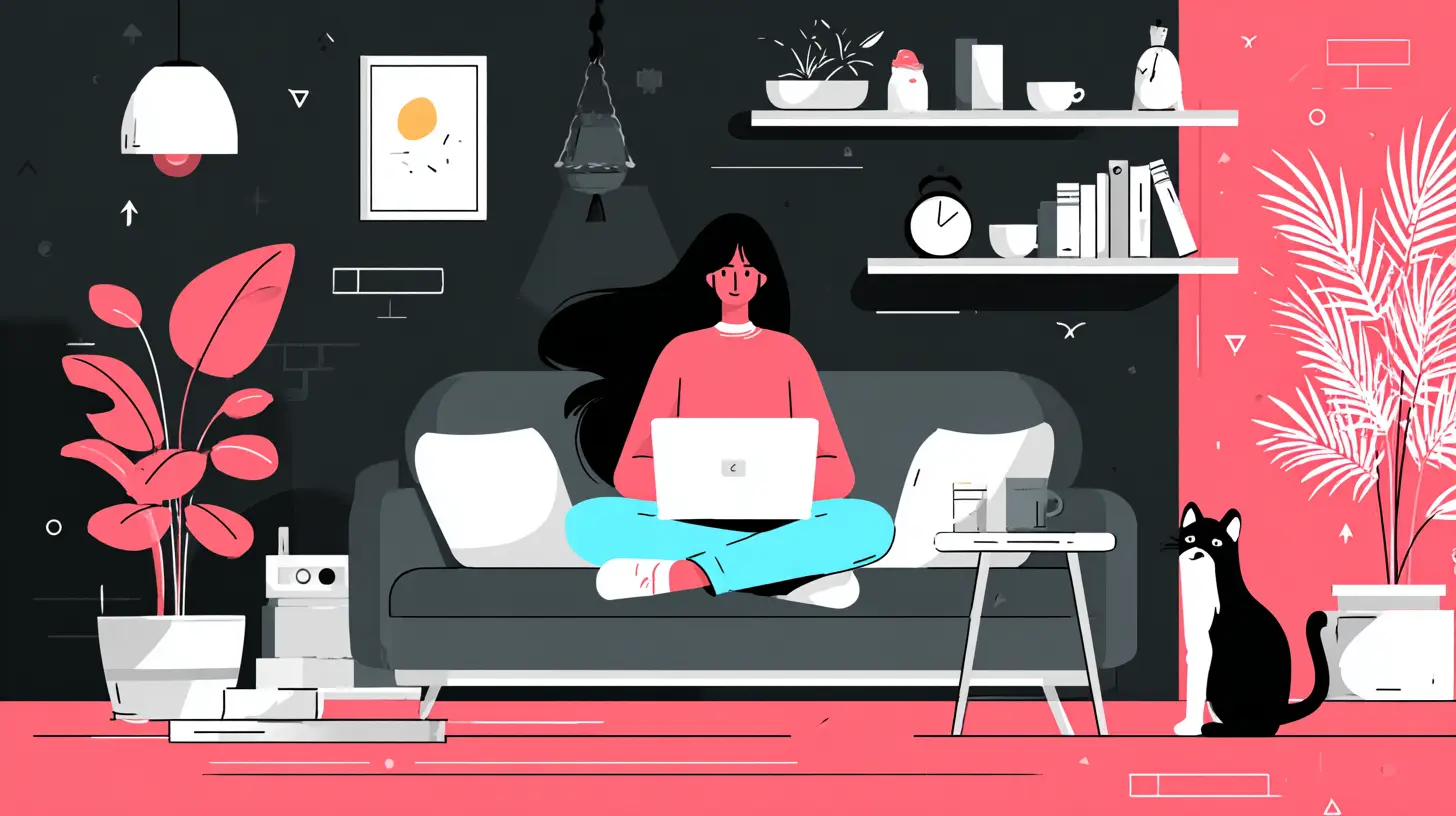
You know that feeling when you're in the zone, typing away, and suddenly you realize it's 3 PM and you're exhausted? That's not just because you've been working. It's because your lighting has been fighting your natural rhythm all day.In 2026, smart lighting is more than just changing colors for fun. It's about circadian rhythm support. Your body craves bright, cool light in the morning to wake up, and warm, dim light in the evening to wind down. Smart bulbs and fixtures can automate this shift so smoothly you barely notice it.
I've got smart lights in my home office that gradually brighten starting at 6 AM, hitting full "daylight" mode by 8 AM. By lunch, they shift to a slightly warmer tone to prevent that afternoon slump. And around 4 PM, they start dimming, signaling my brain that the work day is wrapping up. The result? I fall asleep faster at night and wake up more naturally in the morning. No more groggy 9 AM coffee chugging.
If you're on a budget, start with one smart bulb for your desk lamp. Set it to change color temperature throughout the day. You'll be surprised how much it affects your focus.
The Noise-Canceling Revolution Isn't Just About Headphones
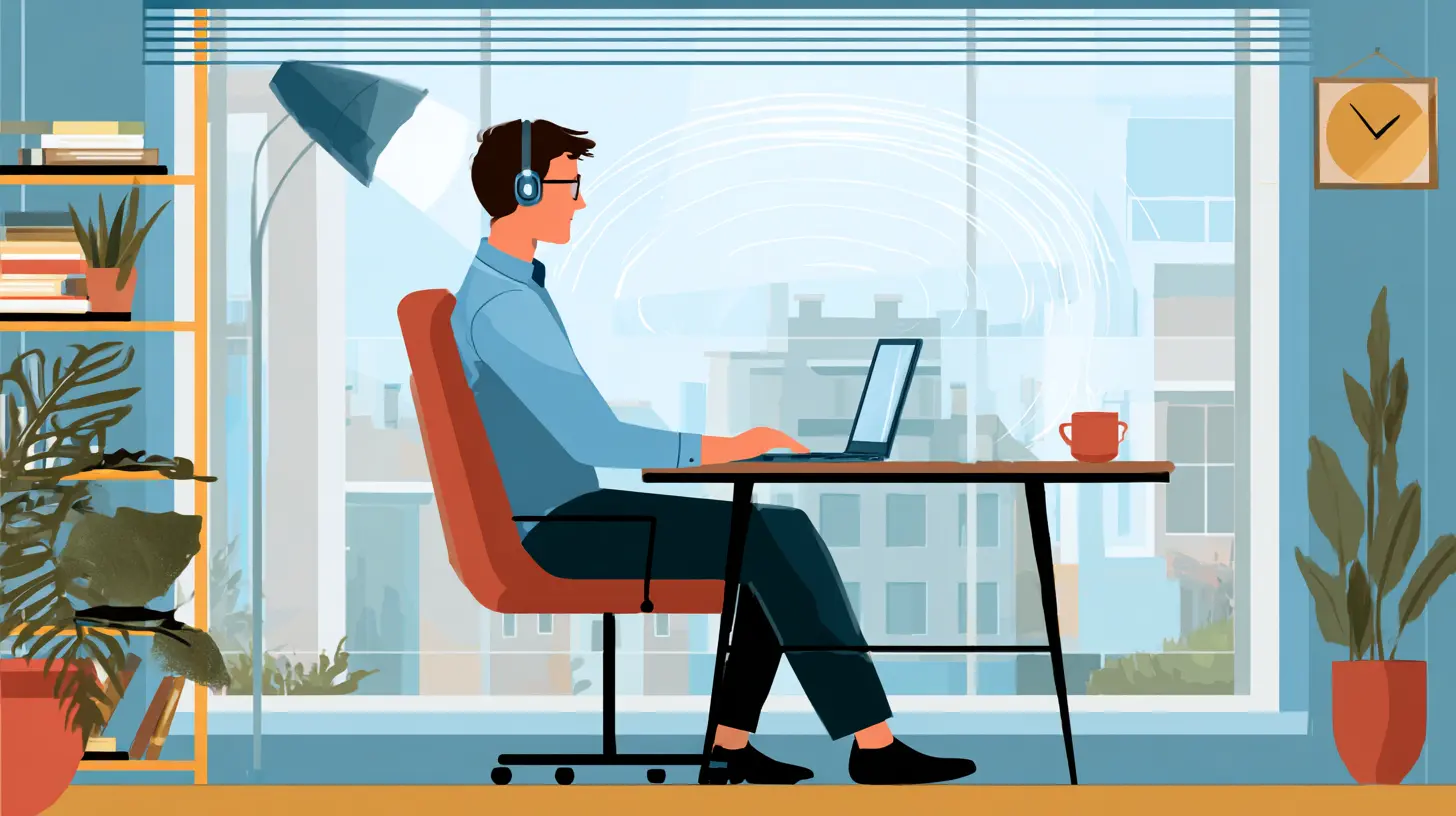
Let's talk about sound. In 2026, noise-canceling headphones are standard issue for remote workers, but the real game-changer is smart acoustic panels and sound masking.I live on a busy street. Trucks, dogs, neighbors mowing lawns-you name it. My smart headphones handle the direct noise, but I also have a small smart speaker in my office that generates white noise specifically tuned to cancel out the frequencies of traffic sounds. It's not just a generic fan noise. It's algorithmic sound masking that adapts to whatever's happening outside.
For video calls, this is a lifesaver. My microphone picks up my voice clearly while the smart system filters out background chaos. My colleagues think I work in a soundproof studio. Nope. I just have a little speaker doing some clever math.
If you can't afford a full setup, try a free app on your phone that generates brown noise or pink noise. Brown noise is deeper and less harsh than white noise-great for blocking out low-frequency rumbles like traffic or HVAC systems. Pink noise is more balanced, good for general focus. Test them out and see what sticks.
Wearables That Actually Help You Work
I used to roll my eyes at fitness trackers and smartwatches. "Great, another distraction on my wrist," I thought. But in 2026, wearables have matured. They're not just step counters anymore. They're focus coaches.My current smartwatch monitors my heart rate variability and skin temperature to detect when I'm stressed. When it senses I'm getting overwhelmed, it vibrates gently and suggests a two-minute breathing exercise. Sounds cheesy, I know. But I've found that when I actually do the breathing, my next hour of work is way more productive than if I'd just pushed through the stress.
Another feature I love: focus mode integration. When I start a deep work session on my laptop, my watch automatically switches to "Do Not Disturb" and blocks all notifications except calls from my family. It also tracks how long I stay in that state and gives me a "focus score" at the end of the day. It's not a perfect metric, but it's a useful nudge to keep me honest.
The key is to use the data, not obsess over it. Don't check your focus score every ten minutes. Look at it at the end of the week to see patterns. Are you more focused in the morning? After exercise? On days when you skip lunch? That's valuable info.
Smart Desks and Chairs: Your Body Will Thank You
Sitting is the new smoking, or so they say. In 2026, smart desks and chairs are designed to keep you moving without interrupting your flow.I have a standing desk that remembers my preferred heights for sitting, standing, and even a "stretch break" position where it rises to its max height so I can do a quick hamstring stretch. It also has a built-in sensor that detects when I've been sitting for 45 minutes and gently tilts the desk surface to remind me to stand up. No nagging. No alarm. Just a subtle tilt that makes me go, "Oh yeah, time to move."
My smart chair is even cooler. It has pressure sensors that map my posture and vibrate in specific spots when I start slouching. After a few weeks, I stopped slouching because my brain learned the pattern. It's like having a physical therapist sitting next to you, but without the awkward small talk.
If you're on a tight budget, at least get a smart plug for your existing desk lamp. Set it to turn off every hour for five minutes as a visual cue to get up and walk around. It's not as fancy as a smart desk, but it works.
AI Assistants That Don't Drive You Crazy
Let's be real: early voice assistants were frustrating. They'd misunderstand you, play the wrong song, or randomly chime in during a meeting. In 2026, they've gotten a lot better, but they still need to be trained.I use a smart speaker and an AI assistant on my laptop that are connected to my calendar, email, and project management tools. Here's what I've trained it to do:
- At the start of my day, it reads my top three priorities and any schedule changes.
- When I get a meeting invite, it checks my calendar for conflicts and suggests alternative times.
- If I'm on a call and someone says "let's follow up on that," it automatically creates a task for me.
- At the end of the day, it asks me to verbally summarize what I accomplished and what needs to move to tomorrow.
The trick is to be specific with your commands. Don't say "remind me to email Sarah." Say "remind me to email Sarah about the Q1 budget report at 2 PM tomorrow." The more detail you give, the better it works.
And for goodness' sake, give your assistant a name you don't hate. I named mine "Jeeves" because it makes me feel like a 1920s gentleman. Silly? Yes. But I actually enjoy talking to it now.
Smart Cameras for Better Video Calls
Video call fatigue is real, and bad camera quality makes it worse. In 2026, you don't need a $500 webcam to look good. Smartphone cameras are so good that you can use your phone as a webcam with a simple app. But there's more to it.I use a smart camera that automatically tracks my face and zooms in when I stand up to grab something. It also has a "presentation mode" that switches to a wide shot when I hold up a whiteboard or a notebook. My team says it feels like I'm in the same room with them.
More importantly, smart lighting for video calls has become affordable. A simple ring light with adjustable color temperature can transform how you look on camera. Set it to a warm white, position it slightly above eye level, and suddenly you look awake and professional even if you just rolled out of bed.
The Dark Side of Smart Devices (And How to Avoid It)
I'm not going to pretend this is all sunshine and productivity. Smart devices can also be a huge distraction. Every notification, every buzz, every voice command interruption chips away at your attention span. In 2026, the biggest challenge isn't finding the right device-it's managing the noise all these devices create.Here's my rule: every smart device in your work space should have a "work mode" and a "off mode." When I'm in deep focus, my smart speaker goes silent. My watch only shows the time. My desk lights dim to a single warm glow. My phone goes face down in a drawer. It sounds extreme, but I've learned that multitasking is a myth. You can't write a report, answer a Slack message, and listen to a podcast at the same time. Something has to give.
Set up automation routines. My morning routine turns on the lights, starts the coffee maker, reads my calendar, and plays a news briefing. My "deep work" routine silences everything except emergency calls. My "end of day" routine dims the lights, plays calming music, and locks my work apps. These routines took me an afternoon to set up, and they save me hours of decision-making every week.
The Human Element
Here's the thing about smart devices in 2026: they're tools, not solutions. They can't replace human connection, creativity, or the simple joy of a walk outside without a screen. I've seen people buy every gadget available and still feel burned out and lonely.The best remote workers I know use smart devices to handle the boring stuff-scheduling, reminders, lighting, noise control-so they have more mental energy for the important stuff: actually doing their work, connecting with colleagues, and taking care of themselves.
So yes, get the smart hub. Set up the lighting routines. Train your AI assistant. But also close your laptop at a reasonable hour. Go for a walk without your smartwatch. Have a real conversation with someone in your household. The technology is here to serve you, not the other way around.
Your Next Step
If you're feeling overwhelmed by all this, start small. Pick one area of your remote work life that's causing the most friction. Is it staying focused? Get a pair of noise-canceling headphones. Is it managing your schedule? Set up a smart display in your workspace. Is it your physical health? Invest in a smart chair or a standing desk.You don't have to master everything at once. In fact, trying to do that is a recipe for frustration. Pick one thing, make it work for you, and then move on to the next. By this time next year, you'll wonder how you ever worked without these tools.
And remember: the goal isn't to be the most tech-savvy remote worker in the world. The goal is to do great work while staying sane and healthy. Smart devices can help with that, but only if you use them wisely.
So go ahead. Tell your smart speaker to start your morning routine. Adjust your desk to standing height. Put on your headphones. And get to work-the smart way.
all images in this post were generated using AI tools
Category:
Tech For Remote WorkAuthor:

Ugo Coleman
Discussion
rate this article
2 comments
Linnea Reyes
Great insights! Smart devices really do make remote work easier. Excited to see how technology shapes our work-life balance in the future!
August 29, 2026 at 5:11 AM
Landon Erickson
As we step into 2026, remote work takes on an eerie dimension. What if your smart devices hold secrets beyond convenience? Are they merely tools, or are they quietly shaping our reality? The line between productivity and intrusion is becoming increasingly blurred...
May 22, 2026 at 4:02 AM
Ugo Coleman
You've captured a thought-provoking angle. As we embrace smart devices, it's crucial to stay aware of their influence on our lives and maintain a balance between efficiency and privacy.