The Best Apps for Enhancing Your Smartphone Photography
4 February 2026
Smartphone cameras have come a long way, right? Gone are the days when we needed a professional DSLR to capture stunning photos. Today, our pocket-sized gadgets come equipped with some of the most advanced camera technology ever. But let’s be honest—sometimes the default camera app just doesn’t cut it. If you're looking to take your mobile photography game to the next level, you’ll need some extra tools in your digital toolkit.
Luckily, there are tons of apps out there designed to help you enhance your smartphone photography. Whether you're a casual snapper or an aspiring Instagram influencer, these apps can boost everything from your composition skills to post-editing magic. So, without further ado, let’s dive into the best apps that can turn your smartphone into a photography powerhouse.
1. VSCO: The Photographer’s Playground
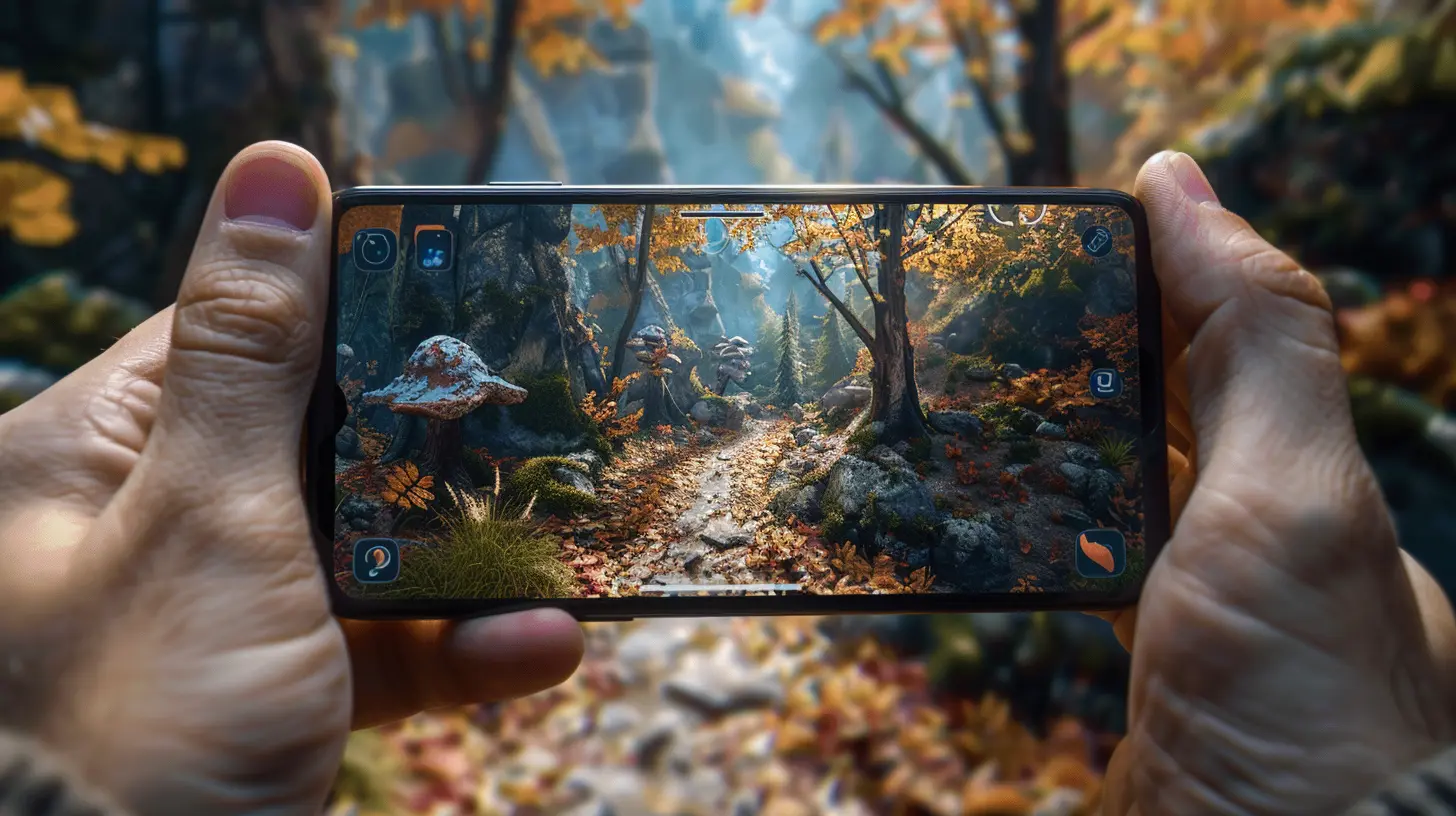
If you’re serious about editing your photos, VSCO is a must-have. It's kind of like the Swiss Army knife of mobile photography apps. You can use it to shoot, edit, and share your photos, all from one place.VSCO stands out for its unique filters, or "presets," that give your photos that dreamy, film-like quality. Whether you're going for a vintage vibe or modern minimalism, there’s a preset for every mood. Plus, the app’s editing tools give you control over exposure, contrast, saturation, and more.
And the best part? It’s incredibly user-friendly. Even if you're a total newbie, the intuitive design makes it easy to tweak and fine-tune your images until they look just right.
Why You’ll Love VSCO:
- A huge library of filters and presets.- Intuitive editing tools for both beginners and experts.
- A built-in social platform to share your work.
2. Snapseed: The Pro-Level Editor, For Free
When it comes to free apps with pro-level editing features, Snapseed is the king. Developed by Google, this app offers a wide range of tools that you’d normally only expect from expensive desktop software.One of Snapseed’s most impressive features is its “Selective Adjust” tool, which lets you brighten, sharpen, or enhance specific parts of your photo. You can also use its “Healing” tool to remove unwanted objects from your photos. Have a telephone pole ruining your perfect sunset shot? Snapseed’s got you covered.
The app also supports RAW files, which is a huge win if you're someone who likes to shoot in RAW format for maximum editing flexibility.
Why You’ll Love Snapseed:
- A vast range of professional-grade editing tools.- The ability to edit specific parts of an image.
- RAW file support for serious photographers.
- And best of all? It’s completely free.
3. Adobe Lightroom: The Gold Standard in Mobile Editing
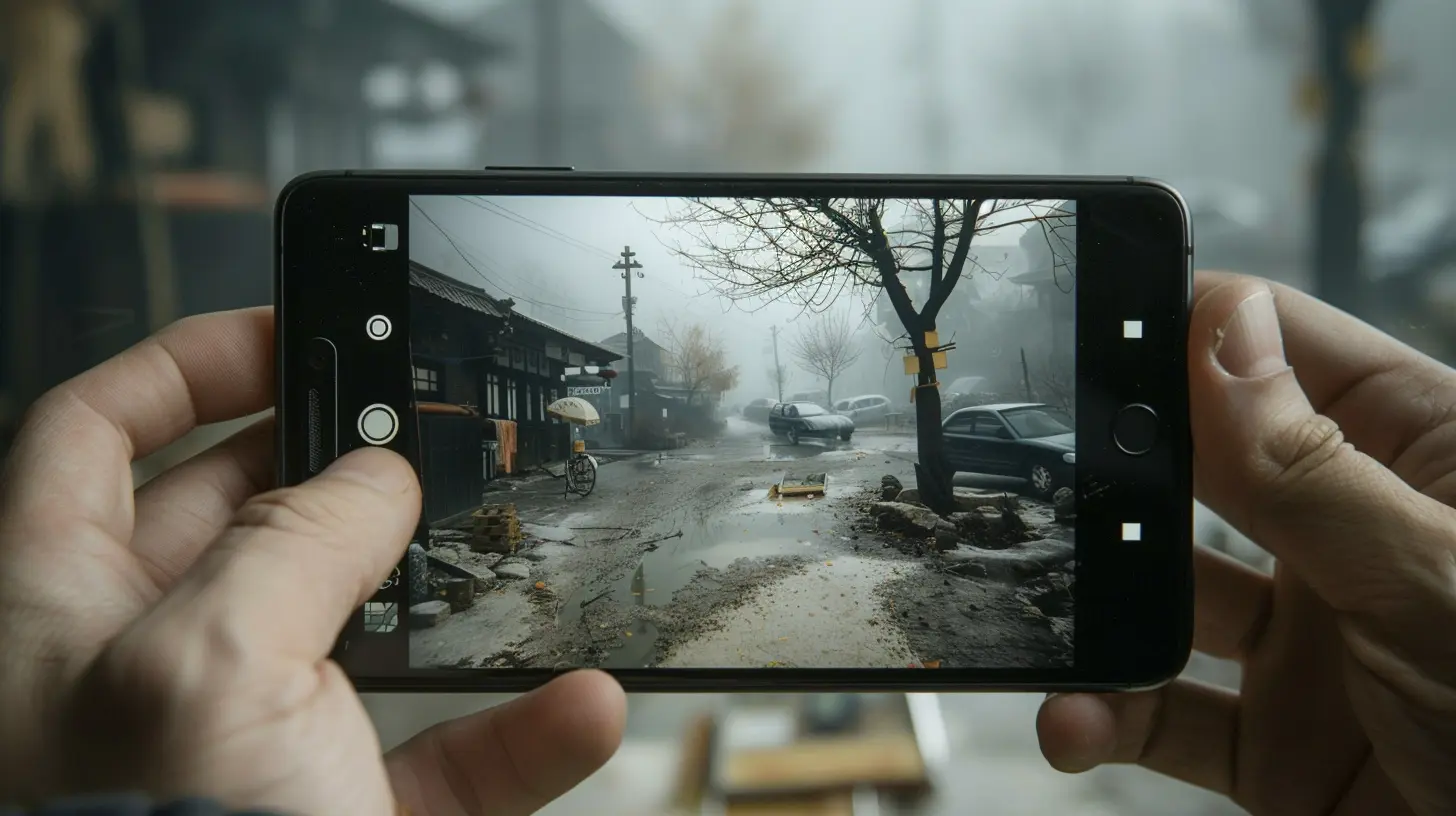
When you hear the name "Adobe," you already know you're in for some top-tier editing tools. Adobe Lightroom is no exception. This app brings many of the advanced editing features from the desktop version straight to your smartphone.Lightroom is perfect for those who want full control over their photos. You can adjust exposure, contrast, highlights, shadows, and more with just a few taps. Plus, it has an array of pre-built filters, but what really sets it apart is the ability to create your own custom presets. Don’t want to keep making the same adjustments over and over? Just save your edits as a preset, and bam—you’re good to go for future photos.
Another feature worth mentioning is the cloud sync feature. If you're already using Lightroom on your desktop, the mobile app syncs seamlessly so you can start editing on your phone and finish on your computer.
Why You’ll Love Adobe Lightroom:
- Advanced controls for serious photographers.- Customizable presets for quick edits.
- Cloud sync with the desktop version.
- A reputable name in the world of photography.
4. Afterlight: Quick Edits for the On-the-Go Photographer
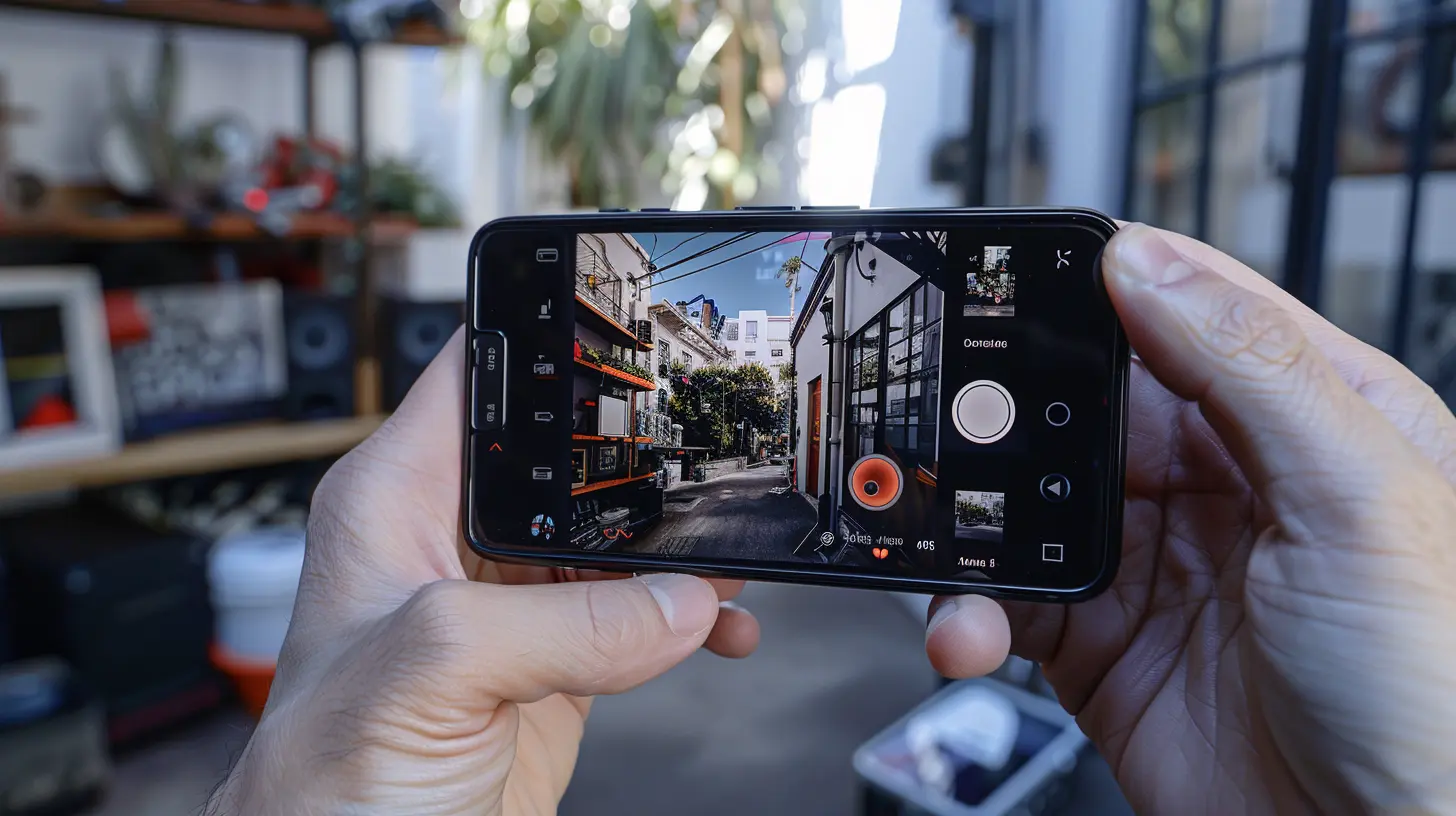
If you’re someone who wants to edit your photos quickly but still achieve professional results, Afterlight is a great option. It’s a no-nonsense editor that’s packed with essential tools like exposure, contrast, and balance adjustments, but it also has a more playful side with its range of filters and textures.One of the standout features of Afterlight is its “Dust” and “Light Leak” effects, which can add a vintage touch to your photos, giving them that old-school look that’s all the rage right now.
The app is straightforward and designed for quick, on-the-go edits. So if you’ve just taken a killer shot and want to post it immediately without spending hours tweaking it, Afterlight has your back.
Why You’ll Love Afterlight:
- Quick and easy editing tools for fast results.- Unique effects like "Dust" and "Light Leak."
- Great for enhancing photos without overcomplicating things.
5. ProCamera: For Those Who Want Full Control While Shooting
Sometimes, the magic happens before you even press the shutter button. That’s where ProCamera comes in. This app turns your smartphone into a mini DSLR, giving you full control over settings like ISO, shutter speed, and white balance.ProCamera is perfect for those who want to move beyond the automatic settings of the standard camera app. It even offers features like manual focus and exposure bracketing, which are often only found in professional cameras.
If you're into video, ProCamera also has some impressive video recording features, like frame rate adjustments and 4K support. So, whether you’re snapping stills or capturing moving moments, ProCamera gives you the creative freedom to do it all.
Why You’ll Love ProCamera:
- Full manual control over photography settings.- Advanced features for both photo and video.
- Ideal for those looking to push their smartphone to its limits.
6. TouchRetouch: Say Goodbye to Unwanted Objects
Ever taken a near-perfect photo that’s ruined by something in the background? Maybe there’s a random person walking by, or perhaps an ugly trash can is photobombing your shot. Enter TouchRetouch, the app specifically designed to remove unwanted objects from your photos.Using its intuitive tools, you can easily erase power lines, blemishes, or any other distractions from your image. It’s like having a magic eraser in your pocket! The app does all the hard work for you by intelligently filling in the gaps, making your edits look natural and seamless.
Why You’ll Love TouchRetouch:
- Easily remove distracting elements from your photos.- Intuitive and simple to use.
- Saves you from having to reshoot or heavily crop your images.
7. Halide: The Go-To App for Photography Enthusiasts
If you consider yourself a photography enthusiast, Halide is the app you didn’t know you needed. Known for its powerful manual controls, Halide lets you adjust every aspect of your shot, from ISO to exposure, giving you the flexibility of a pro camera in your palm.One of Halide’s standout features is its focus peaking, which highlights what's in sharp focus in real-time, making it easier to get crisp, clear shots. It also has a “Smart RAW” mode, which optimizes your RAW images, ensuring you get the best possible quality for post-editing.
Though Halide is packed with features, it’s designed with simplicity in mind. The interface feels intuitive, and you can easily toggle between automatic and manual modes depending on your comfort level.
Why You’ll Love Halide:
- Full manual control for advanced users.- Focus peaking for sharper images.
- “Smart RAW” mode for high-quality shots.
- Clean, user-friendly interface.
8. Prisma: Turn Your Photos Into Art
If you’re looking to get extra creative with your smartphone photography, Prisma is the app for you. Instead of just tweaking brightness or contrast, Prisma transforms your photos into works of art. Literally.Using AI technology, Prisma applies different artistic styles to your images, making them look like they were painted by famous artists like Van Gogh or Picasso. While it may not be your go-to app for everyday edits, Prisma is perfect when you want to add a unique, artistic flair to your photos.
Why You’ll Love Prisma:
- Converts photos into stunning works of art.- A fun way to get creative with your photography.
- Tons of different artistic filters to choose from.
9. SKRWT: For Perfect Perspective
Ever notice how some photos just feel off because the lines aren’t straight? That’s where SKRWT comes into play. This app specializes in correcting the perspective of your photos, ensuring that everything from buildings to horizons looks perfectly aligned.SKRWT is especially useful for architectural photography or any shots with strong geometric elements. It can correct lens distortions and give your photos that polished, professional look.
Why You’ll Love SKRWT:
- Fixes lens distortions and perspective issues.- Ideal for architectural and landscape photography.
- Simple yet powerful tools for straightening lines.
Conclusion
There you have it—a roundup of the best apps for enhancing your smartphone photography. Whether you're looking for a quick fix, full manual control, or creative artistic filters, there’s an app out there to meet your needs. The key is to experiment and find the tools that work best for your style. Remember, the best camera is the one you have with you, and with these apps in your arsenal, you’ll be well on your way to capturing stunning photos anytime, anywhere.Happy snapping!
all images in this post were generated using AI tools
Category:
Mobile AppsAuthor:
Ugo Coleman
Discussion
rate this article
2 comments
Ronan McClintock
Who needs a fancy camera when your smartphone can do the heavy lifting? Just promise not to use too many filters!" 📸✨
February 24, 2026 at 6:04 AM
Ugo Coleman
Absolutely! Smartphones are powerful tools for photography, and with the right apps, you can enhance your shots without overdoing it on filters. 📱✨
Tamara Alexander
Unlock your creativity! These apps will elevate your smartphone photography, making every shot a masterpiece. Capture magic!
February 5, 2026 at 4:51 AM
Ugo Coleman
Thank you! I'm thrilled you found the apps inspiring. Happy shooting!