The Best Mobile Photography Tips to Capture Stunning Shots
6 December 2025
Gone are the days when you needed a fancy DSLR to take breathtaking photos. Today, your smartphone is all you need to capture stunning shots, provided you know a few tricks of the trade.
So, whether you're looking to enhance your Instagram feed or simply want crisp, professional-looking pictures, these mobile photography tips will have you snapping like a pro in no time.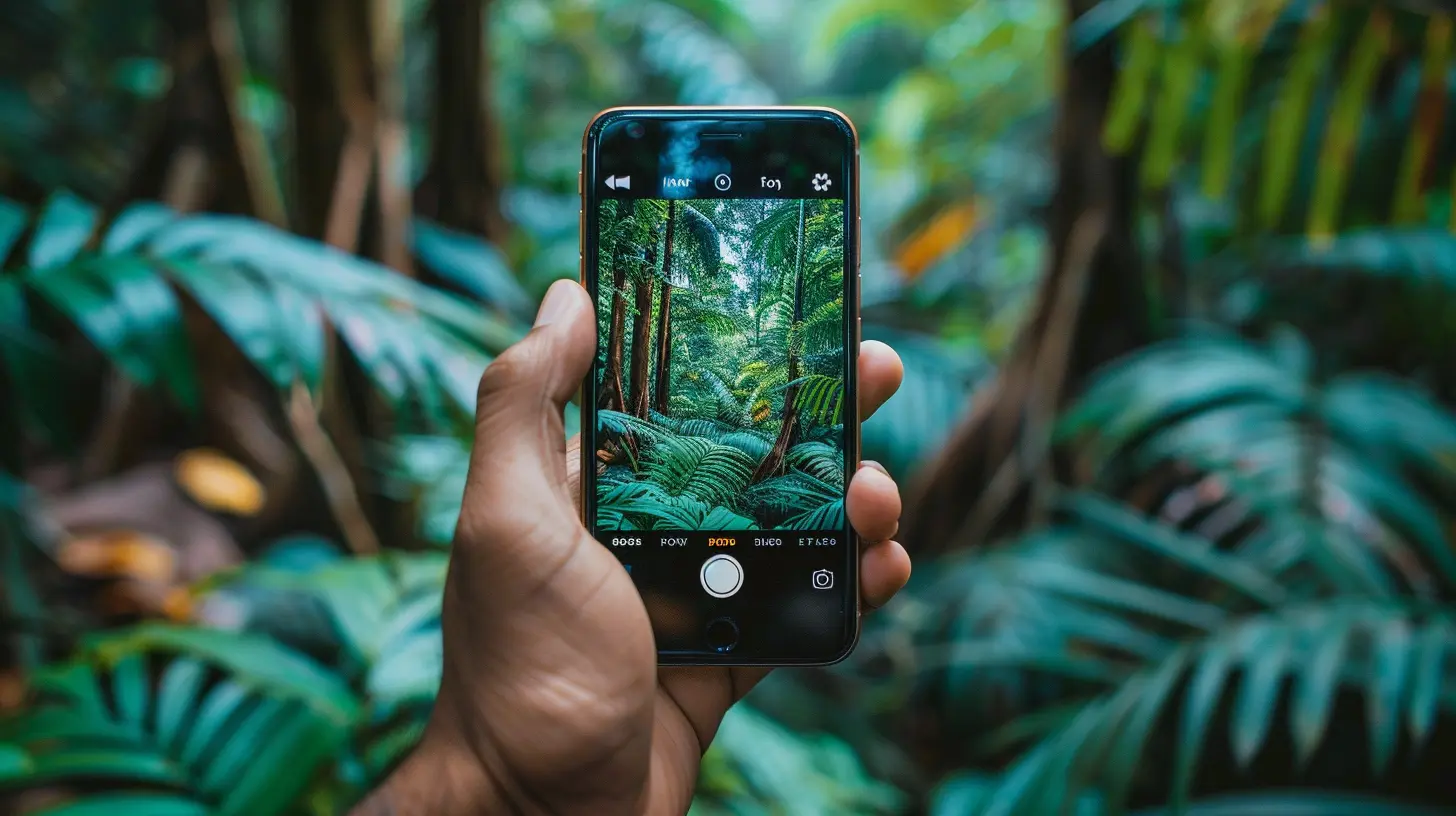
1. Clean Your Lens – Seriously, Just Do It!
Let’s start with the basics—your phone's camera lens! Think about it. Your phone is in your pocket, hands, bag, or on a table most of the time. It collects dust, fingerprints, and smudges without you even noticing.A quick wipe with a soft cloth can make a huge difference in clarity. You'll be surprised how much sharper and clearer your photos look just by cleaning the lens.
2. Light Is Everything
Lighting is photography’s best friend. In simple terms, bad lighting = bad photos. Natural light is your best option, especially during the golden hour (that magical time after sunrise or before sunset).Here’s a quick breakdown:
- Soft morning/evening light creates warm, flattering tones.
- Midday sunlight is harsh and can lead to strong shadows.
- Indoor lighting needs to be balanced to avoid yellowish or blue-tinted photos.
If natural light isn’t an option, try positioning your subject near a well-lit area like a window.
3. Never Use Digital Zoom
Zoom on a smartphone? Just don’t.When you pinch to zoom, you’re not really getting closer—you’re just cropping the image, which leads to loss of detail and pixelation. Instead, physically move closer to your subject if possible. If that’s not an option, take the photo without zooming and crop it later while editing.
4. Use Gridlines for Better Composition
If you want to instantly improve your photography game, turn on the gridlines in your camera settings.The rule of thirds is a simple yet powerful photography technique. Imagine breaking your image into nine equal parts with two vertical and two horizontal lines. Position your subject along these lines or at their intersections for a balanced and engaging composition.
5. Adjust Exposure Manually
Most people snap a photo without adjusting anything. Big mistake!Your phone's camera auto-adjusts brightness, but it’s not always accurate. Tap on your subject and manually adjust the exposure by sliding up or down. This is especially useful in low-light conditions or when there's a bright background.
6. Don’t Overdo HDR
HDR (High Dynamic Range) blends multiple exposures to create a well-lit image. While it can enhance photos, using it excessively can make pictures look unnatural.When to use HDR?
- Scenes with high contrast (bright sky, dark foreground)
- Landscape shots where details matter
When to avoid HDR?
- Moving subjects (it can cause blurs)
- Already well-lit environments
Use it wisely for the best results.
7. Experiment with Different Angles
Most people take pictures from eye level. But the real magic happens when you change your perspective.Try:
- Low angles for dramatic effects
- High angles for a fresh look
- Side angles for depth and interest
Look around before snapping—sometimes the best shot isn’t right in front of you.
8. Use Portrait Mode (But Keep It Subtle)
Portrait mode is fantastic for blurry backgrounds (bokeh effect), making your subject pop. However, overdoing it can make your image feel artificial.Ensure that:
- The edges of your subject remain sharp.
- The background blur looks natural.
- Lighting is adequate so your phone can properly separate the subject.
9. Capture Motion with Burst Mode
If you’re photographing moving subjects—like kids, pets, or sports—use burst mode. This feature takes multiple shots in a split second, allowing you to select the best frame.Simply hold down the shutter button (or volume key on some phones), and your phone will fire off a series of photos. Pick the sharpest one and delete the rest!
10. Edit Like a Pro (But Don’t Overdo It)
Editing is the finishing touch that can make your photos go from good to great. However, avoid excessive filters that make images look unnatural.Great apps for editing:
- Snapseed: Free, powerful, and easy to use.
- Lightroom Mobile: Professional-grade editing tools.
- VSCO: Perfect for aesthetic filters and adjustments.
Stick to basic enhancements like adjusting brightness, contrast, sharpness, and color balance.
11. Avoid Using Flash (Most of the Time)
The built-in flash on phones is... well, not great. It often results in harsh shadows, unnatural skin tones, and overexposure.Instead, use available light sources like lamps, streetlights, or candles. If you must use flash, try covering it with a thin napkin or tissue to diffuse the light.
12. Pay Attention to Backgrounds
A cluttered background can ruin an otherwise perfect shot. Keep it clean and minimal to avoid distractions. If your background is too busy, move your subject or change your angle.Pro tip:
Look for leading lines or patterns in the background – they can add depth and make your photo more interesting.
13. Use Reflections and Shadows Creatively
Reflections in puddles, mirrors, or glass surfaces can create artistic photos. Shadows can add depth and drama to your shot.Experiment with how light interacts with your subject and surroundings—you might end up with a masterpiece!
14. Shoot in RAW (If Your Phone Supports It)
RAW photos retain more details compared to JPEG images. If you're serious about editing, shooting in RAW format gives you more flexibility when adjusting colors, lighting, and sharpness.Most flagship smartphones (iPhones, Samsung, Google Pixel, etc.) have RAW mode. Check your camera settings and enable it!
15. Be Patient and Keep Practicing
Photography isn’t about having the latest phone—it’s about developing an eye for great shots. Experiment, take multiple pictures, and analyze what works and what doesn’t.The more you practice, the better your photos will become. And remember, some of the best shots happen when you least expect them!
Final Thoughts
Mobile photography isn’t just about tapping the shutter button—it’s about seeing the world differently. With these simple yet powerful tips, you’ll be able to capture eye-catching, high-quality photos using nothing but your smartphone.So, grab your phone, start snapping, and let your creativity shine!
all images in this post were generated using AI tools
Category:
Mobile TechnologyAuthor:

Ugo Coleman
Discussion
rate this article
2 comments
Brooke Cross
Master these mobile photography tips, and elevate your skills to capture stunning images effortlessly every time!
December 12, 2025 at 3:47 AM
Ugo Coleman
Thank you! I'm glad you found the tips helpful—happy shooting! 📸
Paula Moore
Great tips! Utilizing natural light and composition can dramatically enhance mobile photography results.
December 6, 2025 at 12:23 PM
Ugo Coleman
Thank you! I'm glad you found the tips helpful—natural light and composition truly make all the difference in mobile photography!