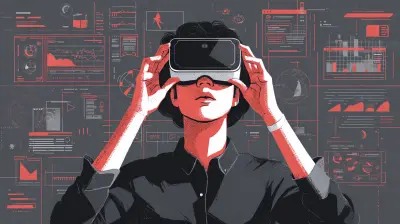
Why Virtual Whiteboards Are the Future of Team Brainstorming
22 August 2026
The whiteboard has been a staple of creative collaboration for decades. The smell of dry-erase markers, the squeak of a pen against a glossy surface, and the collective stare at a messy diagram that somehow makes sense are all part of a shared cultural memory. But that physical object, bound to a wall in a specific room, is becoming a limitation rather than a tool. The shift to remote and hybrid work has exposed the cracks in the traditional model, and virtual whiteboards have stepped in to fill a void that many teams did not realize existed until they tried to replicate a physical workshop over a video call.
The future of team brainstorming is not just about digitizing a canvas. It is about rethinking how ideas form, how they connect, and how they survive the brutal transition from a fleeting thought to a documented action item. Virtual whiteboards are not a replacement for the physical experience. They are an evolution, and understanding why they work requires looking at the mechanics of collaboration itself.

The Invisible Constraint of Physical Space
When you stand at a physical whiteboard, you are limited by what fits on the wall. You have a finite surface area, a limited number of markers, and the constant pressure of time because someone else needs the room. This creates a subtle but powerful bias toward linear thinking. You start at the top left, write down an idea, move to the next, and when you run out of space, you either erase something or stop contributing.Virtual whiteboards remove that constraint entirely. The canvas is infinite in practical terms. You can zoom out to see the entire landscape of a project or zoom in to refine a single node. This changes the cognitive load on the team. Instead of worrying about conserving space, participants can focus on generating and connecting ideas. The physical limitation was not a feature; it was a bug that we tolerated because we did not know any better.
Consider a product roadmap session. On a physical board, you might have three columns: Now, Next, Later. Once those columns are full, the conversation stops. On a virtual board, you can have the same three columns, but you can also have a parking lot for ideas that do not fit yet, a separate area for customer feedback, and a section for technical constraints. The board becomes a living document rather than a snapshot of a single meeting.

Asynchronous Collaboration Changes the Rules
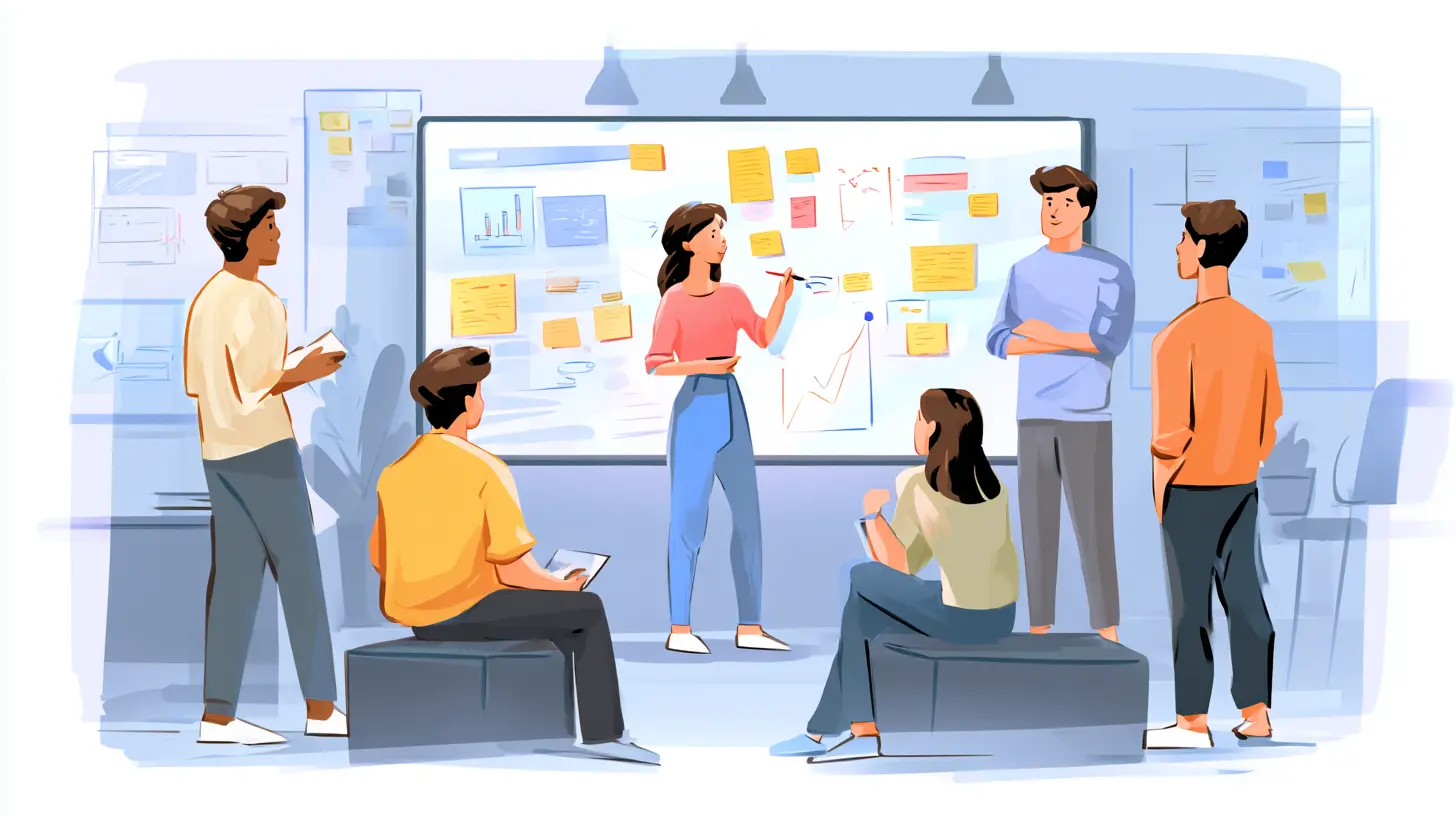
The most underrated advantage of virtual whiteboards is that they do not require everyone to be in the same room at the same time. Brainstorming is often treated as a synchronous event, a block on the calendar where everyone is expected to be creative on demand. But creativity does not work that way. Some people think best at 6 AM, others at 11 PM. Some need silence, others need background noise.A virtual whiteboard allows for asynchronous ideation. Team members can drop sticky notes, comments, and diagrams onto the board whenever inspiration strikes. The meeting becomes a review session rather than a generation session. This is a massive shift in how teams work. Instead of spending the first thirty minutes of a meeting waiting for the introverts to warm up, the ideas are already there. The meeting time is spent on synthesis, discussion, and decision-making, which are the activities that actually require human interaction.
This does not mean asynchronous brainstorming is always better. There is a certain energy that comes from a live session where people build on each other's ideas in real time. The trick is to use the virtual whiteboard for both modes. Start the board a few days before the meeting, let people add their thoughts, then use the live session to cluster, debate, and prioritize. This hybrid approach gets the best of both worlds and avoids the awkward silence that often plagues remote meetings.
The Death of the Lost Idea
One of the most frustrating aspects of physical brainstorming is the follow-up. Someone takes a photo of the whiteboard with their phone, but the photo is blurry, or the angle is wrong, or the handwriting is illegible. The photo sits in a chat thread, gets forgotten, and the ideas are lost. Even if the photo is good, the context is missing. Why was that sticky note placed next to that other one? What was the reasoning behind that arrow?Virtual whiteboards solve this problem elegantly because everything is already digital. The text is searchable. The connections are explicit. You can link a node to a document, a ticket, or a previous meeting note. The board becomes a permanent artifact that can be referenced months later. This is not just a convenience; it is a fundamental improvement in how knowledge is retained within an organization.
When a new team member joins, they can review the whiteboard from a past brainstorming session and understand not only what was decided but also what alternatives were considered and why they were rejected. This institutional memory is invaluable. Physical whiteboards are ephemeral by nature, and that ephemerality forces teams to re-learn their own reasoning over and over again. Virtual boards break that cycle.
The Power of Visual Thinking at Scale
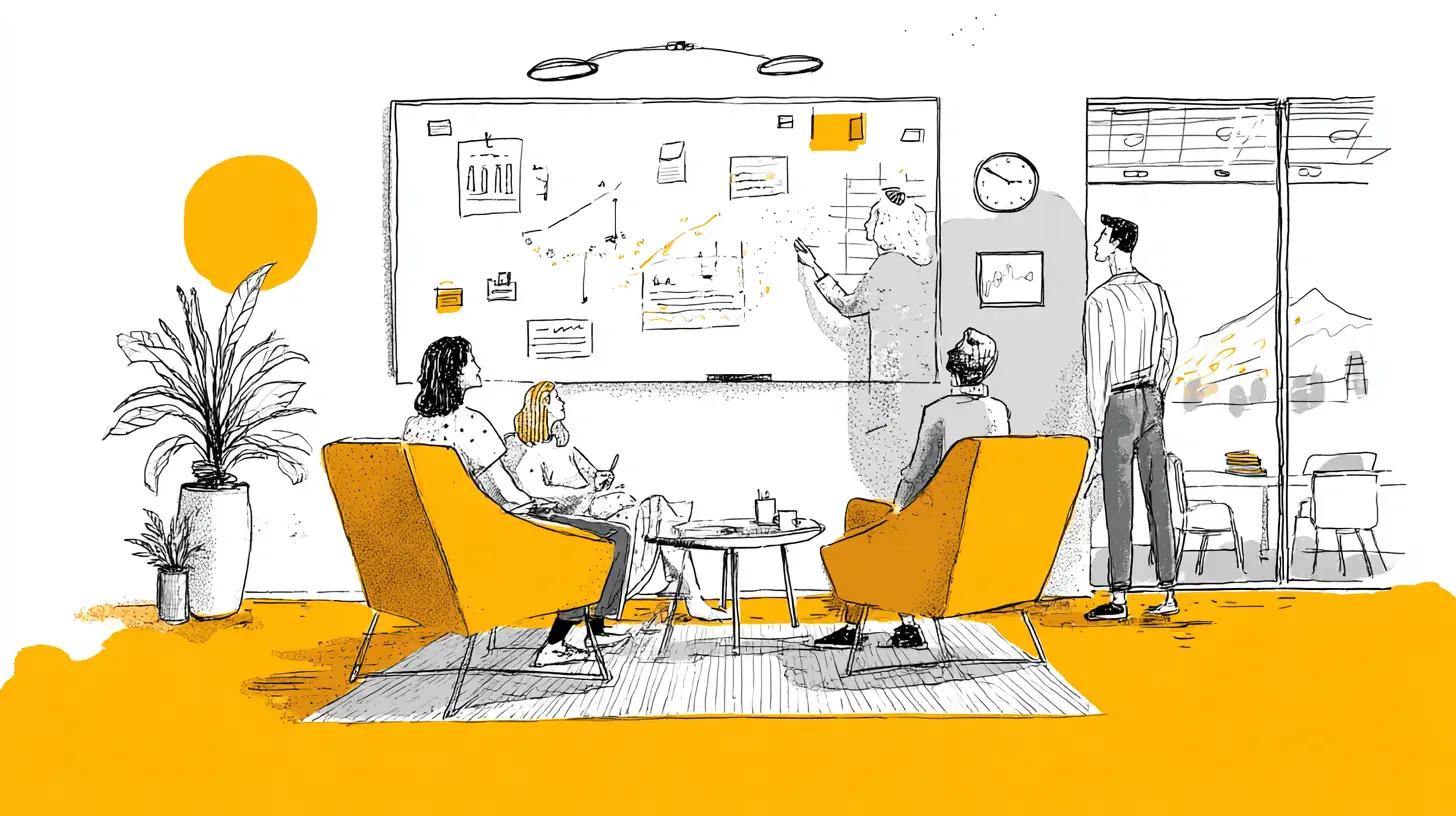
Human beings are visual creatures. We process images faster than text, and we understand relationships between concepts better when they are represented spatially. Virtual whiteboards amplify this natural ability. You can drag a note next to another note to imply a relationship. You can draw a line to show causality. You can use colors to indicate priority or sentiment.The digital format allows for a level of visual richness that physical boards cannot match. You can embed images, videos, and links directly into the board. You can use templates for specific use cases like SWOT analysis, user journey mapping, or retrospective sessions. These templates are not just pretty layouts; they encode best practices and guide the team through a structured process that might otherwise be skipped.
However, there is a common mistake here. Teams often treat virtual whiteboards as a direct copy of their physical process. They draw boxes and arrows and call it a day. This is a missed opportunity. The real power comes from using the digital capabilities that have no physical equivalent. For example, you can have a voting system where team members place a checkmark next to the ideas they support. You can have a timer for each discussion point. You can create private sections where people can jot down ideas without fear of judgment, then reveal them later.
Common Misconceptions and Pitfalls
There is a belief that virtual whiteboards are only for design teams or tech startups. This is false. Any team that needs to generate, organize, or evaluate ideas can benefit, from marketing departments planning a campaign to HR teams designing a new onboarding process. The tool is agnostic to the domain; it is the methodology that matters.Another misconception is that virtual whiteboards are just a fancy replacement for a shared document. This is a dangerous assumption. A document is linear. It has a beginning, a middle, and an end. A whiteboard is spatial. It allows for non-linear thinking, which is often where the most innovative ideas come from. If you try to force a whiteboard session into a document format, you lose the very thing that makes it valuable.
The biggest pitfall is the lack of facilitation. A physical whiteboard has a natural facilitator, the person holding the marker. On a virtual board, anyone can add anything at any time, which can lead to chaos. Without a clear structure, the board becomes a dumping ground for random thoughts. This is not the fault of the tool; it is a process failure. Teams need to establish ground rules before starting. Who owns the board? What is the goal of the session? How will decisions be made? These questions need answers before the first sticky note is created.
The Trade-Off: Losing the Physical Connection
It would be dishonest to claim that virtual whiteboards are superior in every way. There is a tactile element to physical collaboration that is difficult to replicate. The act of writing by hand engages different cognitive processes than typing. The physical proximity of team members creates a social pressure that can be positive, pushing people to contribute and stay engaged.For certain types of sessions, particularly those that require high levels of emotional intelligence or trust-building, a physical whiteboard might still be the better choice. A team offsite, a conflict resolution session, or a small group working through a sensitive issue might benefit from the intimacy of a physical space. The key is to know when to use which tool. Virtual whiteboards are not a universal solution; they are a powerful option that should be part of a team's toolkit, not the only tool.
The trade-off is also about technology fatigue. Some team members may feel overwhelmed by yet another digital tool to learn. This is a legitimate concern. The solution is not to abandon virtual whiteboards but to invest in proper onboarding and to use the tool consistently so that it becomes second nature. A tool that is used once a month will always feel awkward. A tool that is used weekly becomes part of the workflow.
Real-World Application: A Product Team Example
Imagine a product team responsible for a mobile banking app. They need to brainstorm features for the next quarter. In the past, they would have booked a conference room, drawn a few columns on a whiteboard, and spent two hours arguing about what to build. The result would be a photo of the board and a follow-up email summarizing the decisions.With a virtual whiteboard, the process looks different. The product manager creates a board a week before the session. The board has sections for User Pain Points, Technical Constraints, Business Goals, and Wild Ideas. The team adds notes throughout the week, some in the evening after they have had time to think, some during a break in their day. By the time the meeting arrives, there are thirty ideas waiting.
The meeting is focused on grouping these ideas into themes. The team uses the voting feature to prioritize the top five. They draw connections between a user pain point and a possible feature, and they realize that two seemingly unrelated ideas are actually part of the same solution. By the end of the hour, they have a clear visual representation of the quarter's roadmap. The board is saved, linked to the project management tool, and referenced in every subsequent meeting.
This is not a hypothetical scenario. This is how modern teams operate. The difference is not just in efficiency; it is in the quality of the output. The asynchronous period allowed for deeper thinking. The visual format allowed for better synthesis. The permanent record allowed for accountability.
Best Practices for Getting Started
If you are new to virtual whiteboards, start small. Do not try to migrate your entire brainstorming process in one day. Pick a single recurring meeting, like a weekly team sync or a monthly retrospective, and move that session to a virtual board. Use a simple template. There are many built-in templates that are designed for specific scenarios, and they save you from starting from a blank canvas.Set clear rules for participation. Decide whether notes should be anonymous or attributed. Decide whether the board is open for editing before the meeting or locked until the session starts. These small decisions have a big impact on the dynamics of the session. If you want to encourage candid feedback, anonymity might be the way to go. If you want to build accountability, attributed notes are better.
One of the most effective practices is to assign a dedicated facilitator for each session. This person is not a participant; their job is to manage the flow, keep time, and ensure that the board does not become chaotic. The facilitator can also be responsible for cleaning up the board after the session, grouping similar ideas, and turning the visual chaos into a structured summary.
The Role of Templates
Templates are often dismissed as a crutch, but they are actually a form of institutional knowledge. A good template encodes the steps of a proven process. For example, a retrospective template might have sections for What Went Well, What Went Wrong, and Action Items. This structure ensures that the team does not skip the uncomfortable part of discussing failures.However, templates should not be followed blindly. They are a starting point, not a cage. A team that uses the same template for every session will eventually fall into a rut. The best approach is to have a library of templates and to rotate them or modify them based on the specific needs of the session. The goal is to use the template as a scaffold, not as a substitute for thinking.
The Future Is Hybrid
The future of team brainstorming is not exclusively virtual. It is hybrid. Teams will have members in the office and members remote, and the whiteboard needs to work for both. Virtual whiteboards are uniquely positioned to handle this reality. When you project the board onto a large screen in a conference room, remote participants can see the same content as the people in the room. Everyone can add notes, move items, and vote, regardless of their physical location.This level of inclusivity is a game-changer. In the past, remote participants were often second-class citizens in brainstorming sessions. They could hear the conversation, but they could not see the whiteboard clearly, and they certainly could not interact with it. A virtual whiteboard levels the playing field. The person working from home has the same ability to contribute as the person standing at the front of the room.
The challenge is to ensure that the physical participants do not dominate the session. This requires a facilitator who is conscious of the remote participants and actively brings them into the conversation. It also requires the team to be comfortable with silence, because remote participants may need a moment to unmute and speak. The virtual whiteboard is the equalizer, but it is not a magic solution. It requires intentional effort from the whole team.
Conclusion: A Tool, Not a Trend
Virtual whiteboards are not a passing fad. They are a response to a fundamental shift in how work gets done. The rise of remote work, the need for asynchronous communication, and the demand for better knowledge management have all converged to make the virtual whiteboard an essential tool for modern teams.But the tool is only as good as the process around it. A virtual whiteboard does not make a bad brainstorming session good. It makes a good brainstorming session scalable, recordable, and accessible. The teams that succeed will be the ones that treat the whiteboard as a canvas for thinking, not as a digital version of a meeting room prop. They will invest in facilitation, establish clear rules, and use the tool to capture not just the final decisions but the journey that led to them.
The physical whiteboard served us well. It gave us a shared space to think. But the future demands more. It demands that our ideas can travel across time zones, survive the end of a meeting, and evolve with the project. Virtual whiteboards deliver on that promise, and that is why they are not just the future of team brainstorming. They are the present.
all images in this post were generated using AI tools
Category:
Tech For Remote WorkAuthor:

Ugo Coleman
Discussion
rate this article
1 comments
Elin Lee
Brainstorming just got cooler!
August 27, 2026 at 2:34 AM
Ugo Coleman
Glad you think so! Virtual whiteboards really do bring a new vibe to brainstorming.