Creating a Mobile Office with Minimal Gear
19 August 2026
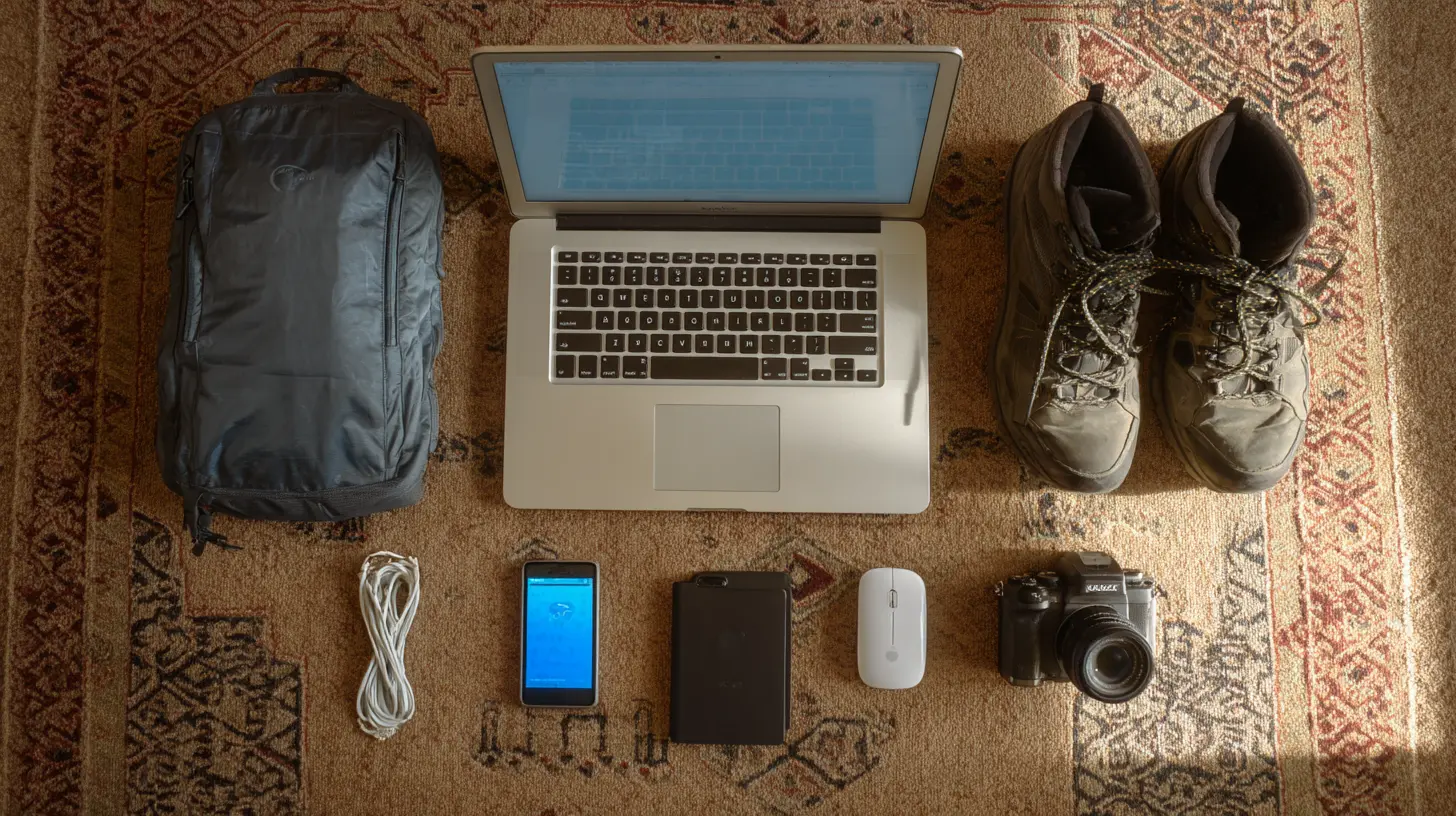
The idea of a mobile office usually brings to mind a backpack stuffed with a laptop, a tablet, a smartphone, two power banks, a portable monitor, a mechanical keyboard, a mouse, a webcam, a microphone, and enough cables to trip a small elephant. But the truth is, the more gear you carry, the less mobile you actually are. Every extra pound is a tax on your energy, your focus, and your willingness to leave the house. The real skill is not in packing more capability into a bag, but in stripping away everything that does not directly serve the work you actually do.
I have spent years working from trains, airport lounges, coffee shops, park benches, and the occasional questionable ferry. What I have learned is that minimal gear is not about suffering with less. It is about designing a system where the tools disappear and the work takes center stage. The goal is to reach a point where you can stand up, close your bag, and walk away without a single moment of hesitation or a single cable left behind.
Why Minimal Gear Wins Over Maximal Gear
There is a seductive appeal to carrying a full desktop replacement kit. You feel prepared for any scenario. But that preparation comes at a cost. The first cost is physical. A heavy bag drains your energy before you even sit down. The second cost is cognitive. Every device you carry is a decision you have to make. Should I use the laptop or the tablet? Do I need the external monitor for this task? Where is the HDMI adapter? These micro-decisions fragment your attention.The third cost is social and practical. When you walk into a meeting with a massive bag, you are signaling that you are burdened. When you pull out a single sleek laptop and a phone, you look agile. More importantly, you are more agile. You can relocate in seconds. You can work from a standing desk, a low table, or even your lap without rearranging a whole ecosystem.
Minimal gear also forces you to clarify your actual workflow. If you only have one device, you cannot pretend you will do video editing on the train. You will focus on writing, coding, email, or whatever your core task is. This constraint is not a limitation. It is a filter that keeps you honest about what you really do all day.
The Core Device: Choose One, Not Three
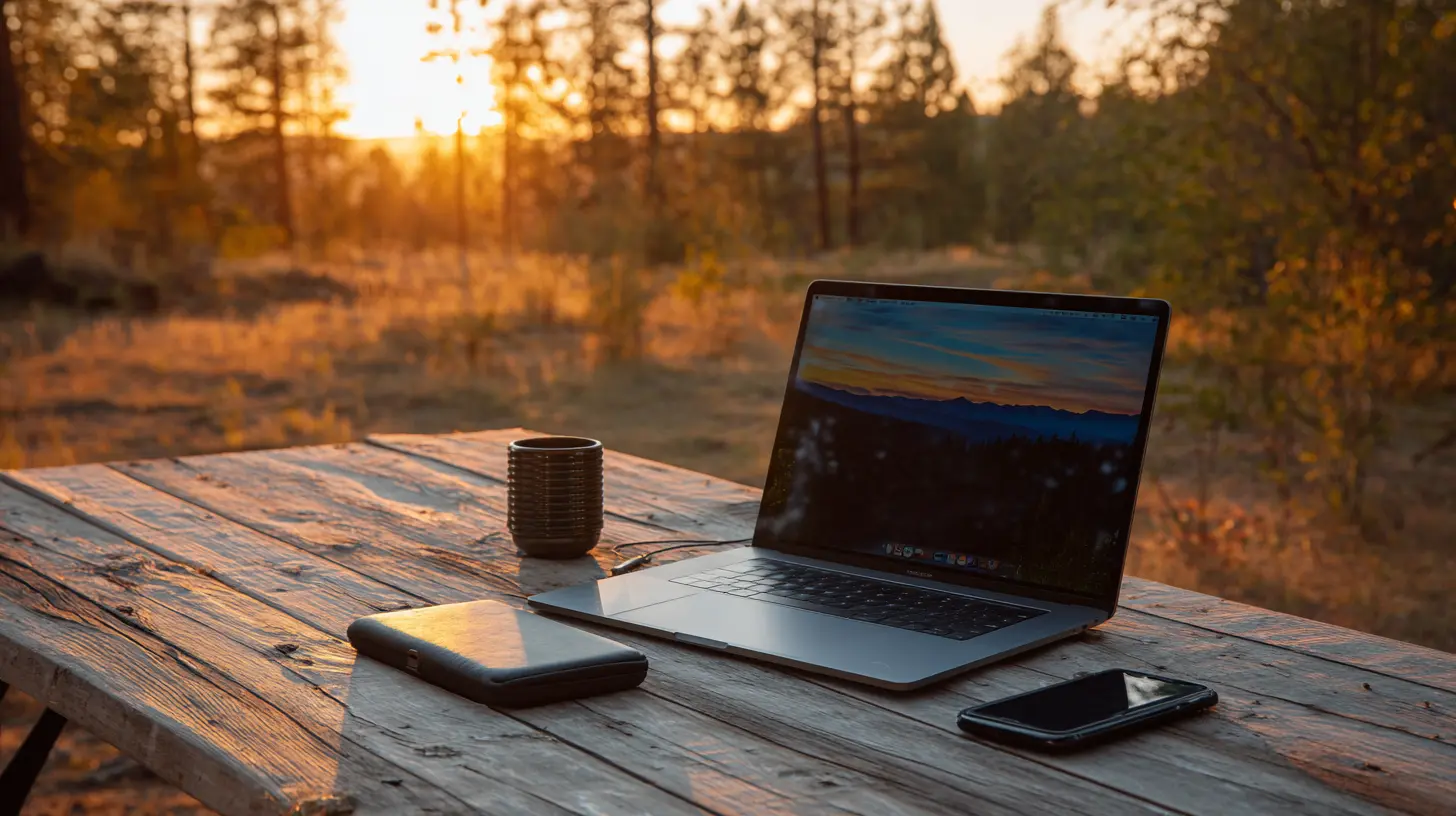
The foundation of a minimal mobile office is a single primary device. For most people, that is a laptop. But not just any laptop. It needs to be light enough to forget you are carrying it, powerful enough to handle your real workload, and durable enough to survive the chaos of travel.Look for a laptop in the two to three pound range. The specific brand matters less than the balance of three factors: battery life, keyboard comfort, and port selection. Battery life is obvious. You do not want to hunt for outlets. But keyboard comfort is often overlooked. A cramped keyboard will slow you down and cause fatigue. If you type more than a few paragraphs a day, test the keyboard before you buy. Port selection is about future-proofing. You need at least one USB-C port for charging and data, and ideally a second one for peripherals. An HDMI port is a bonus, but not essential if you are willing to carry a small adapter.
Here is the trade-off. A 13-inch laptop is easier to carry but harder to use for extended periods. A 15-inch or 16-inch laptop is more comfortable but heavier. My recommendation is to lean toward the smaller size if you move frequently, and the larger size if you mostly work from a single location like a hotel room or a friend's apartment. There is no universal answer. The right choice depends on whether you value portability or screen real estate more.
A tablet can serve as your primary device, but only if your work is limited to writing, email, and light browsing. The moment you need to run a complex spreadsheet, manage files across multiple folders, or use a specialized desktop application, the tablet becomes a frustration. If you choose a tablet, get a physical keyboard case. Typing on glass is a temporary solution that will make you hate every long email.
The Smartphone as a Silent Partner
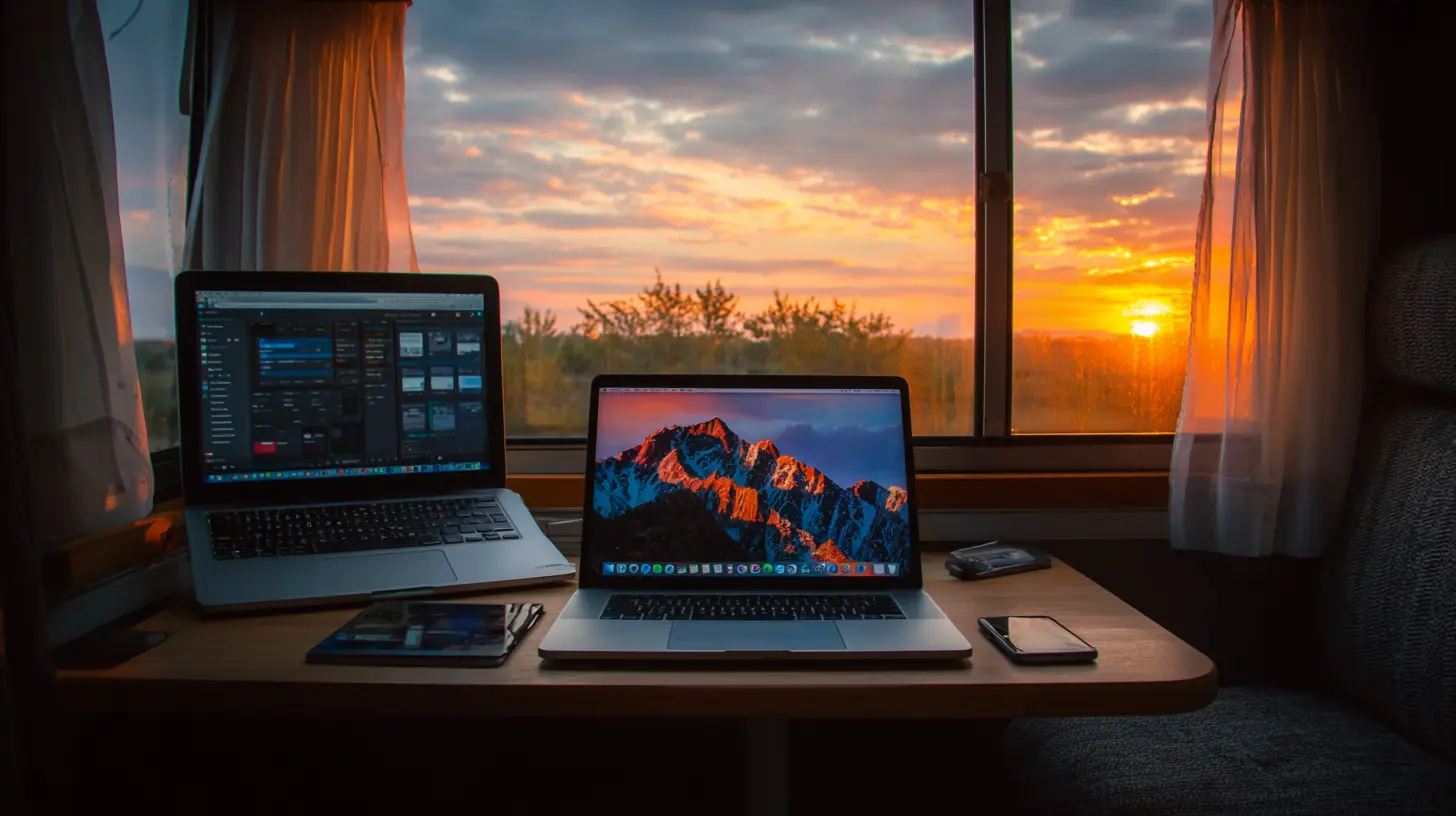
Your smartphone is not a second computer. It is a companion that handles the tasks that are awkward on a laptop. Use it for quick calendar checks, two-factor authentication, mobile payments, and navigation. It is also your backup if your laptop dies or gets stolen. For that reason, keep your most critical files synced to your phone. A note-taking app with offline access, a password manager, and a copy of your boarding passes are non-negotiable.Do not buy a separate mobile hotspot unless you have a specific need. Most smartphones can share their connection via personal hotspot. The battery drain is real, but for occasional use it is fine. If you work on the road all day, every day, then a dedicated hotspot might make sense. But for most people, the phone is enough. This is a classic case where minimal gear wins because it removes an extra device to charge, an extra SIM card to manage, and an extra bill to pay.
The Power Strategy: Fewer Batteries, More Sense
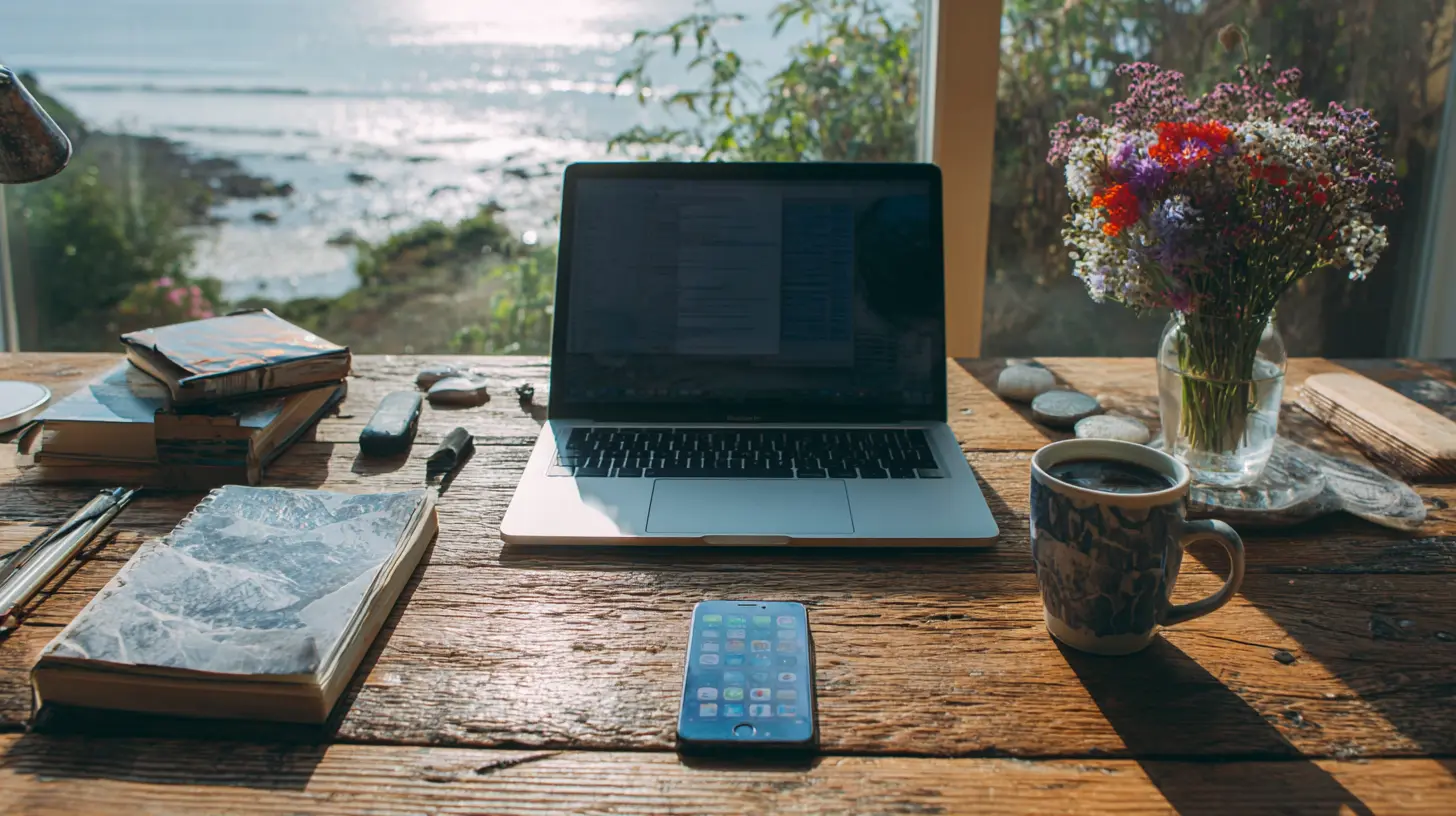
The biggest mistake in mobile office setups is carrying multiple power banks, each with different capacities and cable types. Simplify. You need one power bank that can charge your laptop and your phone. Look for one with USB-C Power Delivery and at least 20,000 mAh capacity. That will give you one full laptop charge and one or two phone charges. Any more than that, and you are carrying dead weight.Cables are where minimalism goes to die. You need exactly two cables. One USB-C to USB-C cable for charging and data. One USB-C to Lightning or USB-C to whatever your phone uses, if it is different. That is it. If you need to connect to a monitor or projector, carry a single small adapter that converts USB-C to HDMI. Do not carry a separate cable for every device you own. Consolidate.
A common misconception is that you need to charge everything overnight. With minimal gear, you only have two devices to charge. Your laptop and your phone. Plus the power bank. That is three items. Set up a small charging station in your bag or on your desk. Plug them in when you sleep. Unplug in the morning. This routine takes thirty seconds, not thirty minutes.
The Bag: The Most Underrated Piece of Gear
Your bag is the container for everything, and it gets more abuse than any other item you own. A bad bag will ruin your back, your mood, and your gear. A good bag is one you do not think about. It should have a dedicated padded compartment for your laptop, a small pocket for your power bank and cables, and a larger space for a notebook and maybe a light jacket. That is all you need.Do not buy a bag with twenty pockets. You will lose things in them. Do not buy a bag that looks like tactical military gear unless you are actually going hiking. A simple, clean backpack or a messenger bag with a solid strap works best. The material should be water-resistant. The zippers should be sturdy. The shoulder straps should be padded. Try the bag on with your gear inside before you buy it. A bag that feels fine empty can feel terrible loaded.
The rule of thumb is that your bag should never weigh more than ten percent of your body weight when fully loaded. If it does, you are carrying too much. This forces a hard limit. If your laptop weighs three pounds, your bag weighs two, and your accessories weigh two, you are at seven pounds. That leaves room for a notebook and a snack. That is a healthy mobile office.
The Notebook and Pen: Analog Still Matters
In a world of digital everything, a physical notebook and a single pen are surprisingly powerful. They never run out of battery. They work in direct sunlight. They do not interrupt you with notifications. And they force you to think in a different way. Writing by hand engages different cognitive processes than typing. It is slower, which is often exactly what you need when you are brainstorming or planning.Use the notebook for sketches, mind maps, meeting notes, and quick calculations. Use your digital devices for the actual work product. This division of labor is efficient and practical. A small A5 or A6 notebook fits in any bag. A single gel pen or ballpoint pen is enough. Do not carry a pencil case full of markers and highlighters. You will not use them, and they add weight and clutter.
The trade-off here is that analog notes are not searchable and not automatically backed up. If you lose the notebook, the information is gone. To mitigate this, take a photo of important pages with your phone at the end of each day. This takes ten seconds and gives you a digital backup without forcing you to type everything out.
The Software Stack: Minimalism Is Not Just Hardware
Your mobile office is only as good as the software you run. The goal is to have a small set of tools that work offline, sync reliably, and do not require constant configuration. You do not need fifteen apps. You need five or six that cover your core functions.For writing, use a simple text editor or a dedicated writing app that autosaves to the cloud. For spreadsheets and documents, a full office suite is often overkill, but you need compatibility with what other people send you. Cloud storage is essential, but pick one provider and stick with it. Do not split your files across Dropbox, Google Drive, and OneDrive. That is a recipe for confusion.
Email is the one app that everyone needs. Set it up to work offline so you can read and draft messages without a connection. Use a password manager. This is non-negotiable. You will be logging into networks and sites from unfamiliar locations, and you cannot afford to reuse weak passwords. A password manager is a single piece of software that protects your entire digital life.
The misconception is that you need a VPN for security. That is not always true. A VPN protects your privacy from your internet service provider and from snoopers on public Wi-Fi. But it does not protect you from phishing or malware. Use a VPN if you regularly handle sensitive data on public networks. Otherwise, rely on HTTPS and common sense. Do not add a VPN to your stack just because it sounds professional.
Working from Cafes and Public Spaces
The romantic image of working from a coffee shop is often ruined by reality. The Wi-Fi is slow, the tables are small, and the noise is unpredictable. But with minimal gear, you can adapt. A laptop and a phone fit on any table. You do not need a docking station or an external monitor.The key to working in public is to have a task that does not require intense focus. Save your deep work for a quiet space. Use cafe time for email, scheduling, quick edits, and routine communication. This is not a compromise. It is a smart allocation of your attention. If you need to write a complex report, find a library or a coworking space instead.
A common mistake is to assume that every public space has reliable power outlets. They do not. This is why your power bank is essential. Another mistake is to assume that public Wi-Fi is secure. It is not. Use your phone's hotspot for anything sensitive, or avoid logging into important accounts until you are on a trusted network.
The Hotel Room Setup
Hotel rooms are where mobile offices either shine or fall apart. The furniture is often poorly designed for work. The bed is too soft, the desk is too small, and the lighting is terrible. Minimal gear helps here because you are not trying to recreate a desktop setup. You are working with what you have.Place your laptop on a stack of books or a folded towel to raise the screen to eye level. Use a separate keyboard and mouse if you have them. Wait, that adds gear. The better approach is to accept the laptop's built-in keyboard and trackpad and adjust your posture instead. Sit on a firm chair, not the bed. Put a pillow behind your lower back. Take breaks to stretch. This is not a glamorous solution, but it works.
If you regularly stay in hotels, consider carrying a small laptop stand. They are light and fold flat. A stand lifts the screen, improves airflow, and saves your neck. This is one of the few accessories that is worth the weight. The trade-off is that a stand takes up space and adds a few ounces. But for anyone who types for more than two hours a day on the road, the ergonomic benefit is worth it.
The Minimalist's Travel Kit
Let me give you a concrete example of a minimal mobile office that I have used for years. The bag is a simple 20-liter backpack. Inside, I have a 13-inch laptop that weighs 2.8 pounds. I have a 20,000 mAh power bank. I have one USB-C cable and one USB-C to HDMI adapter. I have a small A6 notebook and one pen. I have a zippered pouch with my passport, a few cards, and some cash. And I have a lightweight laptop stand that folds flat.That is the entire kit. It weighs about six pounds total. I can work from anywhere. I can write, code, do video calls, edit photos, and manage projects. I cannot do heavy video editing or run a full 3D rendering, but I do not need to do those things on the road. If I do, I rent a machine or use a cloud service.
This kit has survived flights, trains, buses, and long walks through unfamiliar cities. It has never failed me. The reason it works is that every item is essential and every item is high quality. There is no redundancy. There is no backup laptop. There is no backup power bank. There is just what I need.
When Minimal Gear Is Not Enough
There are times when minimal gear is the wrong choice. If you are a professional photographer or videographer, you need more equipment. If you are an architect who needs a large screen for CAD software, a 13-inch laptop will frustrate you. If you are giving a presentation that requires a specific adapter or a laser pointer, you need to carry that item.Minimalism is a tool, not a religion. The point is to reduce clutter, not to create a situation where you are unable to do your job. If you find yourself constantly borrowing equipment or apologizing for your setup, then you have gone too far. Add back the items that solve real problems. The key is to add deliberately, not habitually.
A common misconception is that minimal gear means cheap gear. That is false. Minimal gear is often more expensive because you are buying high-quality items that last. A durable laptop, a reliable power bank, and a well-made bag are investments. They save you money in the long run because you are not replacing broken or inadequate equipment every few months.
The Mental Shift
The biggest barrier to a minimal mobile office is not technical. It is psychological. People fear being unprepared. They fear that if they do not carry a specific gadget, they will need it and fail. This fear is almost always unfounded. In practice, you will rarely need the item you left behind. And when you do, you will find a workaround that is often better than the original plan.Let go of the idea that you need to be ready for every possible scenario. Instead, focus on being ready for the scenarios that actually happen. You need to write, communicate, and manage files. That is the core. Everything else is optional.
The freedom that comes from a light bag is real. You walk faster. You think clearer. You are not constantly adjusting the strap on your shoulder. You can stop for a coffee without feeling like a pack mule. You can take the stairs instead of waiting for the elevator. You can say yes to a last-minute meeting across town because you are not anchored to a heavy load.
Building Your Own Minimal Kit
If you want to build your own minimal mobile office, start with a list of your daily tasks. Write down the top five things you do every day. Then ask yourself what hardware is absolutely required for each. You will likely find that most tasks require only a laptop and an internet connection. From there, you can trim.Next, audit your current bag. Pull everything out. Make three piles: essential, sometimes useful, and never used. Be brutally honest. The sometimes useful pile is where most of your weight is hiding. Challenge every item in that pile. When was the last time you used it? If it was more than a month ago, it goes.
Finally, set a weight limit. Buy a small luggage scale or use a kitchen scale. Weigh your bag when it is empty and when it is full. Aim for a total weight under eight pounds. If you are over, remove items until you hit the target. This is a physical constraint that forces creative thinking. You will be surprised at what you can live without.
The Future of the Mobile Office
The trend in technology is toward smaller, lighter, and more integrated devices. Laptops are getting thinner. Tablets are getting more capable. Phones are becoming more powerful. Cloud computing means you do not need to store everything locally. This is good news for minimalists. The tools are already better than they were five years ago, and they will continue to improve.But do not wait for the perfect device. The current generation of hardware is more than enough. The limitation is not the gear. It is the mindset. The mobile office is not a collection of products. It is a way of working that prioritizes flexibility, focus, and freedom. When you embrace that philosophy, you will find that you need much less than you think.
The best mobile office is the one you do not notice. It is the one that lets you sit down anywhere, open your bag, and start working without hesitation. It is the one that lets you pack up in thirty seconds and walk away. It is the one that gives you the confidence to go anywhere and do your best work. That is the goal. And you can achieve it with a laptop, a phone, a power bank, and a notebook. Everything else is just noise.
all images in this post were generated using AI tools
Category:
Digital Nomad TechAuthor:

Ugo Coleman
Discussion
rate this article
1 comments
Taylor Franco
Innovative mobile offices challenge our perception of productivity, proving that efficiency thrives on simplicity rather than excess equipment or clutter.
August 22, 2026 at 1:03 PM