Essential Cybersecurity Tips for Digital Nomads in 2027
3 May 2026
You're sitting in a bustling coworking space in Chiang Mai, sipping an iced latte, and hammering out code for a client halfway across the globe. Life is good. But there's a nagging thought in the back of your mind: is that random public Wi-Fi network safe? Did you just accidentally log into a fake login page? Let's face it-digital nomads live on the edge, not just geographically but digitally. In 2027, the threats aren't just louder; they're smarter. So, let's cut through the noise and get real about keeping your digital life intact while you roam.

Why 2027 Is a Whole New Ball Game
Remember when cybersecurity meant just having a strong password? Yeah, those days are gone. By 2027, AI-powered phishing attacks can mimic your mom's texting style, and deepfake voice scams can trick you into authorizing a wire transfer. For digital nomads, the stakes are higher because you're always on the move. You're hopping between airports, cafes, and hotels, each with its own set of digital traps. The old advice like "don't click suspicious links" is still true, but it's not enough. You need a mindset shift.Think of your digital life as a backpack. You wouldn't leave your passport, cash, and laptop unzipped in a crowded market, right? So why leave your online accounts unprotected? In 2027, your cybersecurity hygiene is just as important as your travel insurance. Let's break down the essentials.
The Wi-Fi Wild West: How to Survive Public Networks
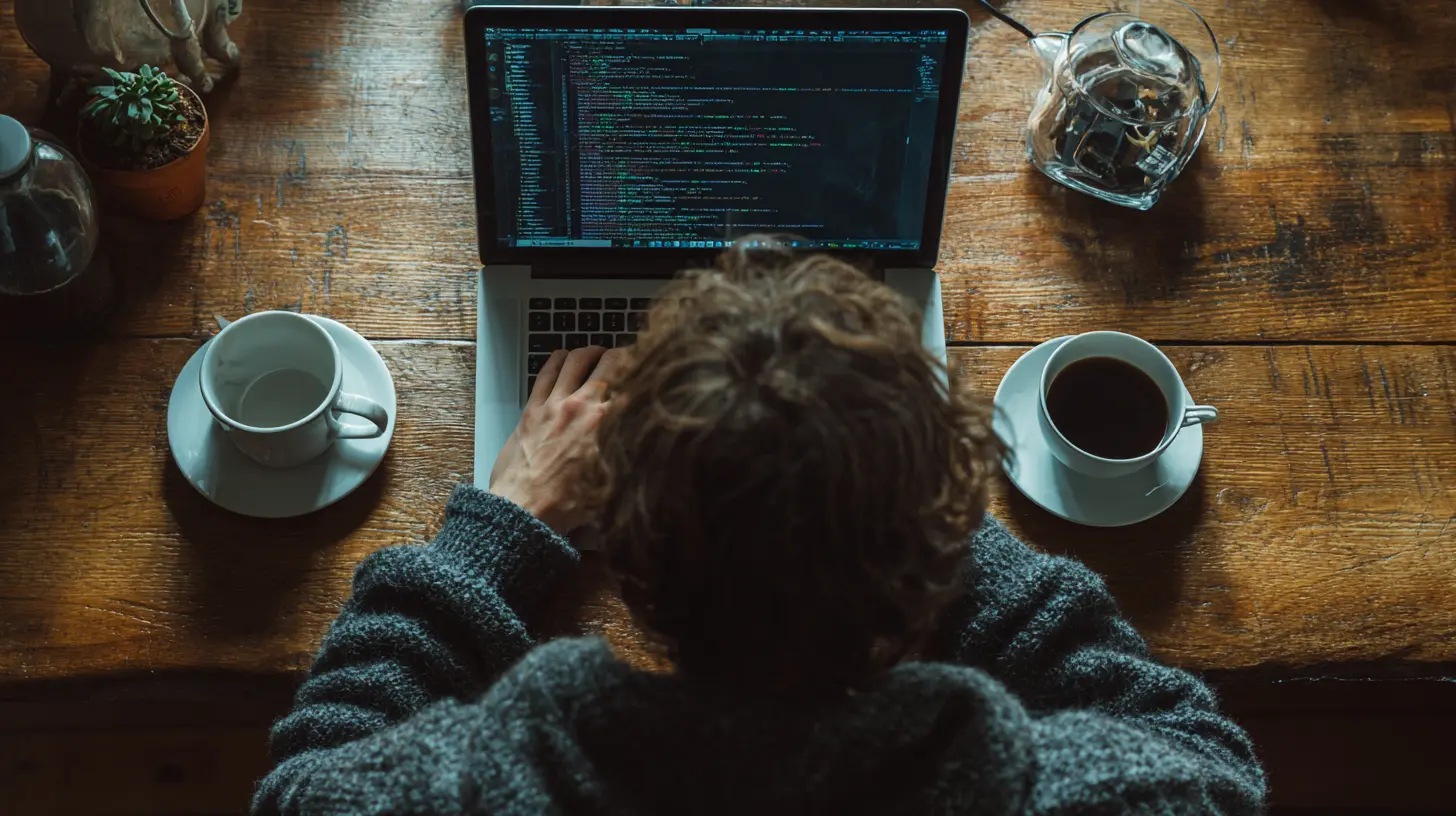
Public Wi-Fi is the digital nomad's bread and butter, but it's also the predator's playground. In 2027, hackers don't just set up fake hotspots with names like "Free Airport Wi-Fi." They've gotten clever. They use "evil twin" attacks-spoofing the exact SSID of the cafe you're in. You connect, and suddenly they can see every website you visit, every password you type.Here's the raw truth: never trust public Wi-Fi. Ever. Treat it like a stranger offering you a ride in an unmarked van. Instead, use a VPN (Virtual Private Network) as your digital armor. But not just any VPN. In 2027, free VPNs are often the worst-they sell your data or inject ads. Pay for a reputable one with a no-logs policy and kill switch. When the VPN drops, your internet drops too. That's the safety net you need.
Also, turn off auto-connect on your devices. You don't want your phone to silently latch onto a malicious network while you're walking through the airport. And for heaven's sake, use your phone's mobile hotspot instead of public Wi-Fi when you can. Yes, it eats your data plan, but it's cheaper than getting your bank account drained.

Password Managers: Your Digital Bouncer
I know, I know. You've heard this a hundred times. But let me ask you-do you still reuse passwords? Be honest. In 2027, that's like using the same key for your home, car, and safety deposit box. One breach, and everything's gone. Hackers use credential stuffing, where they take leaked passwords from one site and try them on a hundred others. It's automated and fast.A password manager is not optional. It's your digital bouncer. It generates and stores complex, unique passwords for every site, and you only need to remember one master password. But here's the kicker: enable multi-factor authentication (MFA) on that master password too. Yes, it's a pain to type in a code every time you log in, but that extra step stops 99.9% of automated attacks. In 2027, biometric MFA-like fingerprint or face scan-is standard. Use it.
And please, stop writing passwords on sticky notes. I've seen nomads do this at coworking spaces. That's like taping your PIN to your credit card.
Phishing in 2027: It's Personal Now
Phishing emails used to be easy to spot-bad grammar, weird URLs, and a sense of urgency. But AI has changed the game. In 2027, you'll get emails that sound exactly like your bank, your client, or even your mom. They'll reference your recent trip to Bali or the project you're working on. They'll use your name, your location, and your habits.How? Because data brokers sell your info. Your social media posts, your check-ins, your public calendar-all of it feeds into their algorithm. So, here's a hard rule: never click a link in an email or text that asks for personal info. Instead, open a new browser tab and type the website address yourself. If your bank says "urgent action required," call them directly. Not the number in the email-look it up.
Also, watch out for deepfake voice calls. Scammers can clone your voice from a 30-second TikTok video and call your client pretending to be you. In 2027, set a verbal code word with your clients and family for sensitive requests. It sounds paranoid, but it's the new normal.
Device Hygiene: Lock It Down
Your laptop, phone, and tablet are your office. If someone steals them, they don't just get hardware-they get your entire life. So, treat them like a vault. First, encrypt your devices. On a Mac, FileVault. On Windows, BitLocker. On your phone, full-disk encryption is usually on by default, but double-check. If someone steals your laptop, encryption means they can't read your files without your password.Next, use a strong screen lock. Not a swipe pattern or a 4-digit PIN. Use a complex password or biometrics. And set your devices to auto-lock after one minute. Yes, it's annoying, but it's better than someone snooping while you grab a coffee.
Also, keep your software updated. I know, those update notifications are annoying. But in 2027, zero-day exploits are patched fast. Hackers know that nomads often delay updates because they're on slow internet or just lazy. Don't be that person. Update your OS, apps, and browser as soon as a patch drops. It's like getting a vaccine for your device.
The Cloud: Your Digital Safety Net
You lose your laptop in a taxi in Ho Chi Minh City. What happens? If you've backed up everything to the cloud, you just buy a new one and keep working. If not, you're toast. In 2027, cloud storage is cheap and reliable. Use it.But here's the catch: encrypt your files before uploading them. Use tools like Cryptomator or VeraCrypt to create encrypted folders. Even if a cloud provider gets hacked, your files look like gibberish. Also, enable two-factor authentication on your cloud accounts. And don't store sensitive documents like passport scans in plain view. Use a dedicated password-protected folder.
For photos, consider using an app that automatically backs up but also strips geolocation data. You don't want strangers knowing the exact cafe where you took that latte art photo.
Social Media Oversharing: Stop Giving Away the Keys
I get it. You want to share your travel adventures. But in 2027, posting a photo of your boarding pass with the barcode visible is like handing a hacker your itinerary. That barcode contains your full name, flight details, and sometimes your passport number. Blur it out or don't post it.Also, avoid checking in to places in real time. Post that amazing sunset photo after you've left the location. Otherwise, you're telling everyone "I'm not home right now." That includes your Airbnb or hotel. Burglars love that.
And be careful with geotagged photos. Your phone's camera embeds GPS coordinates in every picture. Disable that in your camera settings, or use a tool to strip metadata before posting. You don't want a stalker to know your exact apartment balcony.
Financial Security: Protect Your Money
As a digital nomad, you're dealing with multiple currencies, online payments, and maybe even crypto. That's a big target. In 2027, use a separate bank account just for travel expenses. Keep your main savings in a different bank with stricter security. Use credit cards instead of debit cards for online purchases-credit cards have better fraud protection.For crypto, use a hardware wallet (like a Ledger or Trezor) and never store your seed phrase on your laptop or in the cloud. Write it down on paper and keep it in a safe place. And please, don't fall for "crypto recovery" scams. If someone promises to recover lost funds for a fee, it's a scam.
Also, monitor your accounts regularly. Set up alerts for any transaction over a small amount, like $10. Hackers often test with tiny purchases before going big.
Physical Security: Don't Forget the Real World
Cybersecurity isn't just about software. It's about where you leave your gear. In 2027, use a laptop lock when you're in a coworking space. It's a simple cable that attaches to your laptop and a desk. It won't stop a determined thief, but it will stop an opportunist.When you travel, keep your devices in a bag that's not obviously a laptop bag. A beat-up backpack or a canvas tote is less tempting than a sleek briefcase. And use a cable lock to secure your bag to your chair in cafes.
Also, be aware of shoulder surfers. Someone can watch you type your password from across the room. Use a privacy screen filter on your laptop. It's a thin film that makes your screen visible only to you.
The Human Element: Trust No One (Almost)
The biggest vulnerability is you. In 2027, social engineering is the top attack vector. A stranger at a coworking space might ask to borrow your charger. That charger could have a keystroke logger built in. Or they might ask to use your phone for a "quick call." Don't let them.Similarly, be wary of "helpful" strangers who offer to fix your Wi-Fi or install a "security update." They might be installing malware. Only trust people you've vetted, and even then, be cautious.
And here's a tough one: don't hook up with strangers and leave your devices unlocked. I've heard horror stories of nomads waking up to find their crypto wallets drained. Keep your digital life separate from your romantic adventures.
Emergency Plan: When Things Go Wrong
No matter how careful you are, stuff happens. You get phished, your laptop is stolen, or you click a bad link. In 2027, you need a response plan. First, have a list of all your accounts and recovery methods stored in a secure place (like a password manager, but also printed and locked away). If you lose access, you can recover quickly.Second, have a "burner" device-a cheap Chromebook or tablet with minimal data-that you can use to contact your bank and change passwords while your main device is compromised.
Third, know the local emergency numbers and have a backup way to communicate (like a separate email or a friend's number). In a crisis, you don't want to be locked out of everything.
The Bottom Line: It's About Habits, Not Tools
You can buy the best VPN, the strongest password manager, and the most expensive hardware wallet. But if you don't build good habits, they're useless. In 2027, cybersecurity for digital nomads is a lifestyle. It's about being paranoid in a healthy way. It's about pausing before you click, double-checking before you connect, and never assuming you're safe.Think of it like packing for a trip. You don't just throw everything in a bag and hope for the best. You plan, you check, you double-check. Your digital life deserves the same care. So, next time you're in that cafe in Chiang Mai, take a moment to lock your screen, check your VPN, and think twice before posting that boarding pass. Your future self will thank you.
all images in this post were generated using AI tools
Category:
Digital Nomad TechAuthor:

Ugo Coleman
Discussion
rate this article
2 comments
Sloane Vasquez
Great article! As we embrace the digital nomad lifestyle, it's crucial to prioritize cybersecurity. These tips are not just practical; they empower us to explore the world confidently. Stay secure, stay curious, and remember that a little preparation goes a long way in protecting our adventures online... Keep thriving!
July 13, 2026 at 4:17 AM
Ugo Coleman
Thank you for your thoughtful comment! I'm glad you found the tips useful. Safe travels and happy exploring!
Brooks Barlow
As digital nomads thrive in 2027, prioritizing cybersecurity is crucial. Simple practices like using VPNs, regularly updating software, and being cautious with public Wi-Fi can safeguard your data and ensure a secure online experience while traveling.
May 6, 2026 at 11:52 AM
Ugo Coleman
Thanks for highlighting these important tips. Staying secure online is essential for all digital nomads.