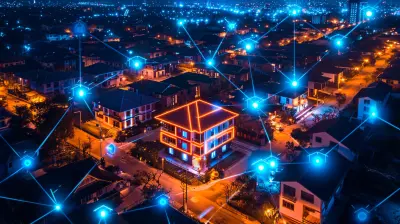
Exploring the Next Generation of Smart Door Locks
15 August 2026
You would think a door lock is about as exciting as a light switch. And for a hundred years, that was true. Then someone bolted a computer to a deadbolt, and now we have a category of hardware that sits at the intersection of convenience, security theater, and genuine home automation. The next generation of smart locks is not just about unlocking your door with a phone. It is about rethinking what a door even is in the context of a connected home.
I have installed, broken, and returned more smart locks than I care to admit. I have also watched neighbors make the same mistakes over and over. So let's cut through the marketing noise and look at what actually matters in 2025 and beyond. This is not a roundup of the latest models. This is a field guide to understanding the technology, the trade-offs, and the traps.
The Shift from Access Control to Presence Detection
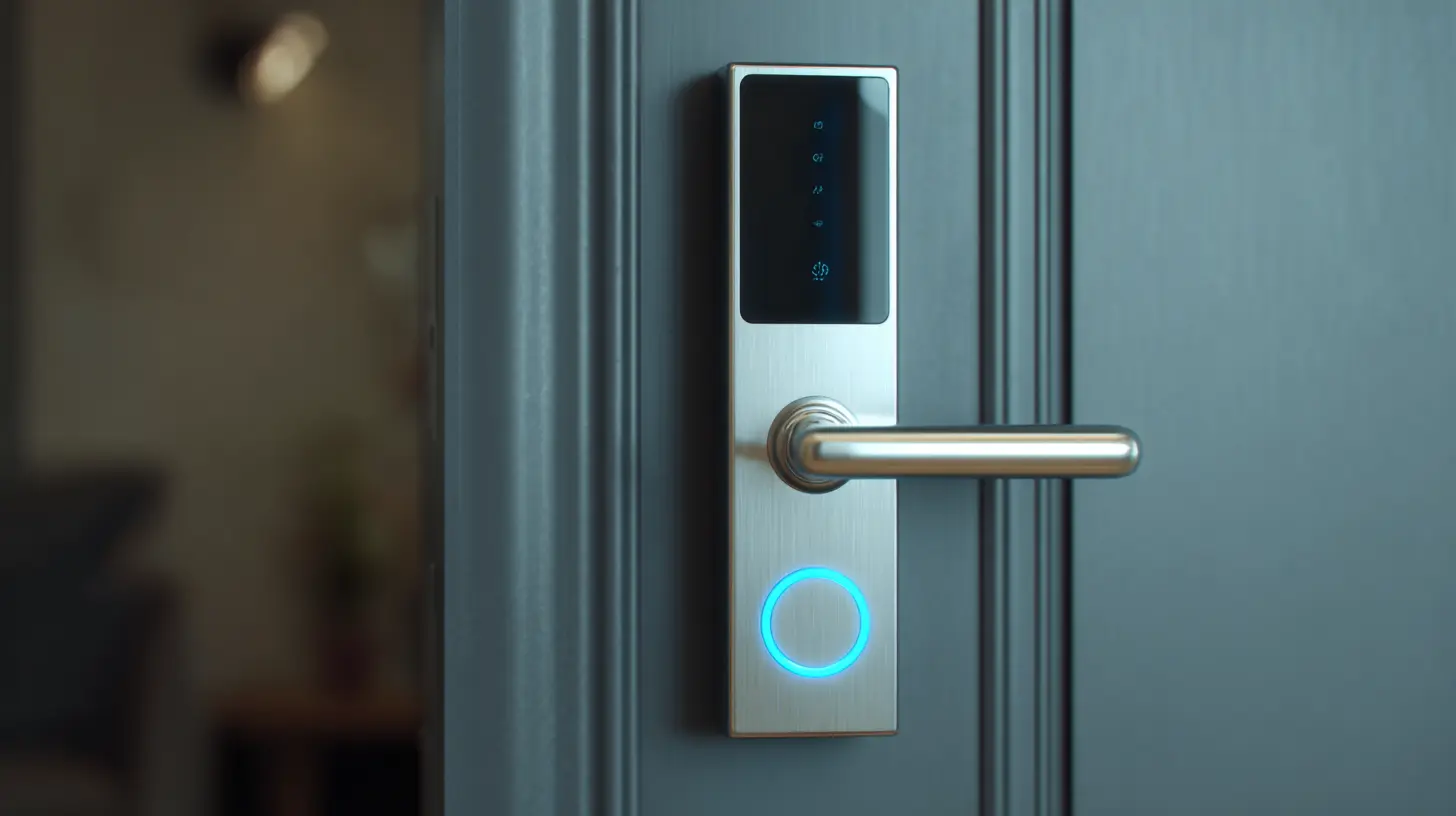
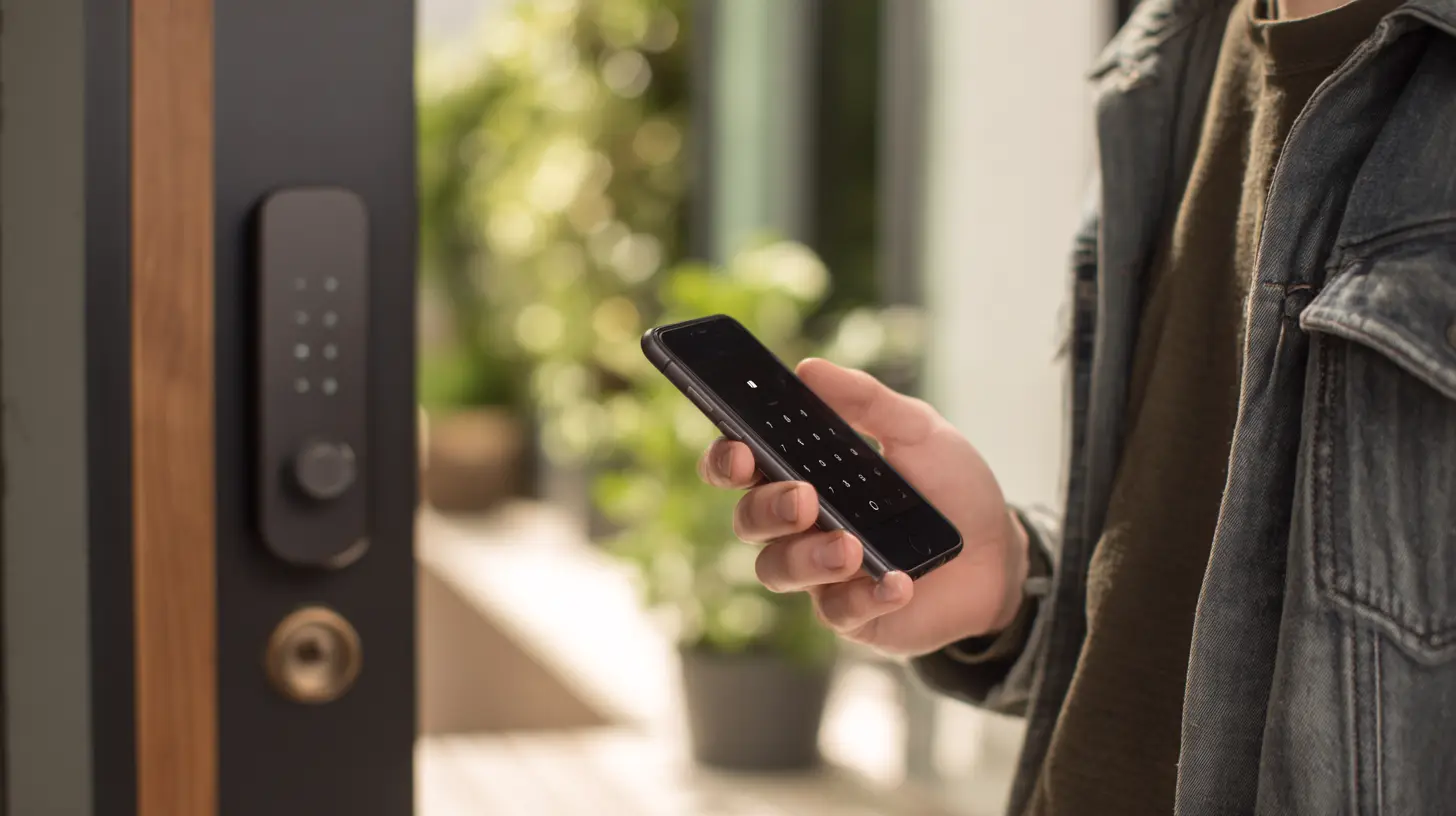
The old smart lock did one thing well: it replaced the physical key with a digital signal. You tapped a code, swiped a phone, or pressed a fingerprint sensor. That was a huge leap, but it was still a transaction. You asked for access, the lock decided yes or no. The next generation is moving toward a model where the lock knows who you are before you even reach for your pocket.This is the era of presence detection. Instead of you actively authenticating, the lock uses a combination of Bluetooth signal strength, ultra-wideband (UWB) ranging, and even Wi-Fi sensing to determine that you are approaching. Imagine walking up to your door with arms full of groceries. The lock recognizes your phone's unique signal pattern, confirms it is moving in a predictable path, and unlocks the deadbolt automatically. No app opening, no code typing, no fumbling.
The technology behind this is more nuanced than it sounds. Bluetooth alone is too imprecise. It can tell you are within ten feet, but that could mean the hallway or the neighbor's doorstep. UWB is the game changer here. It measures the time of flight of radio pulses, which gives you centimeter-level accuracy. This is the same tech used in Apple's AirTag and some car keys. When a lock has UWB, it can actually map your approach vector, meaning it can tell if you are walking toward the door or just passing by in the corridor.
But here is the caveat. Presence detection is only as good as its power management. Constant UWB scanning drains batteries. The best implementations use a low-power Bluetooth wake-up signal to trigger the UWB radio only when something is nearby. If a manufacturer skips this optimization, you will be changing batteries every two months instead of every two years. Always check the power architecture before you buy, not just the feature list.
Biometrics: Fingerprint Sensors Are Not All Equal
Fingerprint readers on door locks have been around for a while, but they are finally getting good. The first generation used optical sensors that could be fooled by a high-resolution photo or a molded gel print. The current generation uses semiconductor capacitive sensors, the same type found in modern smartphones. These read the electrical differences in your skin ridges, which makes spoofing much harder.However, there is a hidden problem that nobody talks about: dry skin. Capacitive sensors rely on your finger conducting a tiny electrical charge. In winter, or if you have naturally dry hands, the sensor may fail to read your print on the first, second, or third try. The good locks handle this with a multi-attempt algorithm that adjusts sensitivity. The bad ones just frustrate you until you pull out your phone.
Another issue is finger placement. A lock mounted vertically on a door has a different ergonomic angle than a phone held in your hand. The best sensors have a wide capture area and can read a finger at a slight angle. Cheaper ones require a precise, almost perpendicular press. Test this in a store if you can, or at least read reviews from people in dry climates. This is a classic case where the spec sheet says "fingerprint sensor" but the real-world experience varies wildly.
The Battery Problem Nobody Solves Elegantly
Every smart lock runs on batteries. That is a fact. The question is what happens when they die. The standard fallback is a physical keyhole hidden somewhere, usually at the bottom of the lock. That is fine, but it defeats the purpose of a keyless system if you have to carry a key anyway.The next generation is experimenting with energy harvesting. Some locks now have a small solar panel on the exterior, which trickle-charges a capacitor. This works surprisingly well if your door gets direct sunlight for even a few hours a day. But if you live in a shaded area or a rainy climate, the solar panel is just a decorative bump.
More practical is the emergency power port. Most locks have a hidden USB-C or micro-USB port on the bottom. You plug in a power bank, and the lock wakes up enough to let you in. This is standard, but the implementation matters. Some locks require the power bank to be plugged in for the entire unlock cycle, which can take ten seconds. Others just need a quick burst of power to authenticate and then they run on the residual charge. The latter is far better, because it means you can use a tiny keychain battery pack instead of hauling out a full-sized power bank.
There is also the question of battery type. Lithium-ion rechargeable packs are common in premium models, but they have a nasty habit of dying without warning. Alkaline AA batteries, on the other hand, give you a slow voltage drop that the lock can monitor. The best locks will warn you at 20 percent, then 10 percent, then 5 percent, and they will still operate at 1 percent, just slower. Avoid any lock that just shuts off at a certain voltage threshold. That is a design flaw, not a feature.
Connectivity: The Battle Between Thread, Zigbee, and Wi-Fi
The smart lock is useless if it cannot talk to your home network. But the choice of wireless protocol has massive implications for battery life, latency, and reliability.Wi-Fi is the most direct. The lock connects straight to your router, no hub required. This is great for remote access, but Wi-Fi is power hungry. A lock that uses Wi-Fi for every transaction will drain batteries in weeks, not months. The smarter approach is a hybrid. The lock uses Bluetooth for local communication with your phone, but it has a Wi-Fi radio that only wakes up when you need remote access. This is called "on-demand Wi-Fi" and it is the standard for good locks.
Zigbee and Z-Wave are mesh protocols. They are extremely reliable and low power, but they require a hub. The advantage is that your lock becomes part of a larger home automation mesh. You can trigger lights, cameras, or alarms based on lock state. The disadvantage is that you are locked into a specific ecosystem. If your hub dies, your lock becomes a dumb lock until you replace it.
Thread is the new kid on the block. It is an IP-based mesh protocol that works with Matter, the new smart home standard. Thread promises the best of both worlds: low power, direct internet connectivity, and interoperability. But it is still maturing. In my experience, Thread-based locks have had more connectivity hiccups than mature Zigbee systems. That said, the potential is huge. If you are building a new smart home from scratch, Thread should be on your list. If you have an existing setup, stick with what works.
The Local vs. Cloud Computation Debate
Here is a question most people never ask: where does the lock's decision logic run? On the device itself, or in the cloud?Cloud-dependent locks are easier to manufacture because they can offload complex processing to servers. They also allow for over-the-air updates and advanced features like temporary access codes that expire. But they have a fatal flaw: they stop working when your internet goes down. If you are relying on a cloud server to verify your fingerprint or code, and the server is unreachable, you are locked out.
Local processing is the opposite. The lock has a secure element, a dedicated chip that stores your credentials and does the verification on-device. This is faster, more private, and works offline. The downside is that firmware updates are more complex, and you may not get new features as quickly. The best locks use a hybrid approach. They process locally for immediate access, but they sync events and settings to the cloud when a connection is available.
My recommendation is simple: never buy a lock that cannot unlock at least one way without an internet connection. Look for the phrase "local authentication" in the specs. If you see it, you are safe. If you do not, ask the manufacturer directly. A vague answer is a red flag.
Physical Security: The Part Everyone Forgets
Smart locks are computers, but they are also pieces of metal that keep people out. The digital security gets all the attention, but the physical security matters just as much.The most common mistake is buying a smart lock that replaces only the interior thumb turn, leaving the exterior keypad and deadbolt as a single unit. These are often made of zinc alloy, which is fine, but the weak point is the mounting screws. If they are less than 2.5 inches long, a determined attacker can kick the lock right out of the door. Look for locks with through-bolts that anchor into a steel plate on the interior side.
Another issue is the ANSI grade. Grade 1 is commercial grade, Grade 2 is residential high-end, Grade 3 is builder grade. Most smart locks are Grade 2, which is acceptable. But some budget models are Grade 3, and they will fail after a few years of heavy use. The deadbolt mechanism itself should have a hardened steel bolt, not a brass one. Brass is softer and can be sawed through.
Then there is the "snap gun" problem. A lockpick gun can bypass many mechanical deadbolts in seconds. Smart locks with a motorized bolt are actually more resistant to this because the motor engages the bolt with a torque that is hard to replicate manually. But they are vulnerable to a different attack: the motor can be stalled. If an attacker inserts a thin tool into the bolt hole and applies pressure, the motor may overheat and shut down, leaving the bolt half-extended. Good locks have a clutch mechanism that disengages the motor after a few seconds of resistance. Check for this in the design.
Real-World Example: The Rental Property Nightmare
Let me give you a concrete scenario. You own a vacation rental. You want to give guests access without handing over a physical key. The old way was a lockbox with a code. The smart way is a lock with temporary codes.This sounds perfect, but there are hidden pitfalls. First, temporary codes are usually managed through an app. If the app goes down, you cannot revoke a code. Second, guests will share codes with each other. Third, the lock's audit trail may not show who actually used the code, only that it was used.
The next generation solves this with geofencing and time windows. A code is only active for the guest's check-in to check-out window. It also ties to the guest's phone, so the lock logs the specific device ID that unlocked it. This is a massive improvement for liability and security. But it requires the lock to have a robust clock and the ability to sync time with a server. If the lock's clock drifts, codes will activate or expire at the wrong times. This is a real issue with cheaper locks.
Another rental tip: choose a lock with a physical key override that is not easily accessible. Guests will lose their phones, they will forget their codes, and they will call you at 2 AM. You need a way to let them in remotely. Most premium locks allow you to unlock from the manufacturer's app, but that requires you to have the app open and a stable connection. Some locks also have a "guest access" feature that lets you send a one-time unlock link to their phone. Test this feature before you buy, because some implementations are clunky and require the guest to install an app.
The Misconception About "Smart" Means "Safe"
There is a dangerous assumption that a smart lock is inherently more secure than a dumb lock. That is false. A smart lock is a computer, and computers have vulnerabilities. The question is how the manufacturer handles those vulnerabilities.Look for locks that have received third-party security certification. The most common one is the UL 294 standard, which covers access control systems. It is not a guarantee of perfection, but it means the device has been tested for basic tampering and electrical safety. Also look for locks that use secure element chips, which are tamper-resistant microcontrollers that store encryption keys. If a lock does not have a secure element, your digital keys are stored in the main processor, which is easier to hack.
Firmware updates are another critical factor. A lock that never gets updates is a ticking time bomb. The best manufacturers push updates automatically, and they have a transparent vulnerability disclosure program. If you cannot find any information about how the manufacturer handles security research, assume the worst.
What to Buy: A Practical Decision Framework
Do not start with the brand. Start with your use case.If you live in an apartment and only need to let yourself in, a basic Bluetooth lock with a keypad is enough. You do not need remote access or cloud features. Save your money.
If you have a house with multiple family members, you want a lock with multiple authentication methods. Fingerprint for the kids, codes for the adults, and a physical key as a backup. Look for a lock that supports at least five different fingerprints and twenty different codes.
If you have a rental property, you need a lock with robust remote management, an audit trail, and time-based codes. This is where you should spend the extra money. The convenience is worth it, and the liability protection is essential.
If you are building a full smart home system, prioritize a lock that supports Matter or your existing hub's protocol. Do not buy a lock that only works with its own proprietary app. That is a dead end.
And for everyone, the golden rule: never buy a lock that you cannot physically bypass with a standard key. Digital systems fail. It is not a matter of if, but when.
The Future: Locks That Think
The next five years will bring locks that use on-device machine learning to recognize not just your fingerprint, but your gait, your weight distribution, and even the way you hold the handle. This is called behavioral biometrics, and it is already in research labs. The idea is that a lock could detect a burglar not by their face, but by the way they move. It sounds like science fiction, but the technology is there.The bigger shift will be toward decentralized identity. Instead of your lock storing a copy of your credential, it will verify a cryptographic signature from your phone using a protocol like passkeys. This means the lock never stores your biometric data. It just verifies that your phone holds a valid key. This is a huge privacy win, because it means a breach of the lock's database exposes nothing.
There are also experiments with kinetic energy harvesting. Some prototypes use the motion of the door itself to generate enough power for a single unlock. If this becomes viable, the battery problem disappears entirely. But do not hold your breath. It is still years away from commercial viability.
Final Thoughts
The next generation of smart door locks is not about adding more features. It is about making the ones we have more reliable, more private, and more aware of context. The best lock is the one you forget about, because it just works. The worst lock is the one that demands your attention every time you come home.Before you buy anything, ask yourself what problem you are actually solving. If it is just convenience, a good mechanical lock with a keypad might be enough. If it is security, you need to think about physical tampering, not just digital hacking. If it is rental management, you need a lock that can handle the chaos of strangers.
Do not buy the most expensive model just because it has the most features. Buy the one that fits your life, your door, and your tolerance for troubleshooting. And always, always keep a real key somewhere safe. The future is smart, but it is not infallible.
all images in this post were generated using AI tools
Category:
Smart Home TechnologyAuthor:

Ugo Coleman
Discussion
rate this article
1 comments
Storm McKenzie
Finally, a lock that thinks!
August 16, 2026 at 1:08 PM