How Future Operating Systems Will Manage Digital Identity
4 October 2026
Digital identity is changing from a loose collection of logins into something closer to core infrastructure. Operating systems sit at the center of that shift. They already hold your device credentials, encryption keys, biometric templates, and permission decisions. The question is not whether future operating systems will manage identity more aggressively. They will. The real question is how they will do it, what trade-offs they will force, and what you should watch for as these changes arrive.
This article looks at the technical and practical direction of identity management in operating systems. It covers architecture, real-world implementations, failure modes, and the decisions that will matter for developers, IT teams, and ordinary users.

Why the Operating System Is the Right Place for Identity
For decades, identity lived mostly in applications. Every service kept its own user database, its own password rules, and its own session handling. That model produced two persistent problems: credential sprawl and inconsistent security. Users reused passwords because managing dozens of them was unreasonable. Attackers exploited that reuse because a single breach could unlock many accounts.Operating systems are better positioned for several reasons.
First, they control the hardware root of trust. Modern devices ship with secure enclaves, Trusted Platform Modules (TPMs), or equivalent secure elements. These chips can generate and store private keys that never leave the hardware. An application cannot extract them, and in many designs, not even the operating system kernel can read them directly. That property makes strong cryptographic identity possible without relying on secrets that can be copied.
Second, the OS mediates input and display. Biometric sensors, cameras, and the screen all pass through system-level drivers and frameworks. A password prompt rendered by the OS is harder to spoof than one drawn inside an application window. This is the logic behind secure attention sequences and platform authentication dialogs.
Third, the OS manages process isolation and permissions. It can enforce rules like "this application may request identity assertions but may never read the raw credential." That separation is difficult to achieve when each app handles its own authentication stack.
The trade-off is concentration of power. When identity becomes an OS function, the platform vendor gains enormous influence over who can authenticate, under what conditions, and with what visibility. That is why the design details matter as much as the feature list.

From Passwords to Platform Credentials
The first major shift is already underway: replacing passwords with platform-held credentials.Apple's Passkeys, built on the FIDO2 and WebAuthn standards, illustrate the pattern. A passkey is a cryptographic key pair. The private key lives in the device's secure hardware or in a synchronized keychain protected by end-to-end encryption. The public key goes to the service. Authentication becomes a challenge-response exchange, and phishing largely stops working because the credential is bound to the origin that created it.
Microsoft's Windows Hello and Google's approach on Android and Chrome follow similar principles. The pattern is consistent: the OS generates keys, protects them with biometrics or a PIN, and exposes a clean API to applications.
Why does this work better than passwords? Three reasons.
- There is no shared secret to steal from a server. A breach of the service's database yields public keys, which are useless for impersonation.
- The credential is origin-bound. A fake login page cannot trigger a valid response because the cryptographic operation checks the relying party identifier.
- The user experience improves. A fingerprint or face check replaces typing and remembering.
When should this not be used? In environments where the device cannot be trusted, such as shared kiosks or untrusted hardware, platform-bound credentials create risk if the device itself is compromised. Also, recovery flows remain the weak point. If you lose all your devices and your backup method, regaining access can be painful. Future operating systems will need better recovery design, and this is an area where current implementations are still maturing.

The Rise of Decentralized Identifiers and Verifiable Credentials
A second shift goes beyond authentication into claims. Instead of proving "I am user X," systems increasingly need to prove "I am over 18," "I hold a valid professional license," or "I work for this organization" without revealing everything else.Decentralized identifiers (DIDs) and verifiable credentials (VCs) are the standards most associated with this model. A DID is an identifier that the holder controls, often anchored to a blockchain or a distributed ledger, though other registry designs exist. A verifiable credential is a signed statement issued by an authority, stored by the holder, and presented selectively to a verifier.
Future operating systems will likely act as credential wallets. The OS holds credentials in a secure store, mediates presentation, and enforces user consent. Imagine a wallet app that shows a request from a website: "This site wants proof that you are over 21 and live in the EU." You approve, and the OS generates a cryptographic proof that reveals only those facts.
Real-world examples exist. The European Union's Digital Identity framework (eIDAS 2.0) envisions member states issuing digital identity wallets to citizens. Various pilot programs in banking and healthcare have tested verifiable credentials for know-your-customer and prescription workflows.
The advantages are substantial. Data minimization reduces breach impact. Selective disclosure limits surveillance. Users gain portability across services.
The disadvantages deserve equal attention. Credential ecosystems depend on issuers cooperating. If only a few organizations issue credentials, the system fragments. Revocation is another hard problem. How does a verifier know a credential was not revoked after it was issued? Status lists, short-lived credentials, and cryptographic accumulators each solve part of the problem, but none is perfect. Privacy can also suffer if a ledger-based DID method leaks correlation metadata.
For readers evaluating this space, the practical advice is to watch interoperability before committing. A credential that only works in one vendor's ecosystem is not much better than a proprietary login. Standards compliance, open APIs, and clear revocation semantics matter more than marketing claims.
Attestation: Proving the Device, Not Just the User
Identity management increasingly includes device attestation. It is not enough to know who is connecting. Services want evidence that the connecting device is genuine, unmodified, and running approved software.Hardware-backed attestation works like this. The device generates a key in its secure element. A manufacturer or platform vendor signs a certificate vouching for that key and the device model. When the device connects to a service, it presents the certificate and signs a challenge. The service verifies the chain of trust.
Apple's DeviceCheck and App Attest, Google's Play Integrity API, and Windows Device Health Attestation are practical implementations. Enterprises use these signals to decide whether to allow access to sensitive resources.
Why is this powerful? It raises the cost of attacks. A stolen password is no longer enough if the attacker's device fails attestation. Botnets running on compromised hardware lose access.
Why is this dangerous? Attestation can become a gatekeeping mechanism. If a platform decides which software is "approved," it can exclude competitors, independent developers, or users who modify their own devices. It can also create a single point of failure: if the attestation service goes down, legitimate users are locked out.
The balance lies in transparency and user control. Operating systems should let users see what attestation data is being shared and with whom. Enterprises should treat attestation as one signal among several, not as absolute proof. Developers should design fallbacks so that a failed attestation does not automatically mean a locked account.
Permission Models and Identity Scopes
Future operating systems will not just authenticate users. They will manage what identity information flows where, and for how long.Consider a photo editing app that wants access to your contact list to tag people. Under current mobile permission models, you either grant full access or deny it. A more granular model would let you grant access to a specific subset of contacts for a limited time. Some platforms have started moving this direction with "limited photo access" and one-time permissions.
Identity scopes follow the same logic. Instead of granting an app your full profile, you grant a scoped assertion: your display name, your verified email, and nothing else. The OS enforces the scope at the system level, so the app cannot silently expand it.
Practical benefits include reduced data collection and clearer user expectations. The cost is complexity. Users must understand what each scope means, and developers must handle partial data gracefully. A poorly designed scope system produces consent fatigue, where users click "allow" without reading.
Best practice for platform designers: default to the narrowest scope, make expansion explicit and reversible, and log every access in a user-visible audit trail. Best practice for developers: request only what you need, explain why in plain language, and degrade gracefully when access is denied.
The Role of Secure Enclaves and Hardware Roots of Trust
None of this works without hardware. Secure enclaves, TPMs, and similar components provide the foundation.A secure enclave is an isolated execution environment with its own memory and cryptographic keys. It can perform operations that the main processor cannot inspect. This isolation is what allows biometric matching to happen without exposing your fingerprint template to the operating system, let alone to applications.
TPMs serve a related purpose on many PCs. They store keys, measure boot integrity, and support attestation. Windows uses TPMs for BitLocker, Windows Hello, and credential guard features.
The key insight is that identity security depends on where secrets live. If a private key sits in ordinary memory, malware with sufficient privileges can steal it. If it lives in a secure element and never leaves, theft becomes far harder.
Limitations exist. Secure enclaves have been targeted by side-channel attacks, including speculative execution flaws. Vendors patch these, but the arms race continues. Also, enclave designs vary. Code written for one platform's enclave API will not run on another. Portability remains a challenge.
For organizations, the practical takeaway is to require hardware-backed credentials for high-value access. For individuals, enabling device encryption and biometric locks is a meaningful step, though not a complete solution.
Interoperability, Standards, and the Risk of Walled Gardens
The biggest uncertainty in this space is not technical. It is political and commercial.Standards bodies like the FIDO Alliance, W3C, and ISO have produced solid specifications. But implementation choices determine whether identity works across platforms. A passkey created on one ecosystem may or may not sync to another. A verifiable credential issued under one framework may not be accepted by services built for a different one.
Two futures are plausible.
In one, open standards win. Credentials move freely between devices and platforms. Users choose their wallet provider. Competition focuses on usability and privacy features.
In the other, platform vendors build walled gardens. Identity becomes a lock-in mechanism. Switching costs rise, and smaller players struggle to compete.
History offers cautionary examples. Email is interoperable and durable. Social identity, by contrast, fragmented into platform-specific silos. Which path digital identity takes depends on regulation, market pressure, and user expectations.
For readers making decisions today, the advice is to favor implementations that follow open standards, support export of credentials, and document their data flows. Ask vendors hard questions about portability. A feature that only works inside one ecosystem is a feature with a hidden cost.
Common Mistakes and Misconceptions
Several misconceptions recur in discussions of OS-managed identity.Misconception one: biometrics are secrets. They are not. You leave fingerprints everywhere. Biometrics are usernames, not passwords. The security comes from the secure hardware that stores the matching template and the cryptographic key it unlocks, not from the biological trait itself.
Misconception two: more factors always mean more security. Adding a weak factor, such as SMS codes vulnerable to SIM swapping, can create a false sense of safety. Factor quality matters more than factor count.
Misconception three: the OS vendor can be fully trusted. Even well-intentioned vendors face pressure from governments, face breaches, and make mistakes. Defense in depth, including end-to-end encryption and user-held keys, reduces dependence on any single party.
Common mistake: ignoring recovery. Teams spend months designing authentication and days designing account recovery. Attackers target the weakest link, which is often recovery. Design it with the same rigor.
Common mistake: treating attestation as absolute. Devices can be compromised in ways attestation does not detect. Use it as a risk signal, not a verdict.
Practical Recommendations
For individuals:- Enable hardware-backed authentication where available, such as passkeys or platform biometrics.
- Keep at least two recovery methods, stored separately.
- Review app permissions regularly and revoke what you no longer use.
- Be cautious with identity wallets until interoperability is proven.
For developers:
- Adopt WebAuthn and FIDO2 rather than inventing custom schemes.
- Request minimal scopes and handle denial gracefully.
- Plan for credential revocation and rotation from day one.
- Test your flows on multiple platforms to avoid vendor lock-in.
For IT and security teams:
- Require hardware-backed credentials for privileged access.
- Combine attestation with behavioral and contextual signals.
- Document data flows for compliance and audits.
- Train users on recovery hygiene, not just password rules.
What to Watch Next
Several developments will shape the next few years. Passkey synchronization across ecosystems is improving but not solved. The EU's digital identity wallet rollout will test whether government-issued credentials can work at scale. Post-quantum cryptography will eventually require migrating identity keys, and operating systems will need to handle that transition without breaking existing credentials. Continuous authentication, using behavioral signals rather than one-time checks, will raise new privacy questions.The through-line is clear. Operating systems are becoming identity brokers, not just login screens. How they handle that responsibility will determine whether digital identity becomes more secure, more private, and more portable, or whether it becomes another set of locks controlled by a handful of platforms. The technology is ready. The governance and incentives are the open questions.
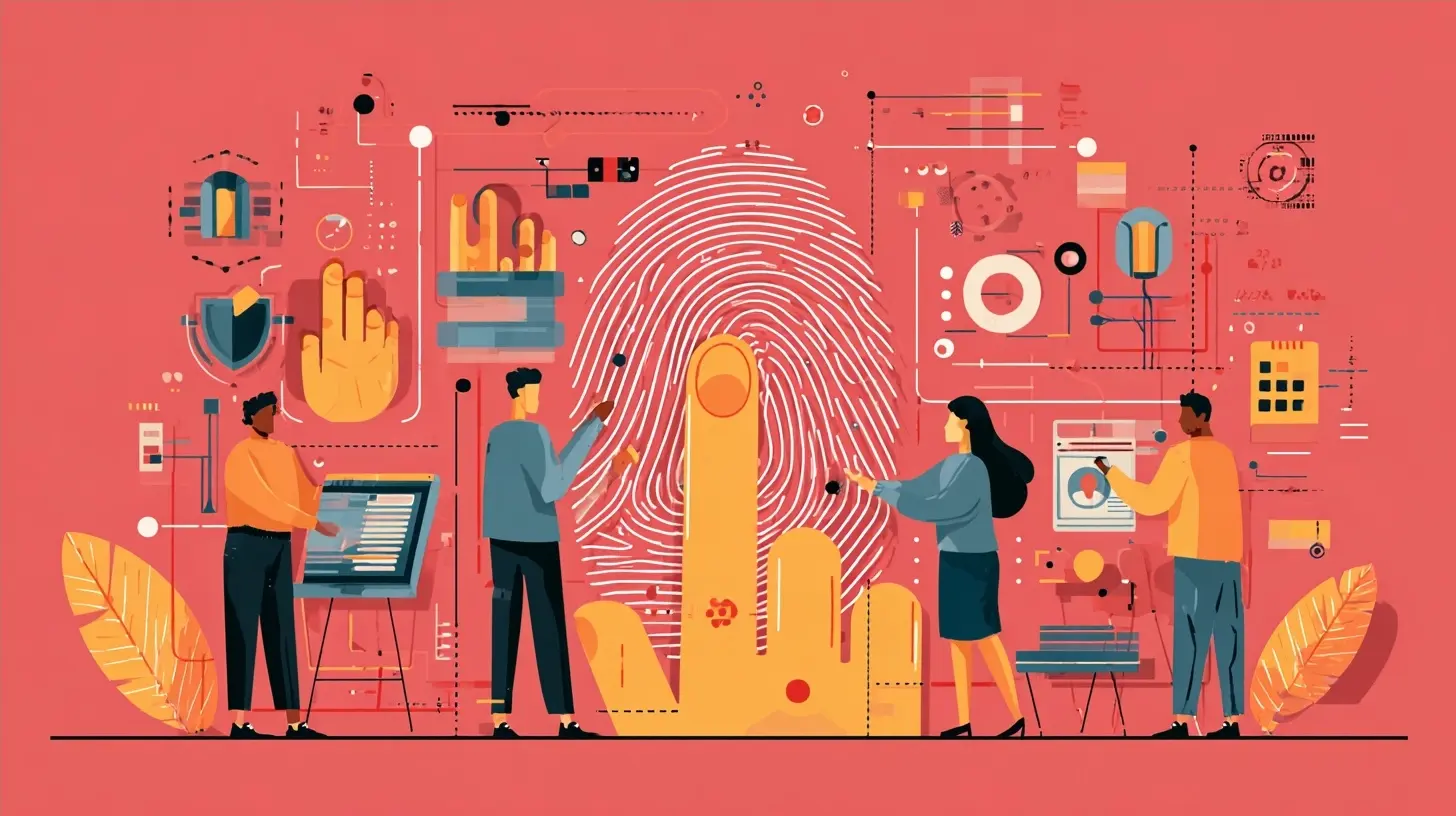
all images in this post were generated using AI tools
Category:
Operating SystemsAuthor:

Ugo Coleman