How Operating Systems Will Handle Mixed Reality Workloads
27 October 2026
Mixed reality is finally growing up. The hardware is getting lighter, the displays are getting sharper, and the awkward demo phase is slowly giving way to actual daily use. But there is a quiet problem sitting underneath all of that progress: the operating systems we rely on were never designed for this. Windows, Android, macOS, and Linux all grew up around flat screens, keyboards, and mice. Now they have to juggle real-time camera feeds, sensor fusion, spatial mapping, hand tracking, eye tracking, and 3D rendering all at once, while still keeping your email open and your video call running smoothly.
That is a serious engineering challenge, and it is where the next big platform battle will be fought. This article breaks down how operating systems will need to handle mixed reality workloads, where the hard problems live, and what to watch for if you are building software or choosing a platform for the next few years.
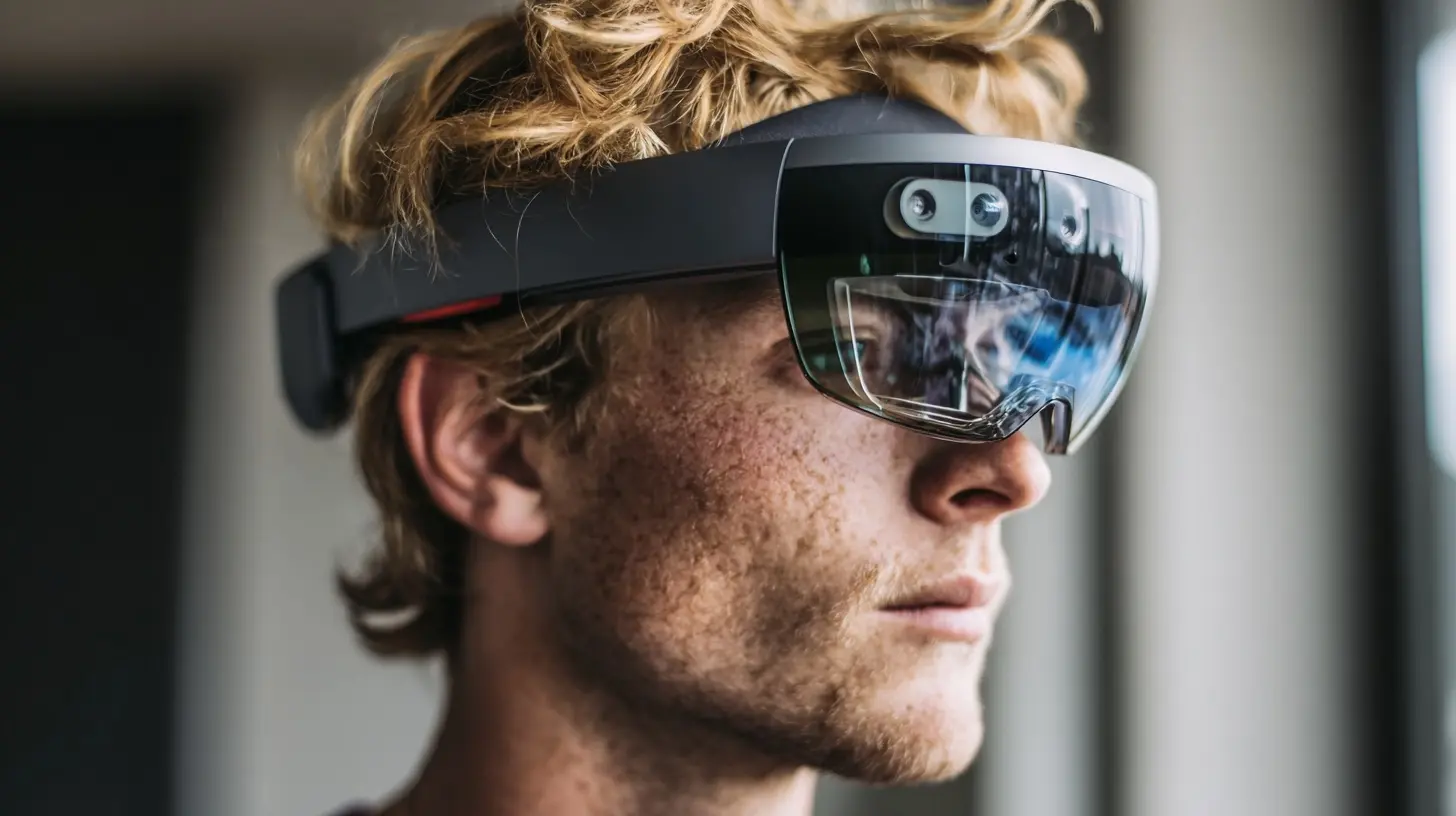
What Makes Mixed Reality Workloads Different
A normal desktop workload is mostly predictable. A word processor waits for input, does some work, and redraws a window. A game is demanding but self-contained. Mixed reality throws that model out the window because the system has to do several fundamentally different things at the same time, and most of them are latency sensitive.Think about what happens when you move your head while wearing a headset. The system has to read motion sensors, fuse that data with camera images, estimate where your head is in space, re-project or re-render the scene from the new viewpoint, and push the result to the display. If that whole loop takes too long, the virtual world lags behind your real movement and you feel sick. The tolerance is brutally tight. In practice, motion-to-photon latency needs to stay well under about 20 milliseconds for comfort, and the best systems push closer to 10. That is a fraction of a single frame at 60 frames per second.
Now stack the other work on top. The headset is also watching your hands, tracking your eyes, mapping the room, recognizing surfaces, running a voice assistant, decoding video, keeping a browser session alive, and maybe running a virtual desktop with three monitors. Each of those tasks has different needs. Some want raw throughput. Some want guaranteed timing. Some want to run constantly in the background. A general-purpose OS scheduler that treats everything as roughly equal will struggle.
This is the core insight: mixed reality is not one workload. It is a pile of very different workloads with very different contracts, and the operating system has to be smart enough to know which is which.
The Scheduling Problem: Real-Time Meets General Purpose
Most consumer operating systems use a fair-share scheduler. Every process gets a slice of CPU time, and the system tries to keep things responsive for the user. That works well when nothing is life-or-death. It falls apart when a head-tracking thread needs to run every 2 milliseconds or the user gets dizzy.The fix is not to make everything real-time. If you give every process hard timing guarantees, you get a system that is impossible to schedule and easy to crash. Instead, operating systems will increasingly adopt tiered scheduling models. Critical sensor loops get reserved CPU cores or dedicated real-time threads. Rendering gets a high priority band with frame deadlines. Background work like syncing, indexing, and updates gets pushed to lower-priority cores, often the efficiency cores on modern chips.
Apple's approach on its own silicon is instructive. The split between performance and efficiency cores already lets the OS route latency-sensitive work to fast cores and shove background tasks onto slower ones. Mixed reality headsets will lean on that pattern heavily. Meta's Quest devices run a modified Android build with a real-time compositor layer that sits above the normal app scheduler, which is one reason the passthrough view stays stable even when apps misbehave.
The trade-off here is fairness. When you reserve cores for tracking and rendering, you take them away from apps. A badly behaved app that wants all the CPU will get less than it expects, and that is fine, because the alternative is a nauseating experience for the user. Operating systems will need clear policies about which workloads get reserved resources, and developers will need to design around those policies instead of assuming they can grab whatever they want.
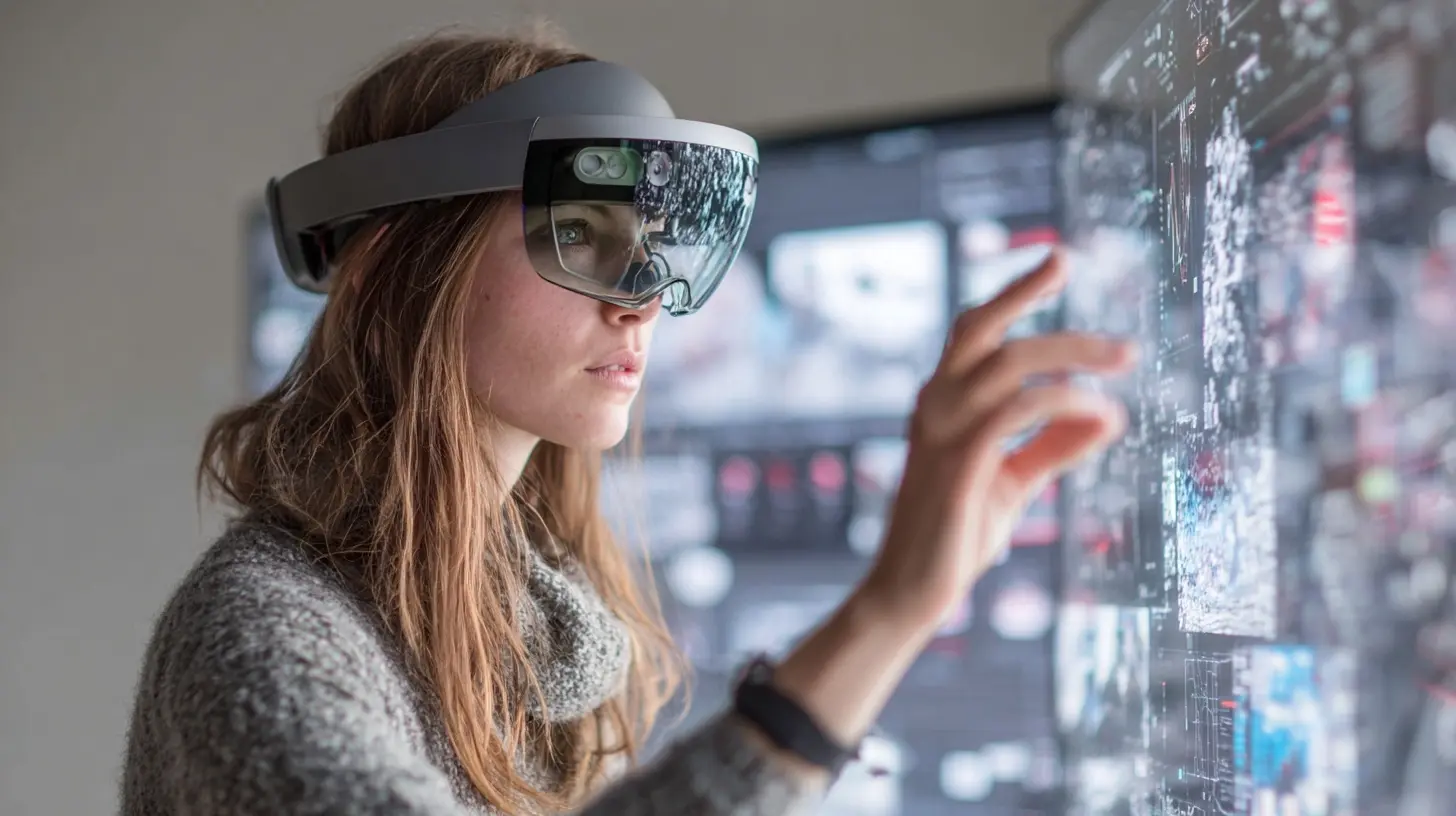
Sensor Fusion and the Data Firehose
A mixed reality headset is a sensor platform first and a computer second. Cameras, inertial measurement units, depth sensors, eye trackers, and microphones all stream data continuously. The operating system has to collect that data, timestamp it precisely, fuse it into a coherent picture of the world, and hand the result to apps without drowning them.The hard part is not reading the sensors. It is doing it with consistent timing. If a camera frame arrives 3 milliseconds late, the fusion algorithm has to know that, or the resulting pose estimate will be wrong. This is why operating systems will need tighter integration between device drivers and the scheduling layer. Timestamps have to be trustworthy, and the pipeline from sensor to app has to be predictable.
There is also a bandwidth question. Raw camera feeds at high resolution and high frame rate are enormous. Sending all of that through the normal app framework would crush it. Instead, expect operating systems to expose processed sensor data, not raw streams, to most apps. A hand-tracking API returns joint positions, not a video feed. A spatial mapping API returns meshes and planes, not point clouds. Apps that genuinely need raw data, like computer vision tools, will get special access, but they will pay for it in permissions and performance scrutiny.
This is a good design choice, and it is worth understanding why. Processed data is smaller, more consistent, and easier to secure. It also lets the OS improve the algorithms over time without breaking apps. The downside is flexibility. If the OS does not expose a sensor in the way you need, you are stuck. That tension between abstraction and control will shape mixed reality APIs for years.
Rendering: Compositor as the Referee
In a mixed reality system, the compositor is the most important piece of software you never think about. It takes the output of every app, the passthrough camera feed, the system UI, and the tracking overlays, and combines them into the final image sent to the display. It also does the late-stage reprojection that keeps things stable when a frame is not ready in time.Here is why the compositor matters so much. Apps are unreliable. They miss deadlines, they stutter, they allocate memory at the wrong moment. If the compositor trusted apps to draw directly to the display, every app bug would become a nausea event. So modern systems put the compositor in charge. Apps render to textures, and the compositor decides when and how those textures appear. If an app is late, the compositor can reproject the previous frame using fresh head tracking data, which keeps the image stable even though the content is slightly stale.
Operating systems will push this model further. Expect more aggressive asynchronous reprojection, better prediction of head motion, and compositor-level tricks like foveated rendering, where the center of your gaze gets full detail and the periphery gets less. Eye tracking makes that possible, and it is a huge performance win because it cuts the number of pixels that need heavy shading.
The practical advice for developers is simple: do not fight the compositor. Render into the buffers you are given, hit your frame deadlines, and let the system handle the rest. The teams that try to bypass the compositor for "performance" usually end up with a stuttering mess and a support queue full of motion sickness complaints.
Memory and Power: The Invisible Constraints
A desktop has a wall outlet and a big case. A headset has a battery and a thermal budget measured in a few watts. That changes everything about how the operating system manages resources.Memory is tight. Mixed reality apps need buffers for rendering, textures for 3D content, memory for sensor processing, and space for the OS itself. On a standalone headset, you might be working with a fraction of the RAM you would find on a laptop. The OS has to be ruthless about reclaiming memory, and apps have to be honest about what they actually need. Expect operating systems to enforce stricter memory limits per app and to kill background processes more aggressively than a phone would.
Power is even tighter. Every watt spent on tracking is a watt not spent on rendering, and every watt spent on either is battery life lost. Operating systems will need dynamic power management that scales sensor rates and rendering quality based on what you are doing. If you are sitting still reading a virtual document, the system should drop camera frame rates and reduce tracking precision. If you start moving around, it should ramp back up. This kind of context-aware scaling is already common on phones, but mixed reality raises the stakes because the user notices every dropped frame.
Thermals are the sneaky constraint. Headsets get hot, and heat means throttling, and throttling means stutter. The OS has to predict thermal load and manage it before the hardware forces the issue. That might mean reducing background activity, lowering render resolution, or deferring non-critical work. Developers who ignore thermal behavior will ship apps that run great for five minutes and then fall apart.
Security and Privacy in a Always-On Sensor World
A mixed reality headset sees your room, your hands, your face, and possibly your biometric data. That is a privacy nightmare waiting to happen, and the operating system is the only thing standing between users and bad actors.Expect operating systems to treat sensor access as a first-class permission, similar to how phones handle camera and microphone access today, but with more granularity. An app might get permission to see hand positions but not raw camera frames. Another might get spatial mapping data but not eye tracking. The OS will enforce these boundaries at the driver level, not just in the app framework, because framework-level checks are too easy to bypass.
There is also a security angle that gets less attention. Mixed reality apps often run with access to the real world, which means a malicious app could map your home, record your screen, or overlay misleading information on top of real objects. Operating systems will need to verify the integrity of overlays, protect against spoofed tracking data, and give users clear signals when an app is capturing or displaying something sensitive.
The best practice for developers is to ask for the minimum sensor access you need and to be transparent about why. Users are going to get permission fatigue fast, and apps that overreach will get uninstalled.
Multitasking and the Spatial Desktop
One of the promises of mixed reality is a spatial desktop: multiple windows floating in space, a browser here, a video call there, a 3D model in the middle. Making that work smoothly is an operating systems problem, not an app problem.The OS has to manage window placement, occlusion, focus, and input routing across a 3D space. It also has to decide how much rendering each window gets. A window far in the background does not need full resolution. A window you are looking at directly does. Eye tracking and head pose give the OS the information to make those decisions, and expect future systems to exploit that heavily.
There is a real tension here between immersion and productivity. Fully immersive apps want to take over the display. Spatial multitasking wants to share it. Operating systems will need to support both modes cleanly, with clear rules about what happens when an immersive app launches while other windows are open. The systems that get this right will feel like a natural extension of a desktop. The ones that get it wrong will feel like a toy.
Platform Differences Worth Understanding
It helps to look at how the major platforms are approaching this, because the differences reveal the trade-offs.VisionOS takes a highly controlled approach. The system owns the compositor, the sensor pipeline, and the spatial model, and apps work within that framework. The result is a polished, consistent experience, but developers have less low-level control. This is the Apple pattern, and it works because Apple controls the whole stack.
Android XR and Meta's Horizon OS take a more open approach. Developers get more access to sensors and rendering, which enables more experimental apps but also more ways to build something that stutters. The trade-off is flexibility versus consistency.
Windows Mixed Reality and its successors lean on the PC heritage, which means more raw compute but also more legacy baggage. Getting a desktop OS to handle real-time sensor loops gracefully is harder than building a new OS from scratch, and Microsoft has had to bolt on real-time capabilities rather than design them in.
There is no single right answer. Controlled platforms ship smoother experiences sooner. Open platforms enable more innovation but shift more responsibility onto developers. If you are choosing a platform, think about whether you want guardrails or freedom, and plan your engineering accordingly.
Common Mistakes and Misconceptions
A few myths keep circulating, and they are worth clearing up.The first is that raw performance is what matters most. It is not. A headset with a slower chip and a well-designed scheduling and compositing pipeline will feel far better than a faster chip with a sloppy software stack. Latency consistency beats peak throughput every time.
The second is that developers can just port existing apps. Flat apps can run in a spatial window, but they do not take advantage of the medium, and they often perform poorly because they were not designed around frame deadlines and sensor data. Real mixed reality apps need to be built with the pipeline in mind.
The third is that more sensors always means better tracking. More sensors mean more data, more power, and more fusion complexity. The best systems use fewer, better-placed sensors and smarter algorithms.
The fourth is that users will tolerate occasional stutter. They will not. Motion sickness is a hard stop, and once someone feels it, they associate it with your app forever.
Practical Advice for Developers and Decision Makers
If you are building for mixed reality, start with the constraints, not the features. Profile your frame times early, design around the compositor, and test on the actual target hardware under thermal load. Do not assume desktop performance translates.Ask for the minimum sensor permissions you need, and design your app to degrade gracefully when access is denied. Build for variable frame rates and variable tracking quality, because real devices will not always give you the ideal case.
If you are choosing a platform, look at how much control the OS gives you over the sensor and rendering pipeline, and weigh that against how much consistency you need. Controlled platforms reduce your risk. Open platforms increase your upside and your engineering burden.
Finally, treat the operating system as a partner, not an obstacle. The systems that will win are the ones where the OS and the apps cooperate around shared timing and resource contracts. Apps that fight the scheduler and the compositor will lose, no matter how clever their content is.
Where This Is Heading
The next few years will bring tighter integration between operating systems and mixed reality hardware, better real-time scheduling, smarter power and thermal management, and more sophisticated compositor tricks. We will also see more standardization around sensor APIs and spatial data formats, which will make cross-platform development less painful.The operating system is the invisible layer that decides whether mixed reality feels magical or miserable. Getting it right requires treating sensors, rendering, memory, power, and security as one connected problem rather than a set of features. The platforms that understand that will define the next decade of computing, and the developers who learn to work with them will build the experiences everyone else tries to copy.
all images in this post were generated using AI tools
Category:
Operating SystemsAuthor:

Ugo Coleman