How to Create a Smart Home Security System on a Budget
16 November 2026
Creating a smart home security system is a great way to enhance your home's safety without breaking the bank. Today, you can take advantage of affordable technology to build a system that works for your unique needs. This guide will help you navigate through options and considerations, ensuring you get the most out of your investment.

Understanding Smart Home Security
What is Smart Home Security?
Smart home security involves using internet-connected devices to monitor and protect your home. This includes cameras, alarms, motion sensors, and other tools that can be controlled remotely via a smartphone or another device. The appeal lies in real-time monitoring, ease of use, and the ability to receive alerts directly to your phone.Why Budget Matters
When creating a smart home security system, budget constraints can influence your choices. The good news is that many effective solutions are available that do not require a hefty investment. A budget-friendly setup can still provide reliable security, peace of mind, and even some advanced features.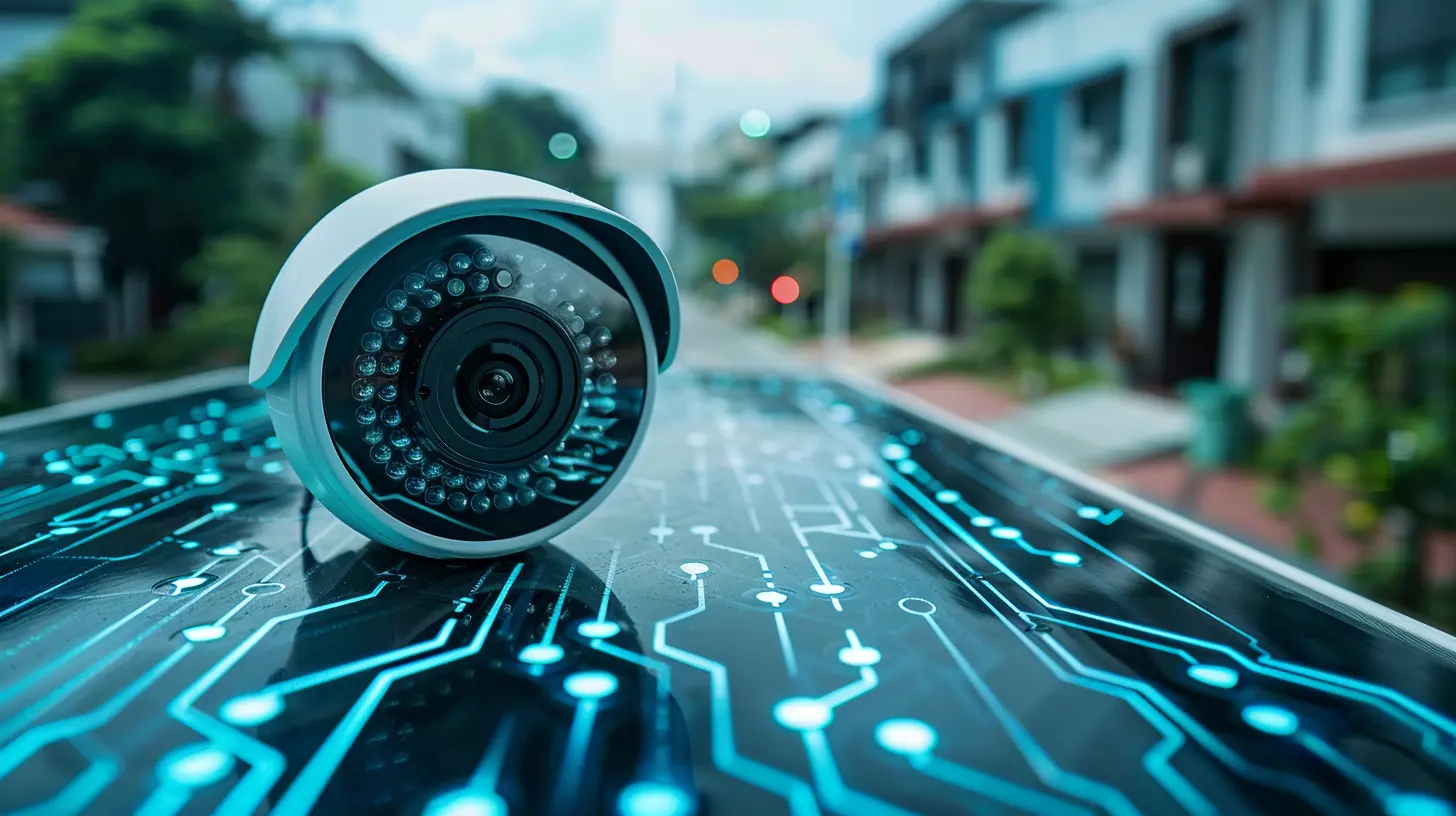
Key Components of a Smart Home Security System
Cameras
Types of Cameras1. Indoor Cameras: These are essential for monitoring areas inside your home, such as living rooms or entryways. They generally have lower costs and can be quite effective.
2. Outdoor Cameras: Equipped with weatherproof casing, these cameras monitor the outside of your home. Look for features like night vision and motion detection.
3. Video Doorbells: These combine the functions of a camera and a doorbell, allowing you to see who is at your door without opening it.
What to Consider
- Resolution: Higher resolution provides clearer images. Look for at least 1080p.
- Storage Options: Decide between cloud storage, which often incurs monthly fees, and local storage using a microSD card.
- Integration: Ensure your chosen cameras can integrate with your other smart devices.
Sensors
Types of Sensors1. Motion Sensors: These detect movement and can trigger alarms or notifications.
2. Door and Window Sensors: These alert you when a door or window is opened. They are often easy to install and very effective.
3. Glass Break Sensors: These detect the sound frequency of breaking glass, adding another layer of security.
Selecting Sensors
- Battery Life: Choose sensors with long-lasting batteries or those that can be hardwired.
- Range: Ensure the sensors can cover the area you want to protect.
Alarms
Types of Alarms1. Sirens: A loud siren can deter intruders. Some systems allow you to adjust the volume or even use your phone as a trigger.
2. Smart Alarms: These can send alerts to your phone or integrate with other smart devices for a comprehensive security setup.
What to Look For
- Connectivity: Ensure the alarm system can connect to your Wi-Fi network for remote monitoring.
- Customization: Look for systems that allow you to set different alarm settings for various scenarios.
Smart Home Hub
A smart home hub acts as the central point for your smart devices. It allows for easier control and automation.Budget-Friendly Options
- Amazon Echo or Google Nest Hub: These devices serve as both smart speakers and hubs. They can control other devices through voice commands or apps.

Setting Up Your System
Planning Your Layout
Before you start purchasing devices, take time to plan your layout. Identify crucial areas in your home that need monitoring. Consider entry points like doors and windows, as well as larger areas like yards or garages.Installation Tips
1. Follow Instructions: Many devices come with installation guides. Follow these closely to avoid problems later.2. Positioning: Place cameras at angles that cover wide areas. Ensure sensors are within range of your hub.
3. Testing: After installation, test each component to ensure everything works as intended. Simulate break-in scenarios to see how your system responds.

Integration and Automation
Why Integration Matters
Integrating your devices can enhance functionality. For example, a motion sensor can trigger an outdoor light or send an alert to your smartphone.How to Integrate
- Choose Compatible Devices: When selecting your devices, ensure they work with the same smart home platform, such as Zigbee or Z-Wave.- Use Automation Rules: Most smart hubs allow you to set automation rules, like turning on lights when motion is detected.
Budget-Friendly Devices and Brands
Cameras
1. Wyze Cam: Known for its affordability and quality, the Wyze Cam offers 1080p resolution and local storage options at a low price point.2. Ring Stick Up Cam: This versatile camera works indoors and outdoors, with features like two-way audio and motion alerts.
Sensors
1. SmartThings Multipurpose Sensor: This sensor can detect movement and monitor doors and windows, making it a great all-around option.2. Ecolink Z-Wave Door/Window Sensor: If you have a Z-Wave hub, this sensor offers reliable performance at a reasonable price.
Alarms
1. SimpliSafe: Provides a complete security system with customizable packages that fit various budgets.2. Abode Security: Offers both self-monitoring and professional monitoring options, giving you flexibility in managing your security.
Common Mistakes to Avoid
Overlooking Compatibility
When expanding or upgrading your system, make sure new devices are compatible with your existing setup. Mixing brands can lead to integration issues or functionality gaps.Ignoring Updates
Firmware updates for your devices can improve security and functionality. Regularly check for updates to keep your system running smoothly.Skimping on Coverage
While it may be tempting to save money by purchasing fewer devices, ensure that you have adequate coverage throughout your home. A few strategically placed cameras and sensors can be more effective than a larger number poorly positioned.Misconceptions About Smart Home Security
Smart Systems are Too Expensive
While some premium systems can be pricey, many affordable options provide excellent coverage and features. Researching budget-friendly devices can yield surprising results.They are Difficult to Use
Many modern smart home devices are designed with user-friendliness in mind. With a little initial setup, they can often be controlled easily from your smartphone.Only Homes in High-Crime Areas Need Security
Every home can benefit from a security system, regardless of the area. Peace of mind and convenience are valuable in any community.
Best Practices for Maintenance
Regular Testing
Schedule regular checks of your system to ensure everything functions correctly. Test cameras, sensors, and alarms at least once a month.Update Passwords
Change passwords for your devices periodically to enhance security. Use strong, unique passwords for each device.Educate Your Household
Everyone in your household should know how to use the security system, including how to respond to alerts. This ensures that everyone is prepared in case of an emergency.Conclusion
Creating a smart home security system on a budget is entirely feasible with the right approach and devices. By carefully selecting components, integrating them effectively, and maintaining your system, you can enhance your home's security without overspending. With technology continually evolving, keep an eye on new products and practices that could further improve your system in the future.
all images in this post were generated using AI tools
Category:
Tech AccessoriesAuthor:

Ugo Coleman