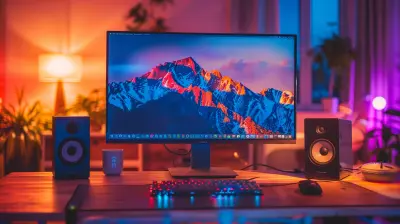
How to Organize Your Tech Gear Like a Pro
30 January 2026
If your desk is a tangled mess of wires, chargers, external hard drives, and random gadgets, you’re not alone. Keeping tech gear organized can feel like a never-ending battle. But don't worry! With a few smart strategies, you can take control of your tech clutter and set up a system that keeps everything neat, accessible, and tangle-free. Let’s dive into how you can organize your tech gear like a pro! 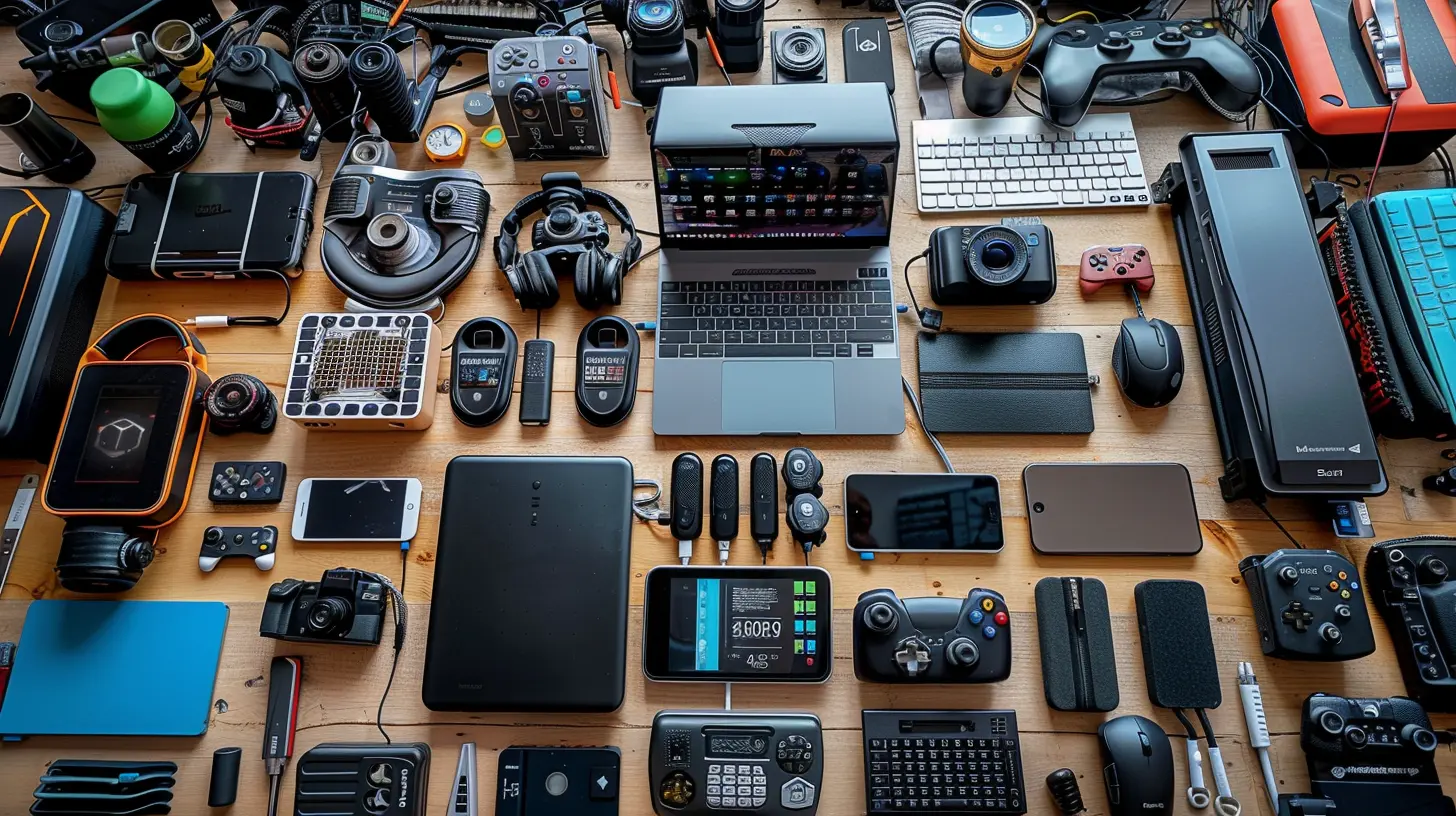
Why Organizing Your Tech Gear Matters
A cluttered workspace isn't just annoying—it can slow you down, frustrate you, and even damage your expensive gadgets. Ever wasted 15 minutes searching for your phone charger? Or had your headphones tangled beyond belief? Proper organization saves time, protects your gear, and makes your space more efficient.By having a structured system, you'll:
✔️ Prevent cables and accessories from getting lost
✔️ Extend the lifespan of your gadgets
✔️ Create a clutter-free and productive workspace
✔️ Easily pack and travel with your tech gear
So, let’s get everything in order step by step. 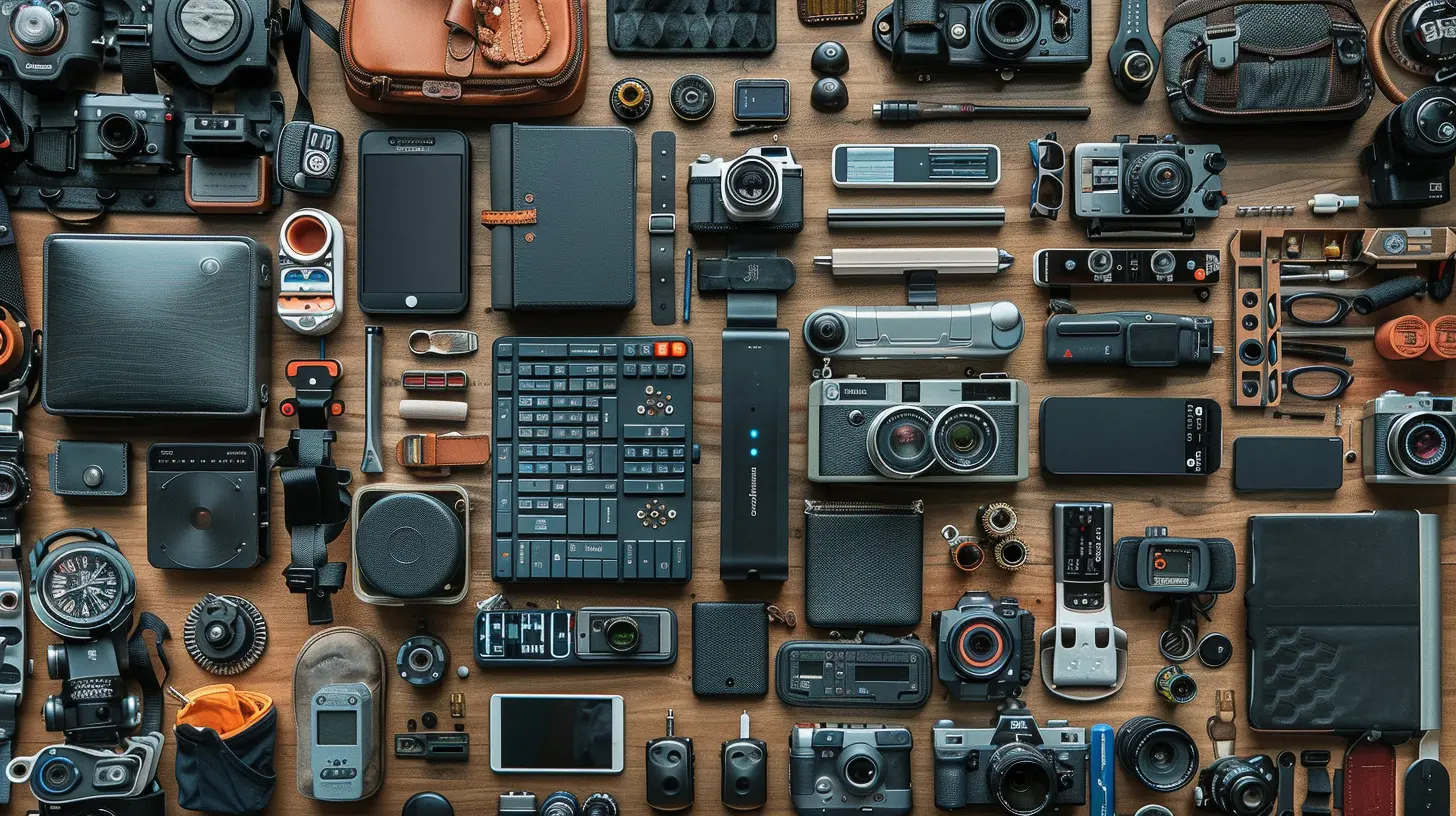
Step 1: Declutter and Sort Your Tech Gear
Before organizing, take out every piece of tech gear you own—yes, even that old MP3 player you haven't used in years. Lay everything out and sort them into categories:- Cables & Chargers – USB cables, HDMI cords, power adapters, etc.
- Audio Devices – Headphones, earbuds, speakers, microphones.
- Storage & Peripherals – External drives, flash drives, SD cards.
- Computer Accessories – Keyboards, mice, docking stations.
- Miscellaneous Tech – Smartwatches, portable gaming devices, batteries.
Once sorted, evaluate what you actually need. If you have five of the same USB cable, keep two and donate or recycle the rest.
Pro Tip: If you haven’t used a gadget in over a year, you probably don’t need it. 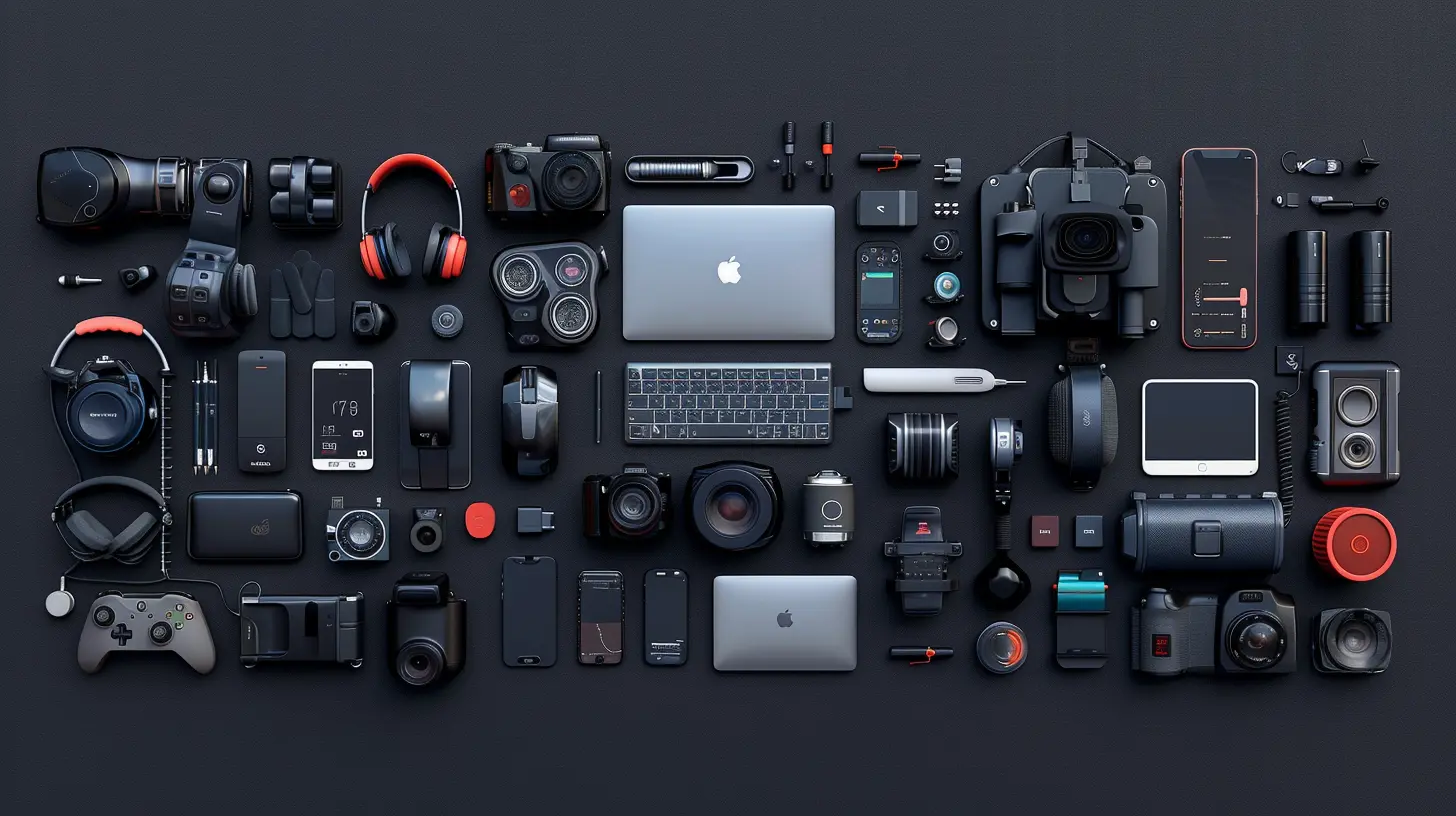
Step 2: Use Cable Management Hacks
Cables are the biggest headache when it comes to organizing tech gear. They tangle, they disappear, and they somehow multiply overnight. Here’s how to keep them under control:Label Your Cables
Use simple labels or color-coded stickers on your cables so you instantly know which is which. No more guessing whether that black cable is for your phone or your camera!Use Velcro Straps & Cable Organizers
Velcro straps, zip ties, or reusable cable ties can bundle your cables neatly. You can also use cable organizers or clips to route cables properly along your desk.Store Cables in a Dedicated Box
Keep extra cables in a compartmentalized storage box. Use small ziplock bags or rubber bands to keep each type separate.Go Wireless Where Possible
Wireless charging pads, Bluetooth headphones, and wireless keyboards can significantly reduce cable clutter.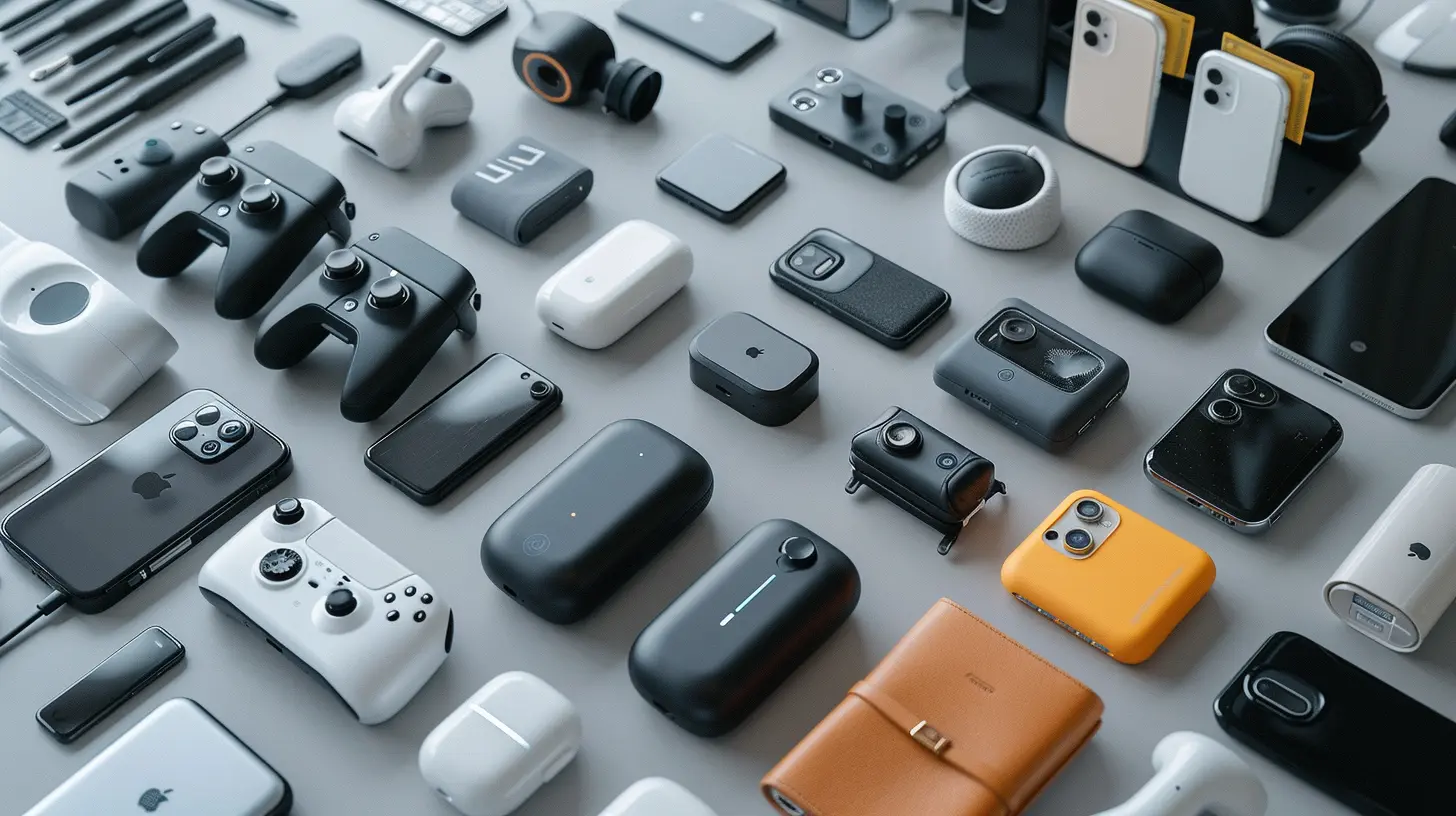
Step 3: Set Up a Proper Tech Storage System
Dedicated Drawer or Shelf
Designate a specific drawer or shelf for storing tech gear. Use dividers to separate different items so they don’t get jumbled together.Use Clear, Labeled Containers
Small plastic bins or drawer organizers can help keep everything easy to find. Label each container so you know exactly where things go.Docking Stations for Charging Devices
Instead of having multiple chargers scattered around, invest in a charging station. It keeps all your devices in one place and prevents a tangled mess of charging cables.Roll-Up Travel Organizers for Portability
A roll-up tech organizer is a must-have when traveling. These compact organizers store cables, chargers, and accessories neatly while keeping them easy to access.Bonus Tip: Use a zippered cable pouch to store charging cables and adapters when you’re on the go.
Step 4: Keep Your Desk Clutter-Free
A clean desk equals a clear mind! Here are some simple ways to keep your workspace tidy:✅ Minimalist Desk Setup – Only keep essential gadgets & accessories on your desk.
✅ Monitor Stands with Storage – Elevate your monitor and use the space beneath for storage.
✅ Use a Pegboard – Mount small tech accessories on a pegboard for an organized, accessible display.
Step 5: Digitally Organize Your Files and Data
Physical clutter is one thing, but digital clutter can be just as frustrating. If your computer desktop is a sea of random files, it's time to organize!Clean Up Your Desktop
Declutter your desktop by organizing files into properly named folders. Aim to keep only essentials within view.Use an External Hard Drive or Cloud Storage
Back up important files on an external hard drive or use cloud services like Google Drive, Dropbox, or OneDrive to avoid losing valuable data.Organize Your Photos and Documents
Sort photos into folders by year or event to keep them easy to find. Rename important documents so you can locate them quickly.Step 6: Maintain Your System Regularly
Just like any good habit, staying organized requires maintenance. Make it a habit to check your tech gear setup every few months:🔄 Reorganize cables and check for damaged ones
🗑 Declutter and get rid of unused gadgets
📂 Delete unnecessary files and backup important data
A little upkeep goes a long way in keeping things neat and efficient!
Step 7: Invest in Smart Storage Solutions
If you want to level up your tech organization, consider investing in:- Tech Organizer Cases – Perfect for carrying multiple gadgets safely.
- Magnetic Cable Clips – Keeps frequently used cables within easy reach.
- Multi-Port USB Hubs – Reduces the need for multiple adapters.
- Stackable Storage Bins – Great for extra tech gear that isn't used daily.
These smart solutions make organizing effortless and save you tons of time!
Final Thoughts
Keeping your tech gear organized doesn’t have to be complicated. By decluttering, using smart storage solutions, and maintaining your setup regularly, you can transform your chaotic mess into an efficient, stress-free system.Start small—maybe just organizing your cables today—and build your setup step by step. Before you know it, you’ll have a well-organized, pro-level tech space that makes your life so much easier.
Got any cool tech organization hacks of your own? Drop them in the comments!
all images in this post were generated using AI tools
Category:
Tech AccessoriesAuthor:

Ugo Coleman
Discussion
rate this article
2 comments
Shania McWhorter
Get organized and conquer the tech chaos—happy organizing, gear gurus!
February 22, 2026 at 12:21 PM
Ugo Coleman
Thank you! Embracing organization is key to mastering tech chaos. Happy organizing!
Oriana McElhinney
Master your tech space!
January 30, 2026 at 12:24 PM
Ugo Coleman
Thanks! Mastering your tech space can really enhance productivity and efficiency.