Living the Cloud-Based Life: Tools Every Nomad Needs
10 August 2026
Let's be honest: the whole "digital nomad" thing is not just about sipping coconut water on a beach while typing furiously on a MacBook. It is about logistics. It is about the quiet panic when your laptop battery hits 15 percent and the nearest outlet is behind a barista who looks at you like you are trying to steal the furniture. It is about the Wi-Fi that works perfectly for streaming but dies the second you join a video call with your most important client.
The cloud is the only thing that saves you. But the cloud is not a magic spell. It is a collection of habits, tools, and hard-won lessons. You do not just "use the cloud." You build a life around it. And if you get it wrong, you will spend more time fighting your own files than actually working.
I have spent years living out of a backpack, and I have made every mistake in the book. I have lost a month of work to a corrupted sync. I have paid for three overlapping storage subscriptions because I forgot which service held which project. I have sat in a hostel lobby at 2 a.m. trying to recover a file from a device that was 4,000 miles away. So let me save you the trouble.
This is not a list of the most popular apps. This is a guide to building a cloud-based life that actually works, without losing your mind or your data.
The Core Problem: Your Files Are Not Where You Think They Are
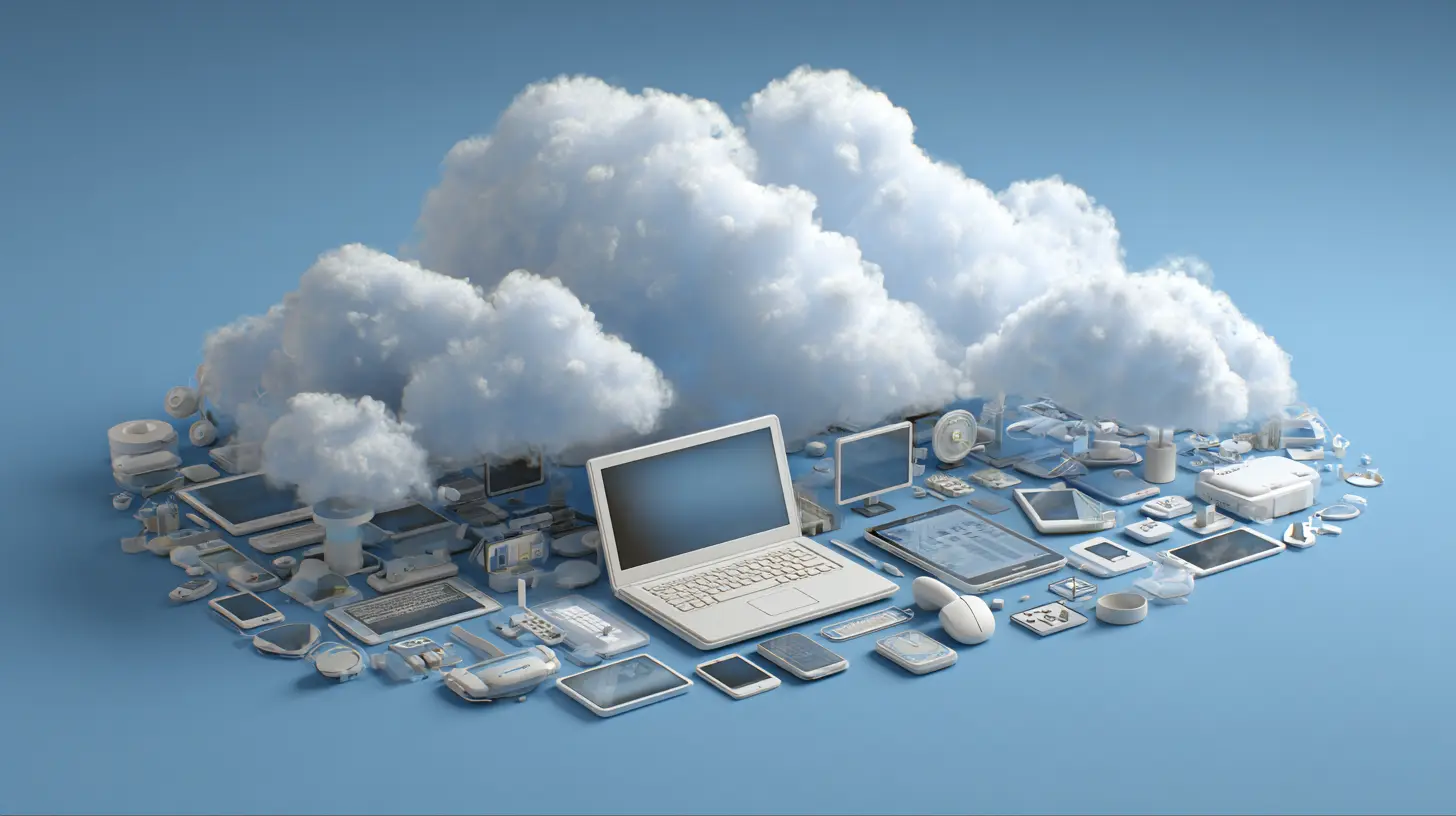
Here is the first thing you need to accept: your laptop is not your computer anymore. Your cloud storage is. Your laptop is just a window into that storage. The sooner you wrap your head around this, the easier everything gets.Most people treat cloud storage like a backup. They keep everything local, then copy important stuff to Dropbox or Google Drive. That is backward. The cloud should be the primary home for your work. Your local drive is the temporary cache.
Why does this matter? Because a nomad does not have a fixed workstation. You switch between a laptop, a tablet, a phone, and sometimes a borrowed machine at a coworking space. If your files live only on the laptop, you are locked to that physical piece of hardware. The moment it gets stolen, dropped, or dies, you are done.
I have seen it happen. A guy in Lisbon left his backpack on a train. He lost his passport, his camera, and the entire manuscript for his book. He had not backed up in three weeks. That is not a bad luck story. That is a failure of system design.
So the rule is simple: if a file exists only on one device, it does not exist. Treat that as a law of physics.

Choosing the Right Storage: It Is Not Just About Space
Everyone asks me which cloud storage is the best. My answer is always the same: it depends on what you are doing, not how much space you need.Google Drive is great if you live in the Google ecosystem. Gmail, Calendar, Docs, Sheets. The integration is seamless, and the search function is genuinely scary good. You can search for a file by its content, not just its name. That is a game changer when you have 10,000 documents and no idea what you called that contract from March.
Dropbox is the old reliable. It syncs faster than almost anything else, and its file history feature is a lifesaver. If you overwrite a file by accident, you can roll back to any version from the last 30 days. I have used this more times than I care to admit, usually after a client sends "final_v2_FINAL_reallyfinal.docx" and then asks for the version from last Tuesday.
OneDrive is the underdog. If you use Microsoft Office, it is actually the smartest choice because the collaboration features in Word and Excel are better on OneDrive than anywhere else. Also, the 1TB of storage that comes with Microsoft 365 is a bargain compared to paying for Office and storage separately.
But here is the nuance: do not put all your files in one basket. I use two different cloud providers for different types of data. Work documents go to one. Personal files, photos, and archives go to another. This is not paranoia. It is risk management. If one provider has an outage or a security issue, you are not completely locked out of your life.

Sync vs. Backup: The Confusion That Wrecks People
This is the biggest misconception in the entire cloud world. Synchronization and backup are not the same thing.Sync means that changes you make on one device are copied to all your devices. Delete a file on your laptop, and it disappears from your phone and the cloud. That is not a backup. That is a mirror. If you accidentally delete something, you are deleting it everywhere.
Backup means you have a separate copy of your data that is not affected by your day-to-day changes. Proper backup is immutable. You cannot mess it up by mistake.
So what do you need? Both. But you need to understand which is which.
For sync, use your main cloud provider. That is your working copy. For backup, you need something like Backblaze or IDrive that runs in the background and keeps a separate, versioned archive of everything. The key feature here is versioning. You want to be able to go back to a file as it existed a week ago, a month ago, or even a year ago.
Most people never set this up. They think their cloud provider's "trash" folder is good enough. It is not. Cloud trash usually empties after 30 days. If you do not notice the missing file for six weeks, it is gone forever.
A real backup service keeps multiple versions indefinitely, or at least for a much longer period. That is the difference between "I lost a file" and "I lost a file and I can get it back."
The Offline Paradox: You Will Not Always Be Online
Here is a dirty secret about the cloud: it is useless when you are offline. And as a nomad, you will be offline more than you expect. Trains through tunnels. Flights. Remote beaches. Hostels with "free Wi-Fi" that is actually a single router from 2009 that can barely load a webpage.The cloud-savvy nomad plans for offline work. This is not about syncing a few files before you leave. It is about having a local copy of everything you might need, ready to go.
The trick is to use selective sync. Both Dropbox and Google Drive allow you to mark specific folders as "available offline." You do not need to sync your entire 500GB archive to your laptop. You just need the active projects. The rest can live in the cloud and download on demand.
But here is the mistake people make: they only set up offline access for work files. They forget about references, PDFs, design assets, and old client files that might suddenly become relevant. When I am on a plane, I want access to everything, even if I do not plan to use it.
The solution is to keep your active work folder small and fully synced, and then have a larger reference library that is partially synced. And for the truly critical stuff, you should have a USB drive with encrypted copies of your most important documents. Yes, USB drives are old school. But they do not run out of battery, they do not need a signal, and they will not be affected by a cloud provider going bankrupt.
Collaboration: The Art of Not Killing Each Other
Working with a team while you are in one time zone and they are in another is a special kind of hell. You cannot just send files back and forth. You need real-time collaboration tools that let everyone work on the same document without stepping on each other's toes.Google Docs and Microsoft Office Online are the obvious choices. They handle simultaneous editing well, and the comment systems are good enough for most feedback loops.
But there is a nuance that people miss: the chat-based collaboration tools are often more important than the document editors themselves. Slack and Discord have become the default for nomad teams. They are not just for messaging. They are where decisions get made, files get shared, and context gets lost.
The mistake is treating Slack like email. You cannot just send a message and assume everyone reads it. You need to create channels for specific projects, use threads to keep conversations organized, and pin important files so they do not get buried.
I also recommend using Loom or similar screen recording tools for feedback. Instead of writing a long, confusing comment about a design change, record a 2-minute video where you walk through the issue. It saves time and reduces misunderstandings. This is especially useful when you are working across cultures and languages, where written English can be misinterpreted.
The Password Problem: You Cannot Remember Everything
Here is the thing nobody tells you about living in the cloud: you will have more passwords than you can possibly remember. Cloud storage, email, project management, banking, travel booking, VPN, social media. It is easily 100 accounts.Using the same password for everything is not just a bad idea. It is a career-ending move. One breach and someone has access to your client files, your bank account, and your passport scan.
I use a password manager. Not because I am a security freak, but because I am lazy and I do not want to think about passwords. A good manager like Bitwarden or 1Password generates strong, unique passwords for every site and autofills them. You only need to remember one master password.
But here is the nuance: the password manager itself is a single point of failure. If you forget the master password, you are locked out of everything. So you need a recovery method. I keep a printed copy of my recovery codes in my wallet. It is not the most elegant solution, but if my phone dies and my laptop is stolen, I can still get back into my accounts.
The VPN Question: Do You Actually Need One?
Everyone tells you to use a VPN when you travel. The reality is more complicated.A VPN is essential when you are on public Wi-Fi. Coffee shops, airports, hotel lobbies. These networks are not secure. Someone with the right tools can see what you are sending and receiving. A VPN encrypts your traffic, so even if someone is snooping, they get gibberish.
But a VPN is not a magic shield. It does not protect you from phishing emails or from entering your password into a fake login page. It also does not hide your activity from your VPN provider. You are just shifting your trust from the coffee shop to the VPN company.
My advice is to use a reputable VPN with a no-logs policy. But do not buy a lifetime subscription from a random company you saw on a YouTube ad. Stick with well-known names that have been audited by third parties.
Also, be aware that some countries restrict or block VPNs. In China, the UAE, and Russia, using a VPN can get you into trouble. Always check the local laws before you travel. It is better to skip the VPN for a week than to have a conversation with border control about your encryption software.
The Project Management Trap: Too Many Tools, Not Enough Work
Nomads love productivity apps. We are addicted to the feeling of organizing our lives. The problem is that we often spend more time managing the tools than doing the actual work.I have seen people with a project management app for work, another for personal tasks, a note-taking app for ideas, a separate app for grocery lists, and a calendar app that does not sync with any of them. That is not productivity. That is a full-time job in itself.
The best system is the one you actually use. For me, that is a single project management tool that handles both work and personal tasks. I use Notion because it is flexible enough to be a wiki, a database, and a to-do list all at once. But Trello works just as well for people who prefer kanban boards. And some people are perfectly happy with a simple text file and a calendar.
The key principle is to have a single source of truth. If you have to check three apps to know what you are supposed to be doing today, your system is broken. Consolidate.
The Email Nightmare: You Are Not Your Inbox
Email is the one cloud-based tool that everyone uses and everyone hates. The problem is not email itself. It is the way we use it.The default behavior is to keep your inbox open and respond to every message as it arrives. That is a disaster for a nomad. You do not have a fixed schedule. You are working across time zones. If you answer every email immediately, you will never get any deep work done.
The fix is to treat email as a batch task. Check it two or three times a day, not constantly. Use filters to sort messages into folders automatically. Unsubscribe from everything you do not actually read. And for the love of all that is holy, do not use your inbox as a to-do list. If an email requires action, move it to your task manager or create a calendar event.
I also recommend using a separate email address for travel-related accounts. That way, your main inbox does not get flooded with booking confirmations and flight alerts. You can check the travel email once a day and keep your work inbox clean.
What to Do When It All Goes Wrong
No matter how well you set up your cloud-based life, things will go wrong. A file will get corrupted. A sync will fail. A provider will have an outage. The question is not if it will happen, but when.The first rule is to stay calm. Panic leads to bad decisions, like trying to fix a sync issue by deleting files.
The second rule is to have a documented recovery plan. I keep a text file in my cloud storage that lists all my accounts, the recovery codes, and the steps to take if I lose access. It is not a security risk because the file itself is encrypted and the recovery codes are useless without my password manager.
The third rule is to test your backups. Do not just assume they work. Once a month, try to restore a random file from your backup service. If the restore fails, you need to fix it now, not when you actually need the file.
The Real Cost of the Cloud
Let me end with some honesty. The cloud is not free. You will pay for storage, for password managers, for VPNs, for project management tools. It adds up. I spend about fifty dollars a month on various subscriptions. That sounds like a lot, but it is cheaper than a single data loss event.The mistake is trying to save money by using free tiers and hoping for the best. Free tiers are fine for testing. They are not fine for your livelihood. If you are making money as a freelancer or running a business, the cost of these tools is a business expense. Treat it that way.
Also, remember that you are renting your digital life. You do not own your cloud storage. The provider can change terms, raise prices, or shut down. That is why you need multiple providers and regular exports of your most important data.
Final Thoughts: The Cloud Is a Lifestyle, Not a Feature
Living the cloud-based life is not about having the latest apps. It is about building a system that lets you work from anywhere without constantly worrying about your data. It is about redundancy, offline access, and the discipline to maintain your setup.The tools I have talked about are not the only ones. New apps appear every month. But the principles are timeless. Your files should be in multiple places. Your passwords should be unique and managed. Your communication should be organized. And your backups should be tested.
If you get those four things right, you can work from a mountain hut in Nepal or a beach bar in Thailand. You can lose your laptop and be back up and running in a day. You can take that client call at 3 a.m. without losing the file.
The cloud is not a destination. It is the road itself. And if you set it up right, the road is surprisingly smooth.
all images in this post were generated using AI tools
Category:
Digital Nomad TechAuthor:

Ugo Coleman
Discussion
rate this article
1 comments
Sage Hudson
This article nails what every digital nomad needs. Cloud tools like Google Drive and Slack make remote work seamless, while apps for organizing travel really help keep everything in line. It's great to see a focus on practical solutions that genuinely enhance the nomadic lifestyle. Thanks for sharing these insights!
August 23, 2026 at 4:19 AM