Mobile Apps for Keeping Your Digital Life Organized and Efficient
18 February 2026
We live in a fast-paced, digital world where managing multiple tasks, to-do lists, and a flood of information can feel like juggling flaming torches. It's easy to get overwhelmed. But here's the good news – your smartphone is not just a device for social media scrolling and binge-watching cat videos. It can also be your best ally in keeping your digital life organized and efficient.
With the right mobile apps, you can bring order to the chaos, boost your productivity, and reclaim your sanity. Whether you're looking to manage your emails better, keep track of your tasks, or even declutter your digital files, there's an app for that. Let's dive into some of the best mobile apps that can help you stay on top of your digital life and make it run like a well-oiled machine.
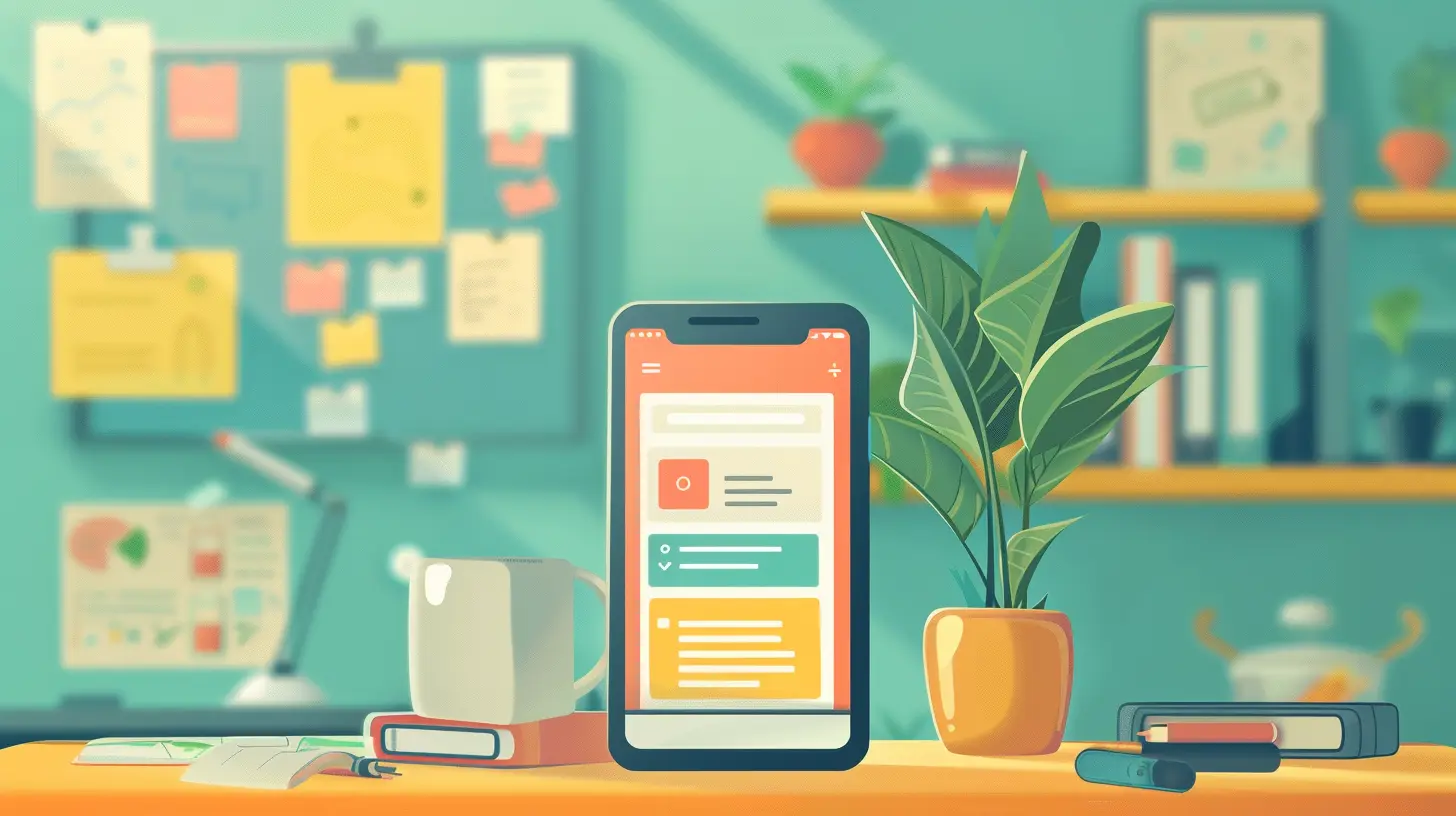
Why Mobile Apps Are Essential for Digital Organization
Think about it – your phone is pretty much glued to your hand throughout the day. So why not make it work for you? Mobile apps can streamline tasks, automate processes, and help you stay focused. Whether you're a student, a working professional, or just someone who wants to get their digital clutter under control, the right app can make all the difference.Plus, many of these apps sync across multiple devices, so whether you're on your phone, tablet, or computer, everything stays in one place. No more scrambling to find documents, notes, or reminders. Sound like something you could use? Thought so.

Best Mobile Apps for Email Management
1. Spark
Emails may be the bane of your existence, but it doesn’t have to feel that way. Spark is your go-to app for tackling email overload. It offers intelligent email prioritization, meaning it separates the important emails from the noise. No more digging through promotions and spam just to find that one invoice you need!One of Spark’s best features is the ability to snooze emails. Not ready to respond to that work email at 8 AM on a Saturday? Tap snooze, and it’ll pop up later when you’re ready. You can also set reminders to follow up on emails, so nothing slips through the cracks.
2. Newton Mail
Newton Mail takes email management to a whole new level by packing in features like read receipts, sender profiles, and email scheduling. Ever send an email and wonder if it got lost in the abyss? Newton tells you when your recipient opens it. It’s like having X-ray vision for your inbox.There's also a built-in feature to unsubscribe from junk mail with a single tap. Talk about efficiency!
Mobile Apps for Task Management and To-Do Lists
3. Todoist
If you thrive on checklists, Todoist is your new best friend. Whether it’s personal tasks, work projects, or grocery lists, Todoist helps you organize it all in one place. The app allows you to break tasks into subtasks, add due dates, and even assign priorities. You can also delegate tasks to others if you're collaborating on a project.Todoist also integrates with other apps like Google Calendar and Slack, so it fits seamlessly into your workflow. And let’s be real – who doesn’t love the satisfaction of checking off a task?
4. Microsoft To Do
Microsoft To Do keeps things simple. The app lets you create lists, set reminders, and break down larger tasks into smaller, more digestible steps. Its clean design makes it easy to focus on what matters, and it syncs with Microsoft 365 if you're already using other Microsoft tools.One of its standout features is the daily planner, which helps you organize your day first thing in the morning. It’s like having a personal assistant in your pocket.

Apps for File Management and Cloud Storage
5. Google Drive
If you're not using Google Drive by now, what are you even doing? Google Drive is the ultimate cloud storage solution, allowing you to store, organize, and share files with ease. The app syncs across all devices, so whether you’re on your phone, tablet, or laptop, your files are always accessible.You can create folders to organize your documents, spreadsheets, and presentations. Plus, with the integration of Google Docs, Sheets, and Slides, you can collaborate with others in real-time. No more back-and-forth email chains trying to finalize a document.
6. Dropbox
Dropbox is another solid option for file storage and management. It’s perfect for professionals who need to share large files or collaborate with teams. The app allows you to easily upload, store, and share files with just a few taps.One standout feature is the ability to scan documents directly into Dropbox with your phone’s camera. It’s like carrying around a portable scanner. Whether it’s receipts, contracts, or notes, you can digitize and store them instantly.
Apps for Password Management
7. LastPass
Let’s face it – we all have way too many passwords to remember. That’s where LastPass comes in. It stores all your passwords in one secure vault, so you only need to remember one master password. Talk about taking a load off your mind!Not only does LastPass store passwords, but it also generates strong ones for you. No more using “password123” for all your accounts. The app also autofills your login credentials across apps and websites, saving you time and frustration.
8. 1Password
1Password is another great password manager that simplifies your life by keeping all your passwords, credit card info, and even secure notes in one spot. It’s like having a digital vault in your pocket.The app also comes with a built-in password generator, so you can create complex passwords without breaking a sweat. Plus, there’s an added layer of security with two-factor authentication. You can rest easy knowing your sensitive info is safe.
Apps for Note-Taking and Idea Organization
9. Evernote
Evernote is a powerhouse when it comes to note-taking. Whether you’re jotting down meeting notes, saving web articles, or brainstorming ideas, Evernote has you covered. What makes this app stand out is the ability to organize notes into notebooks, making it easy to categorize and find what you need.The app also lets you attach images, PDFs, and audio files to your notes. So if you’re someone who likes to keep everything in one place, Evernote is a must-have.
10. Notion
Notion is like a Swiss Army knife for digital organization. It’s more than just a note-taking app – it’s an all-in-one workspace where you can write, plan, and collaborate. You can create pages for different projects, embed files, and even create databases.The app is fully customizable, so you can set it up to work exactly how you want. Whether you're managing a work project or organizing your personal life, Notion is the ultimate tool for keeping everything in check.
Apps for Time Management and Focus
11. Forest
Staying focused can be a challenge with so many distractions at our fingertips. Forest helps you combat this by gamifying the process of staying focused. Every time you set a timer to focus, you plant a virtual tree. The longer you stay focused, the bigger your forest grows.Not only does this app help you manage your time, but it also gives you a little motivation to stay off your phone. Plus, for every tree you grow in the app, the company plants a real tree. It’s a win-win!
12. Toggl
Toggl is a time-tracking app that helps you figure out where your time is going. Whether you're working on a project, studying, or just trying to be more mindful of how you're spending your day, Toggl makes it easy to track your time.The app also provides insights into how productive you've been, so you can spot any time-wasting habits and make adjustments. It’s a great way to hold yourself accountable and ensure you’re making the most of your time.
Conclusion
In today’s digital age, staying organized is no longer a luxury – it’s a necessity. And with the right mobile apps at your fingertips, you can streamline your tasks, manage your time better, and keep everything in order. From managing your emails and passwords to organizing your notes and files, these apps can transform the way you handle your digital life.So, what are you waiting for? Download a few of these apps and start organizing your digital world. You’ll be amazed at how much more efficient and stress-free your life will feel. Remember, your phone doesn’t just have to be a source of distraction – it can be the key to unlocking a more organized, productive you.
all images in this post were generated using AI tools
Category:
Mobile AppsAuthor:

Ugo Coleman
Discussion
rate this article
2 comments
Catherine Roberts
Essential apps that streamline your digital life effectively!
March 9, 2026 at 11:29 AM
Ugo Coleman
Thank you! I'm glad you found the article helpful in streamlining your digital life.
Isolde Mendoza
In an era where our devices hold the key to efficiency, have you ever wondered if the apps designed to organize our lives are subtly shaping our digital identities? Dive into this article to uncover the hidden nuances of these tools—where convenience meets the enigma of our ever-evolving online selves.
February 21, 2026 at 8:19 PM
Ugo Coleman
Absolutely! Our apps do more than just organize; they influence our digital identities and interactions in profound ways. Explore the complexities of this dynamic in the article!