Smart Home Devices That Will Simplify Your Daily Routine
21 August 2026
Most people think smart home technology is about showing off. You tap your phone, the lights dim, and your guests nod politely. But that misses the point entirely. The real value of a smart home is not the novelty. It is the quiet elimination of the hundreds of tiny decisions and manual tasks that drain your mental energy every day. When done right, a smart home does not scream for attention. It simply makes your life flow better.
I have spent years installing, testing, and living with these systems. I have also watched friends waste hundreds of dollars on gadgets that solved problems they did not have. This article is not a list of the coolest toys. It is a practical breakdown of the devices that actually save time, reduce friction, and make your daily routine measurably easier. And just as importantly, I will tell you which ones to skip and why.
The Core Principle: Automation Over Control
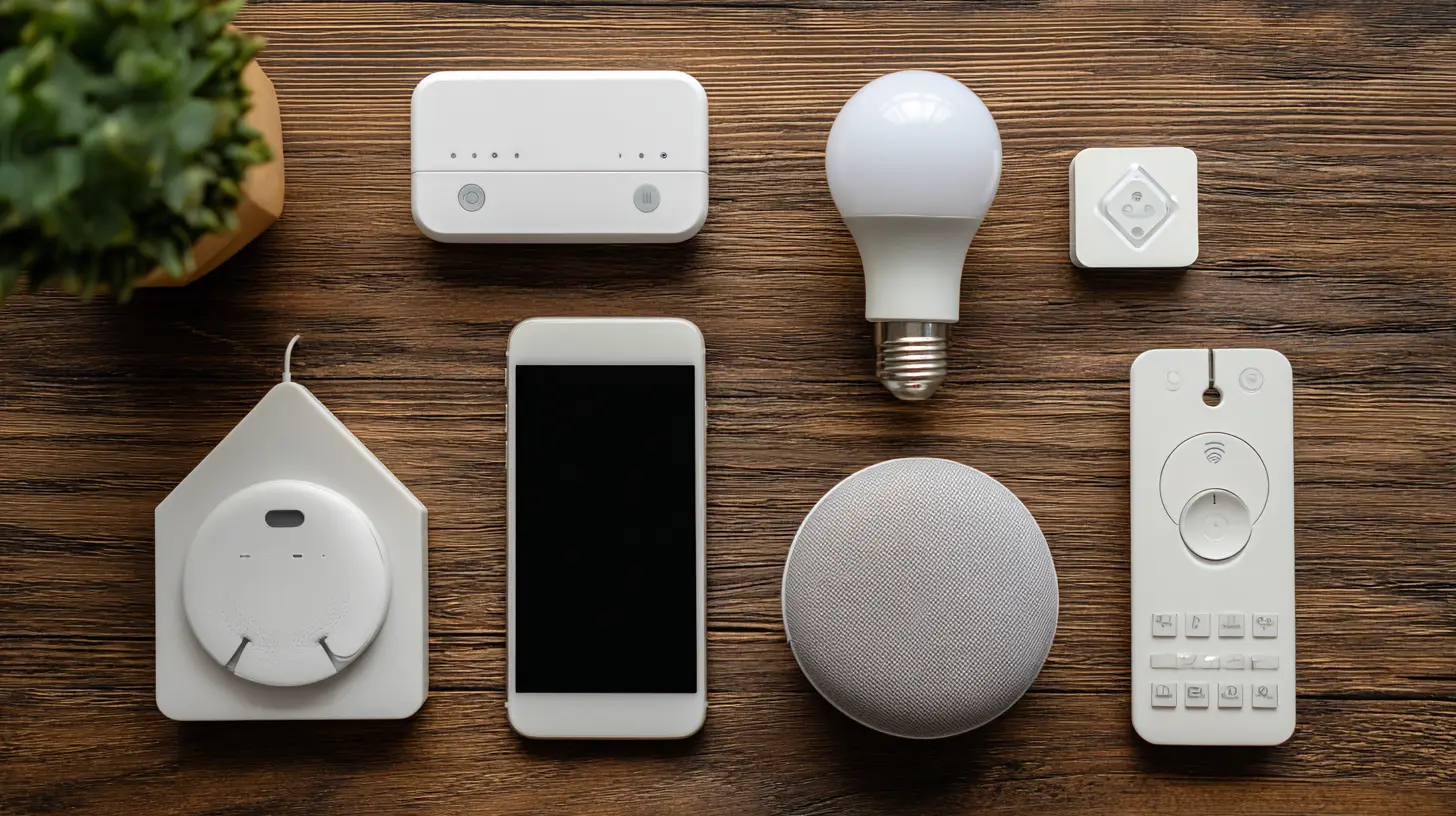
Before you buy anything, you need to understand the fundamental difference between a remote-controlled home and an automated home. A remote-controlled home means you use an app to turn on the AC when you are driving home. That is convenient. But an automated home knows you are driving home, checks the outside temperature, adjusts the AC to your preferred setting, and turns on the entryway light because it is past sunset and you usually carry groceries at that time. No input required from you.The devices that simplify your routine are the ones that remove your input entirely. If you still have to open an app every day to make something work, you have just added a new chore. The goal is to reduce the number of app openings per week to near zero. Anything that fails that test is not simplifying your life. It is adding a layer of complexity with a nicer interface.
So when you evaluate any smart device, ask one question: Will this eventually work without me touching it? If the answer is no, reconsider the purchase.
Smart Lighting: The Highest Impact, Lowest Effort Upgrade
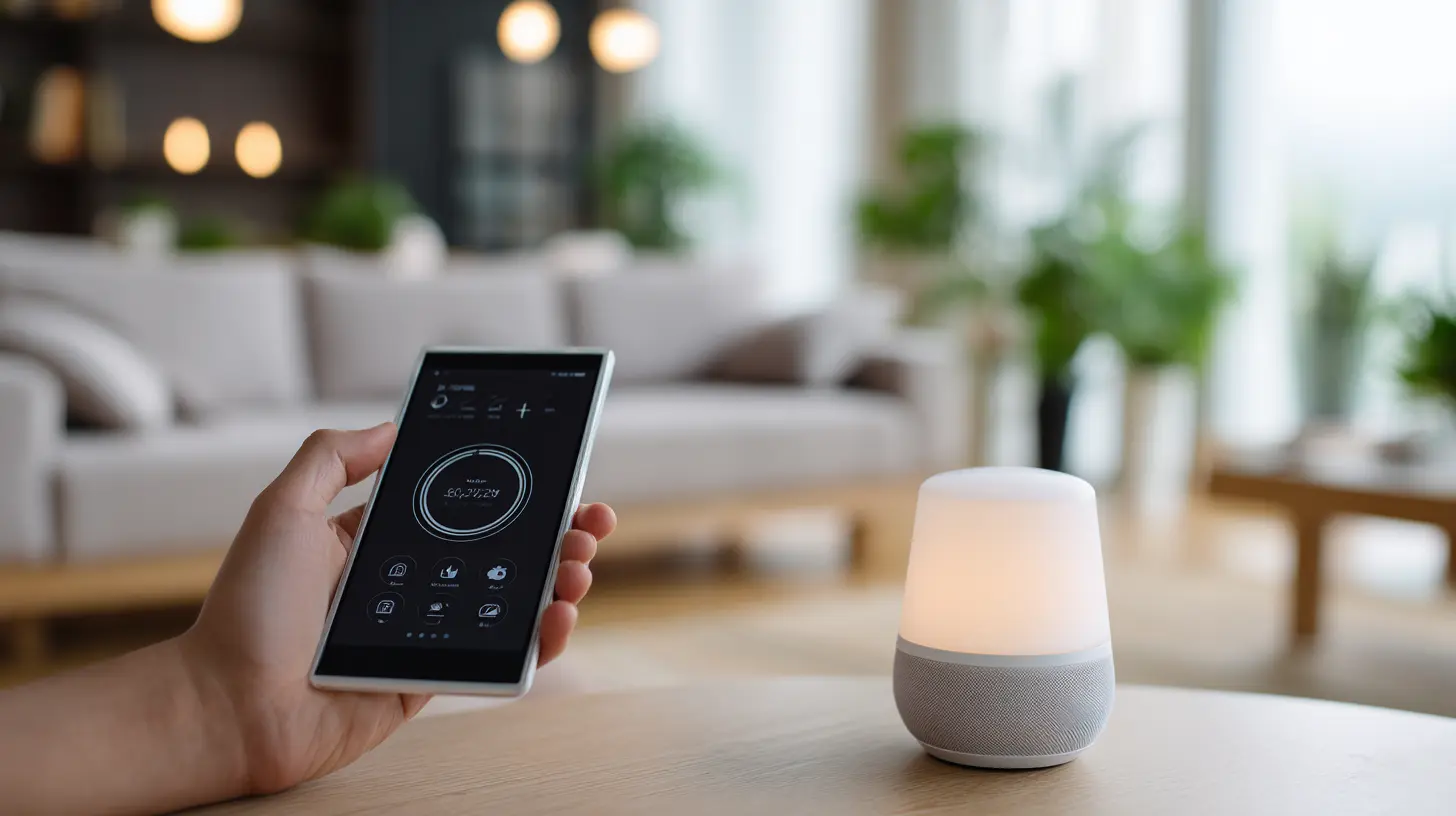
Smart lighting is where most people should start. Not because it is flashy, but because it works. The biggest mistake I see is people buying smart bulbs for every socket in the house. That is expensive and unnecessary. You do not need a smart bulb in the closet or the hallway if you rarely use those lights. You need smart bulbs in the places where you constantly adjust lighting.The living room is the best example. Most households have a single overhead light that is either too bright or too dim. You end up turning it on, squinting, turning it off, and turning on a floor lamp instead. A single smart bulb in that overhead fixture changes everything. You set a routine so that at 6 PM, the light turns on to 40 percent brightness with a warm tone. At 10 PM, it drops to 20 percent. You never touch the switch. The room just feels right at the right times.
The same logic applies to the bedroom. A gradual wake-up light that slowly brightens over 30 minutes is a genuinely better alarm clock than a blaring beep. It aligns with your circadian rhythm. But you need to be honest about your habits. If you go to bed at wildly different times every night, a fixed schedule will not work. You will need a more flexible system based on motion sensors or your phone's location.
The Trade-Off: Hub vs. Direct Wi-Fi
Here is where many people get stuck. Cheap smart bulbs connect directly to your Wi-Fi. They are easy to set up and cost very little. But they clog your network and often have sluggish response times. If you have more than ten Wi-Fi bulbs, your router will start to struggle. Better systems use a hub, like Zigbee or Z-Wave. The hub creates a separate mesh network for your devices. It is faster, more reliable, and does not interfere with your internet.The downside is the upfront cost. A hub and a few compatible bulbs cost more than Wi-Fi bulbs. But if you plan to build out a full smart home, the hub is the right foundation. Wi-Fi direct is fine for a single room experiment. It is not fine for a whole house.
Smart Thermostats: The Money Saver That Pays for Itself
A smart thermostat is the only device in this category that is almost guaranteed to save you money. The math is simple. Heating and cooling account for roughly half of a typical home's energy bill. A smart thermostat learns your schedule, turns down the heat when you are asleep or away, and brings the temperature back to comfortable just before you wake up or arrive home.The key feature to look for is geofencing. This uses your phone's location to detect when you leave and return. It does not require a schedule. You just set your preferences once, and the thermostat adjusts based on your actual presence. That is a real simplification. You never have to think about the temperature again.
But there is a common misconception. Many people assume a smart thermostat automatically saves energy just by being smart. That is false. It only saves energy if you actually let it adjust the temperature. If you set it to a constant 72 degrees all day, it will use just as much energy as a dumb thermostat. The savings come from letting the system run less when you are not there. So you have to be willing to tolerate a slightly warmer house in summer and a slightly cooler house in winter when you are away. If you cannot handle that, the device is not for you.
The Compatibility Trap
Before you buy, check your HVAC system. Many older homes have systems that are not compatible with smart thermostats. You may need a common wire, often called a C-wire, to power the thermostat. Some models include an adapter, but not all. If you have a heat pump, baseboard heating, or a 240-volt system, your options are limited. Do your research first. Returning a thermostat after you have already started wiring it is a hassle you want to avoid.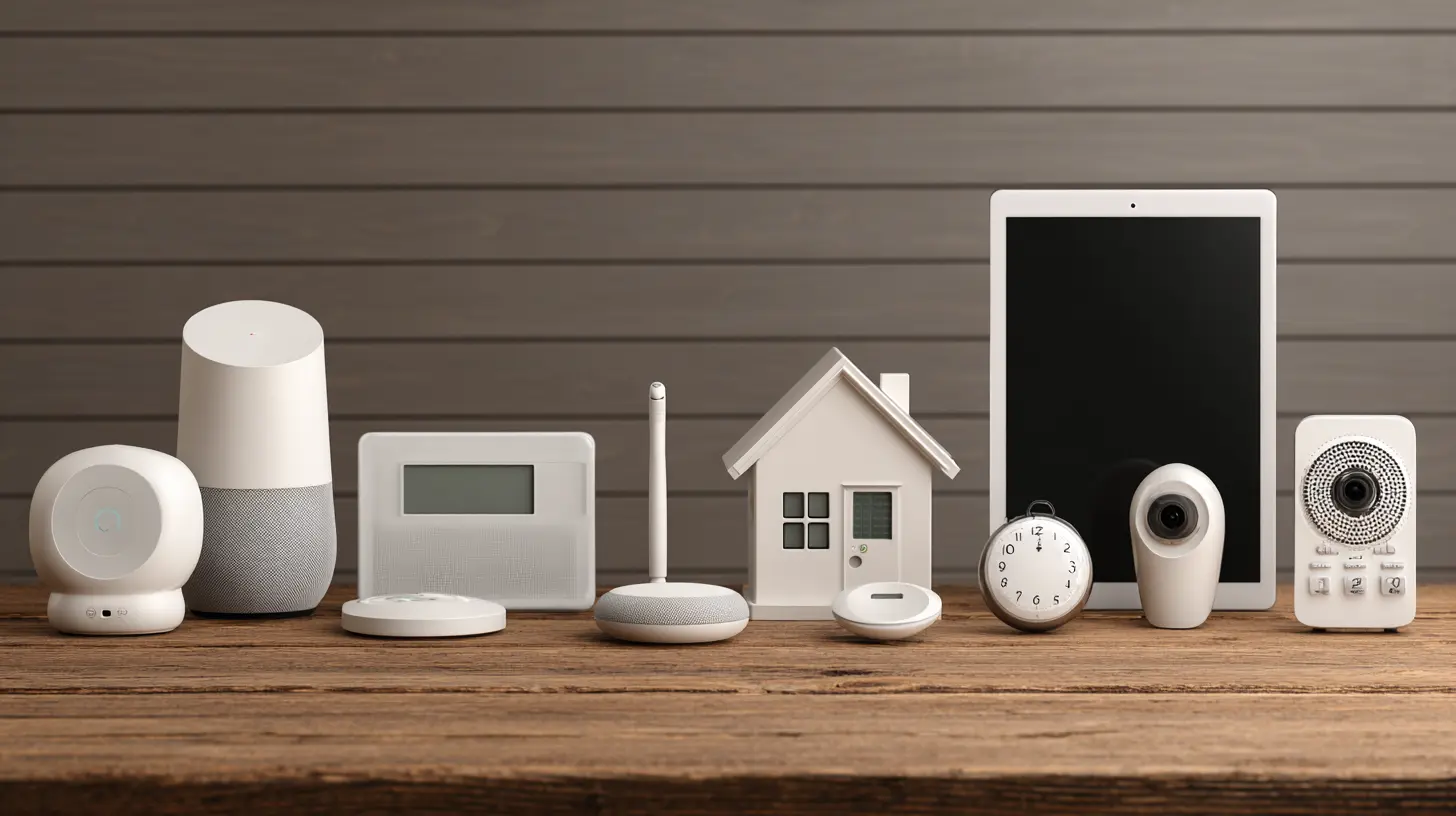
Smart Locks: Convenience vs. Security
Smart locks are a polarizing topic. Some people love them. Others worry about security. The truth is that a good smart lock is more secure than a traditional deadbolt in many ways. You can see who enters and when. You can issue temporary codes to guests instead of hiding a spare key under the mat. You can lock the door remotely when you are already in bed and suddenly wonder if you locked it.The simplification factor is huge. You never carry keys again. Your phone becomes your key. For anyone who has ever fumbled with groceries in the rain, this is a genuine quality-of-life improvement.
But there are serious trade-offs. The most important one is battery life. If the battery dies, you cannot get in unless you have a physical key backup or a backup charging method. Some locks have a keyhole hidden under the keypad. Others have a small USB port for emergency power. You need to check this before buying. The worst smart lock is one that locks you out of your own house.
The Misconception About Hacking
People worry about hackers breaking into their smart lock. In reality, that is extremely rare. The far more common risk is someone stealing your phone and using it to unlock the door. This is why you should never rely solely on a smart lock. Always have a backup method. Also, make sure the lock you buy uses encryption and has a good reputation for firmware updates. Cheap no-name locks often have vulnerabilities that are never patched.If you are a renter, check your lease. Some landlords do not allow changing the locks. You can sometimes install a smart lock that replaces the interior thumb turn only, leaving the exterior keyhole intact. That is a compromise that works for many renters.
Smart Plugs: The Underrated Workhorse
Smart plugs are the cheapest and most versatile smart home devices. They turn any dumb appliance into a smart one. You can plug in a lamp, a coffee maker, a fan, or a space heater, and control it with a schedule or voice command.The best use case is for things you want to turn off automatically to save energy or prevent hazards. For example, a curling iron or a straightener that you always worry you left on. Plug it into a smart plug and set a rule that it turns off after 30 minutes. That is a simple, practical solution to a common anxiety.
Another great use is for holiday lights. Instead of crawling under the tree to plug and unplug them, set a schedule. They turn on at sunset and off at midnight. No thinking required.
The Hidden Problem: Phantom Load
Many people do not realize that smart plugs themselves consume a small amount of electricity. It is usually less than a watt, so it is negligible. But if you have twenty smart plugs, that adds up. More importantly, smart plugs are not meant for high-power appliances like refrigerators or washing machines. Check the wattage rating. Most smart plugs are rated for 15 amps, which is fine for most household items. But a space heater draws close to that limit. Do not daisy-chain them. And never use a smart plug for something that has a motor, like a sump pump, unless the plug is specifically rated for motor loads.
Robot Vacuums: The Real Workhorse
The robot vacuum is probably the most genuinely useful smart home device ever made. It does not just look cool. It actually saves you time every single day. The key is to buy one that does the work for you, not one that you have to babysit.The modern robot vacuums with self-emptying bases are the gold standard. They run on a schedule, clean your floors, return to the base, empty their dustbin, and recharge. You might go weeks without touching them. That is true automation.
The mistake most people make is buying a cheap robot vacuum and expecting it to do what a $1000 model does. Cheap models get stuck on cords, miss corners, and have terrible mapping. They require constant supervision, which defeats the purpose. If you want a robot vacuum to simplify your life, you need to spend enough to get one with good navigation and obstacle avoidance. The mid-range models from established brands are usually the sweet spot.
The Trade-Off: Robot Vacuum vs. Full Vacuum Cleaner
A robot vacuum is not a replacement for a full-size vacuum. It is a maintenance tool. It keeps your floors at a baseline level of cleanliness so that you only need to do a deep clean once a week or less. If you have thick carpets, a robot vacuum will not do a great job. If you have mostly hard floors, it will be excellent.Also, consider your home layout. Robot vacuums struggle with thresholds, thick rugs, and clutter. If your home is a cluttered mess, the robot will spend more time stuck than cleaning. You have to keep floors relatively clear. Some people find this trade-off acceptable because it forces them to tidy up. Others find it annoying. Be honest about your habits.
Smart Speakers and Displays: The Control Center
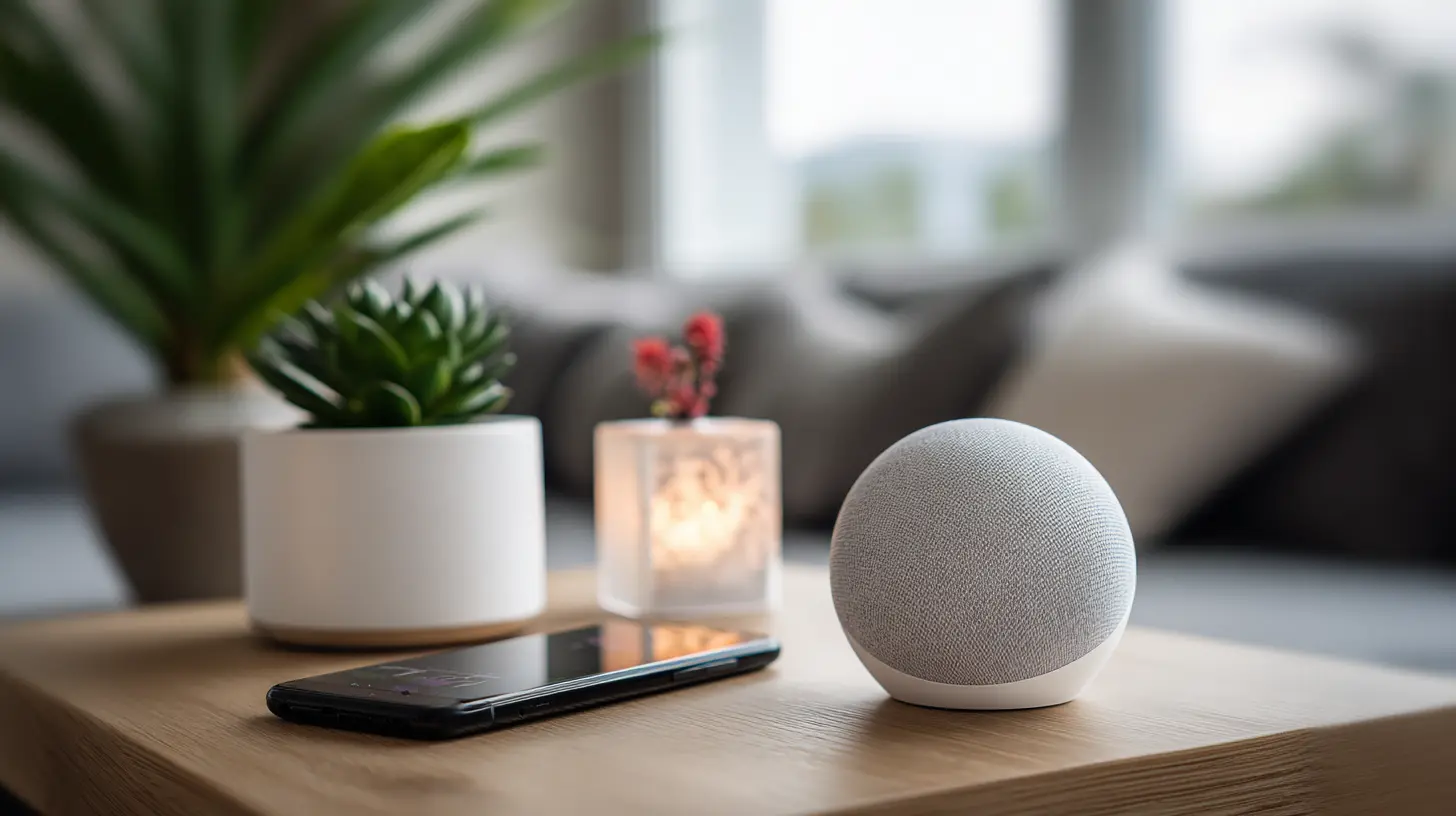
A smart speaker is often the first smart home device people buy. It is also the one that gets the most criticism. Critics say they are just another gadget that spies on you. Supporters say they make controlling everything else easier. Both are partially right.The real value of a smart speaker is not asking it to play music or tell you the weather. It is using it as a voice interface for your other devices. Instead of pulling out your phone to adjust the thermostat, you just speak. That is faster and more natural. But the usefulness depends entirely on how many other devices you have. A smart speaker with no connected devices is just a mediocre Bluetooth speaker.
The Privacy Question
Privacy concerns are valid, but they are often overstated. Smart speakers only listen for a wake word. They are not recording everything you say. That said, if you are uncomfortable with any audio being sent to a cloud server, do not buy one. There are open-source alternatives that run locally, but they require technical skill to set up. For most people, the convenience outweighs the privacy trade-off. But you should make that decision consciously, not ignore it.The Ecosystem Trap
The biggest mistake you can make is buying devices from multiple ecosystems without thinking. If you buy a Google Home speaker, then buy Amazon Echo devices later, they will not work together. You have to choose a primary ecosystem and stick with it. The three main ones are Google, Amazon, and Apple. Each has strengths and weaknesses.Google is better at answering questions and understanding natural language. Amazon has the widest range of compatible devices. Apple is best if you are already deep in the Apple ecosystem and value privacy. Choose one. Do not try to mix and match. It will only cause frustration.
Smart Sensors: The Invisible Magic
Most people overlook sensors, but they are the key to true automation. A motion sensor in the hallway can turn on a dim light at night when you get up to use the bathroom. A door sensor can trigger the thermostat to lower the heat when you leave. A water leak sensor under the sink can alert you before a small leak becomes a flood.Sensors are cheap, small, and require no interaction. They just sit there and trigger other devices. This is where the smart home really becomes invisible. You are not controlling anything. The house is responding to your presence.
The Over-Engineering Risk
The danger with sensors is over-engineering. You can easily create a system so complex that it becomes unpredictable. For example, you set up a rule that turns on the living room lights when motion is detected. But then you realize the sensor also picks up your cat, and the lights turn on at 3 AM. You spend more time adjusting rules than you save. Keep it simple. Start with one or two sensor-triggered automations that solve a specific problem. Add more only when the existing ones work flawlessly.Smart Cameras and Doorbells: Security and Convenience
A smart doorbell is a great example of a device that simplifies a specific part of your routine. You no longer have to rush to the door when someone rings. You can see who it is from your phone, talk to them, and decide whether to open the door. For deliveries, this is a game changer. You can tell the courier to leave the package on the porch without getting up.Indoor cameras are more controversial. They are useful for checking on pets or kids, but they also raise privacy concerns. If you have cameras inside, make sure they are in common areas, not bedrooms or bathrooms. And be aware that cameras can be hacked if you do not change the default password and keep firmware updated.
The Subscription Trap
Many camera and doorbell manufacturers require a subscription for cloud storage. Without it, you cannot review past footage. That is a recurring cost that adds up. Some devices offer local storage via a microSD card, which avoids the subscription. Check this before buying. A device that looks cheap upfront can become expensive over time with mandatory subscriptions.
The Real Best Practices for a Simplified Smart Home
After years of working with these devices, I can boil down the best practices to a few clear rules.First, start small. Do not try to automate your entire house in one weekend. Pick one room or one problem. Solve that. Then move on. This approach prevents burnout and helps you learn how the system works before expanding.
Second, standardize on one ecosystem. This cannot be overstated. Mixing Google and Amazon and Apple products is a recipe for frustration. Pick one platform and make sure all your devices are compatible with it.
Third, prioritize devices that save time over devices that add control. A smart light that turns on automatically is better than a smart light you control with your voice. The goal is to eliminate actions, not to make them more convenient.
Fourth, invest in reliability over features. A basic smart plug that works every time is better than a fancy smart plug with energy monitoring that drops offline randomly. Read reviews for reliability, not just for features.
Fifth, keep a manual backup. Smart devices fail. Batteries die. Networks go down. You should always be able to perform the essential function manually. A smart lock should have a key. A smart thermostat should have a manual override. This is not a sign of weakness. It is a sign of good design.
Common Mistakes and Misconceptions
The most common mistake is buying devices without checking compatibility. You buy a smart bulb that requires a hub, but you do not have a hub. Or you buy a smart plug that only works with Alexa, but you have a Google Home. Always check compatibility before purchasing.Another mistake is ignoring the network. Smart home devices rely on your Wi-Fi. If your router is old or your coverage is poor, devices will constantly disconnect. A mesh Wi-Fi system is often necessary for a larger home with many devices. This is an indirect cost that many people do not plan for.
A third mistake is assuming that more devices equals more convenience. The opposite is often true. Every device adds a potential point of failure. Every device needs updates. Every device can become obsolete. The best smart home is the one with the fewest devices that solve the most problems.
Final Recommendations
If you are starting from zero, here is a practical order of purchase. First, get a smart thermostat if your HVAC system supports it. It saves money and works automatically. Second, get a robot vacuum with a self-emptying base. It saves time daily. Third, get a few smart plugs for specific problem appliances. Fourth, get a smart speaker to tie everything together. Fifth, add sensors for automation. Sixth, add a smart lock if you are comfortable with it.Skip the smart fridge. Skip the smart mirror. Skip the smart toaster. These are gimmicks. They add complexity without solving real problems. The devices that simplify your routine are the ones that work in the background, quietly, without asking for your attention.
A smart home should feel like a well-run hotel. Everything is exactly where you need it, when you need it. You do not think about the systems. You just enjoy the comfort. That is the goal. Not a house full of gadgets. A house that works better than you ever had to work for it.
The technology is mature enough now that you do not need to be a technician to make it work. But you do need to be thoughtful. Plan your purchases. Understand the trade-offs. And always remember that the device is there to serve you, not the other way around.
all images in this post were generated using AI tools
Category:
Smart Home TechnologyAuthor:

Ugo Coleman
Discussion
rate this article
1 comments
Carla McEvoy
In a world of whispers and lights that dance, smart homes weave ease into daily life, transforming routines into a symphony of comfort and grace.
August 25, 2026 at 4:10 AM
Ugo Coleman
Thanks for the poetic take! Smart homes truly do create a harmonious blend of convenience and comfort in our lives.