The Evolution of Home Security Systems Through Smart Tech
12 August 2026
The home security industry has undergone a transformation so profound that comparing a system from 2005 to one from today is like comparing a rotary phone to a flagship smartphone. For decades, home security meant a hardwired alarm panel in the hallway, a few door and window contacts, and a monthly monitoring contract that locked you in for three years. The technology was static. It detected forced entry after the fact, and it did almost nothing to prevent it, deter it, or help you understand what was actually happening on your property.
That model is now obsolete. The shift from analog to digital, from isolated to connected, and from reactive to proactive has changed not just the hardware but the entire philosophy of home protection. This article walks through that evolution, explains the trade-offs of each generation of technology, and gives you a practical framework for choosing what actually makes sense for your home, your budget, and your tolerance for complexity.

The Analog Era: Wired Panels and False Alarms
The first generation of modern home security systems relied on a simple closed-loop electrical circuit. You placed magnetic contacts on doors and windows. When the circuit broke, the panel triggered an alarm. That was it. The system had no idea whether the break was caused by an intruder, a pet, or your forgetful teenager coming home past curfew. It just made noise and called the monitoring station.These systems had real strengths. They were reliable because they did not depend on Wi-Fi or cellular networks. They were hard to jam because the wiring was physical. And they worked during power outages because they ran on backup batteries. But the weaknesses were severe. Installation required drilling through walls and running low-voltage wire through basements and attics. False alarms were common, especially if you had drafty windows or curious pets. And the monthly cost was tied to a central station that added little value beyond calling the police when a sensor tripped.
The biggest conceptual flaw of the analog era was that the system treated every alarm as a binary event. It could not distinguish between a real threat and a nuisance. Homeowners quickly learned to ignore alarms, which made the system less effective even when it worked correctly. The industry spent years fighting false alarm fines and trying to educate users, but the fundamental limitation was in the technology itself.
The Wireless Revolution: Convenience Over Complexity
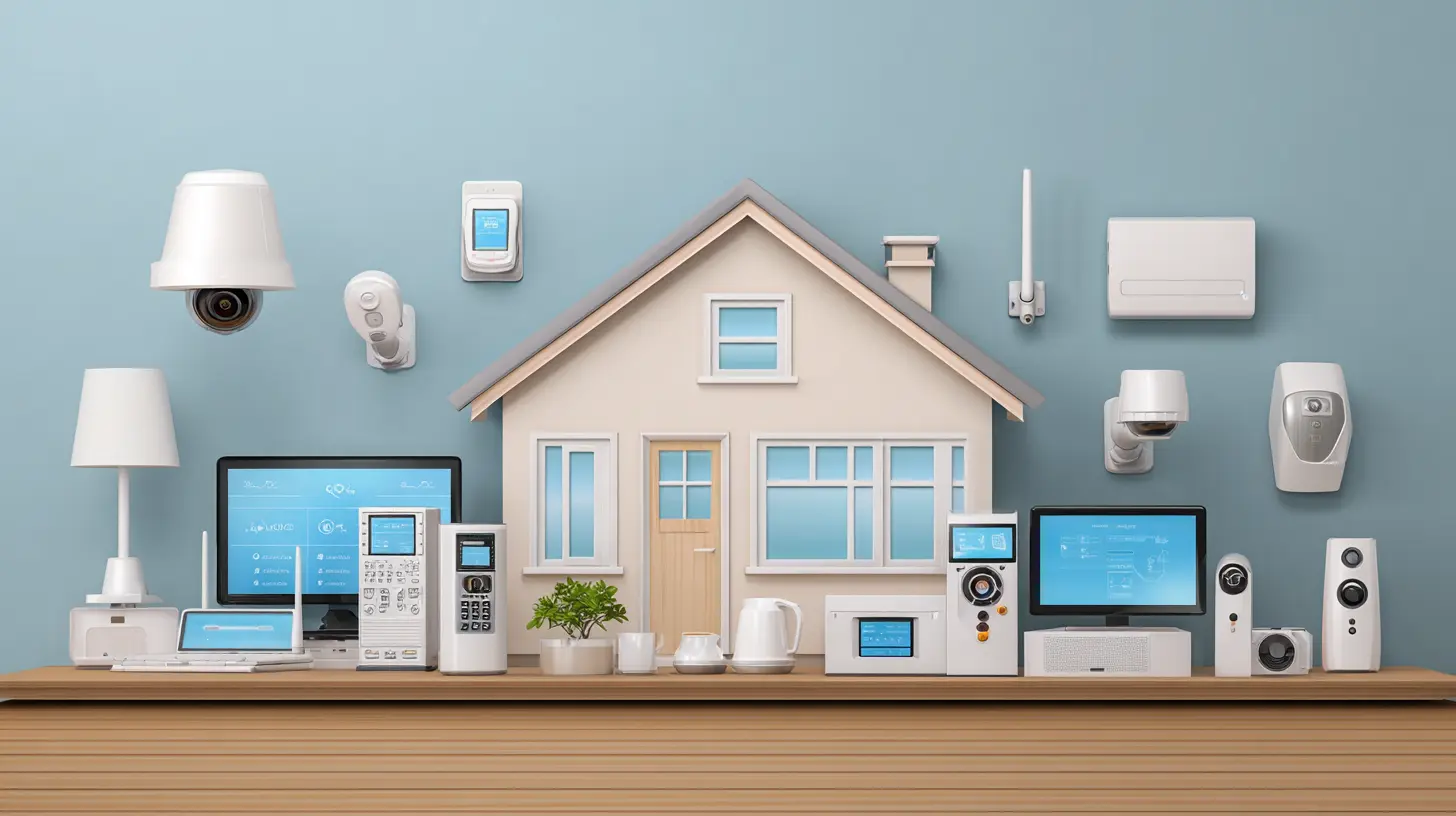
The introduction of wireless sensors in the late 1990s and early 2000s was a genuine leap forward, though not for the reasons most people assume. Wireless technology did not make homes safer overnight. It made security systems easier to install, which meant more people actually bought them. That alone was a public safety win.Early wireless systems used proprietary radio frequencies to communicate between sensors and the panel. They eliminated the need for drilling and wiring, and they allowed homeowners to place sensors almost anywhere. You could add a sensor to a shed, a gate, or a second-floor window without running cable. Installation time dropped from days to hours.
But the trade-off was reliability. Wireless signals could be blocked by thick walls, metal ductwork, or large appliances. Batteries died without warning. And the sensors were often bulky because they needed to house transmitters. The industry responded with better protocols, longer battery life, and supervision signals that alerted the panel when a sensor went offline. Still, the core architecture remained the same: sensors report to a central panel, the panel decides what to do, and the monitoring station gets notified.
What did not change was the user experience. You still had a keypad on the wall. You still had to memorize an arming code. You still had to call your provider to change settings. The system was smarter under the hood, but the interface was stuck in the 1980s.
The Internet of Things: When the Alarm Became a Data Device
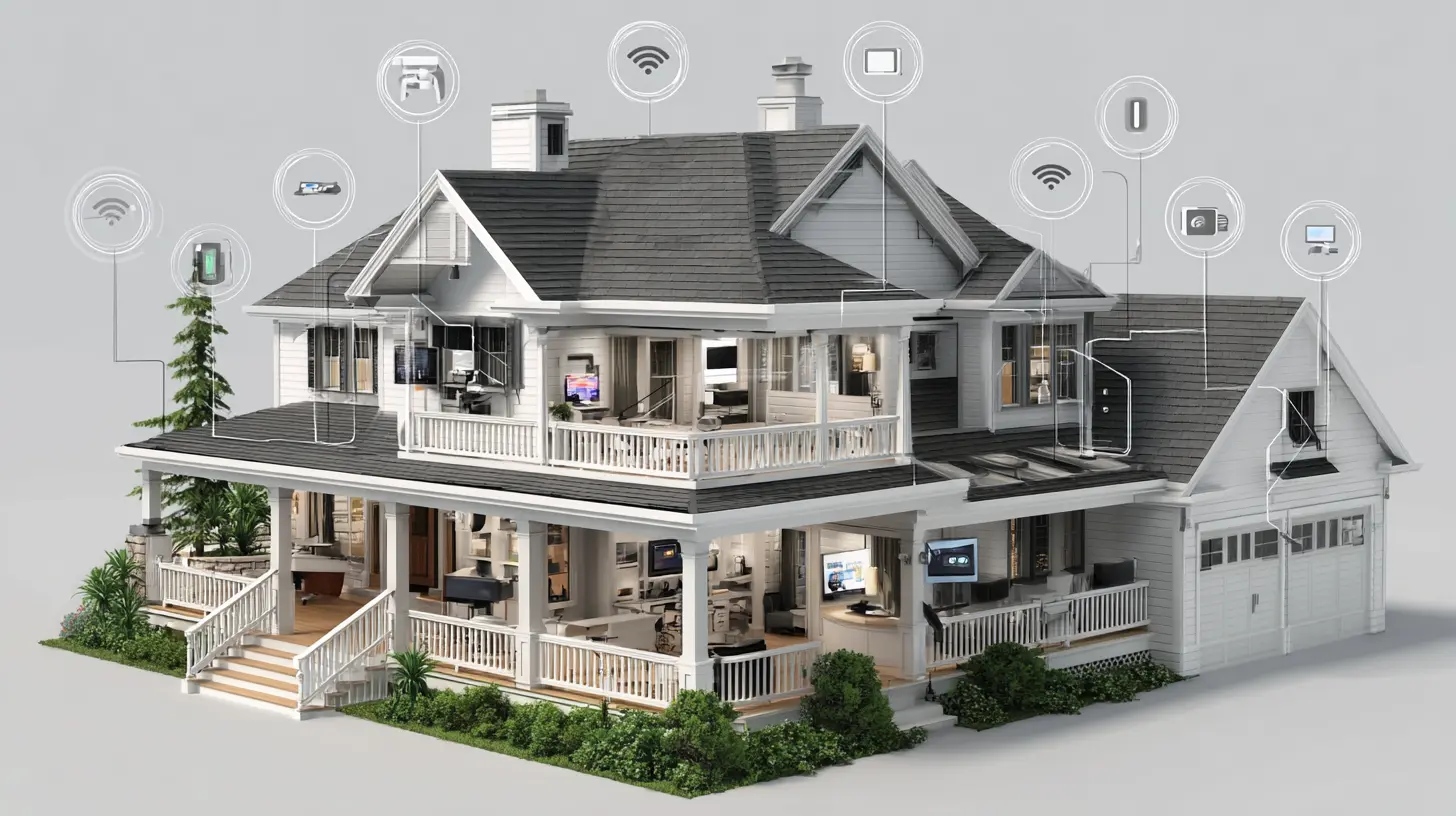
The real inflection point came when security systems gained IP connectivity. Once a panel could connect to the internet, everything changed. The alarm was no longer a standalone appliance. It became a node in a larger network of connected devices, and that opened the door to features that were previously impossible.Remote arming and disarming was the first killer feature. You could check whether you left the garage door open and close it from your phone. You could arm the system from the airport when you realized you forgot. That single capability eliminated the most common source of anxiety for homeowners: the nagging doubt that you left the house unprotected.
But the deeper shift was in data. With IP connectivity, the system could log every event, every sensor trigger, every arm and disarm cycle. That data became the foundation for analytics. You could see patterns. Which doors do you actually use? What time does the system get disarmed in the morning? Are there windows that rarely get opened but keep triggering sensors? For the first time, homeowners could understand their own behavior in relation to their security system, and that understanding led to better habits.
The downside of the IoT era is that it introduced complexity and vulnerability. A system that is connected to the internet is a system that can be attacked. Researchers have demonstrated over the years that poorly secured smart home devices can be hijacked, used for botnets, or used to disable security features. The industry has largely responded with encryption and two-factor authentication, but the responsibility for security now falls partly on the homeowner. You have to update firmware. You have to use strong passwords. You have to segment your network if you want to isolate your security system from your streaming devices.
Smart Cameras: From Deterrence to Verification
No single product category changed the home security conversation more than the internet protocol camera. Early CCTV systems were expensive, required dedicated recording hardware, and were mostly used by businesses. Consumer adoption was low because the quality was poor and the setup was technical.The smart camera generation changed that by making video cheap, accessible, and genuinely useful. A modern camera costs less than a dinner for two, installs in minutes, and streams high-definition video to your phone. But the real advancement is not the hardware. It is the software that runs on it.
Computer vision has turned cameras from passive recording devices into active threat assessment tools. A camera can now tell the difference between a person, a vehicle, an animal, and a shadow. It can recognize faces it has seen before. It can detect motion in a specific zone while ignoring activity in another. This capability dramatically reduces false alerts, which is the single biggest reason people abandon security technology. A camera that sends you a notification every time a leaf blows across the driveway will get muted within a week. A camera that only alerts you when a person walks up to your front door will earn your trust.
The trade-off is privacy. A camera that sees everything is a camera that sees everything, including your neighbor's yard, the mail carrier, and the delivery driver. Cloud storage means your footage is on someone else's server. Subscriptions are often required for continuous recording, while free tiers typically offer only live viewing and clip capture. You need to decide how much of your private life you are willing to hand over to a third party in exchange for convenience.
The Rise of the Doorbell Camera
The video doorbell deserves special attention because it solved a problem that traditional security systems never addressed: the front door. Most intrusions happen through the front door, yet traditional systems treated it as just another entry point. The video doorbell turned the front door into a communication channel.The core value is not security in the traditional sense. It is awareness. You can see who is at the door before you open it. You can talk to a delivery driver while you are at work. You can tell a solicitor to leave without opening the door. You can capture footage of a package thief and hand it to the police.
But the doorbell camera has also created new problems. It has normalized surveillance of public space in a way that makes many neighbors uncomfortable. Some municipalities have imposed restrictions on where cameras can point. And the psychological effect of being watched, even passively, changes neighborhood dynamics. If you install a doorbell camera, you should be prepared to explain it to your neighbors and to respect their privacy by angling the camera to avoid their windows and doorways.
Smart Locks: Convenience Meets Risk
Smart locks are perhaps the most controversial piece of the modern security stack. On one hand, they eliminate the need for physical keys, which are easily lost, copied, or stolen. You can grant temporary access codes to housekeepers, dog walkers, or Airbnb guests, and revoke them instantly when they leave. You can monitor who enters and exits and at what time. That is a level of control that no traditional lock can match.On the other hand, a smart lock is a computer. It can be hacked. It can fail. Its battery can die at the worst possible moment. And unlike a traditional deadbolt, which is purely mechanical and cannot be remotely disabled, a smart lock depends on power and connectivity.
The practical advice here is to avoid putting all your eggs in one basket. Use a smart lock on a secondary door, like a garage entry or a back door, and keep a high-quality mechanical deadbolt on the main entrance. Or, if you want a smart lock on the front door, choose one with a physical key override and a backup battery option. The convenience is real, but the risk is also real, and you should not trade away your last line of defense for the sake of a phone app.
DIY vs Professional Installation: The Great Divide
The market has split into two camps: do-it-yourself systems that you buy off the shelf or online, and professionally installed systems that come with a service contract. Each has its place, and the right choice depends on your technical comfort level, your home's layout, and your willingness to troubleshoot.DIY systems, like those from companies that sell directly to consumers, offer lower upfront costs, no contracts, and the flexibility to move the system with you. They are ideal for renters and for homeowners who are comfortable with basic networking. The downside is that you are the support team. If a sensor fails to pair, if your Wi-Fi drops, or if the app stops working, you are on your own. Some DIY systems offer optional professional monitoring, but the quality of that service varies widely.
Professionally installed systems, on the other hand, come with a team that designs the layout, mounts the hardware, and configures the network. The monitoring is usually more robust because the company has a direct relationship with the equipment. The downside is cost. You are paying for labor, hardware markup, and a recurring service fee, often for years. You also lose flexibility. Moving the system to a new home usually requires a new installation and a new contract.
The common mistake is assuming that professional installation means better security. It does not. A well-placed DIY system with good sensors and a reliable camera can be just as effective as a professionally installed one. The difference is convenience and support, not security. Do not pay a premium for a brand name if you are capable of mounting a sensor and connecting a device to your Wi-Fi.
The Role of Professional Monitoring in a Smart World
Professional monitoring used to be the only option. You paid a monthly fee, and a call center watched your alarm signals. Today, you can monitor your own system with push notifications and live video. That raises a legitimate question: is professional monitoring still worth it?The answer depends on your lifestyle. If you are home most of the time and you are responsive to notifications, self-monitoring can work. But the reality is that most people are not looking at their phone all day. A burglar alarm that goes off while you are in a meeting is useless if you do not see the notification for two hours. Professional monitoring fills that gap. When the alarm triggers, a trained operator contacts you, and if you do not respond, they contact the authorities.
The newer trend is interactive monitoring, where the monitoring station can see live video feeds and verify an alarm before dispatching police. This reduces false dispatches, which is good for your relationship with local law enforcement and for your wallet, since some cities charge for false alarms. It also speeds up response because the operator can provide a detailed description of the intruder and the vehicle.
The downside of professional monitoring is cost and the occasional false alarm from a poorly placed sensor. But if you travel, work long hours, or simply want the peace of mind that comes from having another set of eyes, it is a reasonable expense. Just read the contract carefully. Some companies lock you in for three years and charge exorbitant cancellation fees.
Sensors Beyond Doors and Windows
Traditional systems focused on entry points, but modern smart security has expanded the definition of what needs protection. Glass break sensors listen for the frequency of shattering glass and can trigger an alarm even if a window contact is not installed. Motion sensors use passive infrared to detect heat signatures and can cover entire rooms. But the most interesting additions are environmental sensors.Smoke detectors, carbon monoxide detectors, water leak sensors, and freeze sensors are now common in smart security ecosystems. These devices do not protect against intruders, but they protect against the things that cause more property damage than burglary: fires, floods, and carbon monoxide poisoning. A water leak sensor under your washing machine can save you tens of thousands of dollars in water damage if it catches a failing hose before you leave for work.
The integration of environmental sensors into the security ecosystem is a major advantage of smart systems. In the analog era, these were separate devices with separate alarms and no central reporting. Now, a single app can show you that your basement is flooding, your smoke detector is chirping, and your front door is ajar. That unified view is where the real value of smart home security lies.
The Dark Side: Privacy, Hacking, and Dependence
No honest discussion of smart home security can ignore the risks. Every connected device is an attack surface. Security researchers have repeatedly shown that consumer smart devices are often poorly secured, with hardcoded credentials, unencrypted communications, and unpatched vulnerabilities. The 2016 Mirai botnet, which harnessed thousands of insecure smart cameras and routers to take down major websites, was a wake-up call that the industry is still responding to.The practical implications for homeowners are straightforward. Change default passwords immediately. Use a separate Wi-Fi network for your security devices if your router supports it. Keep firmware updated. And be skeptical of cheap, no-name devices that offer features at a fraction of the price of established brands. You are not just buying a camera; you are buying the company's security practices.
There is also the issue of data ownership. When your camera records video, where does that footage live? Who can access it? Some cloud services store footage indefinitely and share it with law enforcement upon request. Others promise end-to-end encryption and local storage. Before you buy, read the privacy policy. If a company makes its money from advertising, your video footage is a potential revenue stream. If a company sells hardware and charges a subscription for storage, your data is more likely to be treated as a product you are paying for.
Making the Right Choice for Your Home
The evolution of home security has produced an overwhelming number of options, and the marketing noise makes it hard to separate signal from noise. Here is a practical framework for making a decision.Start with your actual threat model. Do you live in an area with high burglary rates? Do you have valuable items in your home? Are you away from home frequently? The answers to these questions should drive your spending. A person in a low-crime suburban neighborhood with a home office and a dog does not need the same system as a person in a dense urban area who travels for work.
Next, consider the physical layout of your home. Multi-story homes benefit from motion sensors on stairwells. Homes with sliding glass doors need specialized sensors. Homes with large windows need glass break detectors. A professional installer can help, but even DIY systems come with guidance on placement.
Then, decide on your monitoring strategy. Self-monitoring is fine if you are disciplined. Professional monitoring is worth it if you want a safety net. The cost difference is usually between ten and thirty dollars per month, which is small compared to the value of your home and possessions.
Finally, plan for the long term. The smart home industry is still consolidating. Some platforms die, and some companies get acquired. Choose devices that support open standards like Matter or Zigbee if you want to avoid being locked into a single ecosystem. And be prepared to replace batteries, update firmware, and occasionally troubleshoot connectivity issues. No system is set-and-forget.
Common Mistakes to Avoid
The most common mistake is overbuilding. People buy a seventeen-piece kit with cameras, sensors, and smart locks, install half of it, and then abandon the system because it sends too many notifications or because the app is confusing. Start small. One doorbell camera and one motion sensor is a fine beginning. Add only what you actually use.The second mistake is ignoring placement. A sensor on the wrong side of a door or a camera pointed at a tree will generate false alerts and teach you to ignore the system. Take the time to angle cameras properly and to adjust sensor sensitivity.
The third mistake is trusting the system blindly. A security system is a tool, not a guarantee. It deters casual criminals and alerts you to problems, but it does not stop a determined intruder. Do not skip basic precautions like locking doors, trimming bushes near windows, and having good outdoor lighting. The best security system is the one that makes your home look less attractive than your neighbor's.
The Future of Home Security
Looking ahead, the next wave of home security will be driven by artificial intelligence and edge computing. Cameras will become better at recognizing specific people, vehicles, and behaviors. False alarms will drop to near zero. Systems will learn your routines and adjust automatically. You will not have to arm and disarm your system manually because it will know when you leave and when you come back.Integration with other smart home systems will also deepen. Your security system will coordinate with your lighting to simulate occupancy when you are away. It will trigger your smart speakers to play a warning message when a sensor trips. It will unlock your door for a trusted visitor while locking down the rest of the house. The line between security, convenience, and home automation will blur until they are indistinguishable.
But the fundamental principles will not change. A good security system is reliable, easy to use, and respectful of privacy. It gives you awareness without paranoia. It protects your home without turning your life into a surveillance state. The technology will keep evolving, but those principles will remain the same.
all images in this post were generated using AI tools
Category:
Smart Home TechnologyAuthor:

Ugo Coleman
Discussion
rate this article
1 comments
Savannah Garcia
The integration of smart technology in home security systems marks a significant shift in how we protect our spaces. As features become more advanced and user-friendly, it raises questions about privacy and the long-term reliability of these devices.
August 16, 2026 at 2:44 AM