Battery Breakthroughs That Will Power the Future of Remote Work
16 August 2026
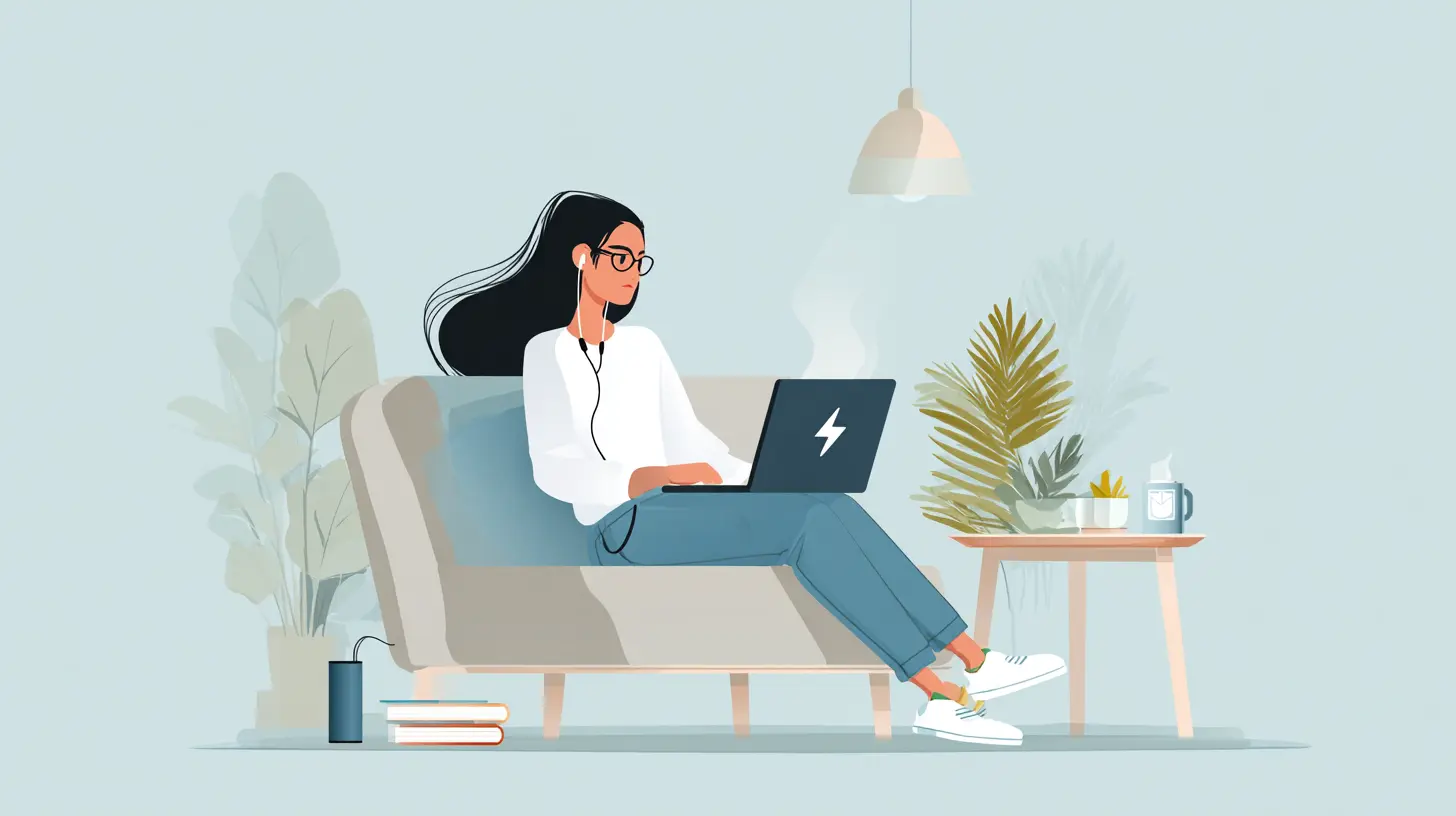
Remote work is no longer a temporary arrangement. It is a permanent fixture for millions of people across the globe. But while video conferencing, cloud collaboration, and high-speed internet have evolved rapidly, the humble battery has struggled to keep pace. Your laptop dies at the worst possible moment. Your wireless headset gives out mid-call. Your portable monitor flickers and shuts down. The bottleneck is not your Wi-Fi or your software. It is the electrochemical cell sitting inside every device you rely on.
The good news is that the battery landscape is shifting faster than at any point in the last three decades. New chemistries, smarter management systems, and novel form factors are finally addressing the real pain points of remote workers. This article breaks down the most promising breakthroughs, explains how they actually work, and gives you a practical framework for deciding what to buy and when.
Why the Old Lithium-Ion Standard Is Hitting Its Limits
To understand why we need breakthroughs, you have to understand the constraints of the current standard. Lithium-ion batteries have dominated portable electronics since the early 1990s. They offer a decent energy density, measured in watt-hours per kilogram. A typical laptop battery packs around 200 to 250 watt-hours per kilogram. That sounds fine until you realize that modern processors, high-resolution displays, and always-on connectivity are demanding more power than ever.The problem is not just capacity. It is degradation. A standard lithium-ion cell loses about 20 percent of its capacity after 500 full charge cycles. For a remote worker who plugs in and unplugs multiple times a day, that means noticeable battery life reduction within 18 months. The chemistry is also sensitive to heat. Running intensive tasks like video encoding or large data uploads while charging can permanently damage the cell structure.
There is also the safety angle. Lithium-ion uses a liquid electrolyte that is flammable. If the internal separator fails, you get thermal runaway, which leads to swelling, smoke, or in extreme cases, fire. Manufacturers have added protective circuits and better casing, but the fundamental risk remains. This is why you see those airline warnings about damaged or swollen batteries.
The industry has squeezed most of the performance possible out of this chemistry. Incremental improvements in electrode materials and electrolyte additives will continue, but they will not deliver the leap that remote workers need. That leap requires a different approach.

Solid-State Batteries: The Most Promising Shift
The most talked-about breakthrough is the solid-state battery. Instead of a liquid electrolyte, it uses a solid material, usually a ceramic, glass, or polymer. This single change solves multiple problems at once.First, solid electrolytes are non-flammable. That removes the thermal runaway risk almost entirely. Second, they allow the use of a pure lithium metal anode instead of the graphite anode used in conventional cells. Lithium metal has a much higher theoretical capacity, which means you can store more energy in the same physical space. Early prototypes suggest energy densities of 400 to 500 watt-hours per kilogram, roughly double what you get today.
For a remote worker, that translates to a laptop that lasts a full workday plus evening calls, or a portable power bank that can top up a phone, a tablet, and a pair of headphones without itself needing a recharge.
But there are trade-offs. Solid-state batteries are expensive to manufacture at scale. The solid electrolyte materials are brittle, and maintaining good contact between the solid layers as the battery expands and contracts during charging is difficult. Companies like Toyota and QuantumScape have been working on this for years, but commercial availability in consumer devices is still a few years away. Expect to see them first in premium electric vehicles, where the cost per kilowatt-hour is less critical, and then trickle down to laptops and phones.
In the meantime, do not wait for solid-state. The current generation of lithium-ion is still improving, and there are other technologies that will reach you sooner.
Silicon Anodes: A Practical Bridge Technology
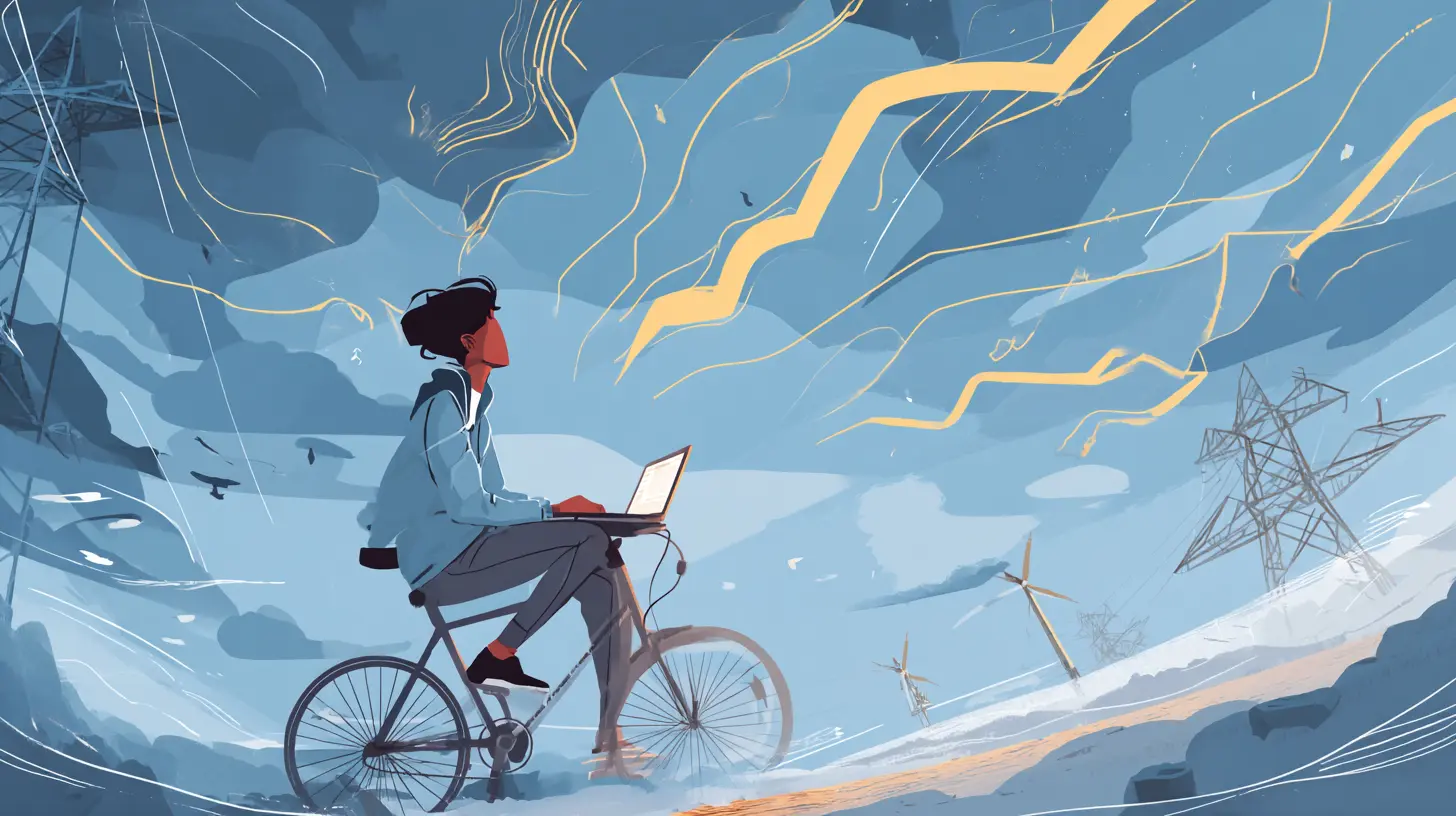
One of the most practical near-term improvements is the silicon anode. Graphite, the standard anode material, can hold one lithium ion for every six carbon atoms. Silicon can hold four lithium ions per silicon atom. That is a massive increase in capacity, theoretically up to ten times more than graphite.The catch is that silicon swells up to 300 percent of its volume when it absorbs lithium. That expansion cracks the electrode, leading to rapid capacity loss. Early silicon-anode batteries failed quickly, which is why they never made it into consumer products.
Recent breakthroughs solve this by using silicon nanostructures. Instead of a solid block of silicon, manufacturers use silicon nanowires, silicon nanoparticles, or silicon embedded in a carbon matrix. These structures have room to expand without breaking. Companies like Sila Nanotechnologies and Group14 Technologies are already shipping silicon-dominant anodes to battery makers.
The real-world benefit is a 20 to 40 percent increase in energy density without changing the battery form factor. That means your next laptop could have the same physical battery but run for an extra two to three hours. The cost increase is modest, around 10 to 15 percent, which is acceptable for premium devices.
One thing to watch is the charge speed. Silicon anodes can handle fast charging better than graphite, but they also generate more heat. If a manufacturer pushes charge rates too high, the battery degrades faster. Look for devices that advertise both high capacity and active thermal management, not just raw numbers.

Sodium-Ion Batteries: Not for Your Laptop, but for Your Backup Power
Sodium-ion is another chemistry gaining attention. Sodium is abundant, cheap, and works similarly to lithium in terms of ion movement. The energy density is lower, around 120 to 160 watt-hours per kilogram, which makes it unsuitable for laptops or phones where space is tight.Where sodium-ion shines is in stationary storage. If you work from home and rely on a solar setup or a home battery backup, sodium-ion offers a cost-effective and safer alternative to lithium iron phosphate. The cells tolerate a wider temperature range and can be discharged to zero without damage. They also last longer in terms of cycle life, often exceeding 3,000 cycles.
The trade-off is size and weight. A sodium-ion battery pack for your home will be bulkier than a lithium equivalent. But if you have space in a garage or a utility closet, it is a solid choice. The price per kilowatt-hour is expected to drop below that of lithium within the next few years, driven by the low cost of raw materials.
For remote workers, the practical application is less about your personal devices and more about your infrastructure. A sodium-ion home battery can keep your router, laptop, and monitor running through a power outage without the fire risk associated with some lithium chemistries.
Graphene and Supercapacitors: The Speed Solution
Batteries store energy chemically. Supercapacitors store energy electrostatically. That difference means supercapacitors can charge and discharge almost instantly, but they hold far less energy per unit weight. Graphene, a single layer of carbon atoms, has the surface area and conductivity to make supercapacitors much more viable.Hybrid devices, often called supercapacitor-battery hybrids, combine the high energy density of a battery with the rapid charge capability of a capacitor. The result is a cell that can reach 80 percent charge in under five minutes and still provide a usable amount of power.
This is not a replacement for your main laptop battery. The energy density is still only around 100 to 150 watt-hours per kilogram. But it is perfect for small accessories like wireless earbuds, smartwatches, or styluses. Instead of charging your earbuds overnight, you pop them in a case for three minutes and get another two hours of use.
For remote workers, the practical benefit is less downtime. A quick top-up during a coffee break can keep your peripherals alive through a long video call. The downside is that these hybrids self-discharge faster than lithium-ion. If you leave a supercapacitor-powered device unused for a week, it will be empty. So they are best for devices you use daily.
Battery Management Systems: The Software Side of the Equation
Hardware chemistry gets all the attention, but the software that manages the battery is just as important. A battery management system, or BMS, controls how the cell charges, discharges, and balances individual cells in a pack. It also monitors temperature and state of health.Modern BMS units use machine learning to adapt to your usage patterns. If the system detects that you always unplug at 9 a.m. and plug in again at 6 p.m., it can optimize the charge curve to keep the battery at a lower state of charge overnight, which reduces stress. It can also limit the maximum charge to 80 percent if it knows you will not need the full capacity that day.
The result is a longer battery lifespan without you changing any behavior. Many premium laptops already have this feature, but it is often buried in the settings. If your device has a battery health optimization mode, turn it on. It is the cheapest way to extend your battery life.
The flip side is that some BMS implementations are too aggressive. They might limit charging speed or capacity in ways that reduce your usable power. Before you buy a device, check whether the manufacturer allows you to override the BMS settings. You want a system that learns from you, not one that forces a one-size-fits-all policy.
Wireless Charging and Its Hidden Efficiency Costs
Wireless charging has become standard for phones and is starting to appear in laptops. The convenience is obvious. You drop your device on a pad and walk away. No cables to manage, no ports to wear out.The trade-off is efficiency. A good wireless charger transfers about 80 percent of the energy from the pad to the battery. The rest is lost as heat. That heat not only wastes electricity but also accelerates battery degradation. Over a year of daily wireless charging, you could lose an extra 5 to 10 percent of battery capacity compared to using a cable.
For remote workers, the calculus depends on your priorities. If you value convenience and do not mind replacing your phone or laptop battery after two years, wireless is fine. If you want to maximize the lifespan of an expensive device, use a cable. A simple rule: use wireless charging for overnight top-ups when the device is already cool, and use wired charging for fast top-ups during the day.
Another issue is standby power. Many wireless chargers keep drawing power even when no device is on the pad. That is a small but constant drain on your electricity bill. Look for chargers with a standby power rating below 0.5 watts. The difference is minor, but it adds up over a year.
Thermal Management: The Unsung Hero
Heat is the enemy of all batteries. High temperatures accelerate chemical reactions inside the cell, which leads to faster degradation. For every 10 degrees Celsius above room temperature, the rate of capacity loss roughly doubles.Remote workers often push their devices hard. Video calls, screen sharing, and background syncing all generate heat. If your laptop sits on a soft surface like a couch or a bed, the airflow is blocked, and the temperature climbs even higher.
The solution is not just better hardware. It is better habits. Use a hard, flat surface. Elevate the laptop slightly to allow airflow underneath. Avoid charging while running intensive tasks if possible, because the combined heat from the processor and the charging circuit is worse than either alone.
Some newer laptops use vapor chambers or liquid cooling for the battery area. These are not just marketing gimmicks. They actively pull heat away from the cells and spread it across a larger surface area. If you are buying a laptop for heavy remote work, look for one that mentions active thermal management for the battery, not just the CPU.
Real-World Buying Advice: What to Look for Now
Given all these developments, what should you buy today? Here is practical guidance based on current availability.For laptops, look for models with silicon-anode batteries or at least those that advertise a capacity above 70 watt-hours in a 14-inch chassis. That usually indicates a newer cell design. Check the battery health management features. A laptop that lets you cap the charge at 80 percent and has a good thermal design will last longer than one with a slightly larger battery but no management software.
For phones, the same logic applies. A phone with a 5,000 mAh silicon-anode battery will outlast a 5,000 mAh graphite battery because the silicon version degrades slower. Fast charging is convenient, but if the phone gets hot during charging, it is harming the battery. Prefer phones that have adaptive charging that slows down as the battery fills.
For portable power banks, prioritize ones with lithium iron phosphate cells. They have a lower energy density but a much longer cycle life. A LiFePO4 power bank can survive 2,000 cycles before dropping to 80 percent capacity, compared to 500 cycles for standard lithium-ion. Over three years, the LiFePO4 bank is the better value even if it is heavier.
For wireless peripherals like mice and keyboards, do not worry about battery chemistry. These devices draw so little power that any modern battery will last months. Instead, focus on the charging method. A device with a USB-C port is more future-proof than one with a proprietary magnetic connector.
Common Misconceptions and Mistakes
One common mistake is believing that leaving your laptop plugged in all the time is good for it. Modern lithium-ion batteries do not overcharge because the BMS cuts off the current at 100 percent. But keeping the battery at 100 percent while plugged in creates stress. The ideal storage range is 20 to 80 percent. If you use your laptop mostly at a desk, unplug it when it reaches 80 percent and plug it back in when it drops to 20 percent.Another misconception is that you need to fully discharge the battery before charging. That was true for old nickel-cadmium cells. Lithium-ion batteries prefer shallow discharges. Frequent top-ups are actually better than full cycles.
A third mistake is using cheap third-party chargers. These often lack proper voltage regulation and can deliver unstable power, which stresses the battery and can damage the BMS. Always use the charger that came with your device or a certified replacement from a reputable brand.
Finally, do not store batteries in extreme temperatures. If you are not using a device for months, store it at around 50 percent charge in a cool, dry place. A fully charged battery stored in a hot car will lose capacity quickly. A fully discharged battery stored for months can drop to zero voltage and become permanently dead.
The Future Timeline: What to Expect and When
Predicting exact release dates is risky, but the general trajectory is clear. Within the next 12 to 18 months, silicon-anode batteries will become standard in premium laptops and phones. This will give you a 20 to 30 percent real-world battery life improvement without changing your habits.Solid-state batteries will enter high-end smartphones and ultra-thin laptops within three to five years. The first versions will be expensive, but they will deliver the safety and density benefits. Within five to seven years, solid-state will likely replace lithium-ion in most portable devices.
Sodium-ion will dominate home energy storage within the same timeframe. The cost advantage is too large to ignore, and the safety benefits make it attractive for residential use.
Graphene hybrids will not replace batteries, but they will become common in accessories that need quick top-ups. Expect to see them in true wireless earbuds and styluses within two years.
The bigger picture is that battery technology is finally moving from incremental tweaks to fundamental changes. The remote worker of 2028 will have a laptop that runs for two full workdays, a power bank that can charge a laptop three times, and a home battery that keeps everything running during a multi-day outage. That future is not science fiction. It is the direct result of the breakthroughs already happening in labs and pilot production lines today.
For now, the best strategy is to buy devices with the newest chemistry available, enable battery health management features, and treat heat as your primary enemy. The technology is changing, but the fundamentals of care remain the same. A little attention to charging habits and thermal conditions will extend the life of any battery, regardless of chemistry.
all images in this post were generated using AI tools
Category:
Digital Nomad TechAuthor:

Ugo Coleman
Discussion
rate this article
1 comments
Madalyn Summers
Battery innovation is the unsung hero of remote work. As we ditch chargers and embrace longer-lasting power, the future looks bright... just imagine the creative possibilities when our devices keep up with our ideas.
August 18, 2026 at 12:12 PM
Ugo Coleman
I completely agree. Longer-lasting batteries will unlock so many creative opportunities for remote workers, allowing us to stay focused and inspired without the constant need for charging. Exciting times ahead!