How to Keep Your Tech Accessories Organized and Accessible
28 December 2025
Let’s face it: between tangled charging cables, misplaced earbuds, and a drawer full of mystery tech bits, keeping your tech accessories in check can feel like a full-time job. But hey — it doesn’t have to be that way! Whether you're a digital nomad, a remote worker, or just love your gadgets, creating a system to organize your tech gear can seriously simplify your daily routine.
In this guide, we’re diving into the nitty-gritty of how to keep your tech accessories organized and accessible — without turning your home into a robot garage. Ready to declutter and ditch the chaos? Let’s plug in!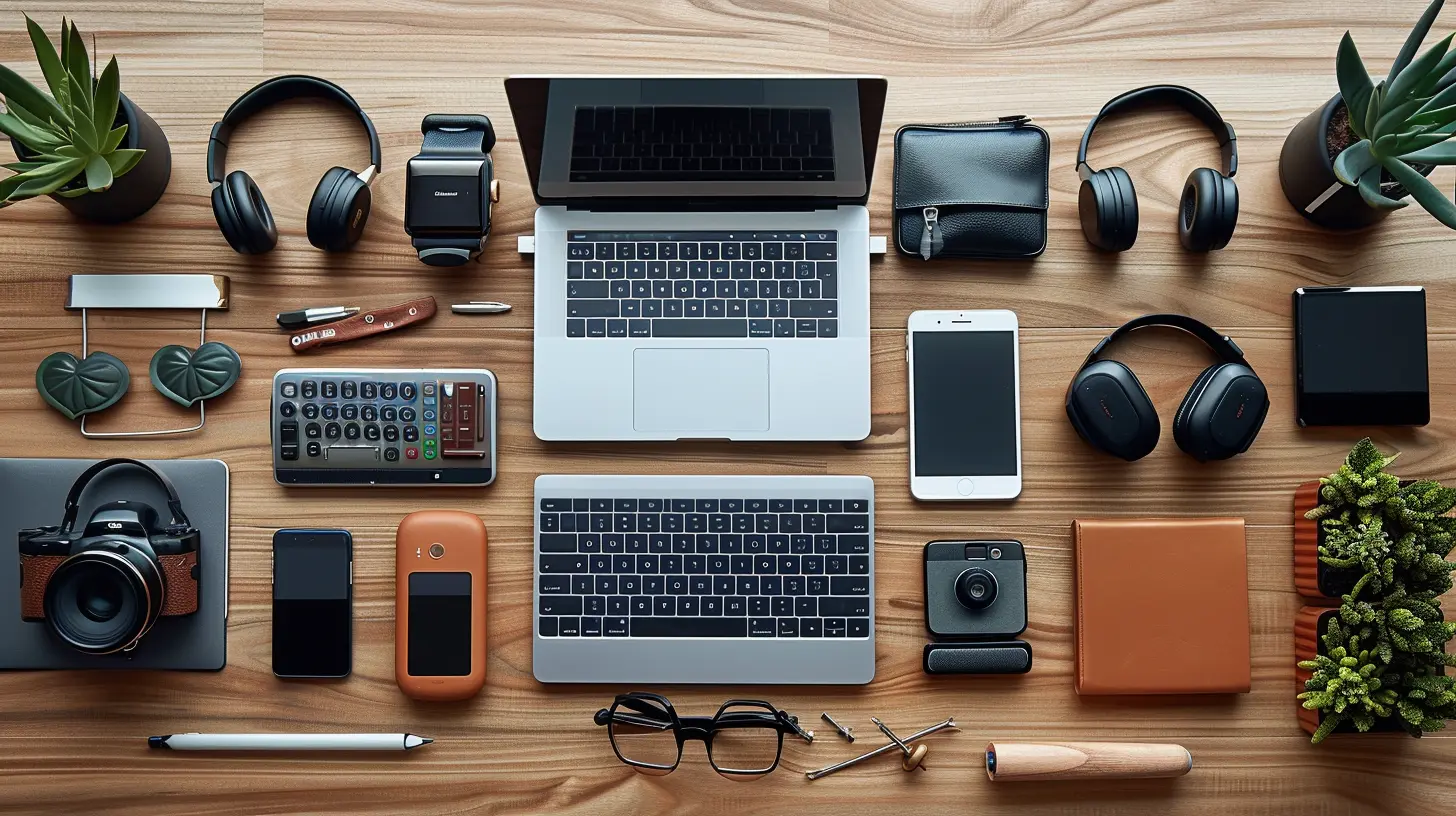
Why Bother Organizing Tech Accessories?
Before we dive into the how-to’s, maybe you’re asking yourself: “Is it really worth the effort?” 100% yes. Here's why:- Saves Time – No more frantic searching for that one charger.
- Reduces Stress – Clutter equals chaos. A tidy setup? Instant calm.
- Protects Your Gear – Proper storage = longer gadget life.
- Boosts Productivity – You work better when your stuff isn’t a mess.
Sounds like a win from every angle, right?
Step 1: Take Inventory of What You Have
This is your starting line. Grab all your tech accessories — cables, adapters, chargers, batteries, USB sticks, headphones — and throw them on a clean surface. (Trust me, it will look like a spaghetti monster at first.)Now ask yourself:
- Do I still use this?
- Does this even work?
- Do I have duplicates?
If the answer is “no” to any of the above, it’s time to part ways or recycle. No need to hoard that ancient 30-pin iPod cable “just in case.”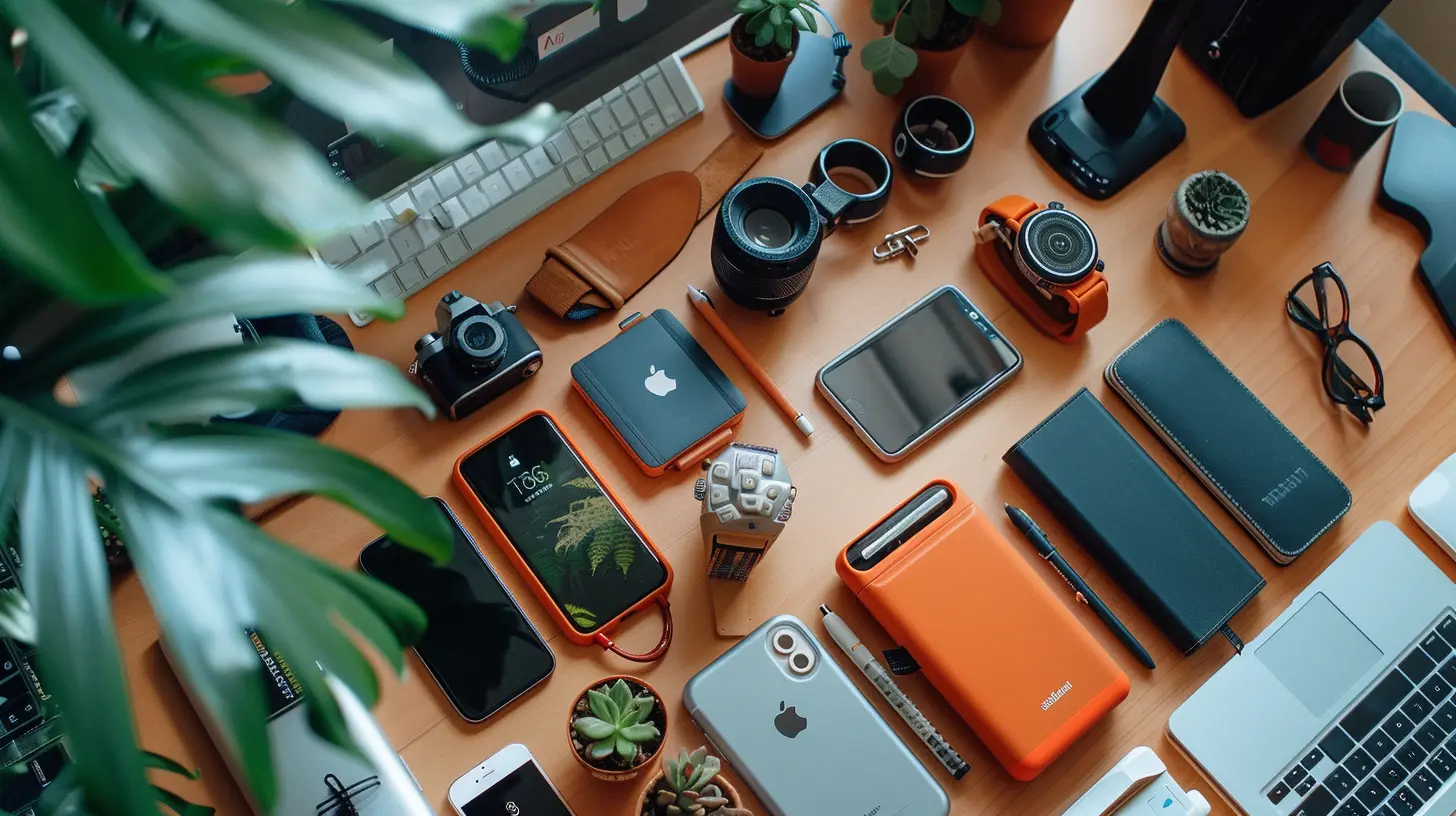
Step 2: Categorize Like a Pro
Sorting is where the magic happens. Think of it as creating little families within your tech ecosystem. Here’s a handy breakdown:- Cables & Chargers – USB-C, Lightning, micro-USB, power bricks, etc.
- Audio Gear – Headphones, earbuds, audio adapters.
- Storage Devices – SD cards, USB drives, external hard drives.
- Adapters & Dongles – HDMI, Ethernet, USB hubs.
- Power Essentials – Batteries, power banks, surge protectors.
- Extras – Screen wipes, stylus pens, portable stands.
Once everything has its category, it's like putting names to faces at a big family reunion!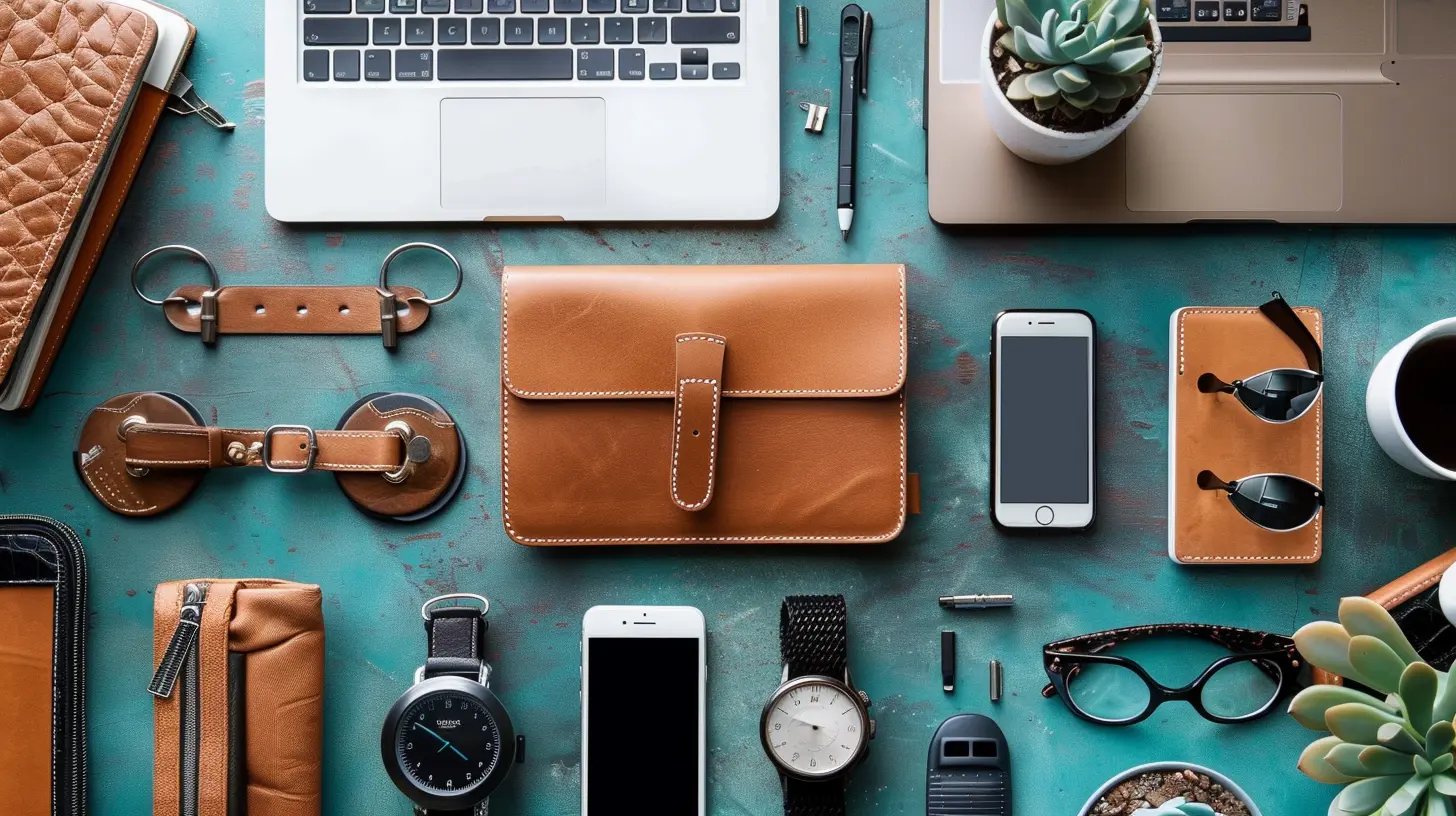
Step 3: Pick the Right Organizing Tools
Now that you've sorted your gear, where do you stash it all? Good news – you’ve got options. And no, it doesn’t have to be a fancy tech bag (unless you want one).1. Cable Organizers
If there’s one thing that gets out of hand quickly, it’s cables. A few tools that’ll keep them in line:- Cable wraps or velcro ties – Wrap them neatly and label them.
- Cable boxes – Great for hiding power strips and excess cords.
- Cord pouches – Perfect for travel or a minimalist approach.
2. Drawer Organizers
You know that infamous junk drawer? Let’s give it a glow-up. Use drawer dividers or small trays to keep each category of tech separate. No more digging through it like a squirrel looking for nuts!3. Tech Pouches & Travel Cases
On-the-go? Grab a tech organizer bag. They’ve got compartments for everything, from memory cards to mouse pads. Think of it as a mobile command center.4. Label Everything
Seriously, this small step changes the game. Use a label maker or masking tape and a pen — just slap a name on each cord and you’ll never again confuse your Kindle charger with your Bluetooth speaker cord. Easy peasy.Step 4: Create an “Everyday Tech Kit”
There are those gadgets you use daily — your phone charger, earbuds, maybe a USB-C adapter. Instead of scrambling for them every morning, put together an “Everyday Tech Kit.”This can be as simple as a small pouch or a sleek desktop organizer. The goal? Keep your essentials within arm’s reach. No more living your life on hide-and-seek mode.
Step 5: Use Vertical Storage & Wall Space
Short on desk or drawer real estate? Go vertical. Use wall-mounted organizers, magnetic boards, or even pegboards with clips to keep your gear visible and accessible.It’s sort of like giving your accessories a designated parking spot — and trust me, they’ll thank you by not getting lost.
Step 6: Embrace Smart Storage Habits
Getting organized is one thing, but staying organized? That's the real challenge. Here are a few tips to help make it stick:- Put things back right after using them. (Yeah, we all forget sometimes.)
- Do a monthly tech-check, just 10 minutes to tidy up your gear.
- Avoid impulse buying duplicate cables and accessories. If you don’t need it, don’t add to the clutter.
Organization, like fitness, is easier to maintain than to start over every time. Create systems that are easy to follow and your future self will thank you.
Step 7: Go Digital When You Can
Believe it or not, part of organizing your tech accessories means having fewer of them. Want to cut down on clutter?- Use cloud storage instead of USB drives.
- Switch to Bluetooth accessories to minimize wires.
- Opt for multi-use gadgets, like charging stations with multiple ports.
Fewer gadgets = fewer headaches.
Bonus Tips for Tech-Savvy Travelers
If you’re always on the road (or plan to be), organization becomes even more crucial. Here’s what’ll save your sanity:- Pre-pack a travel tech kit – Include chargers, adapters, and anything you ALWAYS forget.
- Use zippered pouches – Group similar items, like cables or SD cards, together.
- Bring a power strip – One outlet, multiple charging stations. You’re welcome.
And before the trip? Double-check your bag the night before. Better safe than realizing you left your laptop charger at home... again.
What About Big Tech Gear?
So far, we’ve been talking accessories. But what about the bigger stuff — laptops, tablets, monitors, etc.?- Laptop stands can clear desk space and improve airflow.
- Monitor arms free up space (and make your setup look ultra sleek).
- Device docks or shelving units can keep everything upright and accessible without clutter.
Big gear can still live a minimalist life — it’s all about positioning and smart layouts.
Digital Tools to Keep Your Physical Tech Organized?
Wait, what? Yep, there are actual apps that help you keep track of your physical gear. Try using:- Notion or Evernote – Create inventory lists with photos.
- Tile or AirTags – Attach to high-value gear so you can track them down when they go missing.
- Google Sheets – Simple and effective for item logging (especially for freelancers or tech teams).
When your real-life chaos meets digital order, magic happens.
Final Thoughts: Make It Work For You
Look, organizing your tech accessories isn’t about perfection — it’s about creating a system that works for your lifestyle. Some folks love ultra-minimal setups; others thrive in organized chaos. The trick is to find your balance.Start small. Tame your cables. Build habits. Create designated spaces.
And remember: a well-organized tech life isn’t just easier — it’s actually kind of empowering.
Now grab a coffee, put on your favorite playlist, and start sorting. You’ve got this!
all images in this post were generated using AI tools
Category:
Tech AccessoriesAuthor:

Ugo Coleman
Discussion
rate this article
2 comments
Zeal McGinnis
Great tips! Keeping tech accessories organized not only enhances productivity but also saves time. I love the idea of using cable organizers and designated bags. Looking forward to implementing these strategies!
January 22, 2026 at 3:44 AM
Ugo Coleman
Thank you! I'm glad you found the tips helpful. Enjoy organizing your tech accessories!
Emma Russell
Thank you for sharing these helpful tips! Keeping tech accessories organized can be a challenge, especially in our fast-paced lives. Your insights will surely help many people create a more efficient workspace. It's comforting to know that a little organization can lead to less stress and greater productivity in our daily routines.
January 5, 2026 at 9:54 PM
Ugo Coleman
Thank you for your kind words! I'm glad you found the tips helpful. A bit of organization can truly make a big difference!