The Convergence of Mobile and Desktop Operating Systems
1 August 2026
If you have not been paying attention for the last decade, you might assume that your phone and your laptop are still running completely different worlds. One is a touch-first, app-driven, battery-sipping device that lives in your pocket. The other is a keyboard-and-mouse, window-managing, power-hungry beast that lives on your desk. But the truth is that the line between mobile and desktop operating systems has been blurring for years, and it is now less of a line and more of a smudge. The convergence is not about making one device do everything. It is about making the underlying software so adaptable that the hardware becomes almost irrelevant.
This shift is not a marketing gimmick, although there is plenty of that. It is a genuine engineering response to how people actually work. We start a task on our phone, continue it on a tablet, and finish it on a laptop. We expect our files, our apps, and our settings to follow us around like a loyal dog. The operating system is the glue that makes this possible, and the best ones are now designed with a split personality: they know when to act like a phone and when to act like a computer.
The Historical Divide: Why They Were Never Meant to Be the Same
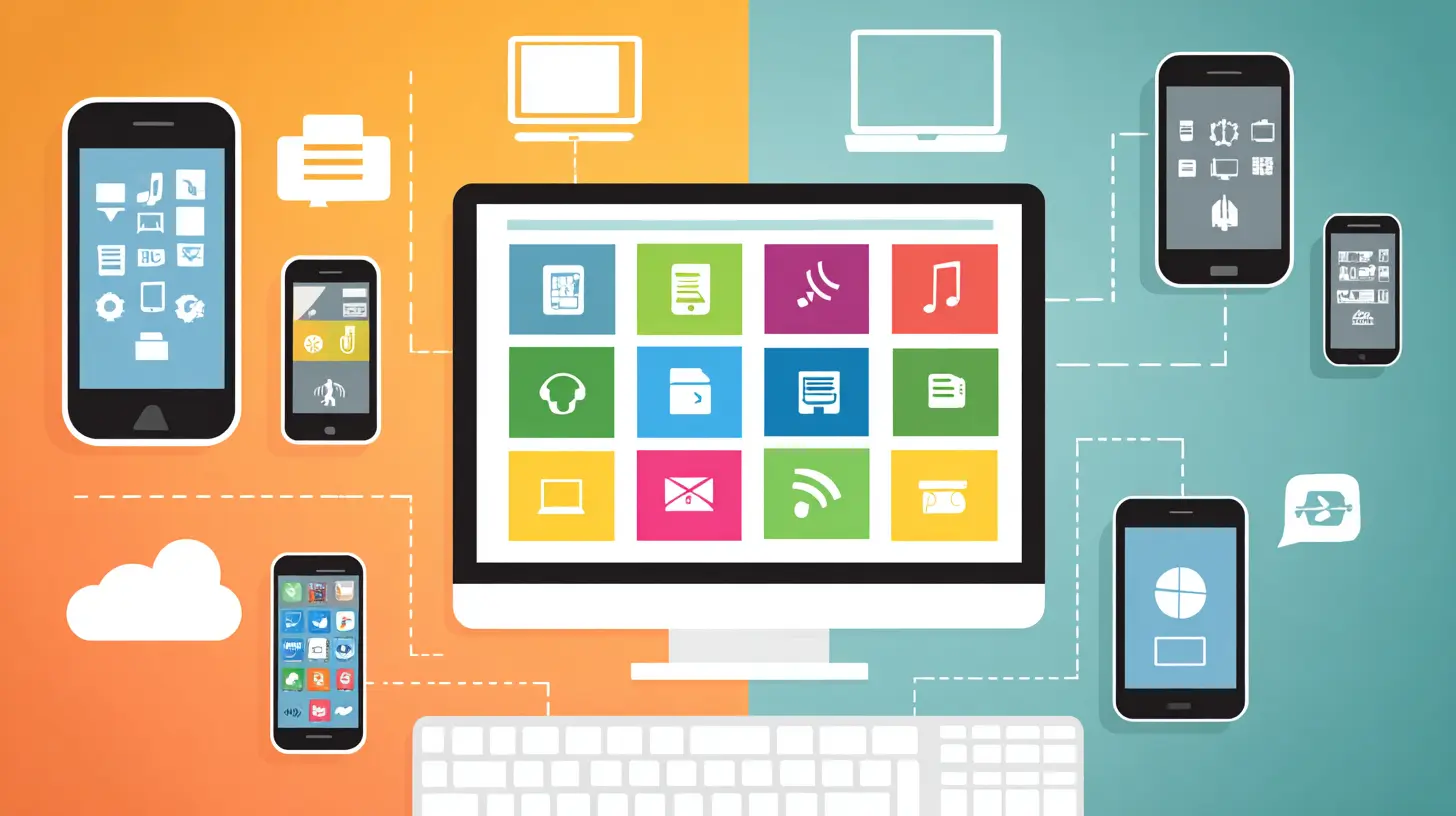
To understand where we are going, you need to understand why mobile and desktop operating systems started so far apart. It was not just about screen size. It was about input methods, power budgets, and the fundamental philosophy of how software should be delivered.Desktop operating systems like Windows, macOS, and Linux grew out of a tradition of multitasking, file management, and precise pointer control. They assumed you had a mouse, a keyboard, and a monitor that stayed in one place. They also assumed you had a power outlet nearby. The user interface was built around overlapping windows, a taskbar or dock, and a menu system that could handle hundreds of commands.
Mobile operating systems, on the other hand, were born from a constraint that desktop designers never had to worry about: battery life. A phone cannot afford to run a background process that eats 5% of its battery per hour just to keep a widget updated. So mobile OSes were designed with aggressive app lifecycle management. Apps are frozen, suspended, or killed entirely when they are not on screen. There is no file system in the traditional sense. Instead, there is a sandboxed storage model where each app lives in its own little room and only talks to the outside world through carefully controlled APIs.
The result was two completely different user experiences. On a desktop, you could have fifty windows open and switch between them with a flick of the wrist. On a phone, you were lucky to have one app visible at a time, and switching apps felt like changing channels on a TV that had to reboot every time.
The First Cracks: Tablets and the Rise of the Hybrid
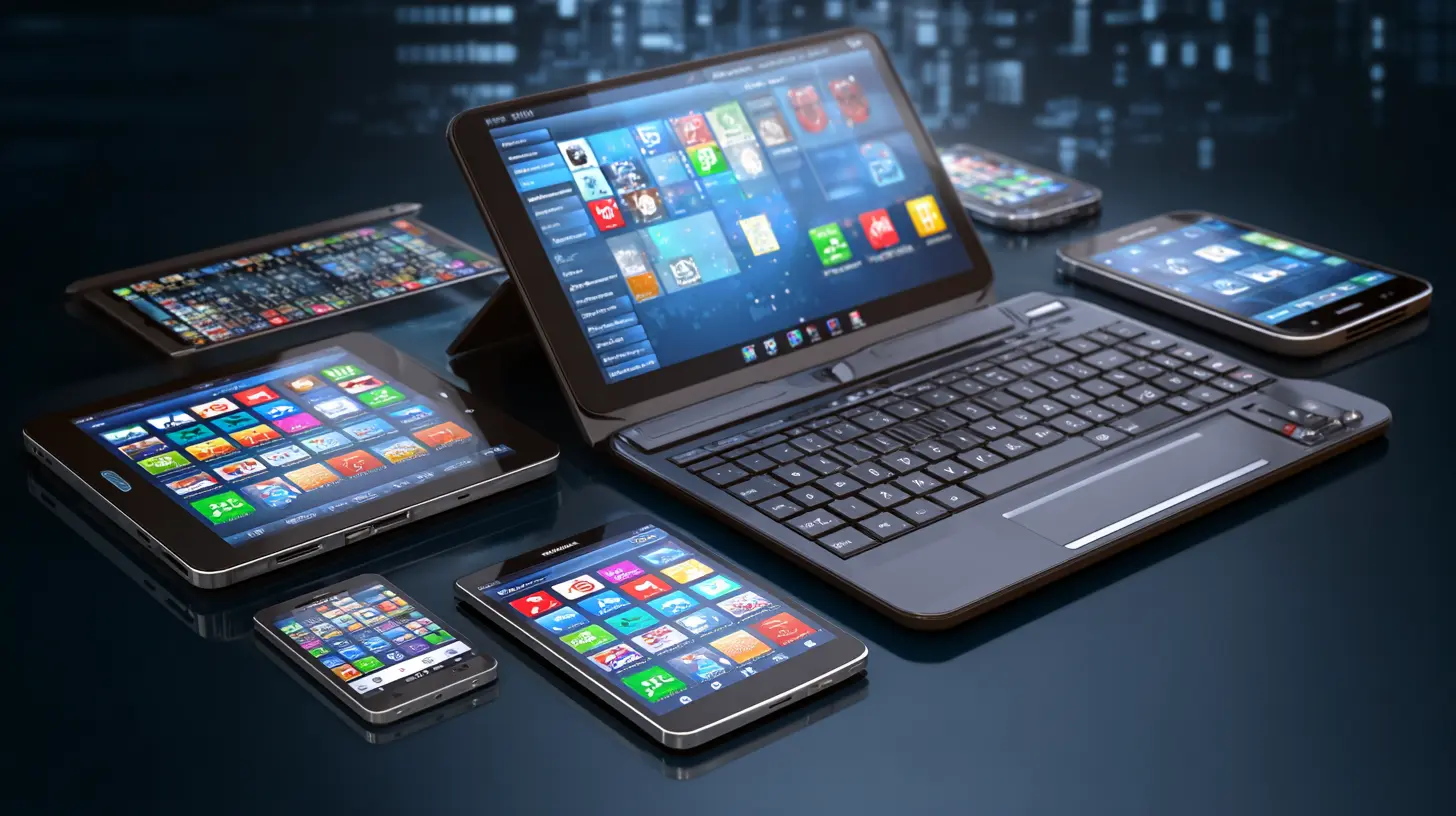
The first real push toward convergence came from tablets. When the iPad launched, it was essentially a giant phone. The interface was the same, the apps were the same, and the limitations were the same. But people immediately tried to use it as a laptop replacement. They bought keyboards, they tried to write documents, and they complained loudly when the software refused to cooperate.Apple's response was iPadOS, which was a fork of iOS with a few desktop-like features: a more flexible multitasking interface, support for external storage, and a cursor that could be controlled by a trackpad. It was a start, but it was also a compromise. The operating system still thought like a phone. It just had a bigger screen.
Meanwhile, Microsoft took a different approach with Windows 8. They tried to force desktop users into a touch-first interface, and it was a disaster. The Start Menu was gone, the desktop was hidden behind a tile-based interface, and millions of corporate users rebelled. Microsoft learned a painful lesson: you cannot just slap a mobile UI on a desktop OS and expect people to thank you. But the failure of Windows 8 did not stop the underlying trend. It just made everyone more cautious.
The Modern Approach: Adaptive UIs and Continuum-Style Features
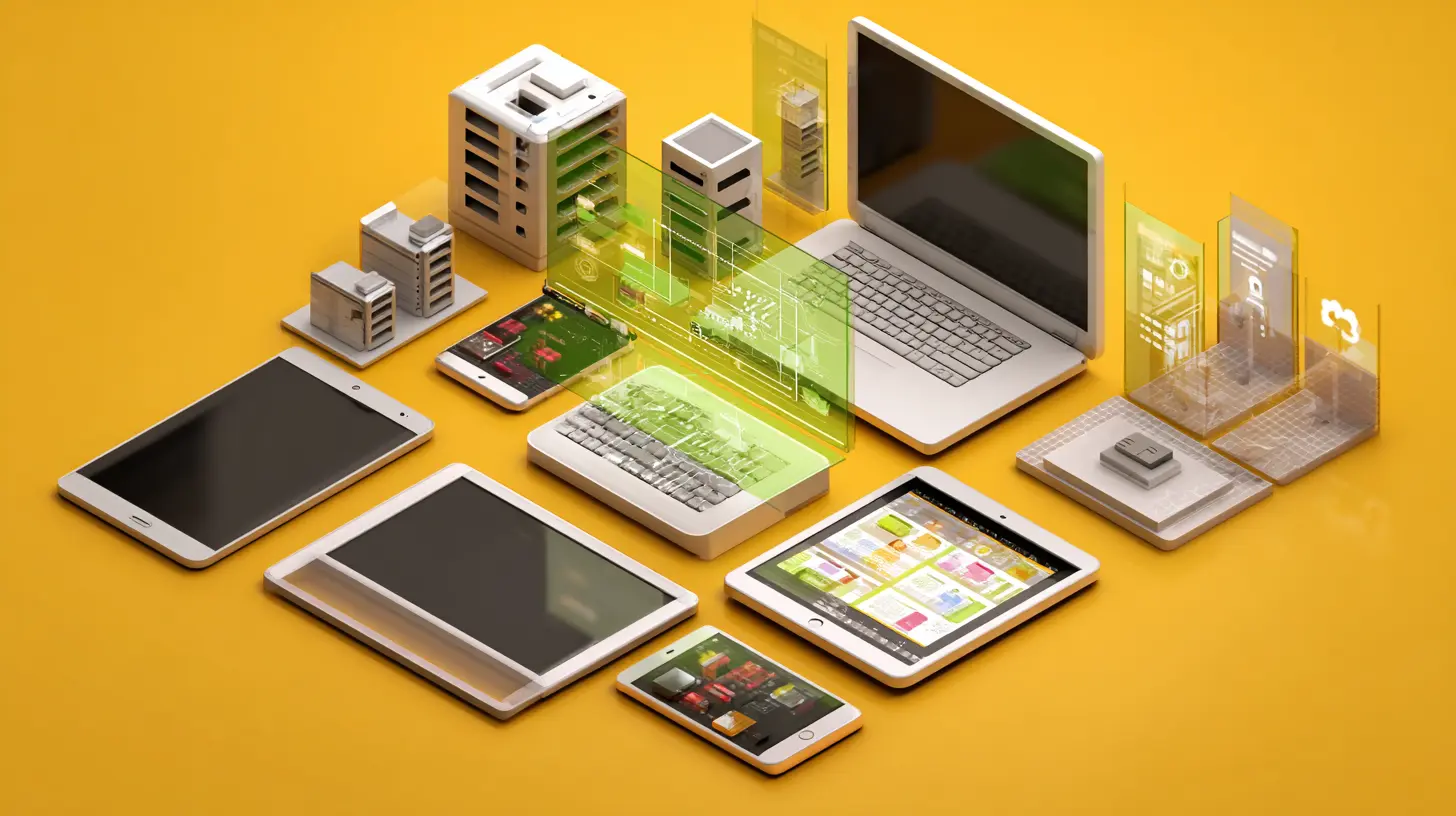
Today, the convergence is happening at the level of the user interface and the application framework, not at the level of the kernel. Modern operating systems are designed to detect what kind of device they are running on and adjust accordingly.Windows 11 is a good example. It has a tablet mode that activates when you detach the keyboard, but it is not a radically different interface. It is the same desktop with bigger touch targets and a few gestures. The real magic is in the app model. UWP and WinUI apps are designed to be responsive, meaning they can rearrange their layout based on the available screen space. A weather app that shows a single column on a phone can show a detailed forecast with a map on a desktop, without the developer having to write two separate apps.
Apple has done the same with Catalyst, which lets iPad apps run natively on Mac. And with Apple Silicon, the hardware is now so unified that the same binary can run on an iPhone, an iPad, and a Mac. The operating system still has different skins, but the underlying code is shared.
Google is perhaps the most aggressive in this space. Their push with ChromeOS and Android has been to make the two platforms work together seamlessly. You can run Android apps on a Chromebook, and you can mirror your phone's notifications on your laptop. But the deeper integration is in the cloud. Google's operating systems are increasingly just shells for web apps and cloud services. The line between what is "on the device" and what is "in the cloud" is so blurry that it barely matters.
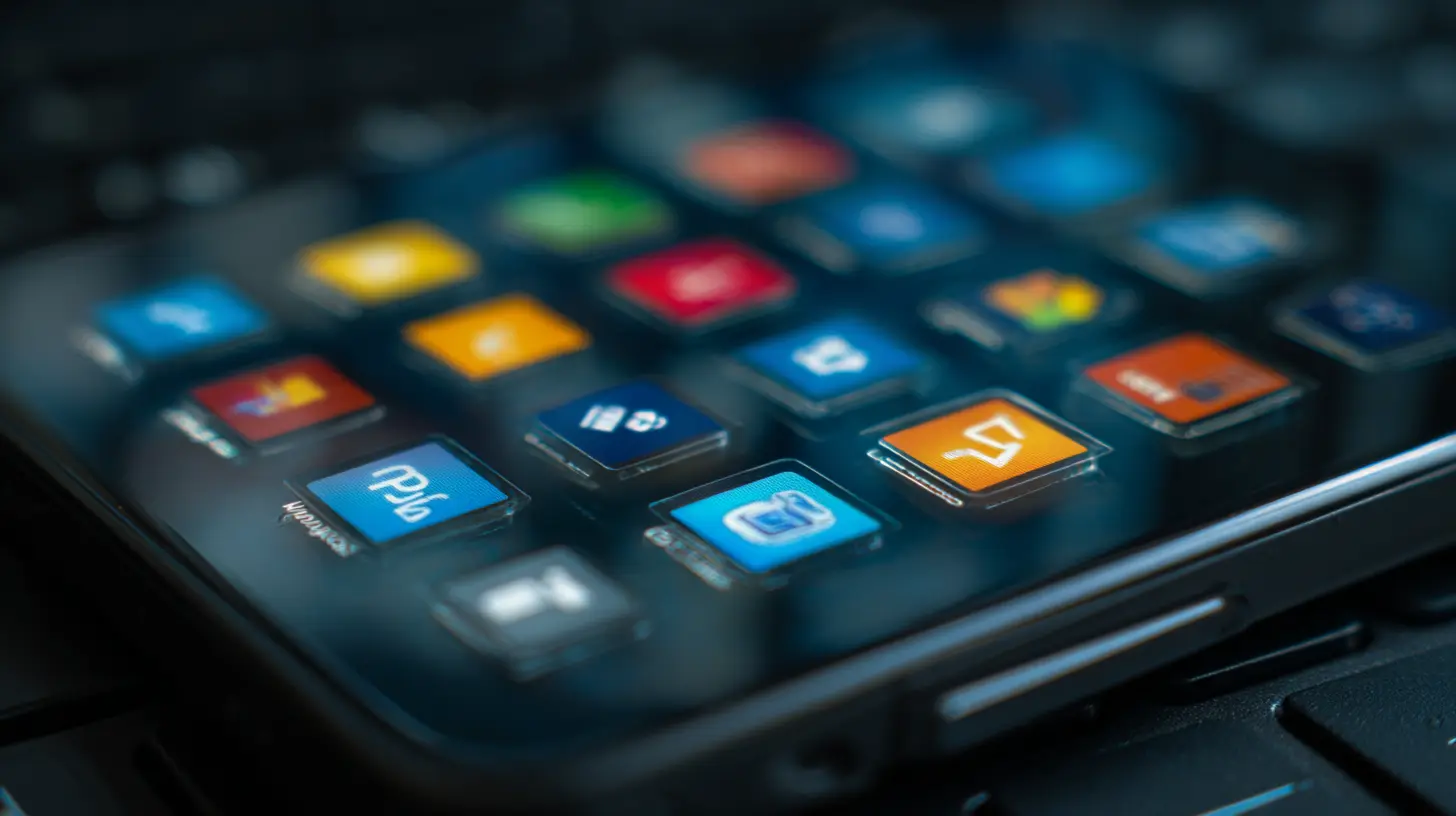
The Role of the Cloud in Erasing the Divide
You cannot talk about OS convergence without talking about the cloud. The cloud is the great equalizer. It does not matter if you are on a phone or a desktop because your data is stored somewhere else. Your documents, your photos, your messages, and your settings are all synchronized in real time. The operating system becomes a thin client for your digital life.This has profound implications for how we think about operating systems. If your files are in the cloud, you do not need a powerful desktop to edit them. A phone with a decent browser can do 90% of what a laptop can do, as long as the web app is well designed. That is why Google Docs, Microsoft 365, and Figma are so popular. They are not bound to any single OS. They run in the browser, and they work identically on a phone, a tablet, or a desktop.
The cloud also solves the app lifecycle problem. When you open a document in a cloud-based app, the app does not need to be running in the background. The document is stored on a server. The app only needs to wake up when you are actively editing. This means the aggressive memory management of mobile OSes is not a limitation. It is actually an advantage. The OS can kill the app at any time, and you lose nothing because the state is preserved in the cloud.
The Hardware Catch: Processors, Memory, and the Myth of "Mobile-Grade"
One of the biggest misconceptions about OS convergence is that it means mobile chips will replace desktop chips. That is not happening, and it is not likely to happen. The physical constraints of a phone are just too different from those of a desktop.A phone has to fit in your pocket. It has a battery that is maybe 20 watt-hours, and it has no active cooling. A desktop has a power supply that can deliver hundreds of watts, and it has fans and heat sinks. The result is that a high-end desktop processor can sustain a much higher clock speed and handle much heavier workloads than a mobile processor, even if they use the same instruction set.
Apple's M-series chips are a good example of this nuance. The M1, M2, and M3 chips are based on the same ARM architecture as the A-series chips in iPhones, but they are physically larger, have more cores, and are designed to run at higher power levels. The operating system on a Mac knows this. It does not try to throttle the processor to save battery the way an iPhone does. It gives the processor as much power as it needs, and it relies on the cooling system to keep things stable.
So when we talk about convergence, we are not talking about making the hardware the same. We are talking about making the software adapt to the hardware. A Mac and an iPhone can run the same code, but they will run it differently. The Mac will prioritize performance, and the iPhone will prioritize battery life. The operating system is what makes this decision, and it is getting better at it every year.
What Works Well: The Success Stories
There are a few implementations of OS convergence that are worth studying because they show what is possible when the design is done right.iPadOS with Stage Manager
Stage Manager on iPadOS is polarizing, but it is a genuine attempt to bring desktop multitasking to a tablet. It lets you have multiple overlapping windows, resize them, and group apps together. It is not as flexible as macOS, but it is a huge step forward from the old split-view system. The key insight is that the iPad's hardware is more than capable of handling this. The limitation was always the software. Stage Manager proves that a tablet can be a productivity device, as long as the OS stops pretending it is just a big phone.Samsung DeX
Samsung DeX is another example, and it is arguably more successful than Apple's approach because it is more flexible. Plug a Samsung phone into a monitor, and you get a desktop-like interface with resizable windows, a taskbar, and support for keyboard and mouse. The phone becomes a desktop computer. The apps are the same Android apps, but they are rendered in a desktop-friendly layout. It is not perfect, but it works surprisingly well for light productivity tasks like email, web browsing, and document editing.The reason DeX works is that Samsung did not try to create a new operating system. They took Android, which is already a mature mobile OS, and added a desktop shell on top. The apps run in a compatibility mode that handles the different screen sizes and input methods. It is a pragmatic solution, and it has been around for years, which suggests that the market is ready for this kind of flexibility.
Windows on ARM
Windows on ARM has had a rocky history, but the latest iterations are genuinely impressive. The key is that Windows 11 on ARM can run x86 apps through emulation, and the performance is now good enough for most users. The operating system is the same Windows that runs on Intel and AMD chips, so there is no compatibility gap. The benefit is that ARM chips are more power-efficient, which means longer battery life and always-on connectivity.The trade-off is that the emulation layer adds overhead, and some demanding applications still run poorly. But for the majority of users who live in a browser, an email client, and a word processor, Windows on ARM is a viable alternative to a traditional laptop. It is a testament to how far OS convergence has come that the same operating system can run on completely different architectures.
The Pain Points: Where Convergence Still Fails
For all the progress, there are still areas where convergence falls flat. Understanding these failures is important because they highlight the limits of what software can do.The App Design Problem
The biggest issue is that many apps are still designed for one platform or the other. A mobile app that is "responsive" might technically run on a desktop, but it will look and feel like a mobile app stretched to fill a screen. The touch targets will be too large, the text will be too big, and the navigation will be clunky with a mouse.This is not a technical problem. It is a design problem. The developer has to decide whether to invest in a truly adaptive UI or just port the mobile version and call it done. Most developers choose the latter because it is cheaper. The result is that convergence often feels half-baked. You get a desktop OS that runs mobile apps, but not well.
The Power User Problem
Another issue is that power users still need desktop-grade tools that do not translate well to mobile. If you are a video editor, a software developer, or a data analyst, you need multiple monitors, a high-end GPU, and a complex IDE. No phone or tablet is going to replace that, no matter how good the OS convergence is.This is not a criticism of convergence. It is a reality check. The convergence is aimed at the middle of the market: people who do email, documents, spreadsheets, and web browsing. For that group, a phone and a laptop can be interchangeable. But for the top 10% of users who need serious computing power, the desktop OS is still king, and it will stay that way for the foreseeable future.
The Input Method Problem
The third pain point is input. Touch is great for scrolling and tapping, but it is terrible for precise cursor control, text selection, and keyboard shortcuts. A touchscreen is not a replacement for a mouse, and a virtual keyboard is not a replacement for a physical one.The best convergence implementations try to bridge this gap by supporting multiple input methods simultaneously. You can touch the screen while also using a trackpad. You can use a stylus for drawing and a keyboard for typing. But the operating system has to be smart about when to show a cursor and when to show a touch target. Getting this right is hard, and many OSes still struggle with it.
Common Mistakes and Misconceptions
There are a few misconceptions that keep coming up in discussions about OS convergence, and they deserve to be addressed directly."Convergence Means One OS for Everything"
This is the most common mistake. People assume that convergence means running the exact same OS on a phone, a tablet, a laptop, and a desktop. That is not the goal, and it is not desirable. The goal is to have a consistent user experience and a shared app ecosystem, while still allowing each device to play to its strengths.A phone should not have a desktop UI. It would be unusable. A desktop should not have a phone UI. It would be a waste of space. The convergence is about the underlying architecture, not the visual shell.
"Cloud Means the OS Does Not Matter"
This is another misconception. The cloud makes data portable, but the OS still controls how you interact with that data. A web app might run in a browser on any OS, but the browser itself is deeply tied to the OS. The OS controls how the browser uses memory, how it handles notifications, and how it integrates with the file system.Also, many apps still need native code for performance reasons. Video editing, gaming, and photo manipulation are not going to run well in a browser. The OS matters because it provides the APIs that native apps need to access the hardware.
"Convergence Is a Marketing Buzzword"
It is partly a marketing buzzword, but it is also a real engineering trend. The proof is in the products. Apple Silicon Macs run iPhone and iPad apps. Samsung phones run desktop mode. Chromebooks run Android apps. These are not theoretical concepts. They are shipping products that people use every day.The marketing aspect comes from companies trying to claim that their approach is the best. But the underlying technology is real, and it is improving.
Best Practices for Users and Developers
If you are a user, the best practice is to embrace the convergence without expecting perfection. Use a phone for what it is good at, and use a desktop for what it is good at. Take advantage of cloud synchronization, but keep local backups for important files. Try using a tablet with a keyboard for travel, and see if it can replace your laptop for basic tasks. You might be surprised.If you are a developer, the best practice is to design for adaptability from the start. Do not build a mobile app and then try to hack it into a desktop app. Build a responsive UI that changes based on the screen size and input method. Use the operating system's APIs for window management and multitasking. Test your app on as many devices as you can, and pay attention to the little details like cursor hover states and keyboard navigation.
The developers who get this right will be the winners in the next decade. The ones who keep treating mobile and desktop as separate worlds will find themselves building apps that feel increasingly outdated.
The Future: Where Is This Going?
Looking ahead, the convergence is likely to accelerate. The rise of ARM chips in laptops and desktops means that the same processor architecture will be used across all device classes. This makes it easier for operating systems to share code and for developers to write apps that run everywhere.The next big step is likely to be a more seamless transition between devices. Imagine starting a video call on your phone, moving to your laptop without dropping the call, and then continuing on your TV. The technology for this exists. The challenge is making it feel natural and reliable.
We are also likely to see more AI-driven adaptation. The operating system will learn how you use your device and adjust the interface accordingly. If you always use a keyboard, it will prioritize keyboard shortcuts. If you always use touch, it will make touch targets bigger. This is the logical end point of convergence: an OS that is not just adaptive, but personalized.
Conclusion
The convergence of mobile and desktop operating systems is not a finished project. It is an ongoing evolution that is driven by changes in hardware, user expectations, and the rise of cloud computing. The best systems today are the ones that give you a consistent experience across devices without forcing you to compromise on the strengths of each device.Do not expect a single OS to rule them all. Instead, expect the OSes you use to understand each other better. Expect your phone to know what your laptop needs, and vice versa. Expect the software to be smart enough to adapt to your hardware, your input methods, and your workflow.
The line between mobile and desktop is not disappearing. It is just becoming less relevant. And that is a good thing. It means that the operating system is finally getting out of the way and letting you do your work, no matter where you are or what device you are holding.
all images in this post were generated using AI tools
Category:
Operating SystemsAuthor:

Ugo Coleman
Discussion
rate this article
1 comments
Sybil McGillivray
Finally, one seamless experience!
August 9, 2026 at 3:47 AM
Ugo Coleman
I'm glad to hear you're excited! It's an exciting time for tech.