The Essential Smart Home Security Camera Buyer's Guide for 2027
28 September 2026
Buying a security camera in 2027 is a strange experience. The hardware has never been better, and the software has never been more confusing. You can buy a 4K camera with on-device AI for less than the cost of a decent dinner, yet many of those same cameras will quietly stop recording the moment your internet drops, or lock a feature you already paid for behind a monthly subscription that costs more than the camera itself over three years.
That gap between what the box promises and what the device actually does in your home is where most buyers get burned. This guide exists to close that gap. It is not a list of the best cameras. It is a framework for thinking about the purchase so that you end up with a system that still works for you in 2030, not just on the day you unbox it.
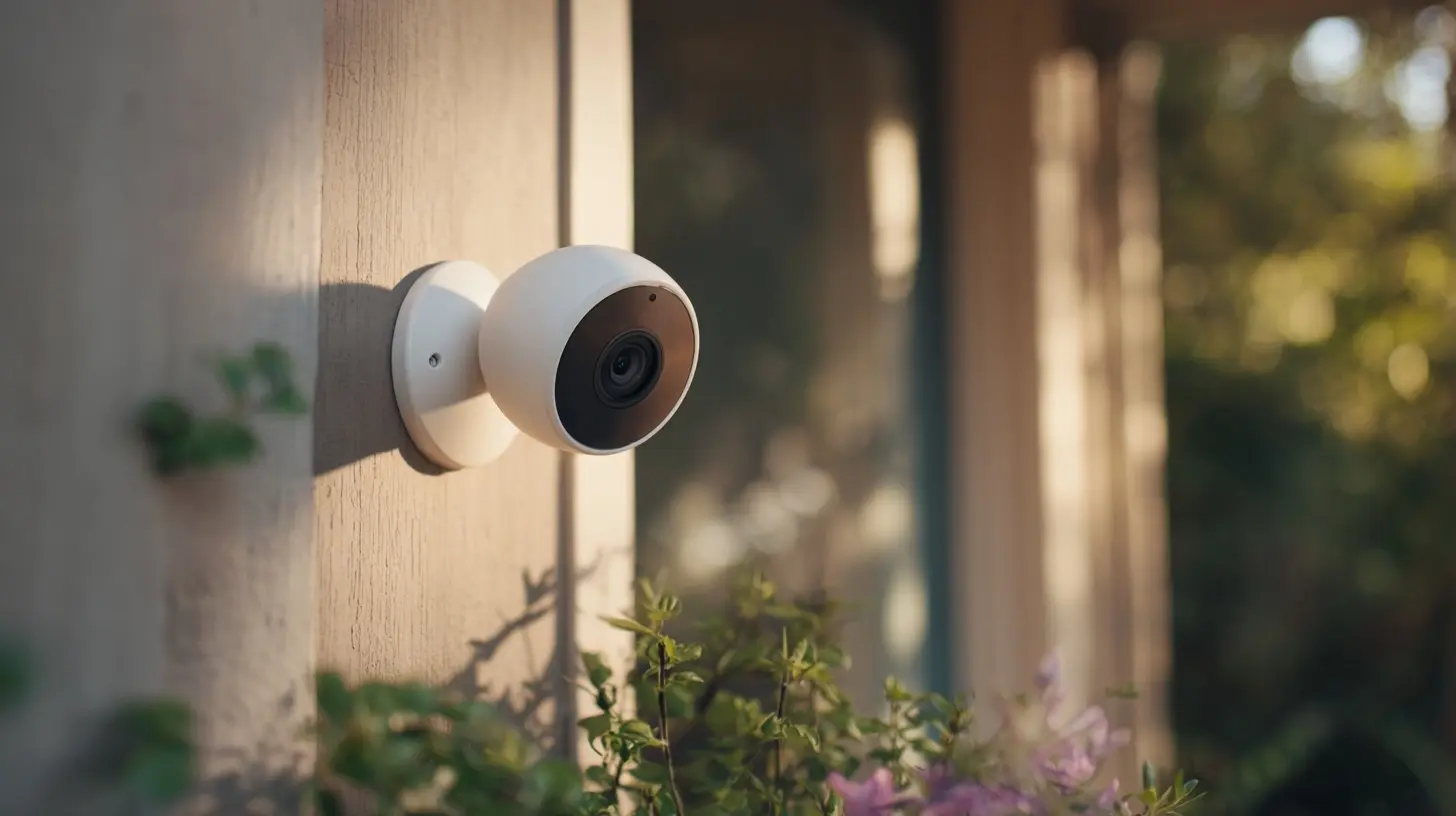
Start With the Question Nobody Asks: What Are You Actually Watching?
Most people begin shopping by browsing specs. That is backwards. The camera is the last decision, not the first. The first decision is what you want to observe, and why.A camera pointed at a front door solves a different problem than a camera watching a backyard gate. A door camera mostly needs to capture faces at close range, in a narrow field of view, often in harsh backlight when the sun is behind the visitor. A gate camera needs to cover distance, which means it needs either a tighter lens or enough resolution to crop without losing detail. A garage camera needs to tolerate dust and temperature swings. A camera watching a pet indoors needs almost none of that and should prioritize a wide field of view and good low-light performance.
Write down three things before you open a shopping tab:
1. The exact location of each camera.
2. The distance from the camera to the thing you care about identifying (a face, a license plate, a package).
3. Whether that location has power, and whether it has reliable Wi-Fi.
That third point eliminates more cameras than any spec sheet ever will. A beautiful wireless camera with a six-month battery is useless if the Wi-Fi signal at your back fence is two bars and drops every time the microwave runs.
Wired, Battery, or PoE: The Decision That Shapes Everything Else
There are three real power options, and each one drags a set of consequences behind it.Battery cameras
Battery cameras are convenient and increasingly capable. They are also the most misunderstood category. The catch is not the battery life printed on the box. The catch is that battery cameras spend most of their time asleep. They wake on a motion trigger, record a clip, and go back to sleep. That means they can miss the first second or two of an event, and they cannot continuously record.For a driveway where a car pulls in over several seconds, that is usually fine. For a front porch where a package thief grabs and runs in under two seconds, it can mean the difference between a usable clip and a blurry elbow. If you go battery, look for cameras with a pre-roll buffer, which keeps a short rolling loop in memory so the clip starts slightly before the trigger. This single feature matters more than megapixels.
Wired cameras
Wired cameras run on constant power, so they can record continuously, run heavier AI models, and never miss the start of an event. The trade-off is installation. You need an outlet or a cable run, and outdoor outlets are rarely where you want them. For renters, this is often a dealbreaker. For homeowners who plan to stay put, it is usually the right long-term answer.Power over Ethernet
Power over Ethernet, or PoE, sends both power and data over a single network cable. It is the gold standard for reliability because the camera does not depend on Wi-Fi at all, and the video never touches your wireless network. The cost is that you need to run cable to each camera and you need a PoE switch or injector. If you are building or renovating, run Ethernet to every corner you might ever want a camera. It is cheap to do now and miserable to do later.A practical compromise many people land on: PoE or wired for the fixed, high-stakes positions, and one or two battery cameras for spots that are genuinely hard to reach.
Resolution Is Not the Same as Detail, and Megapixels Are Marketing
A 4K camera sounds twice as good as a 1080p camera. In practice, the difference is often invisible, because the limiting factor is rarely the sensor. It is the lens, the compression, the bitrate, and the lighting.Here is the mental model that actually helps. What matters is pixels per foot at the distance you care about. A 4K camera with a very wide lens spreads those pixels across a huge area, so a face at 30 feet might occupy the same number of pixels as a 1080p camera with a narrower lens. Resolution only helps if the lens is matched to the distance.
Two rules of thumb worth remembering:
- For identifying a face, you generally want the face to occupy a meaningful fraction of the frame, not a tiny smudge in the corner. Zooming into a 4K frame after the fact rarely produces a usable identification if the face was small to begin with.
- For reading a license plate, you need a much tighter shot and often a faster shutter, which means more light. Most general-purpose cameras are bad at plates. If plates matter, buy a camera designed for it.
Also watch the bitrate. A 4K camera streaming at a low bitrate will look worse than a 1080p camera at a high bitrate, especially in motion. Cheap cameras cut bitrate to save on cloud storage costs, and you feel it the moment someone walks across the frame.
Night Vision: Infrared, Color, or Something in Between
Night performance is where budget cameras fall apart, and it is the single most common source of buyer regret.Traditional infrared night vision gives you black-and-white footage and a pair of glowing red LEDs that some people find off-putting. It works, but it has a hard range limit, and it struggles with reflective surfaces like license plates and glass.
Color night vision uses a bright spotlight or a very sensitive sensor. The spotlight version is essentially a motion-triggered floodlight, which is great for deterrence and terrible for neighbors who value darkness. The sensor version, often marketed with terms like "starlight," works surprisingly well if there is any ambient light at all, such as a streetlamp or porch light. In true darkness, it falls back to infrared anyway.
There is also the problem of IR reflection. If a camera is mounted behind a window, its own infrared LEDs bounce off the glass and blind it. This is one of the most common installation mistakes, and no amount of resolution fixes it. Mount cameras outside the glass, or accept that window-mounted cameras only work in daylight.
Local Storage vs Cloud: Where Your Footage Lives Matters
This is the decision with the longest tail, because it determines your ongoing cost and your privacy exposure.Cloud storage
Cloud storage is convenient. Footage survives a stolen camera, you can check it from anywhere, and you never think about drives. The costs are real, though. Subscriptions typically run per camera per month, so a four-camera setup can cost more over three years than the hardware did. You are also trusting a company with video of your home, and that company's terms can change.Local storage
Local storage means a microSD card in the camera, a base station with a drive, or a network video recorder. There is no monthly fee, footage stays in your house, and recording continues when the internet does not. The downsides are that a thief can steal the card along with the camera, and remote access depends on the manufacturer's app working.The hybrid approach
The most sensible setup for most people is local storage as the primary recording, with cloud as a backup for the events that matter. Many systems let you do exactly this. You get continuous local recording and a short cloud clip for anything flagged as a person or a package. You keep the evidence even if the camera walks away.One more consideration: retention. Cloud plans often cap you at 30 or 60 days. Local storage can hold months, depending on drive size and bitrate. If you might need footage from three months ago for an insurance claim or a dispute, local wins.
AI Features: Useful, Overhyped, and Occasionally Wrong
On-device AI has improved enormously, and it is genuinely useful. But it is not magic, and the marketing oversells it.Person and vehicle detection
This is the feature that justifies the AI label. Instead of alerting on every swaying branch, the camera identifies a person or a car. Done well, it cuts false alerts dramatically. Done poorly, it misses people in unusual clothing or at odd angles.Package detection
Package detection is hit or miss. It works best when the camera has a clear, stable view of a porch and the package is placed in a predictable spot. It struggles with packages left at the edge of frame, in the dark, or when a person is still standing there. Treat it as a nice bonus, not a guarantee.Facial recognition
Facial recognition on consumer cameras is improving but remains inconsistent, and it raises obvious privacy questions. If you use it, understand where the face data is stored and who can access it. For many households, the risk is not worth the convenience.False alerts and how to reduce them
The best way to reduce false alerts is not a better AI model. It is better camera placement. Point cameras away from roads, moving trees, and heat sources. Use activity zones to mask out the sidewalk. Lower sensitivity rather than raising it when you get too many alerts, then raise it only for the zones that matter.The Connectivity Question: Wi-Fi, Matter, and the Risk of Lock-In
Wi-Fi is fine for a couple of cameras. Beyond that, it becomes a bottleneck. Every camera streaming 4K is a continuous load on your network, and cheap routers choke. If you have more than three or four cameras, consider a separate network or a wired backbone.Matter, the smart home standard, has slowly made its way into cameras, but support is uneven. The promise is that a Matter camera works with any Matter controller, so you are not locked to one app. The reality in 2027 is that most cameras still rely on their manufacturer's app for the features you actually care about, and Matter support often covers only basic streaming.
The practical advice: do not buy a camera because it says Matter. Buy it because the core features work well, and treat Matter as a bonus that might pay off later.
Privacy and Security: The Part Most Guides Skip
A camera inside or outside your home is a network device with a lens. Treat it accordingly.- Change the default password immediately. This sounds obvious and is still the most common failure.
- Enable two-factor authentication on the account. Camera account takeovers are a real and recurring problem.
- Keep firmware updated. Vendors patch vulnerabilities, but only if you install the patches.
- Segment your network if you can. Putting cameras on a separate VLAN or guest network limits the damage if one is compromised.
- Check where footage is stored and whether it is encrypted in transit and at rest.
- Read the privacy policy at least once. Some vendors reserve broad rights to your video.
If a camera includes a physical privacy shutter or a way to disable the lens, that is worth more than most spec bumps.
Installation Mistakes That Ruin Good Cameras
Even excellent hardware fails with bad placement. These are the errors I see most often.- Mounting too high. A camera eight feet up looking down gives you a great view of the top of a head and a terrible view of a face. Six to seven feet is usually better for identification.
- Pointing into the sun. Backlight washes out faces. Check where the sun rises and sets relative to each camera.
- Ignoring the angle of approach. A camera that only sees someone after they are at the door is less useful than one that sees them coming up the walk.
- Forgetting about Wi-Fi signal. Test signal strength at the mount point before drilling.
- Skipping the cable plan. Run more cable than you need. You will want another camera later.
A Realistic Buying Framework
If you want a decision process rather than a product list, use this sequence.1. Define the job of each camera: identify, deter, monitor, or document.
2. Pick the power method based on the location, not the other way around.
3. Choose local, cloud, or hybrid storage based on how much you value ongoing cost and privacy.
4. Match the lens and resolution to the distance, not to the megapixel number.
5. Prioritize night performance and pre-roll over resolution.
6. Verify the app works well before you commit to a whole ecosystem. One bad app ruins five good cameras.
7. Buy one camera first, live with it for a month, then expand.
That last step saves more money than any coupon. The camera that looks perfect on paper often reveals its flaws only after a week of real alerts.
Common Misconceptions Worth Retiring
A few beliefs keep circulating and keep costing people money.- "More megapixels means a better camera." False. Lens, sensor, bitrate, and lighting dominate.
- "Wireless means no wires at all." Usually false. Most wireless cameras still need charging or a solar panel, and solar is unreliable in shade or winter.
- "A camera prevents crime." Sometimes it deters, sometimes it just documents. It is a tool, not a force field.
- "Cloud is always safer." Not necessarily. Cloud survives theft, but it also depends on a company staying in business and keeping your data secure.
- "AI will filter out all false alerts." No. Placement and zones do more than any model.
Where This Is Heading
Cameras are getting smarter at the edge, which means more processing happens on the device and less in the cloud. That is good for privacy and for latency. Local AI also means features that used to require a subscription may eventually run for free on the hardware you own. At the same time, vendors are under pressure to monetize, so expect more features to be gated behind plans, not fewer.The safest bet for a 2027 purchase is a camera that works fully without the cloud, supports local storage, and has a track record of firmware updates. If the manufacturer disappears, that camera should still record. That is the real test of whether you bought a product or rented one.
Final Thoughts
The best smart home security camera is not the one with the highest resolution or the slickest app. It is the one that reliably captures the moment you need, in the place you need it, without charging you forever or leaking your life to strangers. Get the placement right. Match the lens to the distance. Choose storage deliberately. Then buy one camera, test it, and expand only when it earns its place.Do that, and you will spend less, worry less, and actually have footage when it counts.
all images in this post were generated using AI tools
Category:
Smart Home TechnologyAuthor:

Ugo Coleman